Headphone Apps Shouldn’t Require an Account for Basic Controls
Most headphone app features can work without a login. Check account requirements before buying, especially if you want to limit the personal data you share.
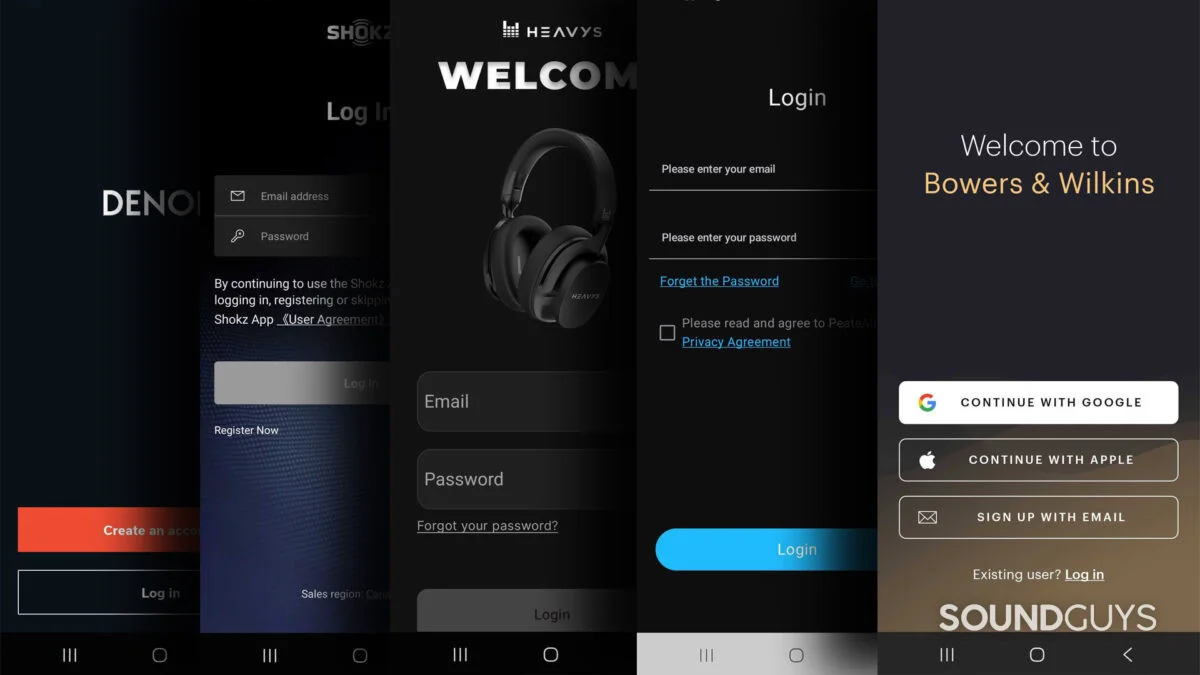
A headphone app should let you adjust the product you own without first asking for your email address and password. Yet some brands block access behind an account, even when the feature at hand is a local control such as transparency mode or equalizer settings. That adds friction for owners and raises a larger question: what does a headphone maker gain by tying basic app use to a personal identity?
Building and maintaining a companion app costs money, and headphone makers don’t have the steady income from services that some larger tech companies can rely on. That pressure helps explain why brands look for new ways to support ongoing development. It doesn’t make every account requirement reasonable, though. For most headphones, the app should work out of the box without asking the owner to register.
Basic controls don’t need a login
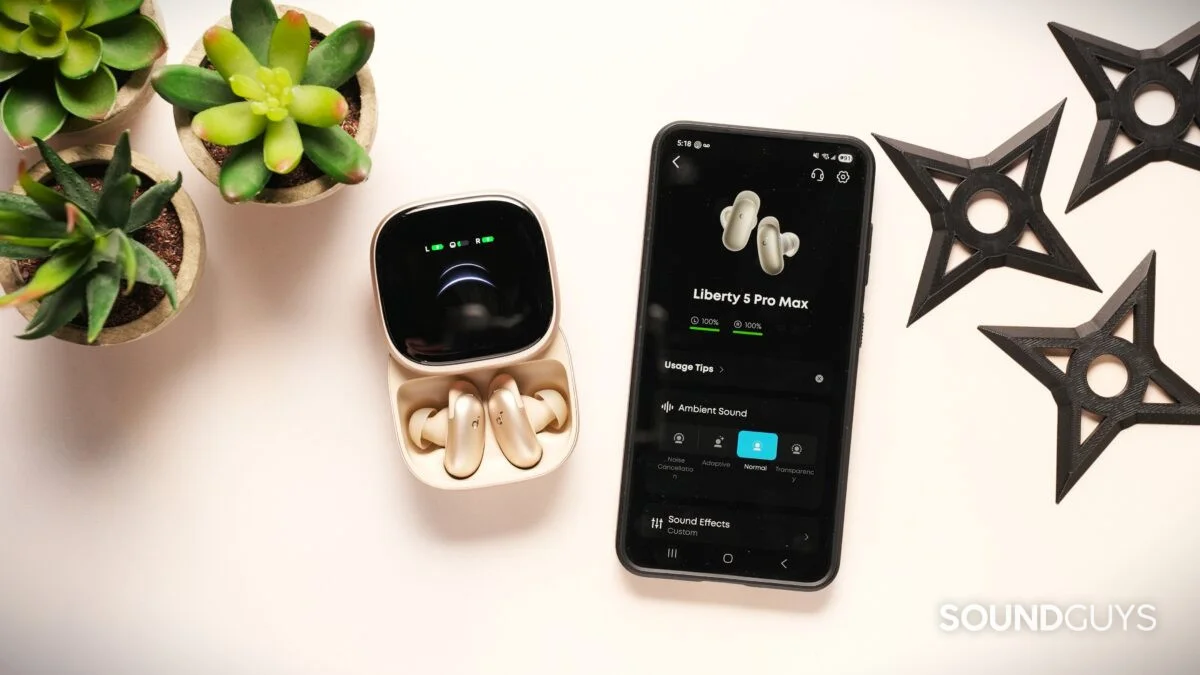
Many common app features could run entirely on a phone. Changing EQ, turning on transparency mode, taking a hearing test, or saving a setting based on user input doesn’t inherently require an online profile. Even geofencing, which changes an app’s behavior based on location, could use location on the device without sending it to advertisers or a company server.
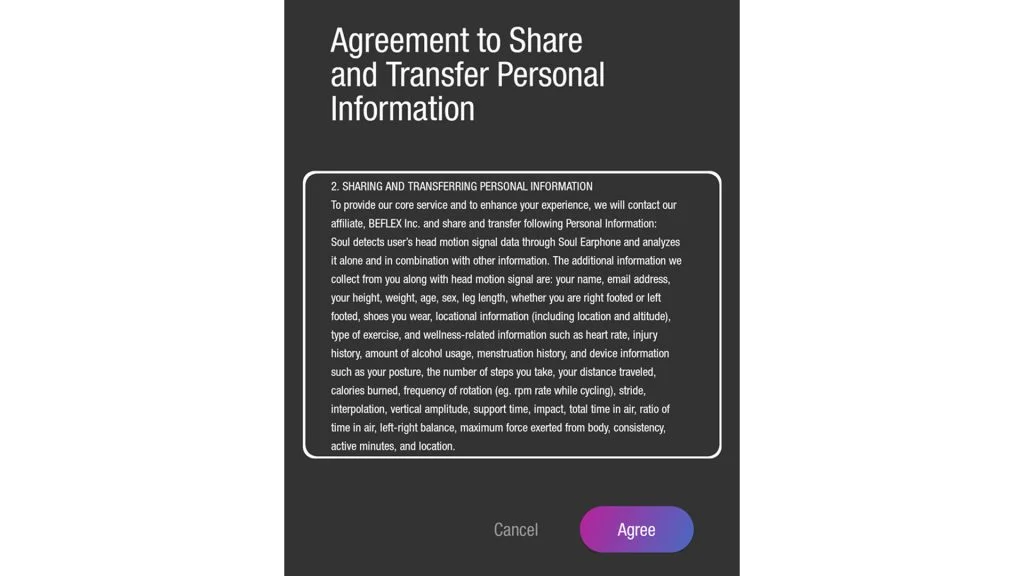
The gap between a feature and the information it requests can be striking. A headphone owner shouldn’t need to share an email address to adjust sound, and an EQ menu has no obvious reason to ask for precise location or other sensitive details. When the app demands more access than the feature seems to need, it’s fair to ask what the account is doing behind the scenes.
There are legitimate reasons to create an account. A service might need to sync settings or listening histories across devices, or connect to a third party that must process a request. Those uses involve sharing information across systems. They’re different from an app that blocks all access until the user signs up.
That distinction matters when the app also handles firmware updates. Some headphones need an update to work at their best, and the companion app may be the only way to install it. If an account is required even for that step, owners can’t choose to skip registration and still get the update. They may only need the app occasionally, but the account gate turns a rare maintenance task into an ongoing privacy decision.
An account has a data cost
A free login can still carry a cost. Depending on the app and its permissions, the information collected may include location, phone number, daily routines, interests, and data about conversations. An account can connect those details to a person, reducing the privacy protection that anonymization might otherwise offer. The user may not have a clear view of what the app collects or how the company uses it.
Phone privacy controls from Apple and Android give users ways to manage app access. Requiring an account can create another route for collecting and storing information, tied to a profile outside those device controls. And claims that data is anonymous don’t guarantee it will stay that way: separate details can sometimes be linked back to an individual.
That risk varies from company to company. A major brand may put more resources into protecting its systems, while the practices of an unfamiliar headphone maker can be harder to judge. Either way, an owner shouldn’t have to hand over personal information simply to reach controls that could work on the device itself.
Paying for headphones also shapes expectations. From the buyer’s perspective, the transaction is complete at checkout. If a manufacturer needs more money to maintain its software, a clear paid option would give people a choice. Many owners would rather do without extra services than share personally identifiable information or manage yet another password that could be exposed in a data breach.
Check the app before you buy
Forcing a login can feel especially hard to justify when the app’s features aren’t useful enough to warrant one. Most people don’t spend much time in a headphone app after setup. They may adjust the sound once in a while or open the app for a firmware update, then leave it alone. In that case, the account requirement may deliver little practical value to the owner.
Before buying, check whether the companion app needs an account and whether the headphones can be used without it. Also consider what you’d lose by skipping the app: Can you change sound settings through the headphones themselves or another app? Is the companion app only needed for occasional updates, or does it control features you expect to use every day?
If a login is required and the app’s benefits don’t justify the data trade, returning the headphones is one way to make that preference clear. Wired headphones or models that work without an account can also reduce the need to install a companion app at all.
Reviews should make account requirements easy to spot, alongside other details that affect everyday use. The key question for buyers is simple: do the app’s features earn the information the login asks for? For many headphones, the controls would be just as useful without an account.