ASUS ROG Zephyrus G14 2026 Packs an RTX 5080 Option Into a 14-Inch Frame
ASUS's 2026 Zephyrus G14 raises the GPU power ceiling to 130W and adds an RTX 5080 option. Here's what that means for buyers who want a compact laptop.
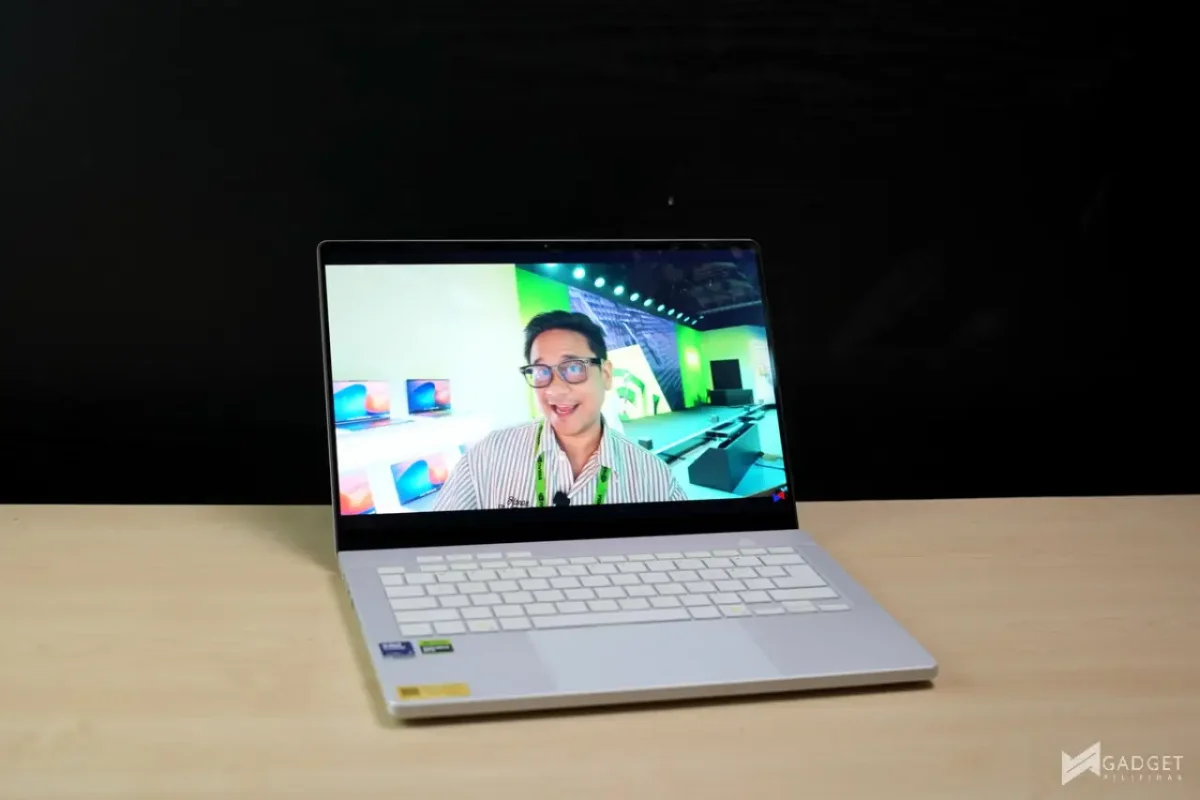
The 14-inch ROG Zephyrus G14 has rarely needed a rival in its own size class. Its problem has always been the same: how much graphics muscle can a chassis this thin carry before heat and battery life get in the way? ASUS's 2026 model, the GU405 with an Intel Core Ultra 9 386H and an RTX 5070 laptop GPU at the base level, makes a fair case that the answer has moved again.
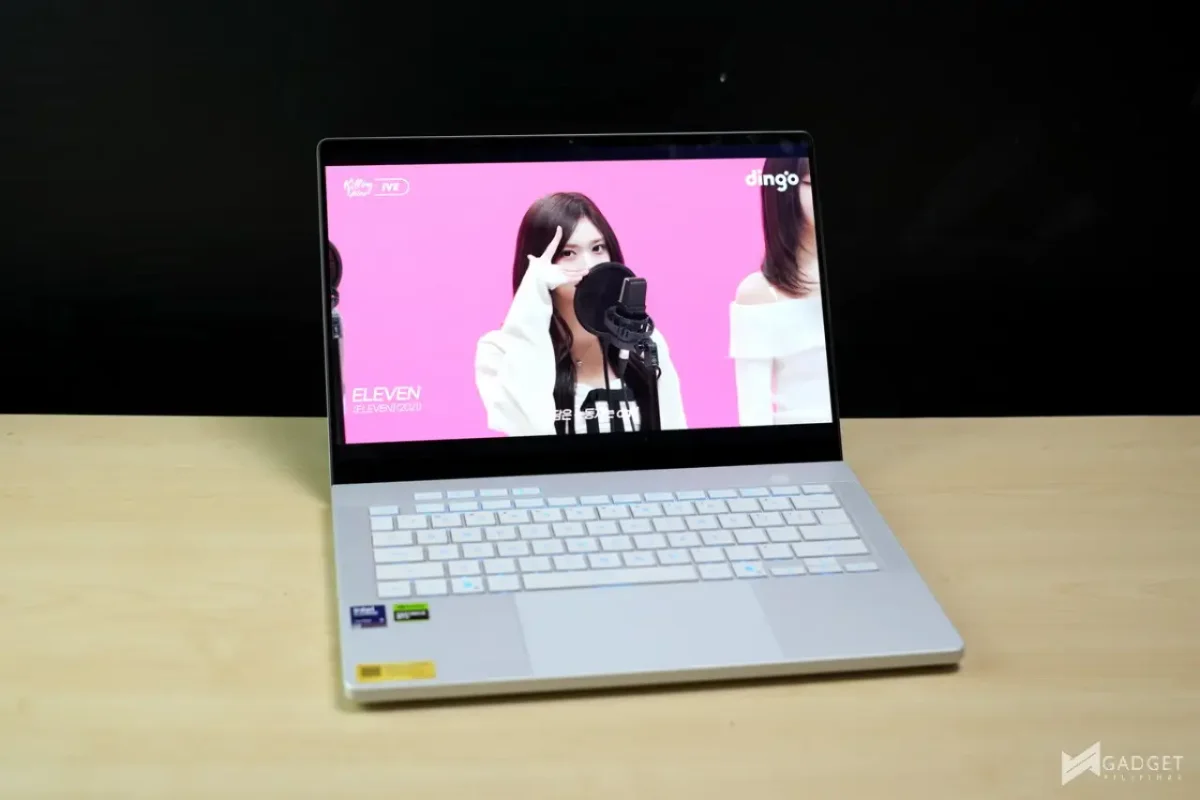
More GPU headroom without a bigger body
The biggest change sits in the graphics specs. The 2025 RTX 5070 configuration was held to a 90W GPU power limit, and that ceiling was the main sticking point in our earlier testing, especially when games ran at the panel's native resolution. For the 2026 GU405, ASUS lifts maximum GPU power to 130W and offers an RTX 5080 Laptop GPU as a configuration option. That's a meaningful jump for a machine that still measures 1.59cm thin and weighs 1.5kg, according to ASUS's figures.
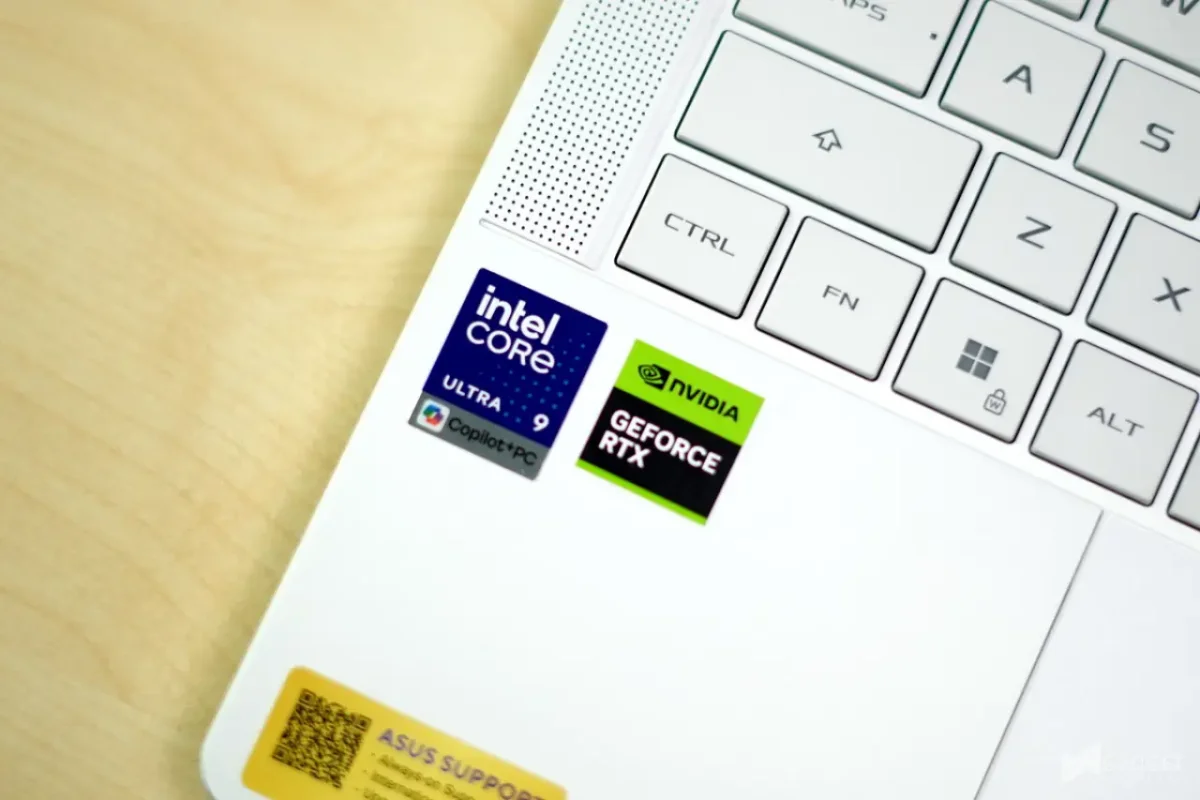
The CPU is the Core Ultra 9 386H, which ASUS lists with 16 cores and 16 threads. Memory tops out at 64GB of LPDDR5X, and storage goes up to a 2TB PCIe 4.0 SSD. Here's the catch: the RAM is soldered, and there's only one M.2 slot. You can swap the SSD later, but you can't add memory down the road. My read is that buyers should choose RAM capacity first, based on how long they expect to keep the laptop, before they stretch for the top GPU. A 5080 won't help much if the 16GB or 32GB you picked starts to feel tight in year three.
Build and ports that suit a travelling gamer
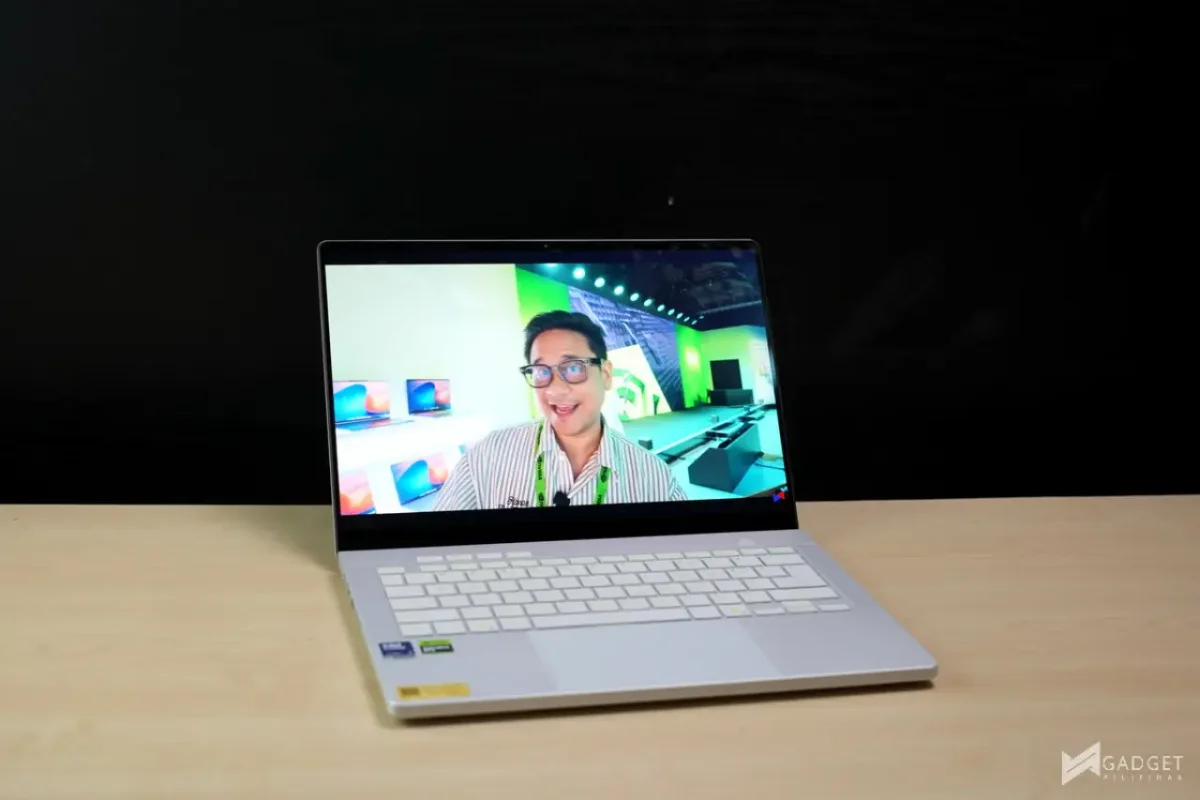
The CNC-machined aluminum-alloy chassis comes in Eclipse Gray or Platinum White. The lid's Slash Lighting has moved from seven zones to 35, and the animations can show battery and charging status. That's a more practical use of the lid than pure decoration, though I still miss the Anime Matrix from the original G14. The design leans on its finish and lighting detail rather than leaning hard on RGB, which suits a laptop that's likely to leave the gaming desk.
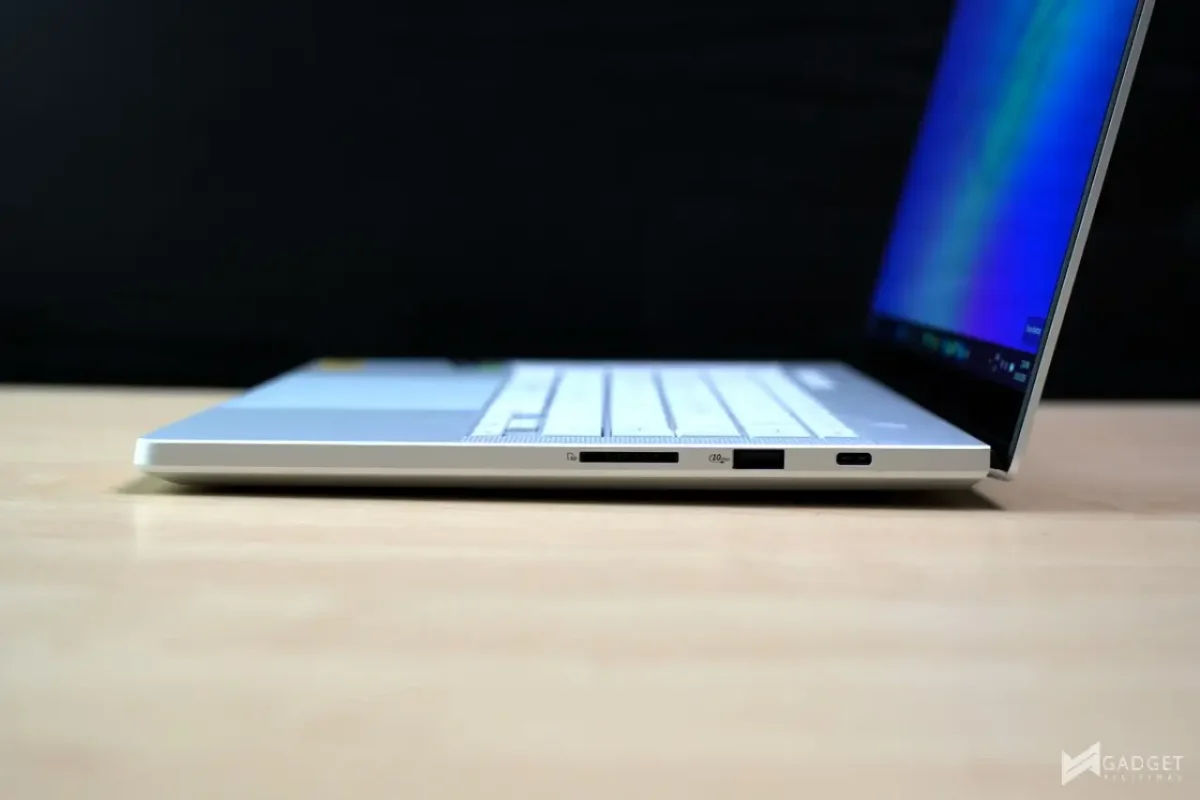
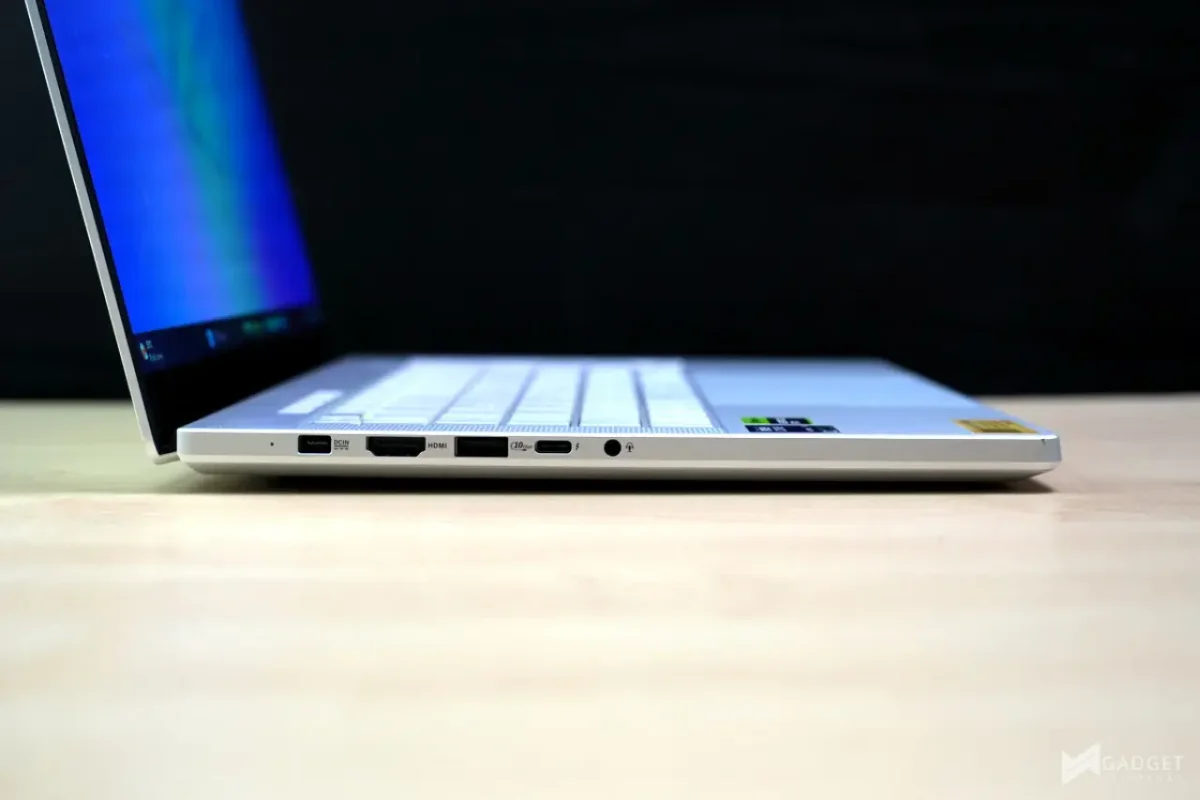
The port selection is wider than most 14-inch machines offer. There are two USB-C ports, one on each side, both with DisplayPort 2.1 output and Power Delivery 3.0 support, and one of them is also Thunderbolt 4. Two USB 3.2 Gen 2 Type-A ports and a full-size UHS-II SD card reader round things out, so photographers can offload cards without reaching for a dongle. The compact frame still leaves room for a large trackpad and a keyboard with 1.7mm of travel, according to ASUS.

The ROG Nebula OLED panel is the reason to look twice

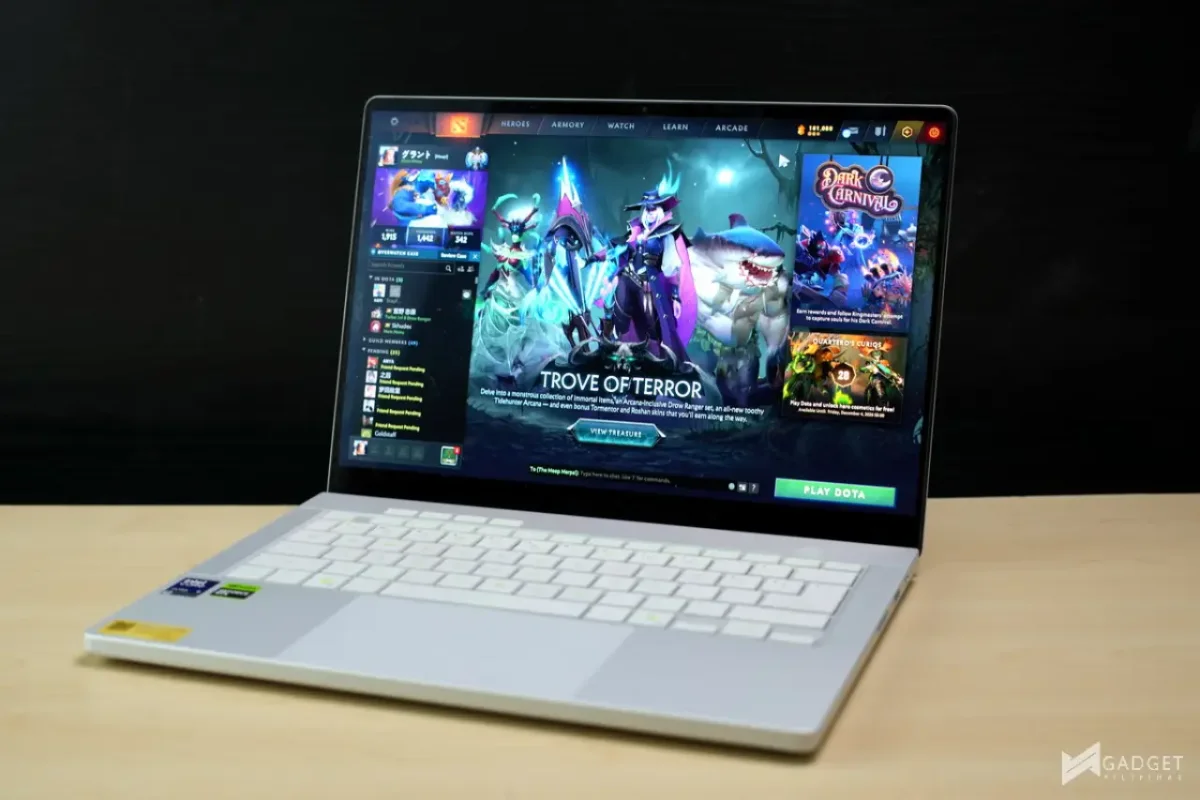
The 3K ROG Nebula HDR OLED is the feature I'd point to first. ASUS pairs a 120Hz refresh rate with NVIDIA G-SYNC support for variable refresh, and it lists a 0.2ms response time and peak brightness of up to 1,100 nits. Those numbers put it among the stronger gaming displays in a 14-inch chassis, and OLED's contrast makes dark scenes in games look noticeably deeper than on a typical IPS panel.
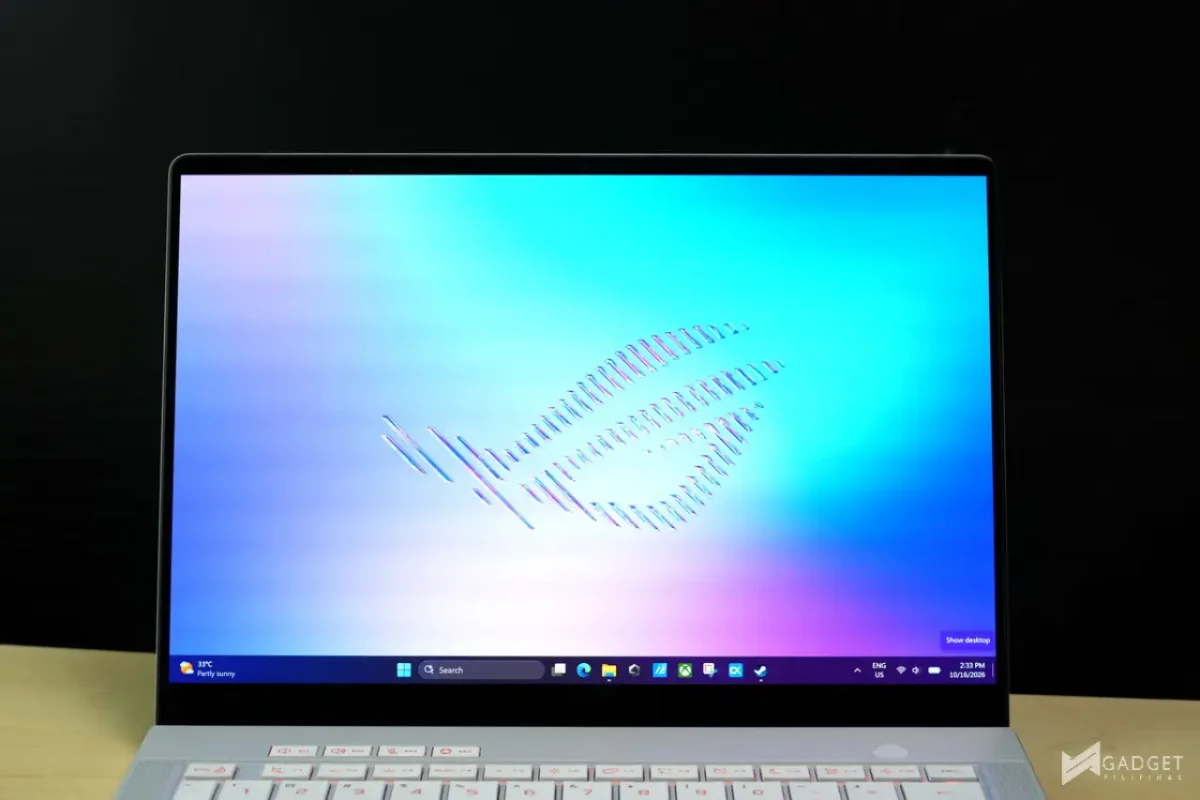
Creators get a useful bonus. ASUS specifies 100% DCI-P3 coverage, which is the right target for photo and video grading. The OLED Care suite includes Pixel Shift, aimed at people who leave static editing timelines or desktop icons on screen for long stretches. That matters on OLED, where burn-in is the usual concern, so it's a sensible inclusion rather than a marketing extra.
Thermals, power and battery
A higher GPU power limit only works if the cooling keeps up. ASUS says the GU405 uses liquid metal thermal compound and a revised exhaust design, with heatpipe and Tri-Fan details that vary by configuration. Armoury Crate handles fan and power profiles, so you can set a quieter mode for everyday tasks and a heavier profile for games or rendering. That split is the right way to handle a machine that has to be both a desk workstation and a portable one.
The battery is a 73Wh unit, and the laptop can charge through its USB-C ports. That gives you some flexibility on the road, since you can top up from a compatible USB-C charger rather than carrying only the barrel adapter. Battery life will depend heavily on which profile you run, and a 73Wh pack won't last long under a 130W GPU load. Treat it as a laptop for mixed use, not for long unplugged gaming sessions.
Which version to buy, and what comes in the box
The G14 comes in Intel and AMD versions. The GU405 is the Intel model covered here, while the AMD-based GA403 keeps the previous chassis design. ASUS publishes the latest GU405 and GA403 specs and pricing on its ROG product pages, so check those before deciding, since configurations and prices can change by region.
Each purchase includes an ROG Strix Impact Mouse and an ROG Exclusive Sleeve. ASUS also bundles a lifetime Office 2024 Home license, one year of Microsoft 365 Basic with 100GB of cloud storage, up to 700GB of ASUS Cloud Storage, two months of Xbox Game Pass, and three months of Google AI Pro. Those bundled extras are worth something, but they shouldn't be the deciding factor. A lifetime Office license and a year of cloud storage are useful if you'd otherwise pay for them. If you wouldn't, don't buy the laptop for them.
ASUS's No. 1 Quality and Service program covers the G14 with up to three years of local and international warranty, accidental damage protection, free device cleaning, and extended replacement. ASUS notes that eligibility and terms depend on the model. Read those terms before you rely on the accidental damage cover, because the details matter more than the headline.

The G14 is also listed in ASUS's Grand Tech Fair 2026 program. Check the current price and stock with a retailer before you buy, and confirm how eligible purchases are registered for the nationwide raffle.
Who should buy it
The 2026 Zephyrus G14 suits people who want desktop-class graphics in a bag they can carry all day. If the laptop will spend most of its life on an external monitor, a larger machine will probably give you more performance per dollar and better cooling. But if your games, footage and work all have to travel together, the G14 makes a strong case. The OLED panel, the port set and the higher GPU ceiling are the three things I'd weigh most. Just spend your first decisions on memory, since you can't upgrade it later.