A 2013 iMac Gets 24GB of RAM and a 1TB SSD: Is the AU$310 Upgrade Worth It?
A RAM boost and external SSD make this 2013 iMac useful for browsing and light design, though its slow boot and aging processor remain.
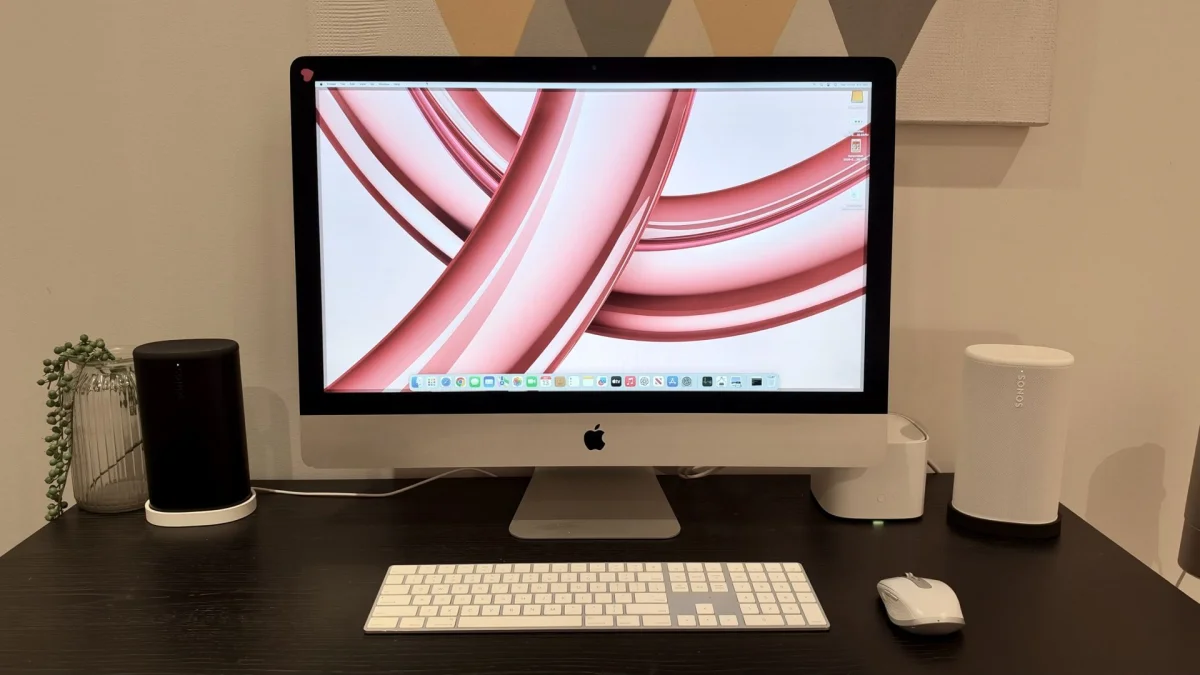
A 13-year-old iMac can still be useful, but adding memory and faster storage won’t make it feel like a modern Mac. My late-2013 27-inch model now runs macOS Sonoma from an external SSD and has 24GB of RAM, after a project that cost about AU$310. It handles web browsing and simple Canva work, with enough lag to keep its limits in view.
The goal was modest: bring a dusty desktop back for everyday tasks and light creative work, rather than match the speed of my M2 MacBook Air. A new 24-inch M4-powered iMac would cost upwards of AU$2,000, so spending a few hundred dollars on the 27-inch machine seemed worth exploring. Its large display and working hardware gave me a reason to try.
The safer route to faster storage
The iMac’s original mechanical hard drive was the first thing I wanted to replace. An SSD can make an older computer feel more responsive by improving how quickly it reads data, which affects startup and opening apps. My first thought was to swap the internal drive, but this model’s display is attached with adhesive. Reaching the drive means cutting through the adhesive, lifting the panel and disconnecting its cables. I hadn’t done that kind of repair before, and risking a functional 27-inch screen didn’t appeal.
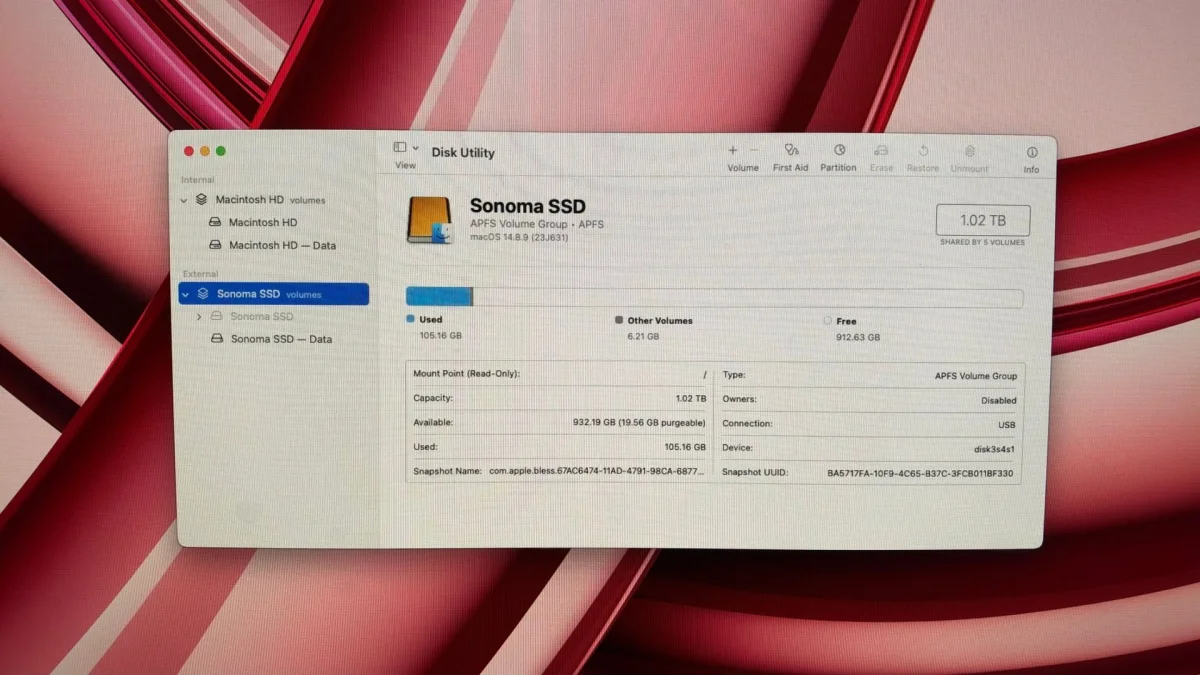
Instead, I put a TeamGroup T-Force Vulcan Z 1TB SSD in a USB enclosure and set it up as the startup drive. The iMac’s USB 3.0 connection limits the speed it can draw from a modern SSD, but the external setup avoids opening the computer. It’s a less demanding way to give the system a new boot drive, with the trade-off that the drive is connected outside the machine.
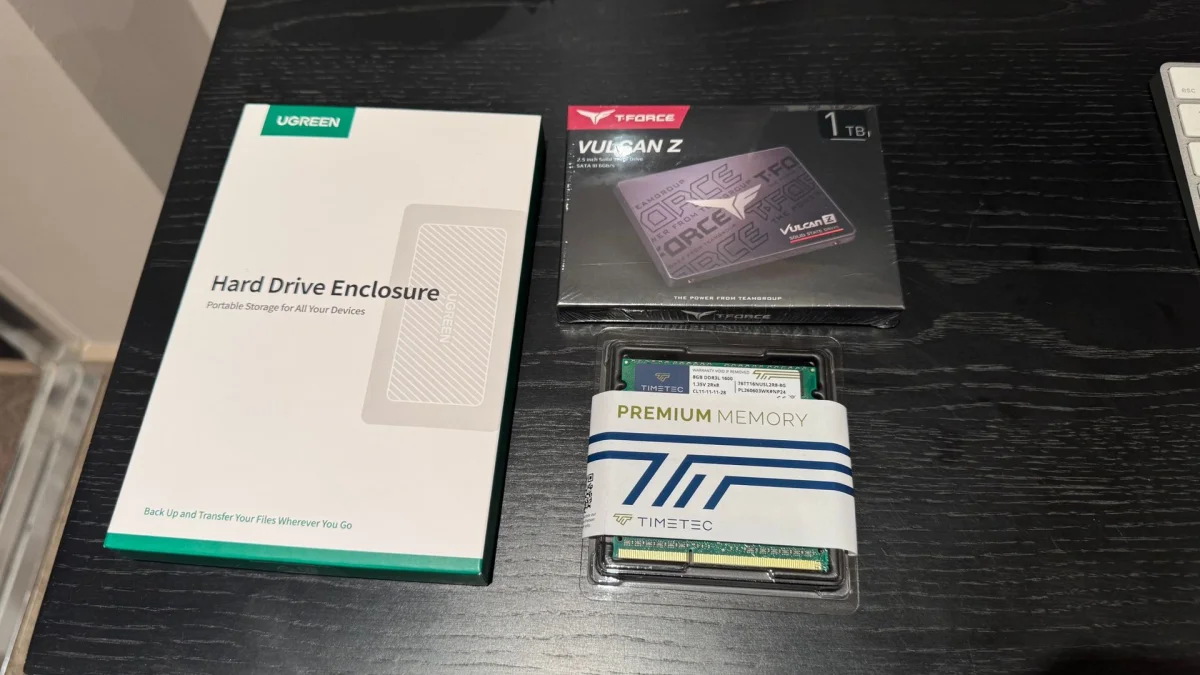
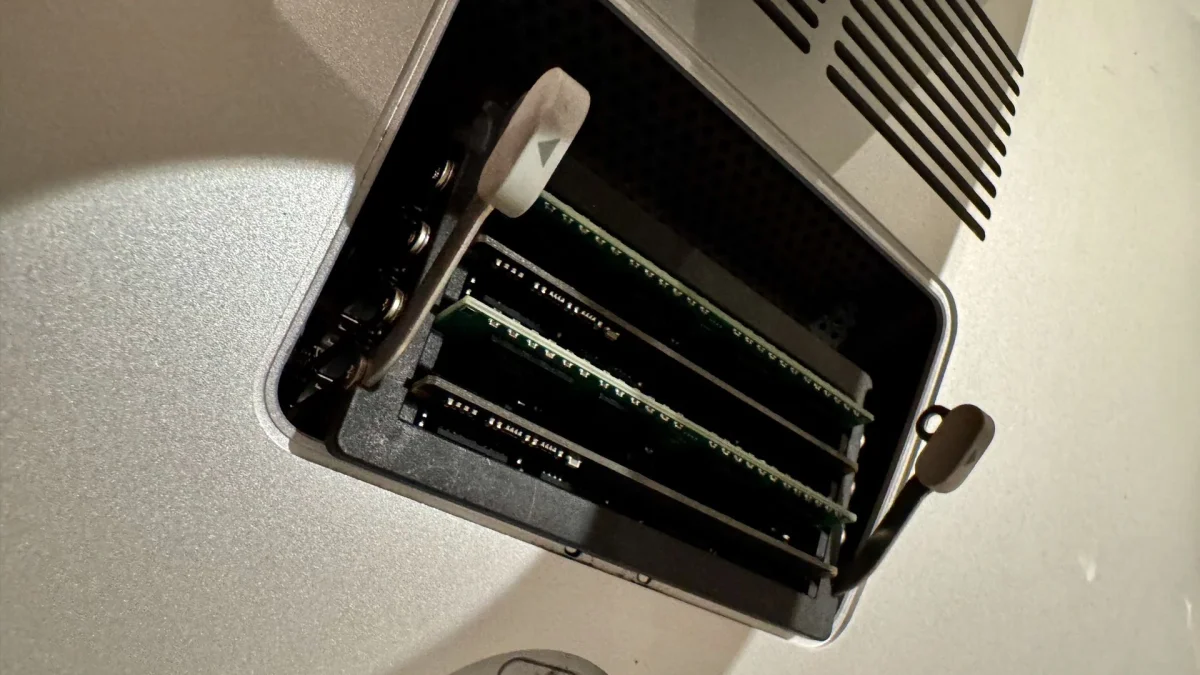
Adding RAM was much simpler. Apple made the memory slots accessible behind a small panel on the back, so there was no need to dismantle the iMac. The computer started with 8GB. Installing two 8GB Timetec DDR3 modules brought the total to 24GB, giving it more room to keep multiple tasks open.
I used ChatGPT for help selecting compatible parts and working through an installation of macOS Sonoma, which this iMac doesn’t officially support. It was useful to describe what I saw on screen and get suggestions for the next step, though the process still had snags. AI guidance made the unfamiliar setup feel more manageable; it didn’t make it foolproof. A colleague’s experience asking ChatGPT and Gemini to spec a gaming PC also showed how easily these projects can get complicated (their account).
The parts cost about AU$310
The two 8GB memory modules cost around AU$70, and the 1TB SSD was just under AU$230. I paid AU$17 for a Ugreen external SSD enclosure. Amazon promotions at the time brought my final spend to approximately AU$310.
That’s far below the price of a new iMac, but it’s still a meaningful outlay for a computer more than a decade old. Extra RAM and an SSD can help with memory pressure and storage access; they can’t replace the processing and graphics hardware inside. I went ahead knowing that the old Intel chip would set a ceiling on what the upgrades could achieve.
Usable for everyday tasks, slow to start
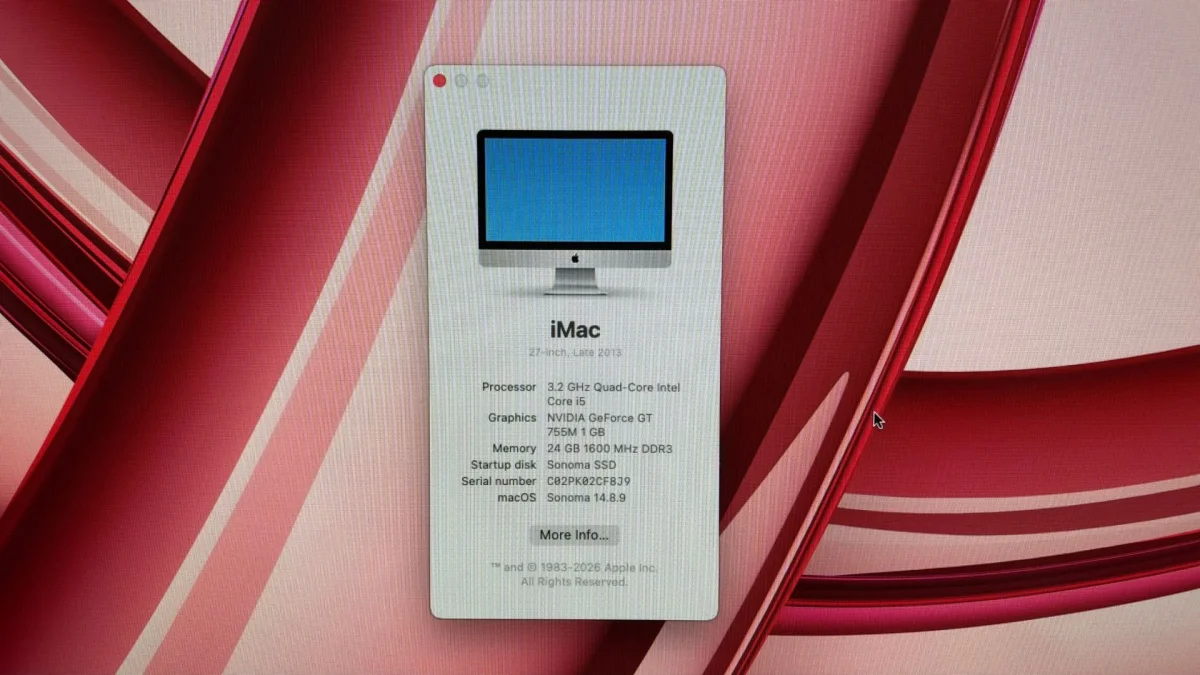
After installing Sonoma on the external SSD, I timed a startup from pressing the power button to reaching the desktop: 1 minute and 52 seconds. That’s a long wait if you’re used to a newer Mac. This iMac still relies on a 3.2GHz quad-core Intel Core i5 and loads its system from a USB 3.0 drive, so neither its age nor the connection is helping.
I didn’t measure performance before the upgrades, so I can’t put a number on how much faster the iMac has become. The boot time is a useful reminder that the changes haven’t made it quick by current standards, but it doesn’t show how the old hard drive performed in a direct comparison.
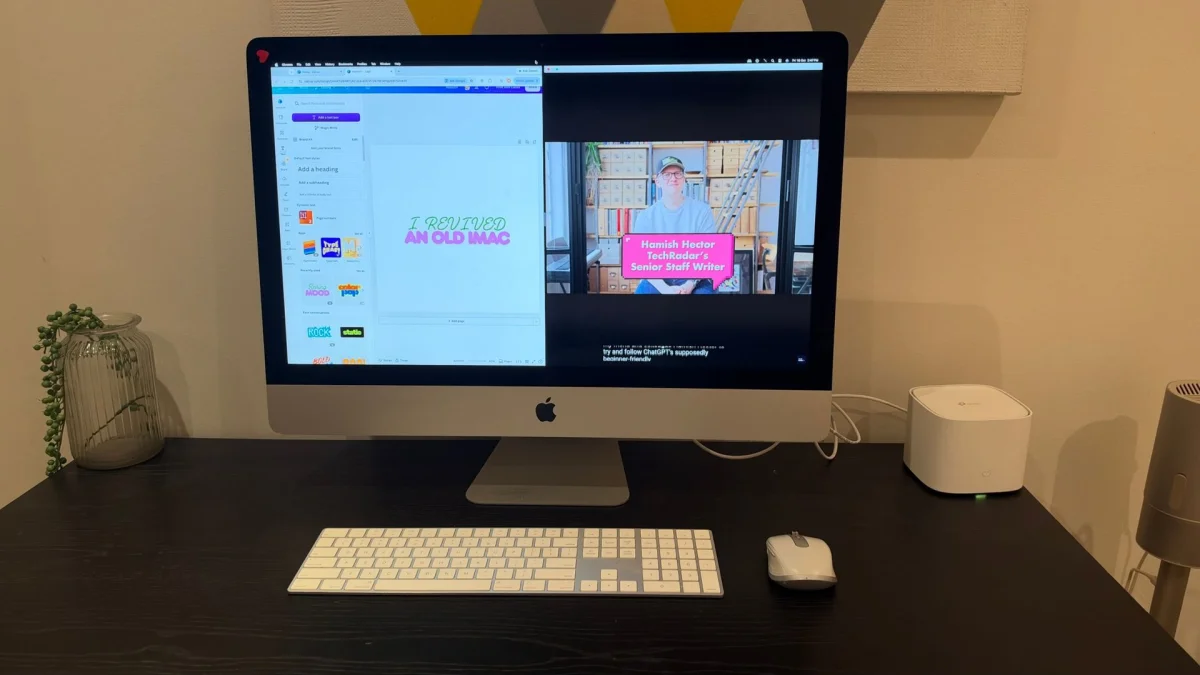
Once running, the computer was more encouraging. Web browsing worked, though pages and other tasks could occasionally feel sluggish. Canva was a more revealing test because I use the browser-based design tool for light creative work. I kept it open beside a window playing videos from the TechRadar YouTube channel on the 27-inch display, and managed a simple design with both windows visible. The experience had some lag, but the setup was usable.
The screen helps make this kind of desktop worthwhile. Its 27-inch size and 2560 x 1440 resolution provide space to arrange windows side by side. It doesn’t match the brightness or sharpness of newer Apple displays, but I still found it comfortable enough for the tasks I had in mind. There’s a practical pleasure in using an old machine for work that once seemed out of reach.
The limits matter as much as the upgrades
Neither component changes the iMac’s processor or graphics hardware. Replacing those would involve a far more involved disassembly, and the added work and cost didn’t make sense for basic browsing and simple design. For demanding creative projects or anyone who needs a responsive computer throughout the day, this setup isn’t a substitute for a newer machine.
Sonoma brings a separate uncertainty. The late-2013 iMac supports macOS Catalina at most through Apple’s standard compatibility, and getting Sonoma onto it required an unofficial installation method. That can mean complications with software support, drivers, security updates and long-term reliability. The fact that the desktop runs Sonoma today doesn’t guarantee that it will keep working smoothly as the system changes.
A worthwhile rescue with modest expectations
Would I recommend spending about AU$310 on a 13-year-old iMac? It depends on what you expect from it. If the aim is to get the speed and responsiveness of an Apple silicon Mac, the nearly two-minute startup and occasional lag make the answer clear. The RAM and SSD help give the computer a second use, but they can’t erase its age.
For my purposes, the experiment worked. I already have the M2 MacBook Air for everyday computing; the iMac doesn’t need to replace it. It now offers a large desktop screen for browsing and light creative tasks, and it’s back in use instead of gathering dust. If you have an old computer with functional hardware, checking whether a modest upgrade can give it a useful role may be worthwhile. Just plan around what its processor, display connection and software compatibility can actually support.


