DroidDeck 0.6.7 Unifies Game Libraries and Adds Xbox Cloud Gaming
DroidDeck 0.6.7 combines store libraries, adds cloud streaming and Battle.net, and fixes a major handheld sleep drain.

DroidDeck 0.6.7 changes how the Android handheld app organizes games and handles suspended sessions. Its new Library brings installed games and titles owned across connected stores into one grid, while a sleep fix cut overnight battery loss to 2 percent in the project’s testing. Xbox Cloud Gaming and Battle.net also join the app, alongside a long list of updates for desktop use, dual-screen devices and game management.
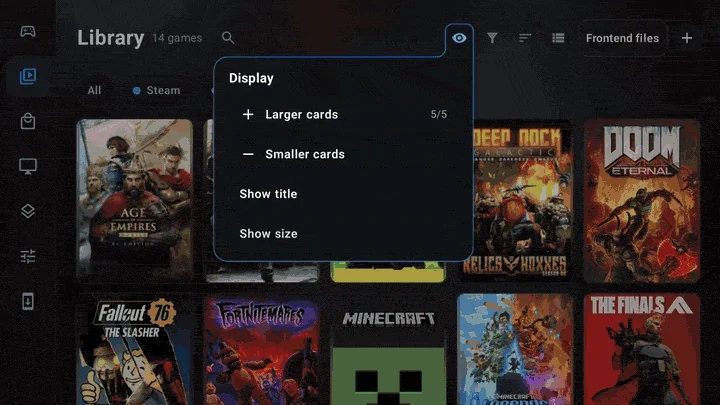
One Library for installed and owned games
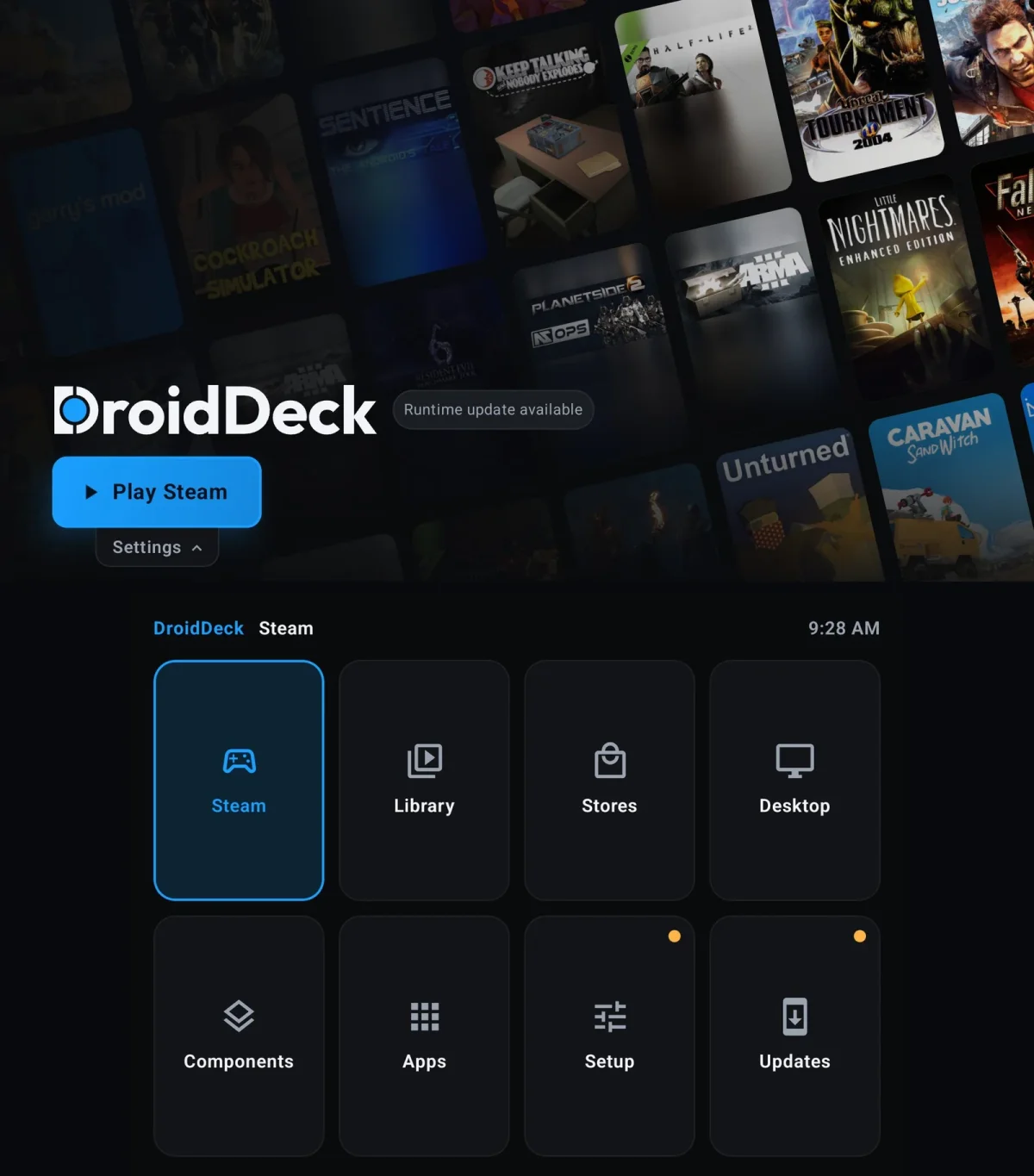
The previous layout separated game libraries from store libraries. Now, games from Steam, GOG, Epic, Amazon, Xbox, itch and manually added sources share the same Library design, divided into Installed and Not installed. Source chips filter the grid, and the shoulder buttons cycle through them. A menu beside Sort can limit results to installed games or show every owned title. The Stores area is now focused on signing in and managing accounts.
DroidDeck has also redesigned game pages. Game artwork fills the background, with Install and Play controls in frosted capsules, Metacritic and HowLongToBeat scores nearby, and a tab bar spanning the page. On narrower 4:3 displays, secondary options move into a More menu. Links to PCGamingWiki, guides, ProtonDB and Steam Cloud are available, and the interface supports controller navigation.
Suspended sessions use far less power
The clearest practical improvement is sleep behavior. In overnight testing, a suspended game used just 2 percent of the battery. That makes leaving a session open much more practical on a handheld, where earlier power drain could make a paused game costly to keep around.
The release notes identify several fixes behind the change. DroidDeck releases the microphone before freezing a session, allowing the device to suspend properly. On an AYN Thor, the audio-input wake lock had previously kept the device drawing a flat 120 mA for nine hours. The update also stops controller rumble during sleep and prevents Steam logs from being reread after every session stop. A new Pause button lets players hold a session deliberately.
Cloud streaming and Battle.net move into the app
Xbox Cloud Gaming can now launch from a game’s store page or the Games tab, without installing the game. The default option is the web player. On Android 10 and newer, users can opt into a native player with DroidDeck’s frame generation: DD-FG at 2x, or LSFG at 2x, 3x and 4x. The frame-rate target can be set from 10 to 165 fps.
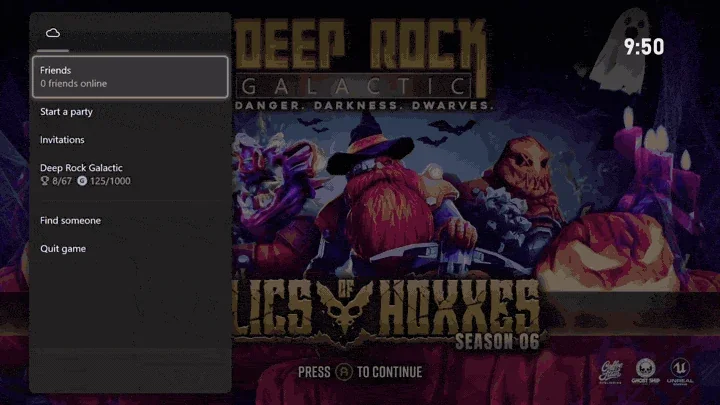
The Xbox library adds a Cloud filter alongside All, Owned and Game Pass. During a stream, an in-game menu provides screen effects, quality options and a performance overlay with fps, ping, bitrate and decode time. That gives players a way to inspect streaming conditions without leaving the game.
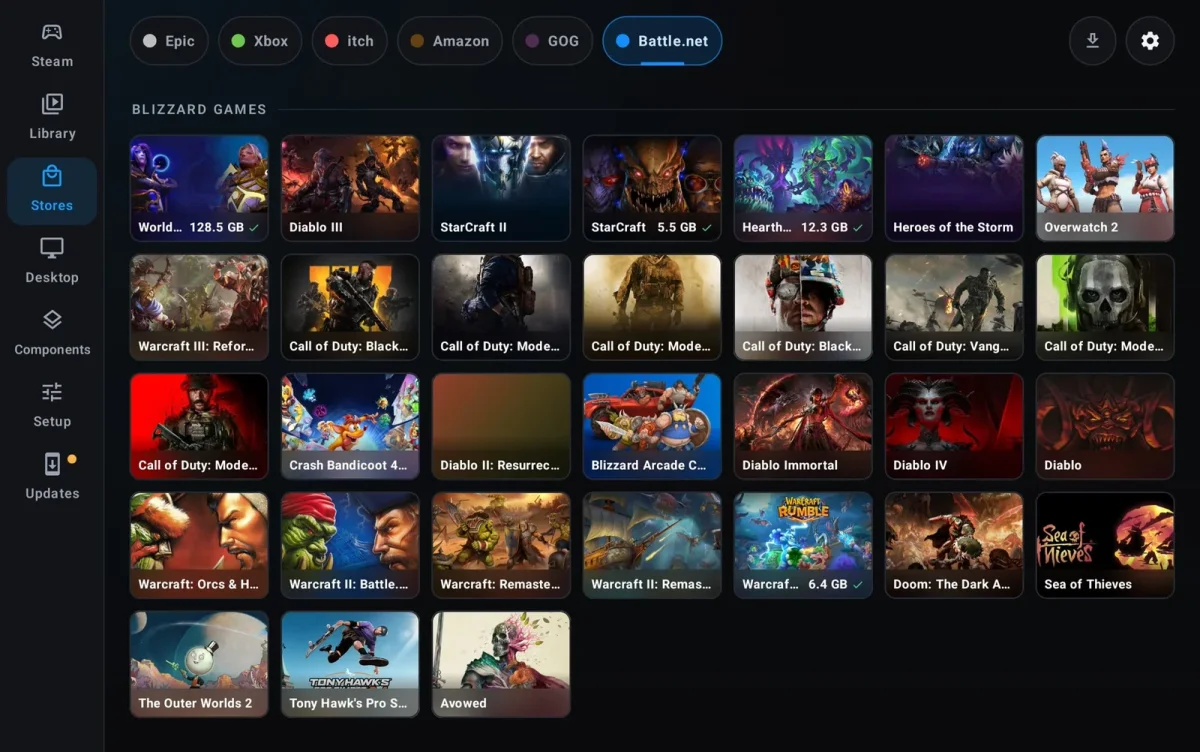
Battle.net now appears as a store in its own right. DroidDeck launches Blizzard’s client in a separate Proton prefix, adds its games to the Library, Steam and desktop, and applies memory options intended for Diablo IV and Diablo II: Resurrected on an 11GB phone. Players can choose an install location, then manage downloads, pauses, resumes, updates and removals through DroidDeck.
More complete GOG and itch.io support
GOG installations now check for updates automatically. The update process includes depot updates, repair using verified chunks, Galaxy delta patches, recovery journals and standalone patches run through Proton. The release notes say saves, prefixes, shortcuts and settings remain in place through these operations.
The itch.io store adds browsing by sort order and price, paging, a disk cache, platform and tag filters, and a version selector during installation. Collections can filter the Library, while update checks for installed games stage new files in a separate folder before replacing the existing version.
Ubuntu desktop and dual-screen changes
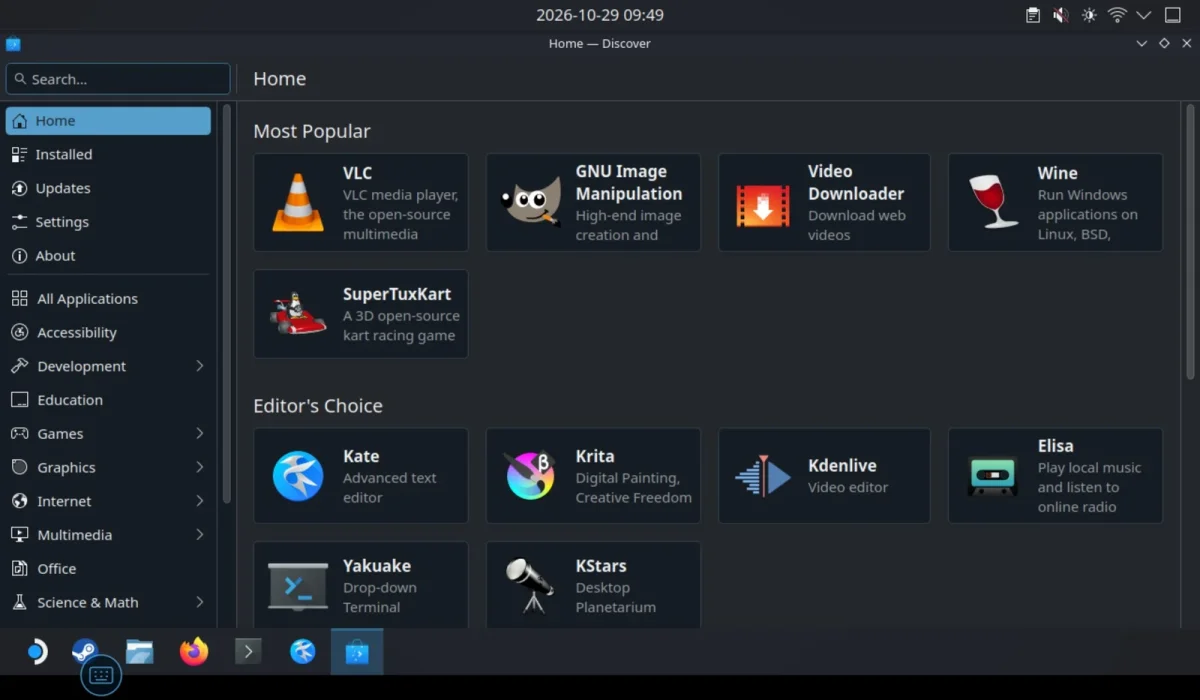
The Linux runtime moves to Ubuntu 26.04 LTS. Kubuntu’s Plasma desktop is available as a separate download that adds only the files it needs. The release notes describe working sudo, apt and Discover, with apt, Flatpak and Snap available for packages. Added packages and sources survive runtime updates, while DroidDeck’s Mesa, KWin and gamescope are held back from replacement during a full upgrade. Desktop text fields can open the Android keyboard, and ~/Downloads and ~/Documents map to Android folders.
On dual-screen handhelds, including the Retroid Pocket Duo and AYN Thor, the bottom panel now handles menus and text entry while the top panel stays focused on the game. L2 and R2 switch launcher sections, and a Bottom screen menu opens the in-game menu on the lower display. Steam text fields also bring up the Android keyboard there.
Portrait orientation can be configured separately for the launcher and gaming sessions, either following device rotation or staying portrait with navigation at the bottom. A Controls below the game option places a landscape game above touch controls on portrait phones. The Apps page also gains search, filters, sorting, folders, widgets, hidden apps and work-profile apps.
HUD, Proton and release details
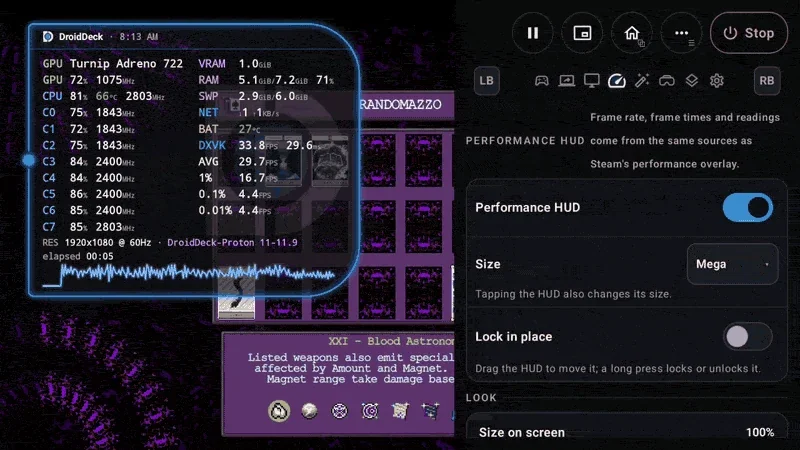
DroidDeck HUD is a new overlay designed to sit alongside MangoHud. Players can cycle through Full, Tiles, Pill, Minimal and Mega layouts, reposition the overlay, and lock it with a long press. Settings cover size, opacity, colors, readouts and temperature units, and can export a diagnostics report. DroidDeck says its readings match MangoHud.
DroidDeck-Proton becomes the default Proton build. It downloads during runtime setup and stays updated, replacing older builds without removing prefixes, game profiles or pinned choices. Other installed Proton builds update while the device is idle on an unmetered connection. The release also reports reduced power draw when frame rates are capped and lower heat.
The project credits 28 contributors with 210 pull requests since version 0.6.0; 15 were first-time contributors, and 68 percent came from outside the core team. The APK is 76MB, benchmark variants are available, and DroidDeck says it remains open source, without ads or telemetry. Its main APK has passed 10,900 downloads.
After the app’s earlier introduction of SteamOS to Android handhelds, version 0.6.7 makes the strongest case through everyday use: one place to find games, more ways to play them, and a suspended session that can last overnight without draining the device.