Googlebook Is Getting Chromebook’s Android Phone Unlock Feature
Google is developing Phone Unlock for Googlebook, letting a nearby unlocked Android phone open the laptop while adding alerts and remote locking.
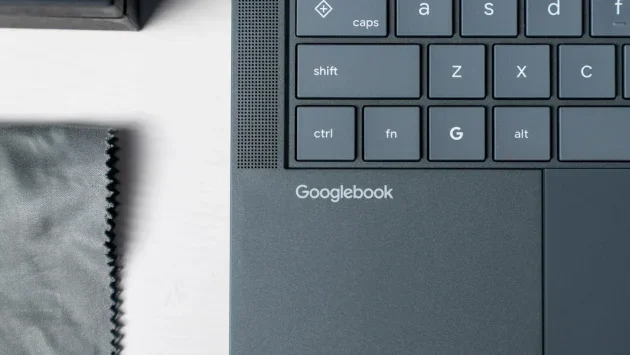
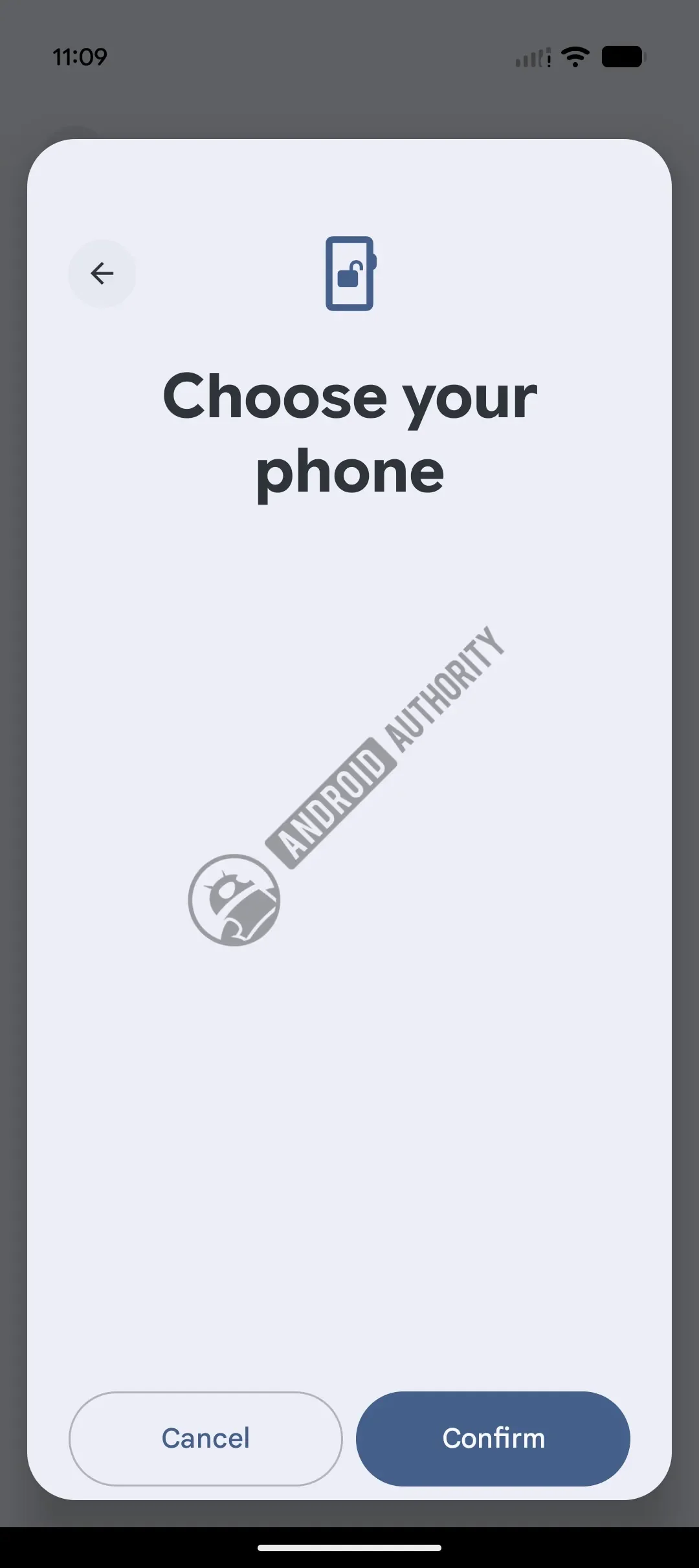
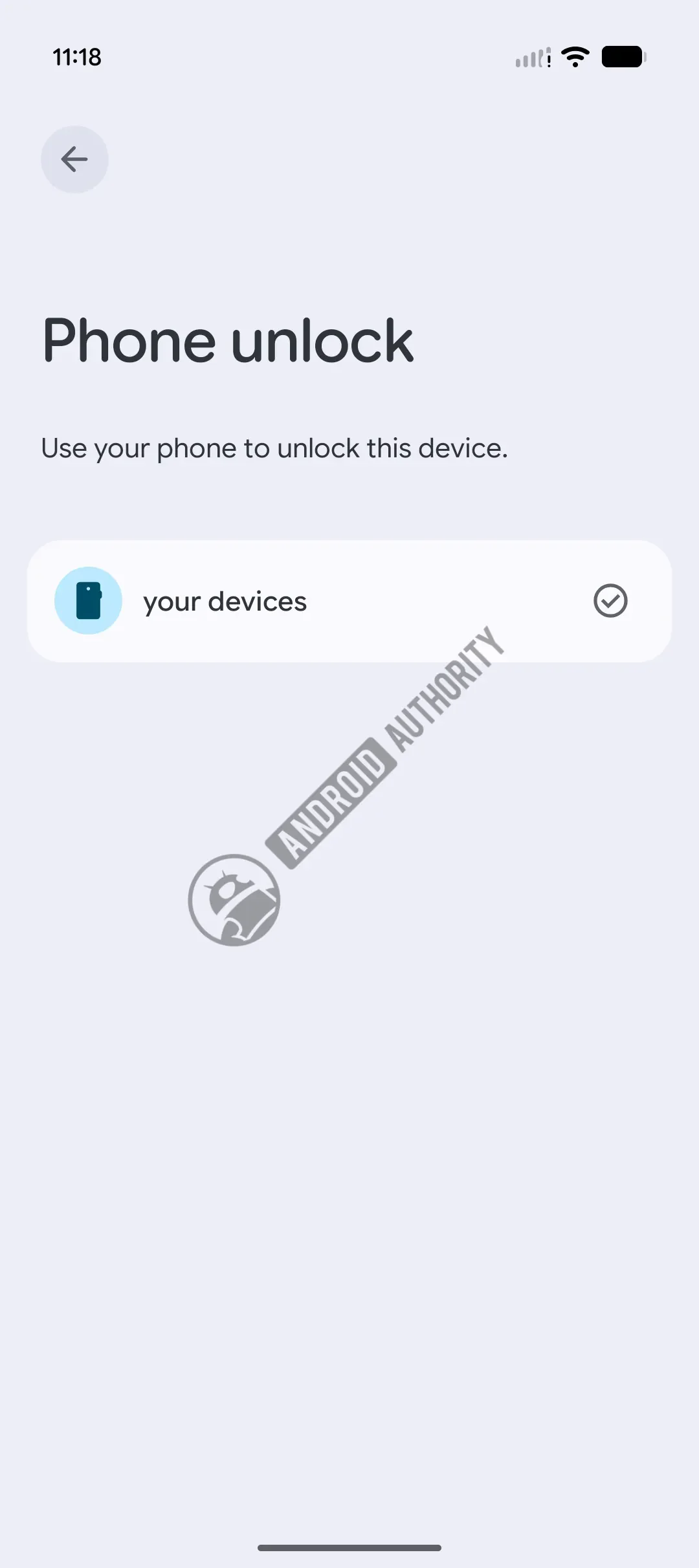
Googlebook is set to gain one of the most useful small conveniences from ChromeOS: unlocking a laptop with a nearby Android phone. The feature, called “Phone Unlock,” is still in development, but code and setup screens found in Android 17 QPR3 Beta 1 suggest Google is working to bring it to the new platform.
That would address a noticeable gap for people moving from a Chromebook to Googlebook. ChromeOS can bypass the lock screen when a paired Android phone is nearby and unlocked; at Googlebook’s launch, that option was missing. Google has been building out connections between the phone and laptop, and Phone Unlock would extend that work to the moment someone starts using the computer.
What the unlock process may look like
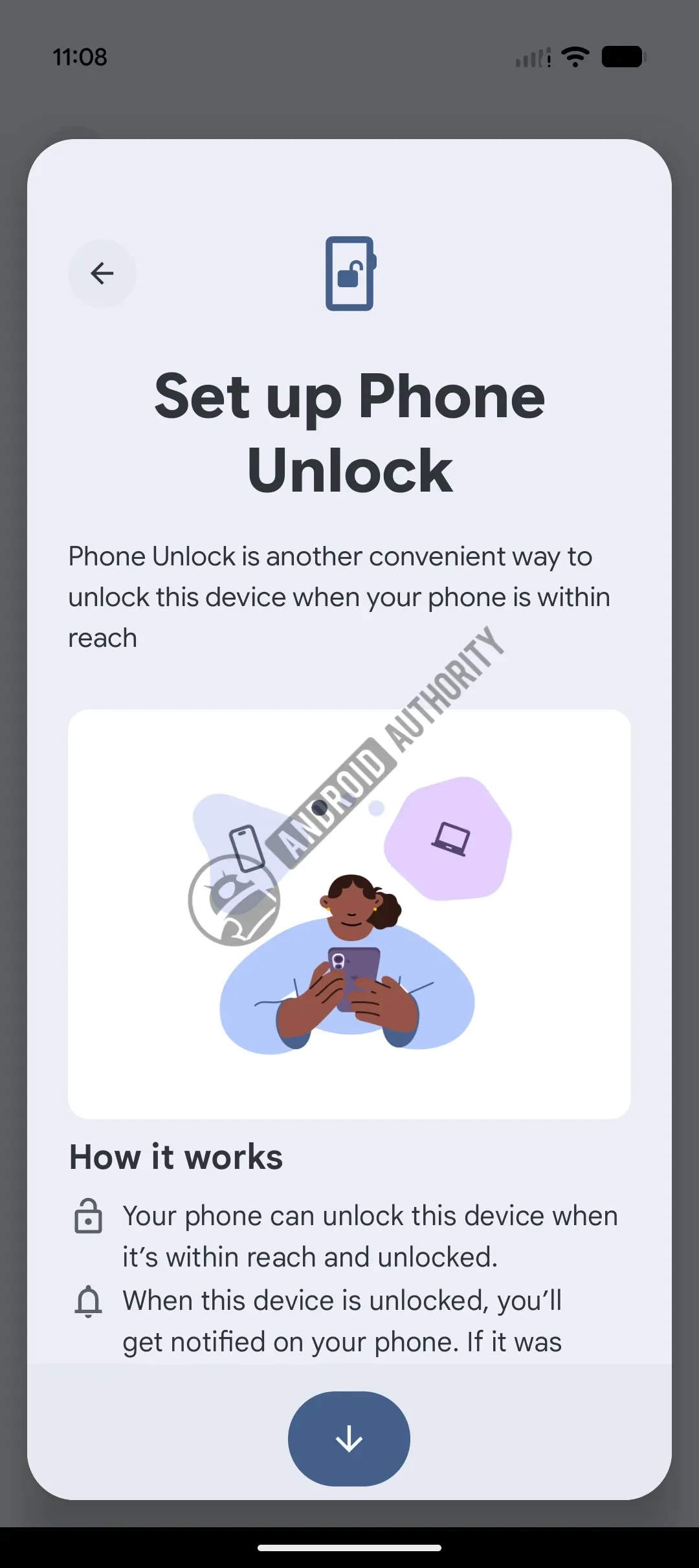
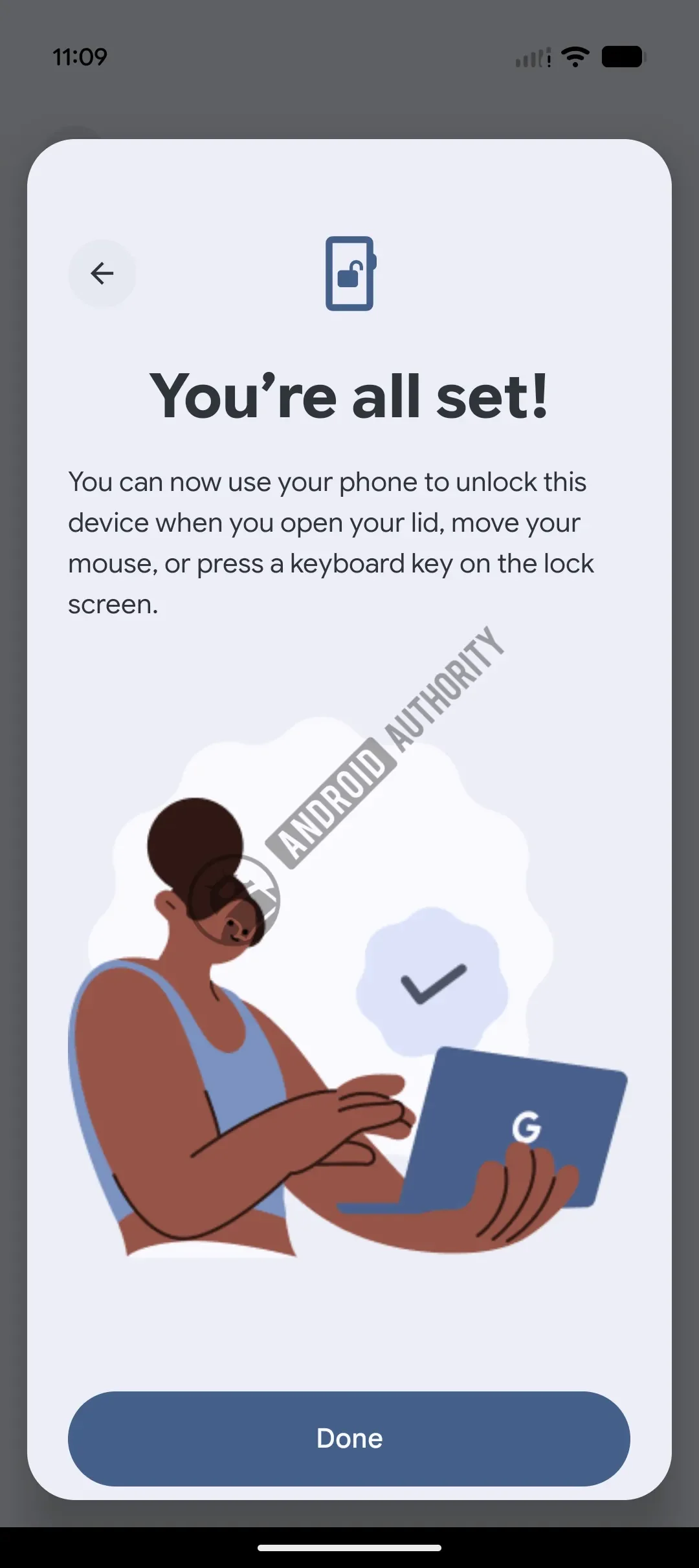
As described by Android Authority, the setup screens found in the beta indicate that a user will pair an Android phone with a Googlebook. If the phone is within Bluetooth range and already unlocked, the laptop could open its session when the user lifts the lid, moves the mouse or presses a keyboard key.
That approach is designed to remove a step from everyday use. A person returning to a laptop with their phone in hand wouldn’t need to type a PIN or password before getting started. The triggers also cover different habits: opening the lid suits someone who closes their laptop between tasks, while mouse and keyboard input could make the feature useful when the computer is already open.
The phone’s state matters. Simply having the paired device nearby won’t be enough; it must also be unlocked. That requirement ties access to someone who has already authenticated on the phone, while Bluetooth proximity provides a signal that the device is close to the laptop.
Alerts and a quick way to relock
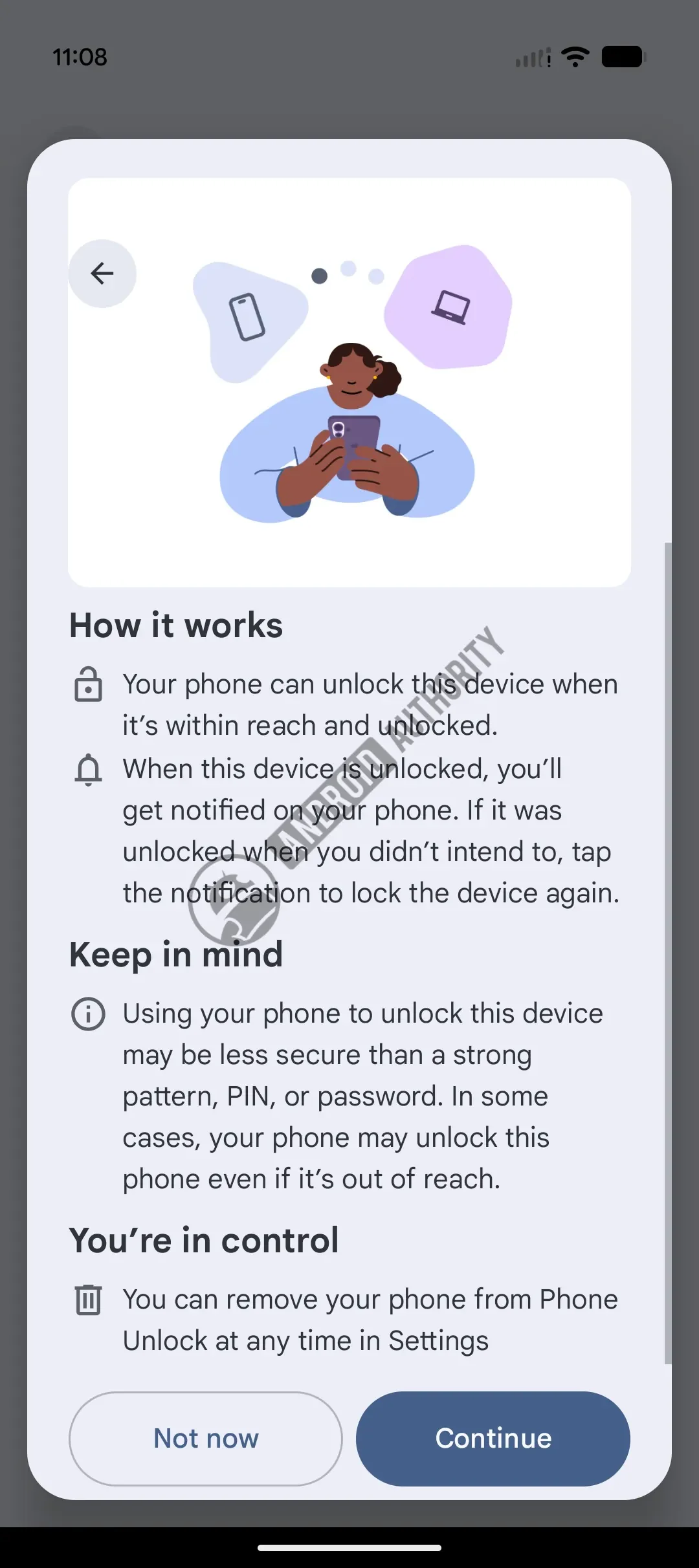
Phone Unlock would also notify the phone whenever it is used to open the Googlebook. The alert is intended to make the laptop’s access visible, including cases where it unlocks unexpectedly. From that same notification, the user would be able to lock the Googlebook again immediately.
There’s a trade-off to understand before enabling it. Setup screens reportedly warn that using a phone to bypass the lock screen may be less secure than protecting the laptop with a strong PIN, pattern or password. The convenience comes from letting the phone’s proximity and unlocked state stand in for entering those credentials at the laptop.
The relock control gives users a way to respond if the feature behaves unexpectedly, but it doesn’t remove that trade-off. People who prefer entering a laptop password each time may decide that the extra step is worthwhile. For those who value a faster return to work and already keep their phone unlocked nearby, Phone Unlock could make routine use feel more fluid.
Another piece of the Googlebook ecosystem
Google hasn’t shared a release date for Phone Unlock, so the beta discoveries don’t establish when users will get it. They do point to a feature in active development, and its purpose fits the broader effort to make an Android phone a more useful companion to a Googlebook.
Other cross-device features already associated with the platform include app streaming, synced notifications and “Continue On,” which lets users carry an activity between devices. Phone Unlock would add a different kind of connection: instead of moving content or alerts between screens, it would use the phone to reduce friction at laptop sign-in.
For Chromebook owners considering the move, that distinction matters. Familiar features don’t always arrive with a new operating system at launch, and the absence of small conveniences can make a platform change feel more disruptive than its headline features suggest. Phone Unlock would bring back a well-used ChromeOS behavior, with phone notifications and a relock option built into the proposed flow.
For now, the clearest takeaway is that Google is working to close one of Googlebook’s practical gaps. The feature’s value will depend on its final rollout and how reliably the phone’s proximity and unlocked state trigger access. Until Google shares availability details, users will have to wait to see when this shortcut reaches Googlebook.


