Six iPhone Apps for Taking, Revisiting and Clearing Out Photos
From dual camera capture to film style delays and library cleanup, these six apps change how you shoot and manage iPhone photos.
The iPhone’s camera apps can do more than take a picture and save it. These six tools add ways to capture multiple views at once, give photos a retro look, sort a crowded library or make old images easier to rediscover. The best fit depends on whether you want more control while shooting or less work after the photos pile up.
Capture two views in one go
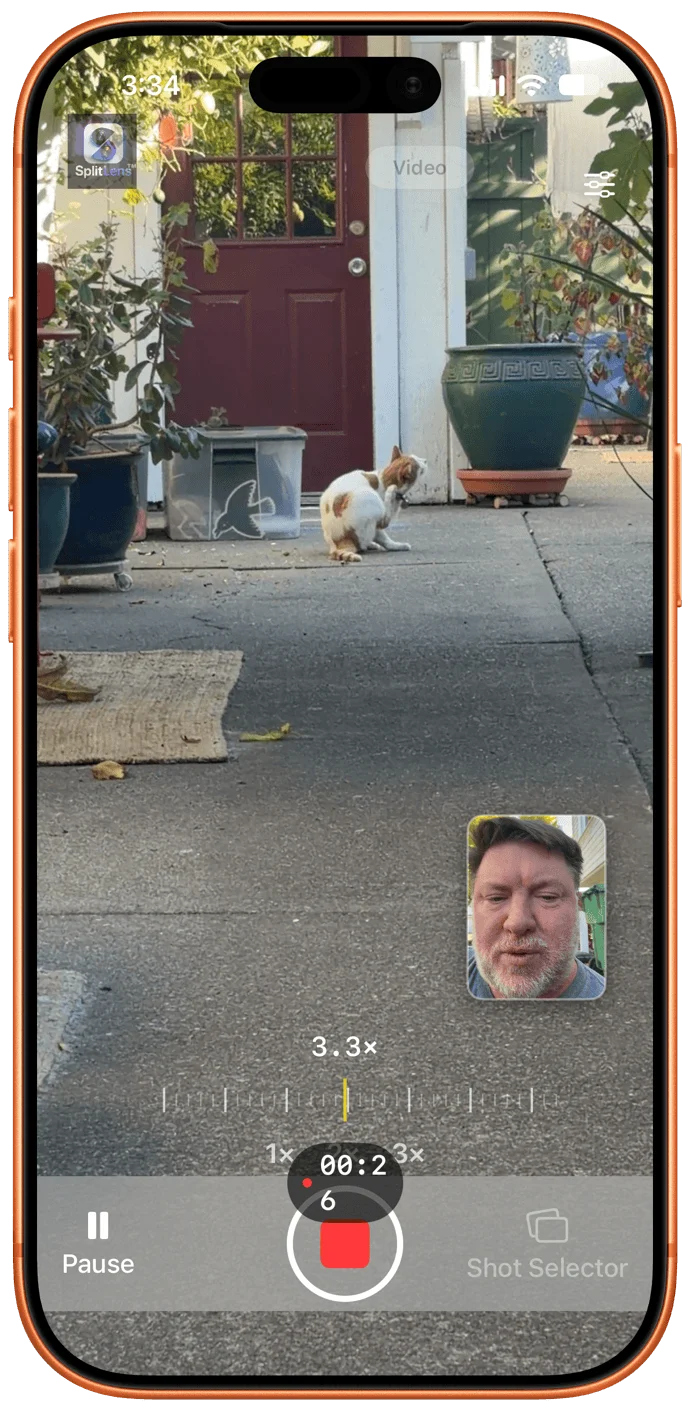
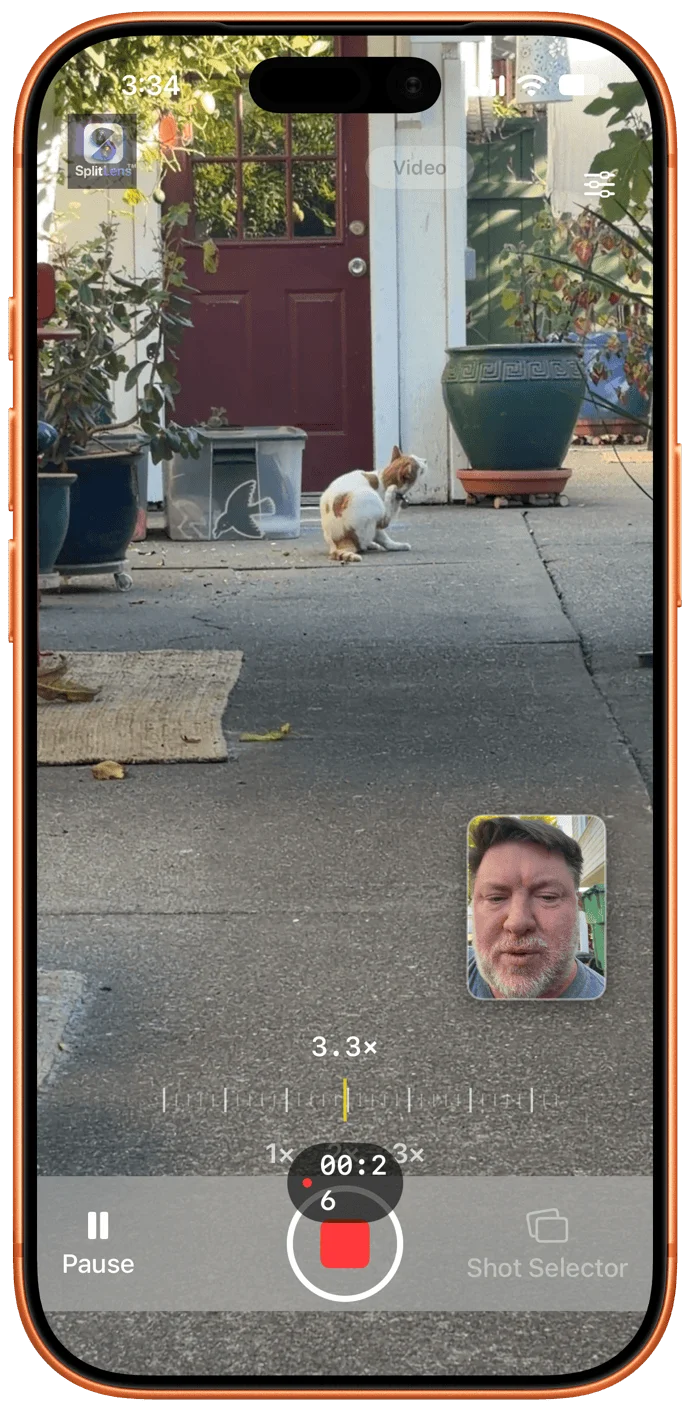
SplitLens uses two iPhone cameras simultaneously, giving you two angles or formats from a single capture. Its Wide + Telephoto mode pairs a broader view with a close-up. On an iPhone 17, the app used the main camera’s 2x optical-quality zoom for the tighter view. Another setting records portrait and landscape video together, while a front-and-rear mode can stack both feeds or place one in a picture-in-picture window.
You can shoot photos or video, then save each camera’s output as a separate file or combine the views in a split-screen image. In testing, I filmed my cat wandering around the backyard while narrating from a small inset recorded by the iPhone’s Center Stage camera. That’s a useful setup for anyone who wants to show both what they’re filming and their own reaction without a second device.
SplitLens is free to try for three days. After the trial, it costs $5 per month or $50 per year; the SplitLens site describes those prices as discounts from the regular rates.
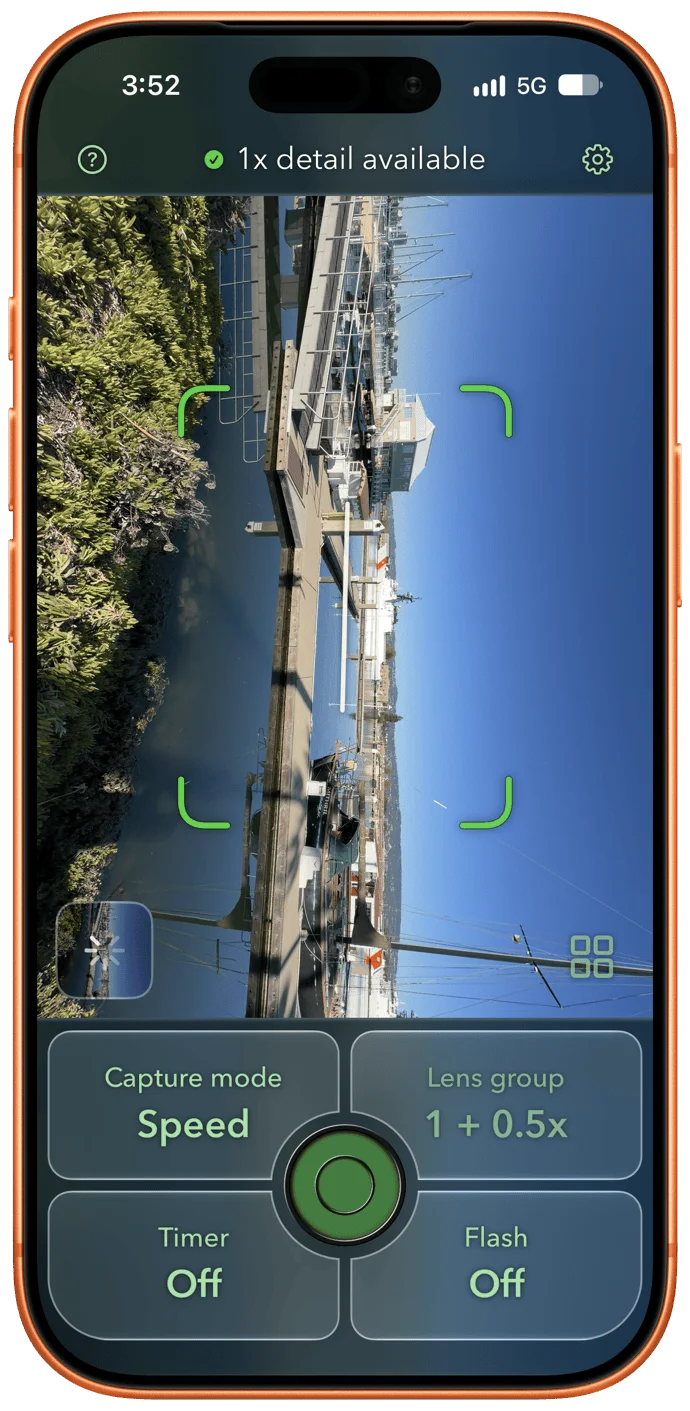
PhotoSynthesis also draws on two rear cameras, but its purpose is more specific: combine a detailed central subject with a wider view around it. The developer calls this “scope plus detail.” On Pro models, you can pair the main camera with either the zoom or ultrawide lens. With an iPhone 17, I used the main and ultrawide cameras, and the main camera’s detail stayed sharp when I zoomed in on that part of the resulting image.
The app allows unlimited use for two weeks. After that, you can still capture and edit images, with exports capped at five per month. A subscription removes the limit for $3 per month; annual access costs $15, and lifetime access is $50.
Give the camera a different feel
36Frames turns away from the instant feedback of a digital camera. It gives you a virtual film roll and hides each photo after you take it. Keep shooting until the roll is full, then send it to the app’s virtual lab, where it applies grain and color treatment inspired by cameras from several decades ago.
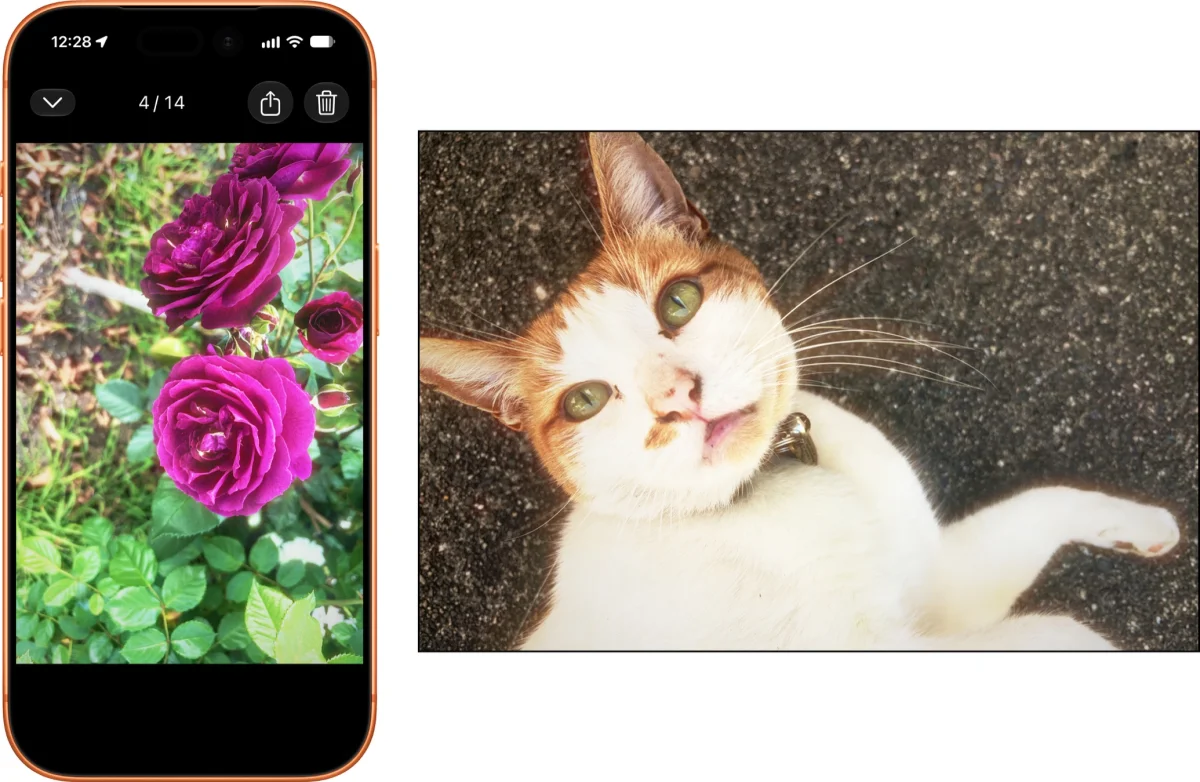
The wait is part of the effect: photos can take two to five days to come back, though an express option delivers them in an hour. That delay may feel like a lot of ceremony for a phone photo, but it gives the app a playful sense of anticipation. I wouldn’t use it for everyday shots, but it could suit a deliberate retro set or a change of pace from checking every image as soon as it’s taken.
36Frames includes two free rolls, one color and one monochrome. After those are used, a one-time $5 payment unlocks the app.
Find the keepers in a crowded library
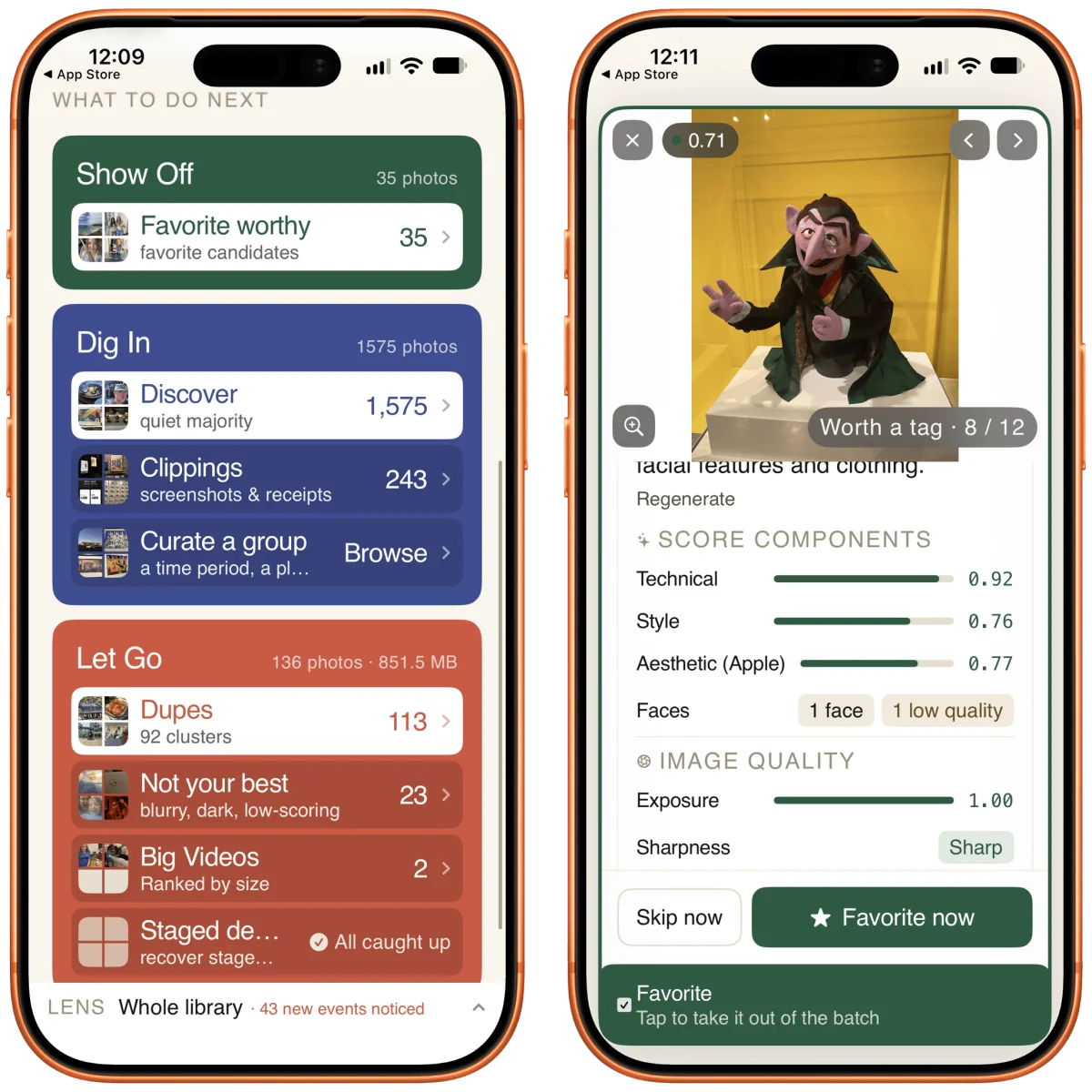
Piqt analyzes a Photos library and sorts images by estimated quality. In my library of around 1,500 photos and videos, it assessed each item using Apple’s aesthetic model, a NIMA model trained on images involving people, technical quality, faces in frame and how often I photographed a particular location. The on-device analysis produces scores and gathers the highest rated images in a Show Off folder.
Piqt also flags duplicates, blurry photos and large videos, and puts screenshots and photographed receipts in a Clippings section. Browsing and scoring are free. Moving favorites back into the photo library or clearing flagged items requires Plus, which costs $4 per month or $30 per year. Items marked for removal go into a folder that you still have to delete from the Photos app, a sensible extra step before they’re gone.
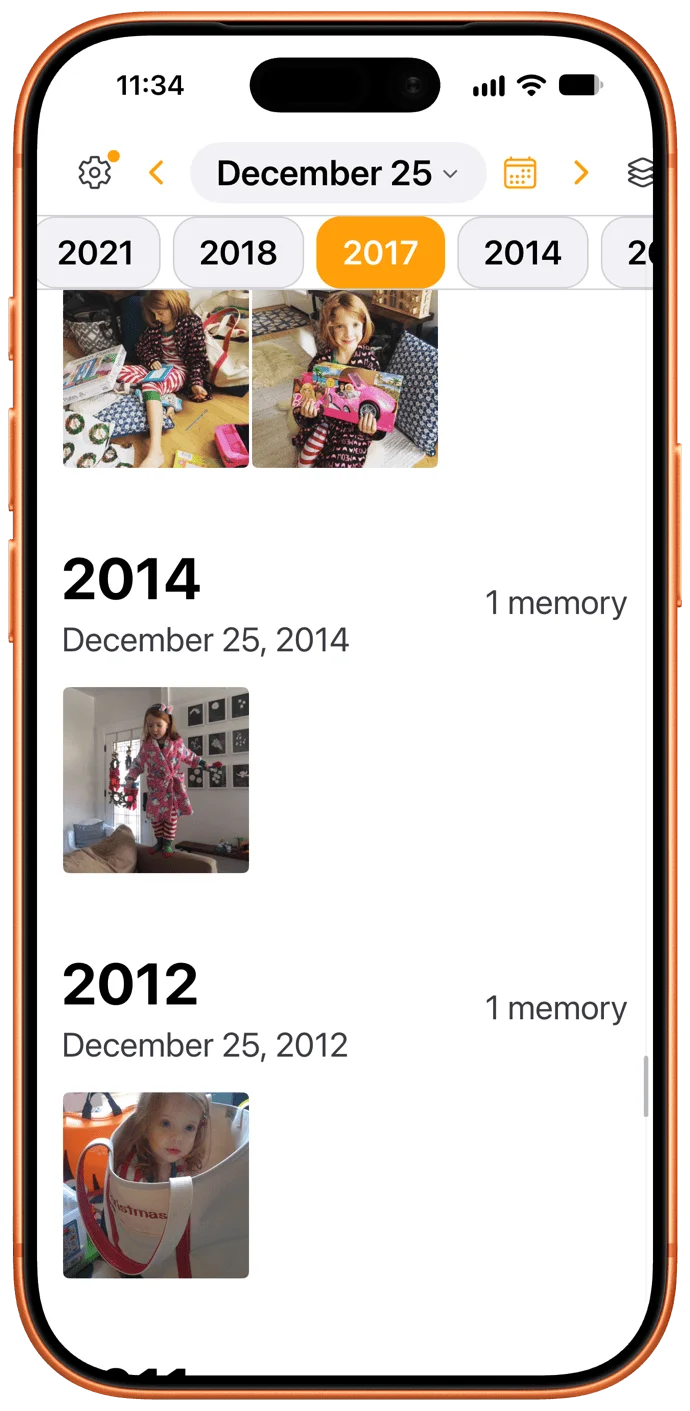
Ayer revisits photos taken on the same date in earlier years. You can browse those memories in the app’s calendar or add its widget to the home screen. It offers a focused alternative to a broad photo-memory feed, and it’s free to download.
Check large files before deleting
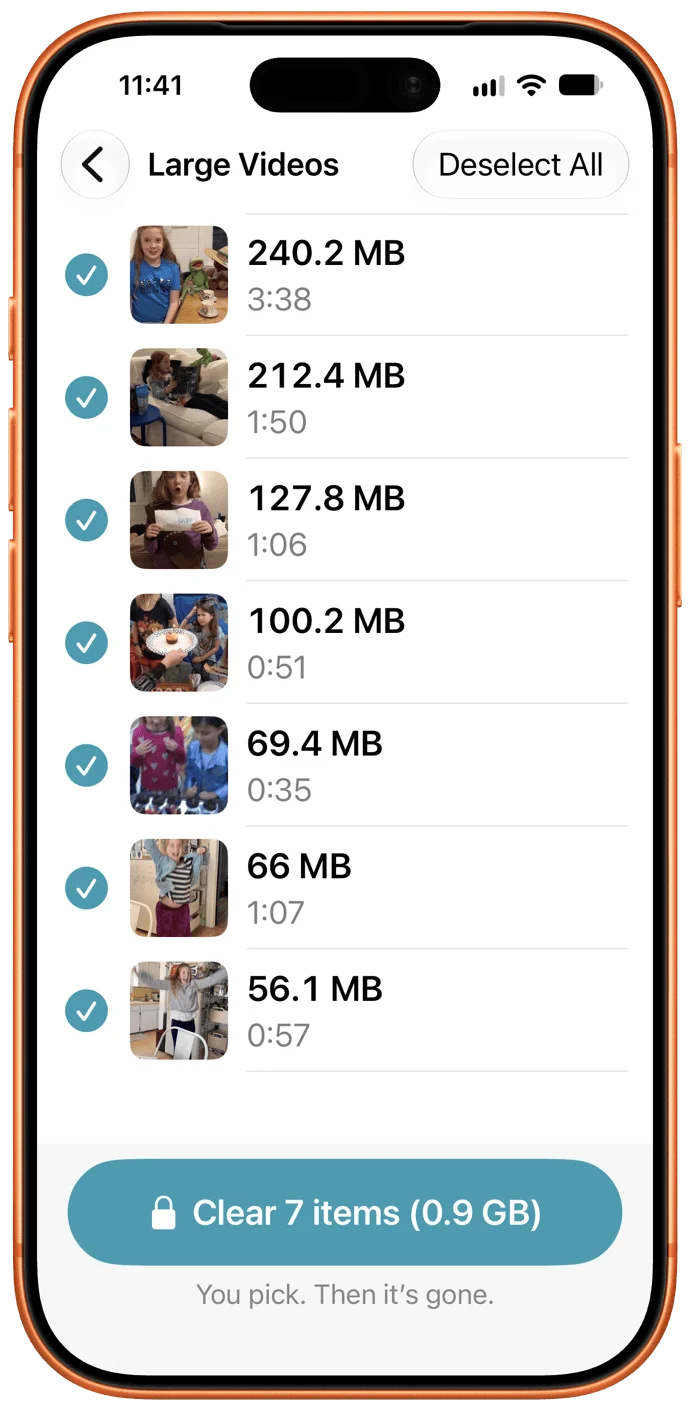
PhotoFloor comes from the maker of DumpPixels, which saves text from screenshots so you can remove the images. PhotoFloor instead identifies large files, including videos, screen recordings and screenshots. It separates videos and screenshots into lists, then lets you choose what to clear.
The app is free to download and scan a library, but deletion features require a one-time $20 payment. The preview is limited: PhotoFloor shows thumbnails and file sizes, without video playback, screenshot zoom or dates. That makes it harder to distinguish a throwaway clip from a moment you want to keep. Try the free scan first to see whether its file lists provide enough information for your library.