Touchscreen MacBook Pro: The OLED Upgrade Is Clearer Than the Case for Touch
The OLED display could justify the $400 premium, but Apple hasn’t shown why Mac users should reach up to tap a laptop screen.

The touchscreen MacBook Pro arrives with a striking OLED display and a harder question: what does touch add to a laptop built around a keyboard and trackpad? Apple says it gives creative professionals another way to work, but the examples it offers make the feature sound occasional. At a $400 premium over the regular MacBook Pro, that may be a tough case for buyers to accept.
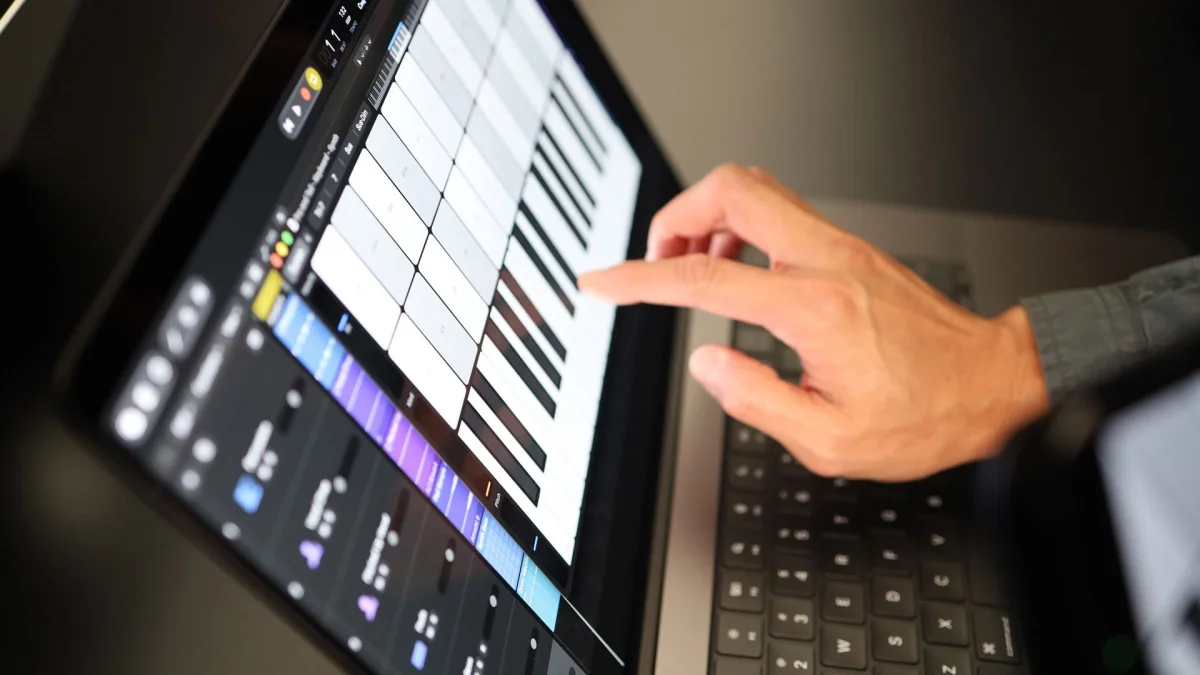
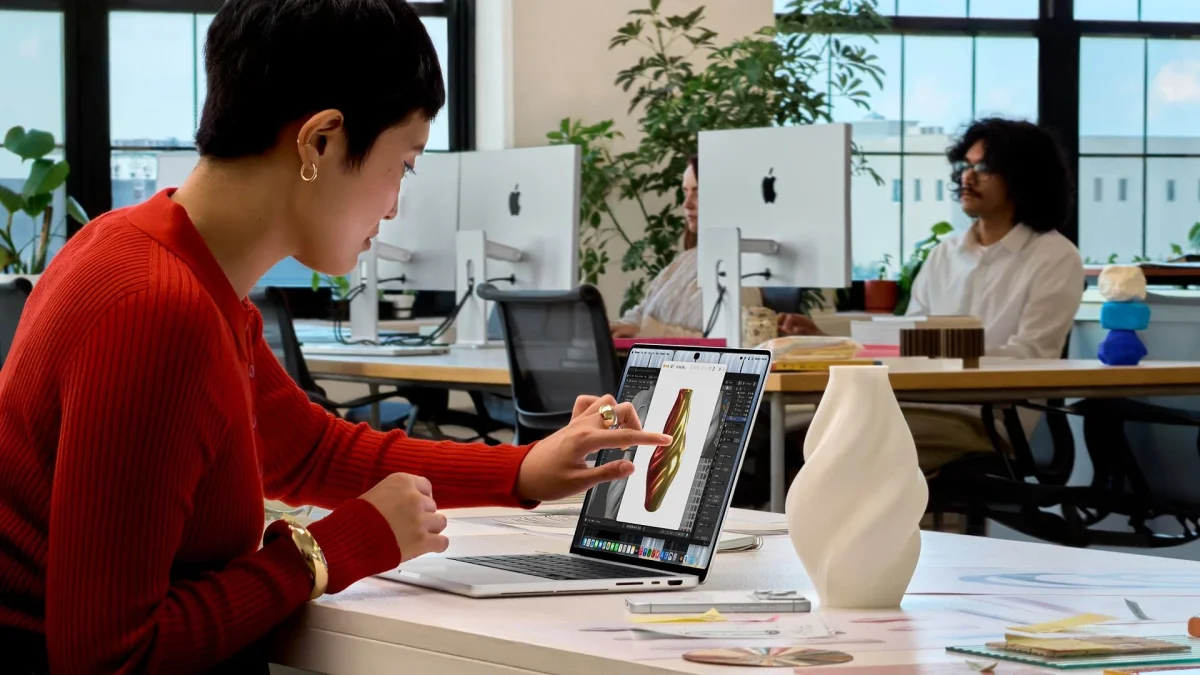
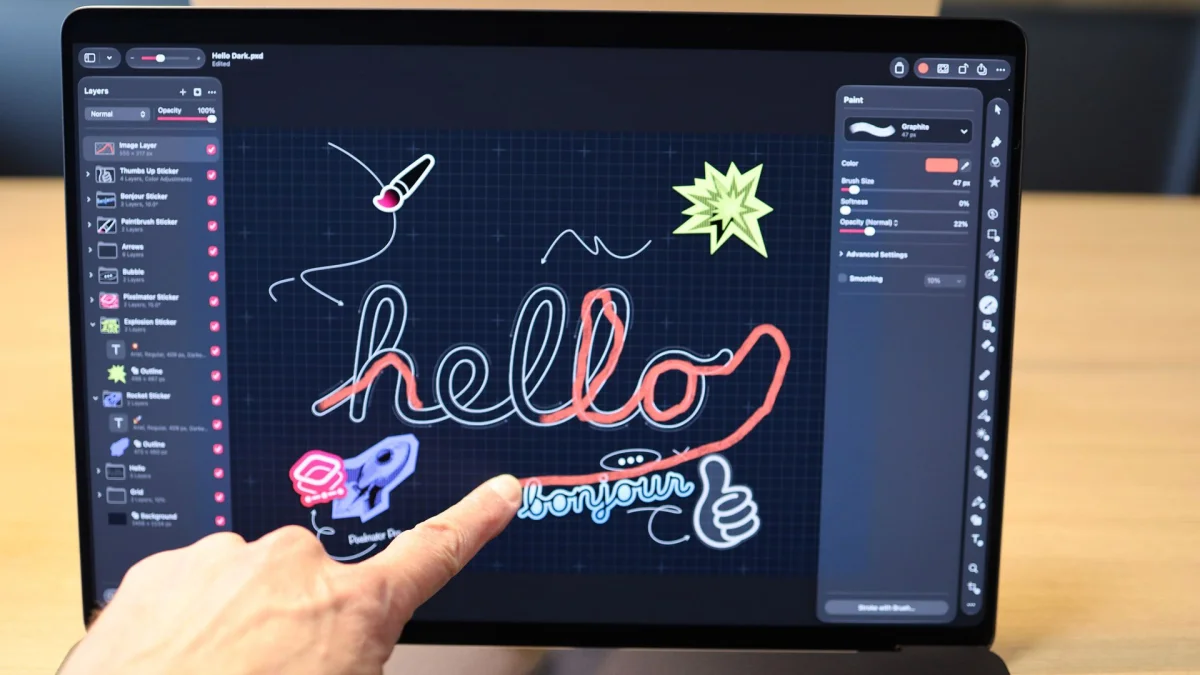
Apple calls the panel the “PROLED XDR Display” and presents it as a new way to interact with content. For graphic designers, the company says, the whole screen can become a canvas without the trackpad limiting drawing space. Musicians, meanwhile, can play software instruments directly on the display. Both uses are easy to picture in a demo. The unanswered question is how well they hold up during a full workday.
Touch works best in short bursts
Reaching forward to tap a laptop display can feel natural at first. But drawing or playing keys for extended stretches means keeping an arm raised and away from the desk. That posture can become tiring, especially when a keyboard or trackpad lets the user keep their hands lower and supported.
Apple’s pitch leaves room for a more limited role: a few taps or swipes, followed by a return to familiar controls. That might be convenient for some tasks. Yet if touch is only useful now and then, buyers have to decide whether those brief interactions are worth paying extra for. The OLED display may answer that question for some people; the touchscreen alone is a less convincing reason.
There’s also a gap between a feature feeling good in a hands-on demo and proving useful over time. Early impressions from demos have been positive, with TechRadar’s Lance Ulanoff calling the experience “totally and wonderfully natural.” That reaction can be sincere while still leaving the ergonomic question unresolved. A few minutes of tapping don’t show whether the same motion remains comfortable after hours of work.
Steve Jobs made a similar point when he criticized laptop touchscreens, saying that users would fatigue and eventually feel as if their arm wanted to fall off. The source of that discomfort hasn’t gone away: using a screen that sits upright on a laptop involves more reaching than using a trackpad. Apple may have refined the interaction, but it hasn’t explained how that changes the physical demands.
The OLED screen makes the stronger case
Apple’s own explanation gives the display a clearer role than it gives touch. In an interview with Wired, CEO John Ternus said Apple had reached a point where adding touch wouldn’t make the MacBook Pro heavier or thicker. He also pointed to the OLED screen as the best display Apple has put in a Mac.
That frames touch as something Apple could include alongside the display upgrade without compromising the laptop’s design. It doesn’t show that touch transforms the MacBook Pro or solves a problem users already have. The distinction matters at this price: buyers may find the OLED panel worth the extra $400, while seeing the touchscreen as a bonus they rarely use.
There’s nothing wrong with adding an optional way to interact if it doesn’t take away from the rest of the product. But an expensive flagship feature should have a clear purpose. Apple’s creative examples suggest possibilities, yet they don’t explain why a designer or musician would prefer reaching up to the screen for more than a quick adjustment.
What buyers should weigh
The touchscreen MacBook Pro also carries a wide price range. The source lists a starting price of $2,899 and a maximum configuration priced at $14,549. At either end, buyers should look at the display and the rest of the computer first, then decide how much value touch adds to their own work.
Apple has often waited for a technology to mature before adopting it, with the expectation that its version would make a strong case for itself. Here, the company’s argument sounds more modest: touch can now be added without making the MacBook Pro worse. That may be enough for people who already want the OLED model and expect to use the screen for occasional gestures. It’s less persuasive for anyone considering the laptop mainly because it has a touchscreen.
For now, the most practical takeaway is to judge the display and touch separately. The OLED panel is a concrete upgrade Apple highlights; the value of touching the screen depends on how often a buyer’s work calls for it and how comfortable that feels over time. Until Apple makes that case with more than brief creative examples, the touchscreen looks like an extra, while the display does the real work of explaining the premium.