Which Kindle Should You Buy in 2026? Paperwhite, Colorsoft and Scribe Compared
The 2026 Kindle range spans pocket readers, color screens and digital notebooks. Here’s how the Paperwhite, Colorsoft, Scribe and Kids model differ.
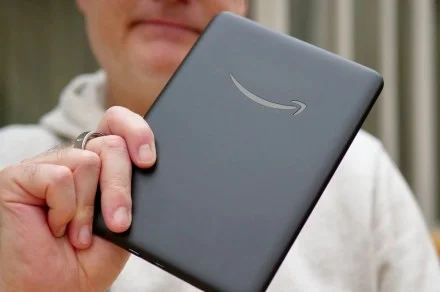
The 2026 Kindle lineup makes the choice less about finding one reader for everyone and more about deciding what you’ll do with it. The Paperwhite remains the strongest all-rounder, the basic Kindle keeps the price and size down, and the Colorsoft models add color for comics and illustrated books. The Scribe range is built for writing as well as reading, while the Kindle Kids bundle gives younger readers their own simple device.
The latest designs are thinner and lighter, with flush-front displays and colors that continue around the body. Those changes make the devices look more polished, but the practical differences still matter more: screen size, lighting, waterproofing, storage, battery life and whether you need a pen.
Best Kindle for most readers: Kindle Paperwhite (2026)
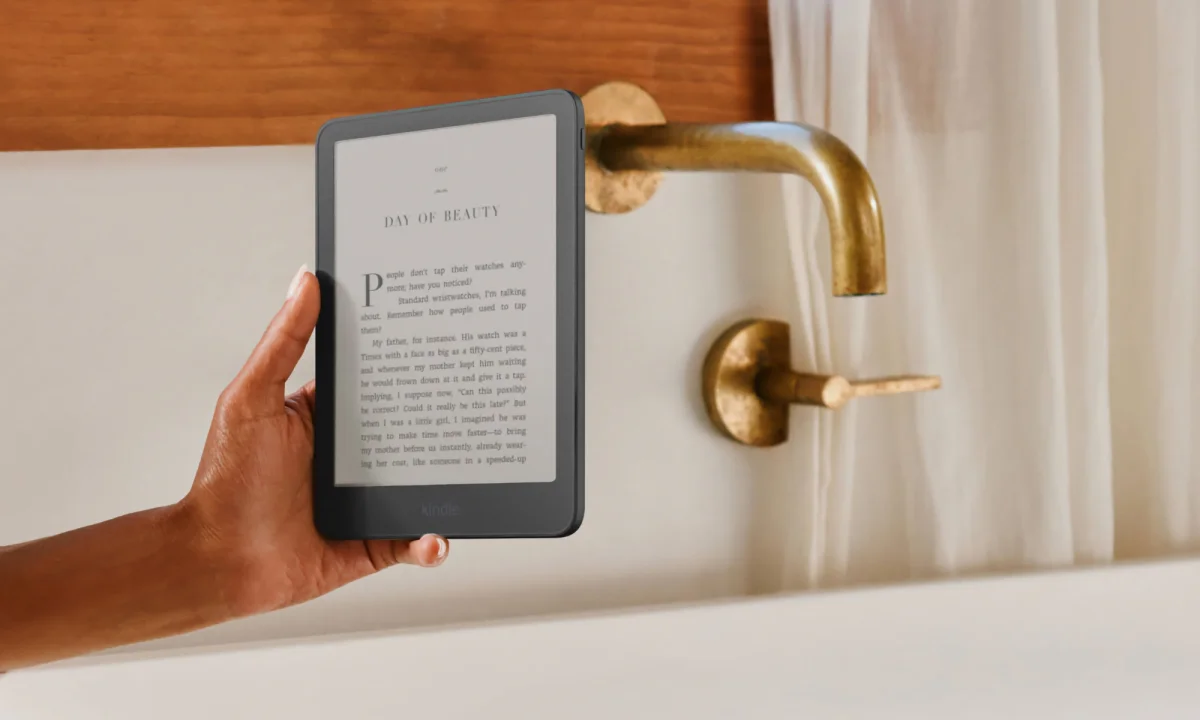
The Paperwhite is the easiest recommendation for readers who want one Kindle for home, travel and the occasional poolside session. Its 7-inch glare-free screen has a flush front, adjustable warm lighting and the highest contrast ratio in the Paperwhite line so far. The result, according to the review, is deep blacks and crisp text that remain comfortable to read in sunlight or with the lights down.
That warm-light setting gives the Paperwhite an advantage over the basic Kindle at bedtime. It lets you shift the screen toward a softer, more yellow tone, and the front light can make the page easier to read without turning on a room light. The 2026 redesign also makes the device thinner and lighter than the previous lineup. Its color now carries across the front and back, rather than stopping at a black border.
Water resistance adds useful flexibility. The Paperwhite carries an IPX8 rating, so it can come along to a bath, beach or pool. Amazon rates battery life at up to 12 weeks on a charge. Actual life will depend on use, including how often you turn pages and use the light, but the rating points to a reader that shouldn’t need a charger on most trips.
The standard version has 16GB of storage, comes in Graphite and costs $199.99. The $249.99 Signature Edition upgrades that to 32GB and adds an aluminum back, automatic front-light adjustment, pogo pin dock charging and double-tap page turns. It comes in Graphite or Seaglass Green. Both versions keep the slimmer redesign.
The trade-offs are straightforward: neither model has physical page-turn buttons without an accessory, and the base model has ads on its lockscreen. Readers who like to turn pages without reaching for the screen can add Kindle Click, Amazon’s wireless page-turn remote, which is sold separately. New knit and plant-based leather covers and sling bags are separate purchases too.
The Paperwhite’s appeal is partly what it leaves out. It doesn’t bring the alerts, email and social apps of a phone or tablet into a reading session. If you don’t need color or handwriting tools, this is the most balanced Kindle in the lineup.
For background on the previous generation, see the Kindle Paperwhite (2024) review and the coverage of Amazon’s redesigned Kindles. The new Kindle accessories include the separately sold remote.
Best budget option: Kindle (2026)
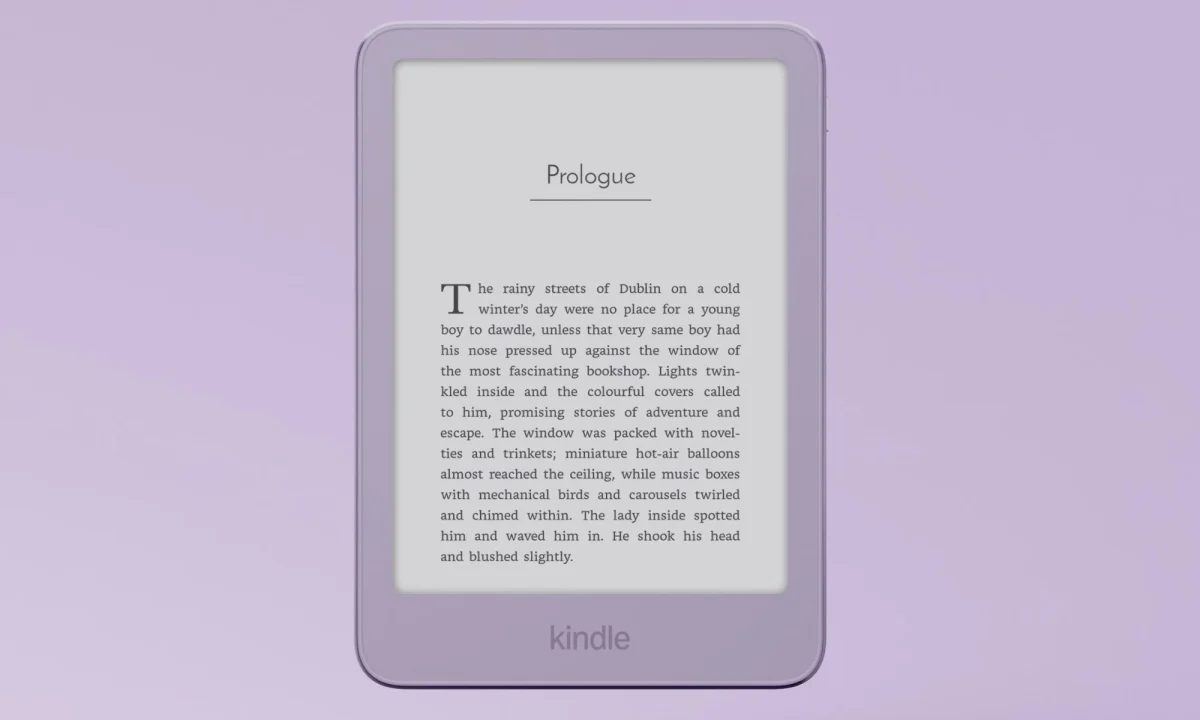
The basic Kindle is for readers who want a compact, uncomplicated way to carry a library. Its 6-inch screen fits more easily into a coat pocket or small bag than the larger models, and the 2026 version gets the same flush-front look as the Paperwhite. Amazon describes it as its most pocket-sized Kindle yet.
Book opening is 30% faster than on the previous Kindle, according to Amazon. The 300 PPI screen is glare-free, with adjustable brightness for different settings. You don’t get the Paperwhite’s warm-light adjustment, however, and the body isn’t rated IPX8 for waterproofing. Those omissions make the basic model less versatile for nighttime readers and people who want to read around water.
Storage is 16GB, enough for thousands of books, and battery life is rated at up to six weeks. The standard version costs $149.99 and is available in Graphite and Ube, a rich purple. Its housing uses recycled materials, including a battery made with 100% recycled cobalt.
There’s also a more expensive aluminum version for $189.99. It retains the compact size and flush screen, but uses a matte housing made from 80% recycled aluminum and doubles storage to 32GB. Its color options are Alpine Sky Aluminum and Seaglass Green Aluminum. The upgrade is mainly for people who want a different in-hand finish and extra room for books and files.
At $149.99, the standard Kindle is the entry point to the range, though it costs more than older models. Its biggest compromises are the lack of warm lighting and waterproofing. If you’re happy to read in a range of everyday settings and want a small device, those may be easy trade-offs.
Kindle readers can access the Kindle Store, Kindle Unlimited and Kindle Exclusives. The devices also handle a range of personal files, including Word documents, HTML, RTF and plain text, as well as JPEG, GIF, PNG and BMP images. EPUB files are supported through Send to Kindle.
Best for color reading: Kindle Colorsoft (2026)
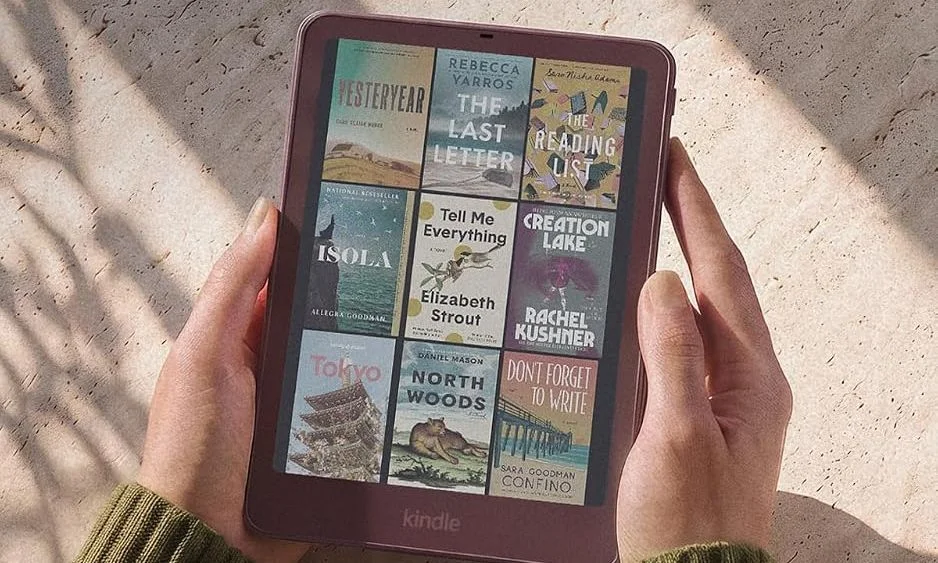
Color changes what a Kindle can show, especially when a book depends on its illustrations. The 7-inch Colorsoft is aimed at comics, graphic novels, magazines, cookbooks and travel guides. Its paper-like color E Ink screen gives covers and artwork more presence than a black-and-white reader can, while keeping the glare-free reading experience associated with Kindles.
The 2026 Colorsoft has a redesigned display that Amazon says offers richer colors, better brightness and sharper contrast for both color and black-and-white content. It shares the Paperwhite’s flush-front design and color that wraps from front to back, and it is thinner and lighter than the previous Colorsoft. Its IPX8 rating means it can also handle reading near water.
The screen’s limits matter if you’re choosing it for color. Color resolution is more muted than black-and-white text, and the screen looks darker when the front light is off. The review describes the display as a comfortable way to read comics and illustrated books, but it won’t reproduce color like a tablet. That’s the exchange: a page-like screen and long reading sessions in place of brighter, more vivid imagery.
Readers can mark passages in yellow, orange, blue, pink and green. Dark Mode and adjustable warm lighting are also included, and Amazon says the Colorsoft comes without ads. Battery life is rated at up to eight weeks, shorter than the Paperwhite’s 12-week estimate but still suited to extended reading between charges.
The 16GB Graphite model starts at $289.99. For $319.99, the Signature Edition adds an aluminum housing, 32GB of storage, an automatic front light, double-tap page turns and pogo pin dock charging. It comes in Graphite and Fig. The Signature’s extras are useful for readers who want more storage or automatic lighting, but the base Colorsoft already delivers the central reason to buy this model: color.
For readers whose books are mainly novels and text, the Paperwhite costs less and offers longer rated battery life. The Colorsoft earns its premium when artwork and colored pages are part of the reading experience.
Best Kindle for handwriting: Kindle Scribe
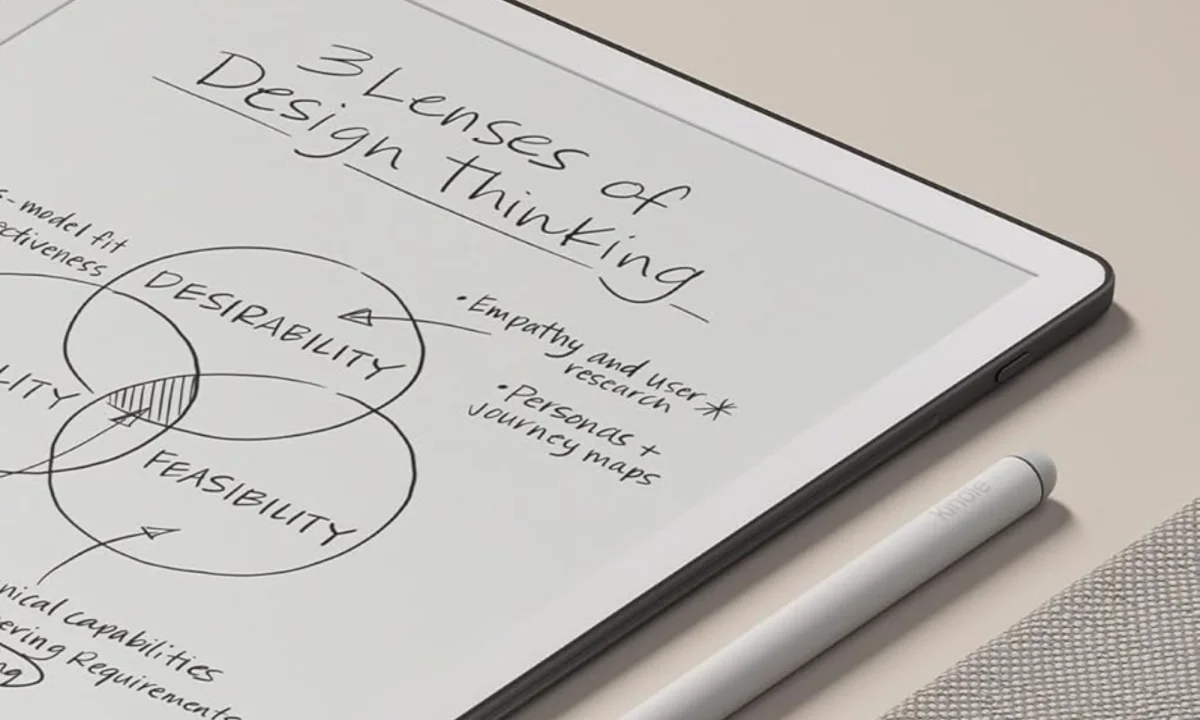
The Kindle Scribe is closer to a digital notebook than a pocket reader. Its 11-inch glare-free screen leaves room for books, handwritten notes and document markups. At 5.4mm thick and 400 grams, it remains relatively slim for its size, though it is less convenient to carry around for casual reading than the smaller Kindles.
Writing is the main attraction. The screen surface adds resistance under the pen, creating a more paper-like feel than writing on a smooth tablet display. Amazon says the new Scribe is 40% faster at writing and page turns. The included Premium Pen doesn’t need charging and has a built-in eraser and shortcut button, including access to tools such as the highlighter.
The front light adjusts to surrounding conditions and its warmth can be changed for reading at night. Notes go beyond basic handwriting: the built-in notebook can be searched with AI, used to answer questions about written material and turned into summaries. The review found that these features can be inconsistent. The Scribe can also tidy handwriting or convert it to text, which may help when notes are difficult to decipher.
For work with documents, files can be imported from Google Drive or Microsoft OneDrive, marked up with handwriting and exported as PDFs. Notebooks can also be sent to Microsoft OneNote for editing on other devices. Kindle Store books support notes written on the page: the text shifts to make room, and the margins can be expanded or collapsed.
The recommended configuration is the 32GB model, available in black and white. That capacity leaves room for a mix of books, notebooks and documents. Battery life lasts for weeks of reading and writing, but there’s no wireless charging, and the device isn’t waterproof. Its size also makes it a less natural choice if reading is the only task.
The Scribe’s focused software avoids the apps and alerts found on a general-purpose tablet. That simplicity suits readers who want a dedicated place to write, but the larger format and lack of color mean it’s a more specialized purchase than the Paperwhite.
For related reading, see the coverage of AI and the Microsoft and Google services that can connect to the Scribe.
Best premium Kindle: Kindle Scribe Colorsoft
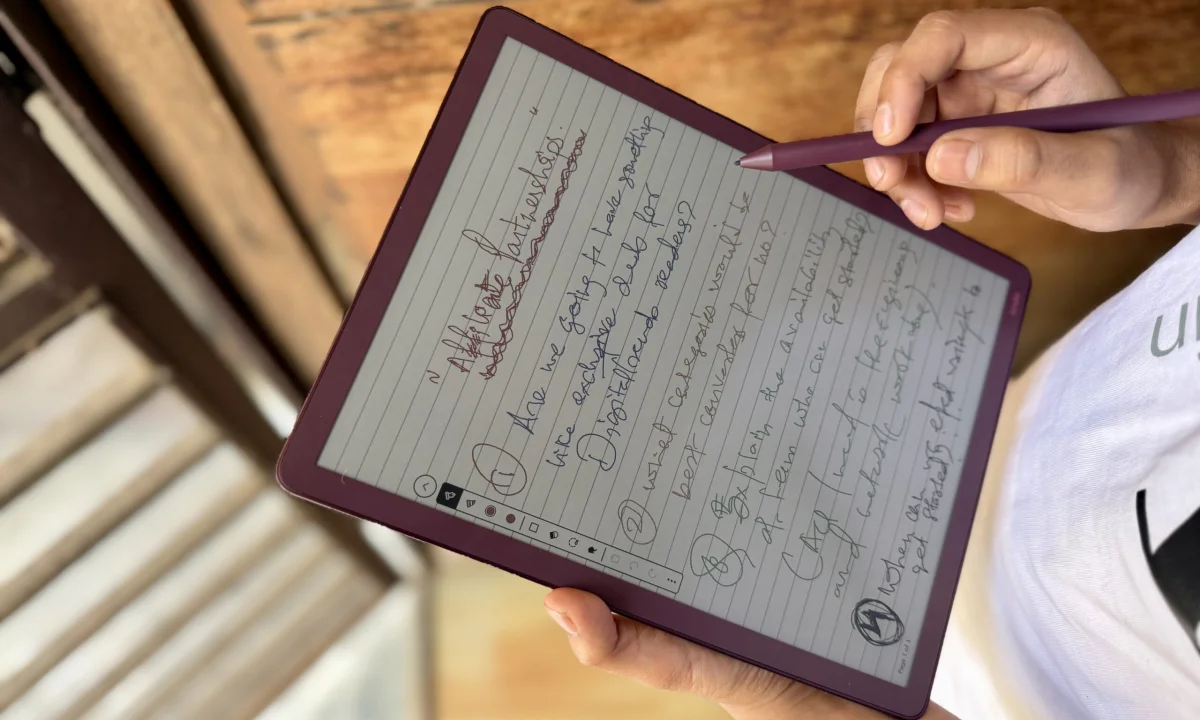
The Scribe Colorsoft combines the Scribe’s large writing surface with a color E Ink display. It’s for people who want one distraction-free device for reading, note-taking and document work, and who are willing to pay a premium for that combination. The device measures 5.4mm thick, weighs 400 grams and has an 11-inch screen.
Resolution is 300 PPI for black-and-white content and 150 PPI for color. The front light adjusts to the room, and its warmth can be changed. In decent ambient light, the reviewer was able to read and write with the front light off, helping the display feel less like a conventional screen.
The pen has a satisfying drag across the textured surface, and writing appears with little delay. It is weighted, needs no charging and matches the device’s color. The reviewer preferred the writing feel of the Supernote Nomad but found that the Scribe Colorsoft came close. For reference, the review also compares it with an iPad Pro and Apple Pencil Pro and the Supernote Nomad.
Color reading is capable rather than flawless. Zooming in can reveal pixelation, shimmering and ghosting. Those issues didn’t prevent the reviewer from reading Absolute Batman comics, but the available color modes are limited to Vivid and Standard. The device offers ten pen colors and five highlighter colors; creative users may find that selection restrictive.
Battery life was a bright spot in the review. With heavy writing, the Scribe Colorsoft lasted more than a week between charges. Two weeks of mostly reading used 64% of the battery. Those are reported test results rather than a universal promise, but they suggest the device can support regular use without daily charging.
Software is the main compromise. Handwritten notes can be searched with AI, and importing files from Google Drive is simple. But Active Canvas and AI summaries offer less for documents imported by the user. There’s no support for third-party apps, and the limited pen and highlighter colors restrict some kinds of work. The device is also not waterproof.
At roughly $679, the Scribe Colorsoft is expensive enough that the price deserves careful thought: the same amount could cover an iPad and an entry-level Kindle. Its case is strongest for someone who values a large, paper-like color notebook, long battery life and a focused environment more than the flexibility of tablet apps. Read the Kindle Scribe Colorsoft review for the full assessment.
Best Kindle for children: Kindle Kids (2024)
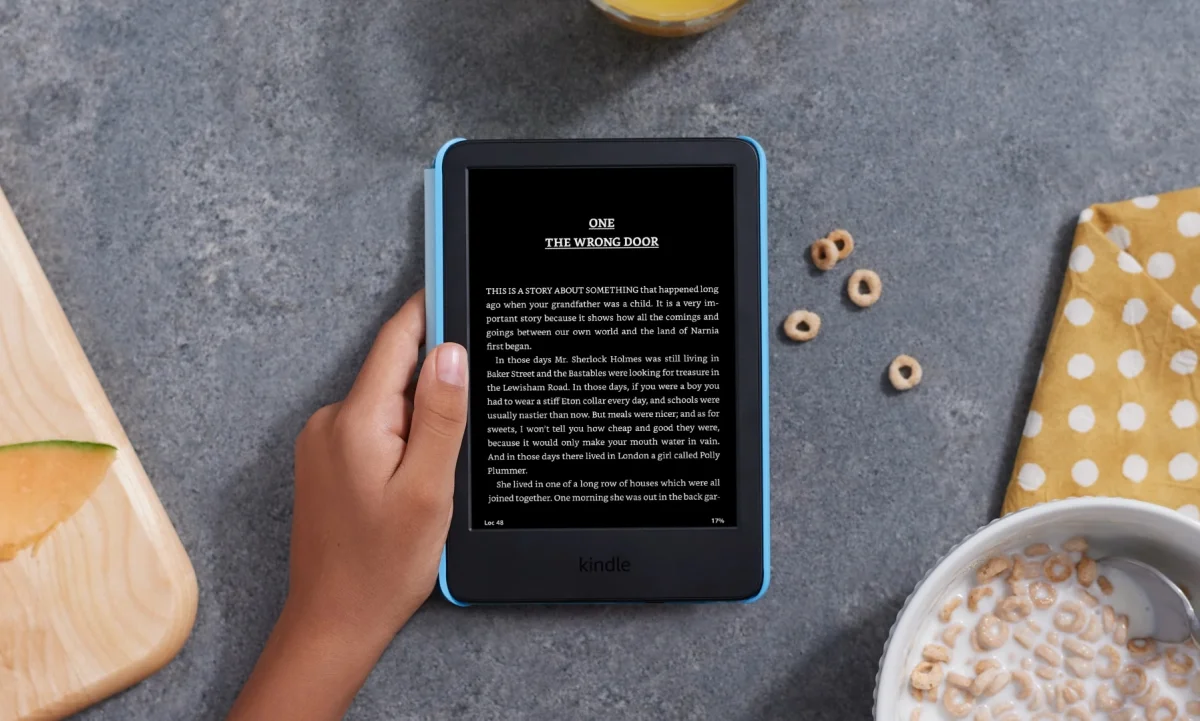
The Kindle Kids (2024) is a reading-focused bundle for children aged 3 to 12. Its 6-inch glare-free screen is compact enough for small hands, and the device is designed without apps, games or videos. That gives it a narrower purpose than a tablet: reading is the main activity.
The front light reaches a maximum brightness 25% higher than the previous model, according to Amazon, matching the Paperwhite’s brightness. Light and dark modes are available, but there’s no adjustable warm light. The Kindle Kids also lacks an IPX8 rating and has slightly slower page turns than some other Kindles.
It has 16GB of storage and battery life rated at up to six weeks from a USB-C charge. The bundle includes a protective cover, a six-month Amazon Kids+ subscription and a two-year replacement warranty. Amazon says the included package is worth up to $187.
Kids+ provides access to thousands of age-appropriate books for readers aged 3 to 12, from chapter books to graphic novels. The selection is arranged by age range. After the first six months, the subscription automatically renews at $7.99 per month plus tax. Parents can cancel through the Amazon Parent Dashboard or by contacting customer service.
The Parent Dashboard lets parents add books from their own account to a child’s library, check reading progress, adjust age filters and set a bedtime for the device. Amazon’s two-year worry-free guarantee covers replacement if a child breaks the Kindle, according to the company. For families weighing the bundle, that cover, subscription and replacement term are a large part of the value.
How the Kindles were tested
The reviewer used each Kindle as a main reading device for several weeks, carrying it day to day and reading in bright sunlight, dim cafés and bed at night. The assessment covered screen readability and lighting as well as comfort in hand, page-turn speed and the ease of navigating the software.
Books came from the Kindle library and personal files stored in cloud services such as Google Drive. On color models, comics and graphic novels were used to assess color, sharpness and ghosting. Pen-enabled Kindles were used for daily planning, task lists and work notes, with the writing feel compared against devices such as an iPad with Apple Pencil and other E Ink readers.
Battery checks tracked charge use through regular reading and writing sessions, with charging done using a standard charging brick. Each Kindle was tested without a case or screen protector, so the reviewer could assess how the bare design handled everyday bumps and scratches.
Frequently asked questions
What files can a Kindle read?
Kindles support Microsoft Word files (.DOC and .DOCX), HTML (.HTML and .HTM), RTF (.RTF), plain text (.TXT), JPEG (.JPEG and .JPG), GIF, PNG and BMP. EPUB files can be sent to a Kindle using Send to Kindle.
Why use a Kindle instead of a phone or tablet?
Phones and tablets use LCD or OLED screens that can look vivid but may feel tiring during long reading sessions. Kindle E Ink screens are designed for reading without the same glare, and they’re easy to use in bright sunlight. A Kindle also cuts out the alerts and apps that can interrupt a book on a phone.
What does Kindle Click do?
Kindle Click is a wireless page-turn remote for reading without touching the screen. It can be useful in bed, on a treadmill or when your hands are occupied. It works with the new Kindle, Kindle Paperwhite and Kindle Colorsoft, and is sold separately.
Which Kindles have color screens?
The Kindle Colorsoft and Kindle Scribe Colorsoft are the color models. The Colorsoft is the simpler pick for reading comics and illustrated books. The Scribe Colorsoft adds a large writing surface for colorful notes and document markups.
Which Kindle should you buy?
For most readers, the Paperwhite offers the best mix of screen quality, lighting, water resistance and battery life. Choose the basic Kindle for a smaller, cheaper reader; the Colorsoft when color pages matter; or a Scribe when handwriting and document annotation are central. The Kindle Kids bundle is tailored to children and adds a cover, Kids+ access and a two-year replacement warranty.


