Apple’s Touchscreen MacBook Pro Looks Powerful, but the MacBook Air May Have Been a Better Fit
The new touchscreen MacBook Pro adds a $400 premium, while everyday users may get more from touch on a less expensive MacBook Air or Neo.
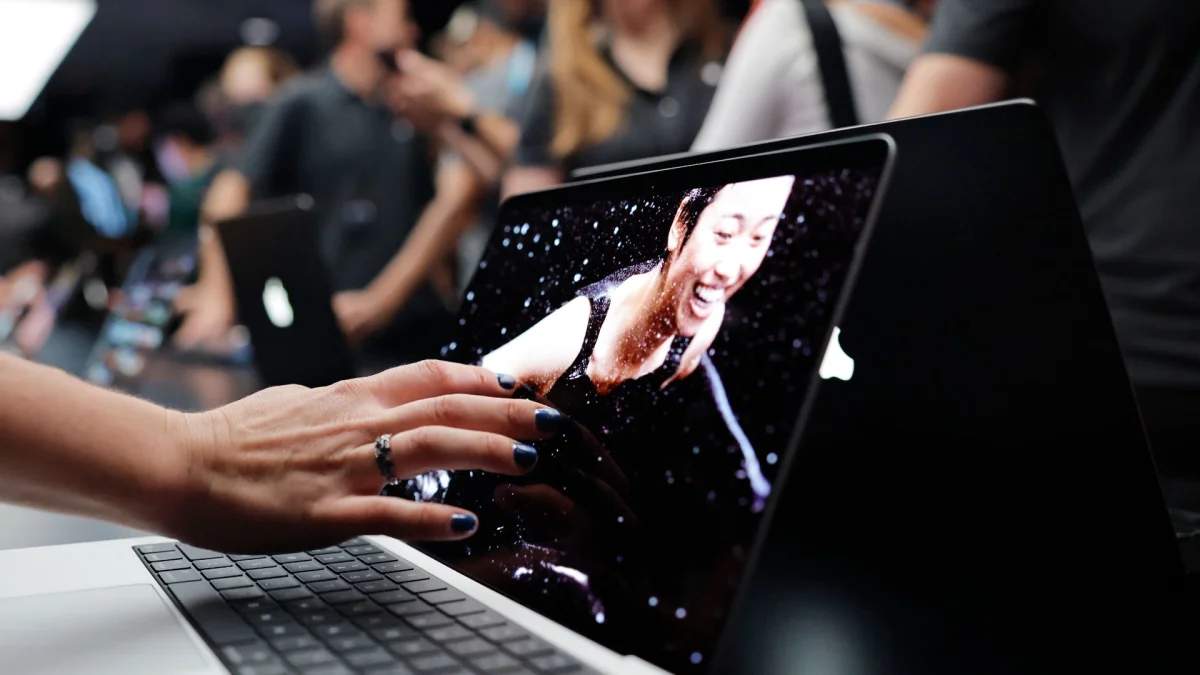
Apple’s first touchscreen MacBook puts the feature on its most expensive laptops, where it may be least useful to many buyers. The new 14-inch and 16-inch MacBook Pro models pair touch input with PROLED XDR displays and M5 Pro or M5 Max chips. That’s an ambitious debut, but the MacBook Air or MacBook Neo seems like a more natural home for a screen you’ll mostly tap during everyday tasks.
The touchscreen MacBook Pro starts at $2,899 / £2,899 / AU$4,599 for the 14-inch model and $3,399 / £3,399 / AU$5,499 for the 16-inch version. Those prices put Apple’s first touch display well beyond the reach of many people who might simply want to scroll a page or tap a button. MacBook Pros are built for demanding work, of course, and their high-end components can earn their keep when they speed up a professional workflow.
There’s another wrinkle in the lineup: the touchscreen models use M5 Pro and M5 Max chips, while the non-touch 14-inch MacBook Pro announced a few days earlier has Apple’s M6 chip. The M6 is less powerful than either Pro chip, and there’s no sign yet of M6 Pro or M6 Max versions. Buyers therefore have to weigh touch and the higher-end display against a newer chip in the less expensive, non-touch configuration.
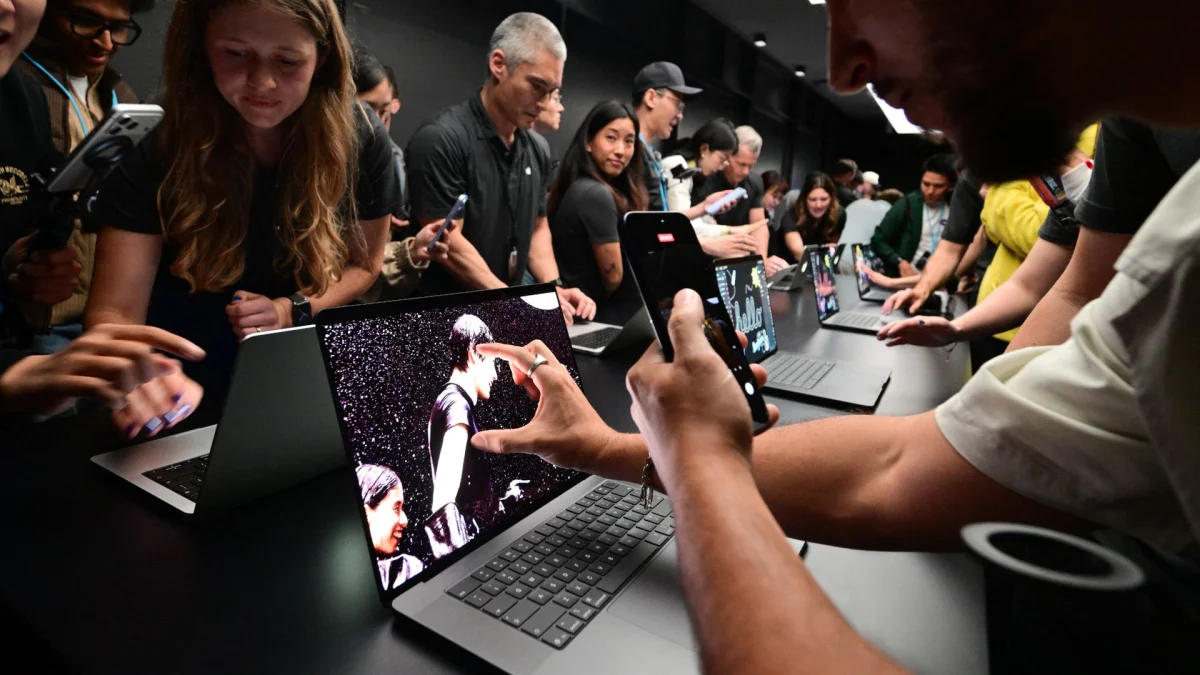
Where touch helps
After using plenty of Windows laptops and Chromebooks with touchscreens, I know the appeal. Scrolling a webpage with a finger, turning an ebook page or tapping a menu can feel more direct than reaching for a trackpad. People who have grown up using touchscreens may also expect a laptop display to respond to a tap. My daughter, for instance, would instinctively touch a MacBook screen and be surprised when it did nothing.
Those gestures are handy, but they’re also relatively simple. I haven’t found a touchscreen more useful than a keyboard and trackpad for demanding work such as recording and editing music in Ableton Live or editing video in Adobe Premiere Pro. For precise work, I’d still reach for a mouse, keyboard, MIDI controller or drawing tablet.
That’s why the MacBook Pro feels like an odd place to introduce touch. Its audience includes creative professionals who already have precise tools for complicated tasks. Someone spending more than $3,000 mainly to tap around the web is paying a steep premium for a feature that may rarely change how they work.
The price gap makes that trade-off concrete. The 16-inch MacBook Pro with M5 Pro and no touchscreen starts at $2,999 / £2,999 / AU$4,799. The touchscreen model with the same specifications costs $400 / £400 / AU$700 more. That price also buys a PROLED XDR display with tandem OLED technology, so the upgrade isn’t just touch: it brings higher brightness, stronger contrast and Adobe RGB color gamut support. Buyers who need those image qualities may find the extra cost easier to justify. If touch is the main draw, the premium is harder to swallow.
A more everyday MacBook?
The MacBook Air and MacBook Neo are aimed at more casual, day-to-day use, where scrolling and tapping could matter more often. Adding $400 / £400 / AU$700 to either model would still be a significant increase, especially after both saw price rises earlier this year. But Apple could offer touch without giving those laptops the MacBook Pro’s tandem OLED panel and advanced image options.
A touchscreen Neo at $899, for example, could put the feature within reach of more buyers, while leaving a non-touch version for people seeking a lower-cost entry into the Mac lineup. That’s a hypothetical price, not an announced product. The broader point is that a simpler screen could make touch more accessible without carrying the full cost of the Pro display.
Apple isn’t alone in fitting touchscreens to costly laptops. New laptops powered by Nvidia’s RTX Spark SoC target creative professionals and people running demanding AI workloads locally. I’ve spent time with these machines at events and found their touchscreens were often the least-used part; sometimes I forgot the screens responded to touch at all. Since there aren’t cheaper non-touch versions, though, that extra feature didn’t feel like a trade-off buyers had to make.
Touch tends to make more sense in a 2-in-1 laptop, where the keyboard can fold behind the display or detach, letting the screen work more like a tablet. Apple’s iPad Pro already offers a version of that setup with a Magic Keyboard, and it uses the same M-series chips found in MacBooks. Its limitation is iPadOS, which runs mobile apps rather than the full desktop applications some Mac users need.
Put macOS on an iPad Pro-style device and allow full desktop apps, and Apple would have a clearer reason to pair touch with its most capable hardware. Until then, the touchscreen MacBook Pro looks like a costly first step. Buyers considering one should decide whether the display’s image quality and touch controls both matter to their work; for everyday browsing, a future Air or Neo with a simpler touchscreen could be the more compelling fit.


