iSkitch Brings Fast Screenshot Capture and Annotation to Modern Macs
iSkitch pairs menu bar capture, 14 annotation tools and local processing in a £9.99 Mac app that keeps adding practical refinements.

For people who mark up screenshots every day, the useful question isn’t whether macOS can take one. It can. The question is whether capture, annotation and sharing can happen quickly in a single, repeatable workflow. Independent developer David Carrero’s iSkitch is built around that idea, bringing a familiar style of screenshot utility to current Macs.
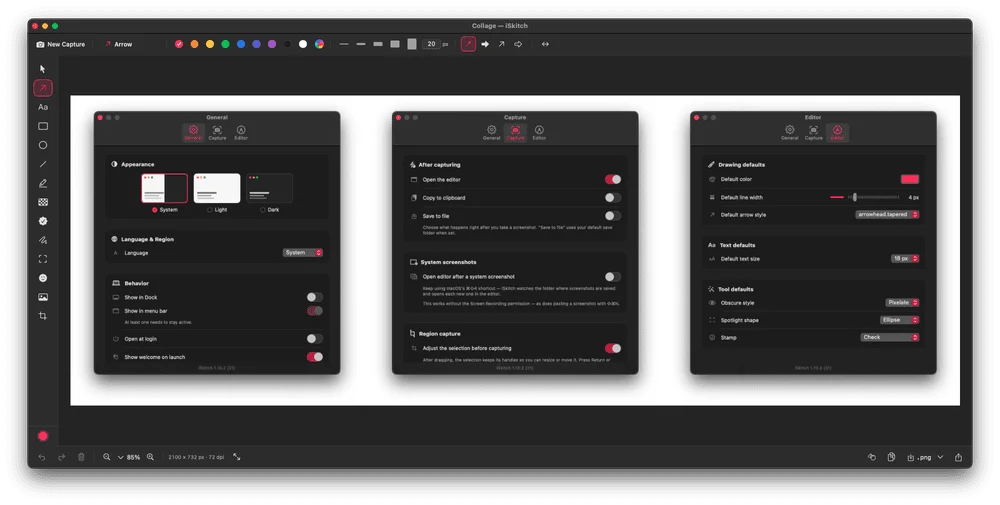
The app lives in the menu bar until needed. Press Option-Command-4, select part of the screen and the image opens in the editor, ready for changes. You can also capture a window or a full display, with configurable keyboard shortcuts for the different capture modes. That puts the editing step close to the moment of capture, which should appeal to anyone who regularly prepares guides, support replies or explanatory images.
Built for a Mac workflow
iSkitch uses Apple’s SwiftUI and AppKit frameworks instead of Electron. The result is a native macOS app, and the developer says it supports Intel and Apple Silicon Macs running macOS Sonoma or later. That combination gives the app a clear compatibility floor while covering both current Apple chips and older Intel systems that meet the software requirement.
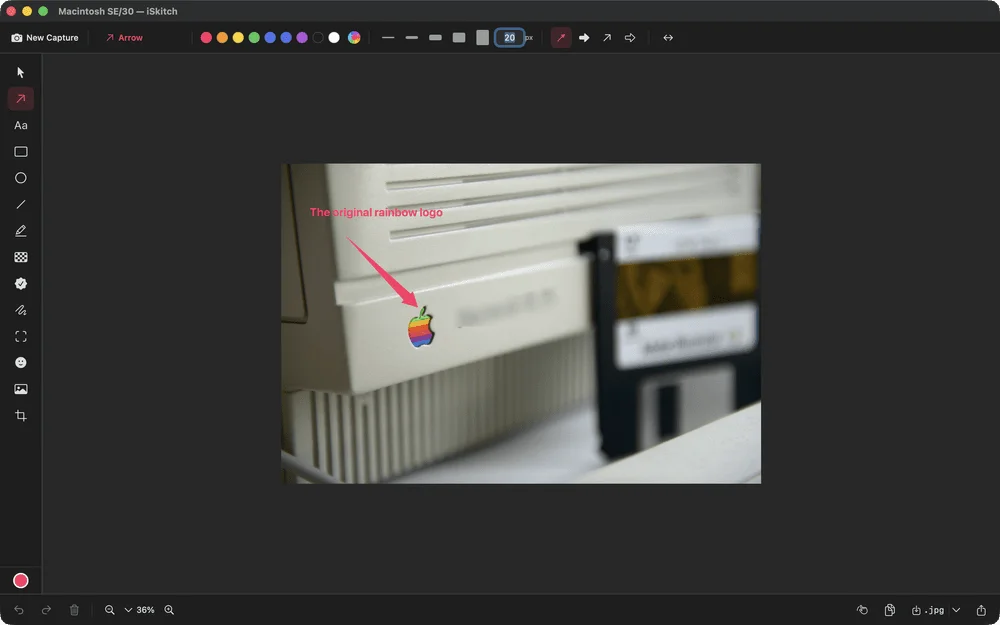
The editor includes 14 annotation tools: arrows, shapes, text, numbered stamps, highlighting, freehand drawing and ways to obscure parts of an image. Having those tools ready in the same place can save time when a screenshot needs more than a quick crop. A numbered sequence can explain steps; an arrow can point out a small interface detail; and an obscured area can keep information out of a shared image.
Apple’s built-in capture and Markup features may be enough for occasional screenshots. iSkitch makes a stronger case for people who repeat the process often and want shortcuts, a dedicated editor and a consistent set of annotation tools. Its value depends on whether that routine is frequent enough to justify adding another app.
Updates target everyday snags
The release history suggests Carrero is refining the details that affect regular use. Version 1.8.1 improved capture sharpness on Retina and scaled displays, addressing cases where the resulting image didn’t have the expected resolution. The update also added a way to start an annotation using an image already on the clipboard, which removes a step when an image has been copied from another app.
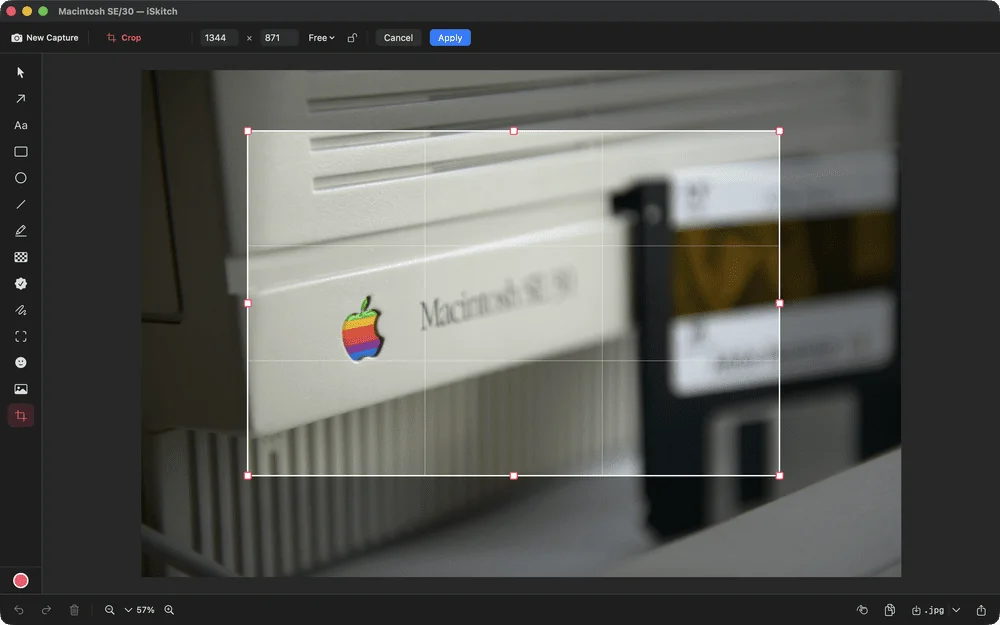
Version 1.9 added WebP export, more precise cropping and control over image quality when saving. Those options matter when an image is destined for a website, help page or support message: dimensions and file size can affect how easily it fits into the next step of the workflow. The source doesn’t provide export size comparisons, so the practical result will depend on the image and the user’s chosen settings.
Version 1.10 brought an adjustable selection mode. Instead of capturing as soon as the mouse button is released, users can move and resize the selection with eight handles before confirming the capture. That gives more control when framing a particular screen area, including a moment in a video or a tightly bounded interface element.
The 1.10.1 update tackles two small but noticeable issues. iSkitch now hides its own windows during capture, so the editor won’t appear in the image, and Command-C once again copies the annotated result. These are modest changes, but they address the sort of friction that can interrupt a familiar shortcut-driven routine.
Privacy and image cleanup
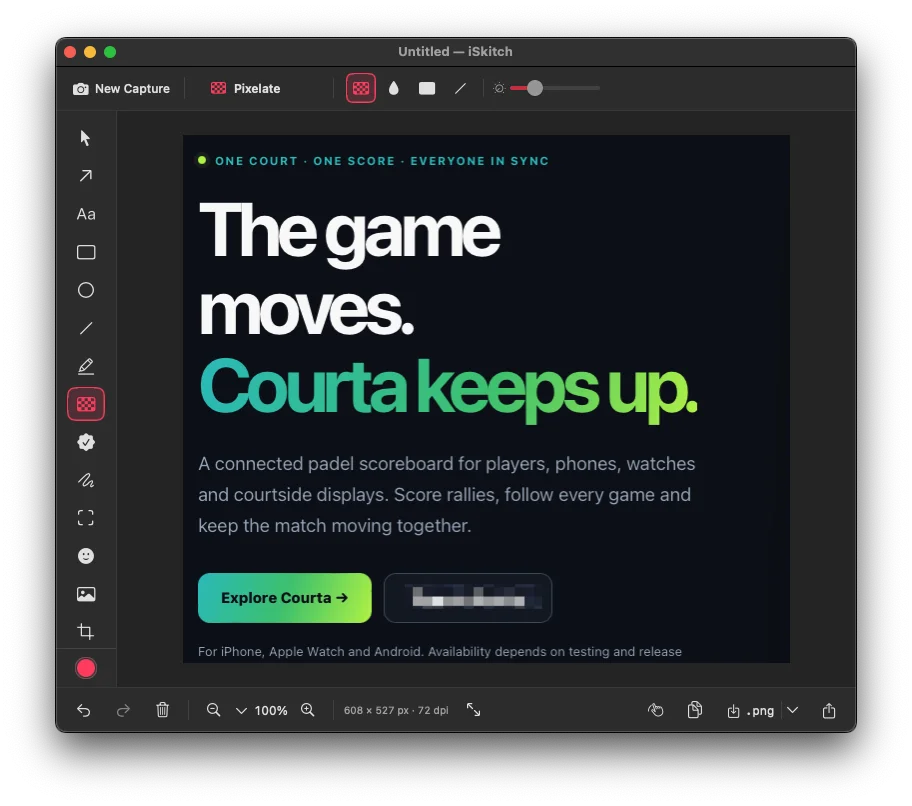
Screenshots can include account details, email addresses or other information that wasn’t meant to be shared. iSkitch offers blur, pixelation and solid cover tools for hiding parts of an image. The developer has improved pixelation, while recommending solid blocks for especially sensitive details. That advice is useful: a visible blur or pixel effect may not offer the same certainty as covering the area completely.
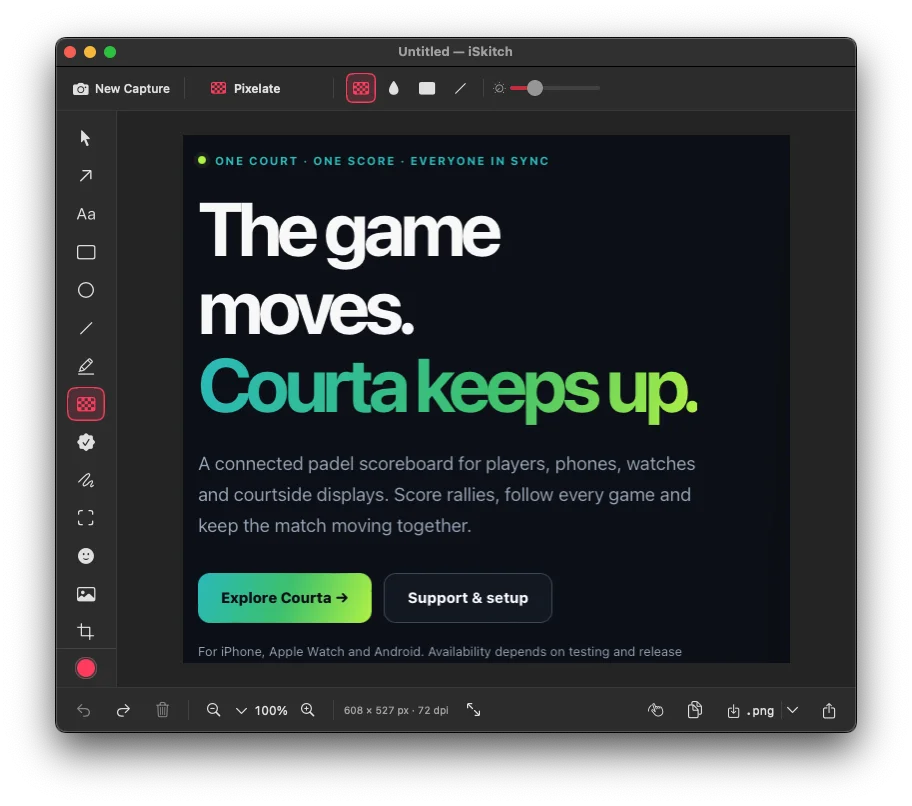
According to Carrero, iSkitch requires no account, collects no analytics and makes no network requests; image work stays on the Mac. For users handling screenshots that contain personal or work information, local processing means the app’s workflow doesn’t depend on sending those images to an online service.
One price, with updates included
iSkitch costs £9.99 on the UK Mac App Store as a one-time purchase. The price includes updates, and the app is available in 18 languages. There’s no subscription or account requirement, making the cost straightforward to weigh against the time saved by a dedicated capture and annotation workflow.
A collage feature also lets users combine several screenshots into one layout. That can help when a tutorial or comparison needs to show multiple screens together, without assembling the images in a separate design app. The source describes the feature’s purpose but doesn’t give details about layout controls, so the best fit will depend on the arrangements iSkitch supports.
iSkitch isn’t necessary for every Mac owner: Apple’s existing tools cover basic captures and markup. Its appeal is more specific. Frequent screenshot users get menu bar access, configurable capture shortcuts, a broad annotation set, local processing and a collage option, with recent updates focused on precision and familiar controls. For someone who still misses the quick, direct style of Skitch, the current version looks like a practical app to consider.
Find out more: https://iskitch.com/
What's new: https://iskitch.com/changelog/


