Logitech G PRO X3 SUPERSTRIKE Review: A Better Balanced Wireless Gaming Mouse
The PRO X3’s balanced 59g design improves handling, while adjustable clicks, 8,000Hz polling and 135-hour battery life round out the upgrades.
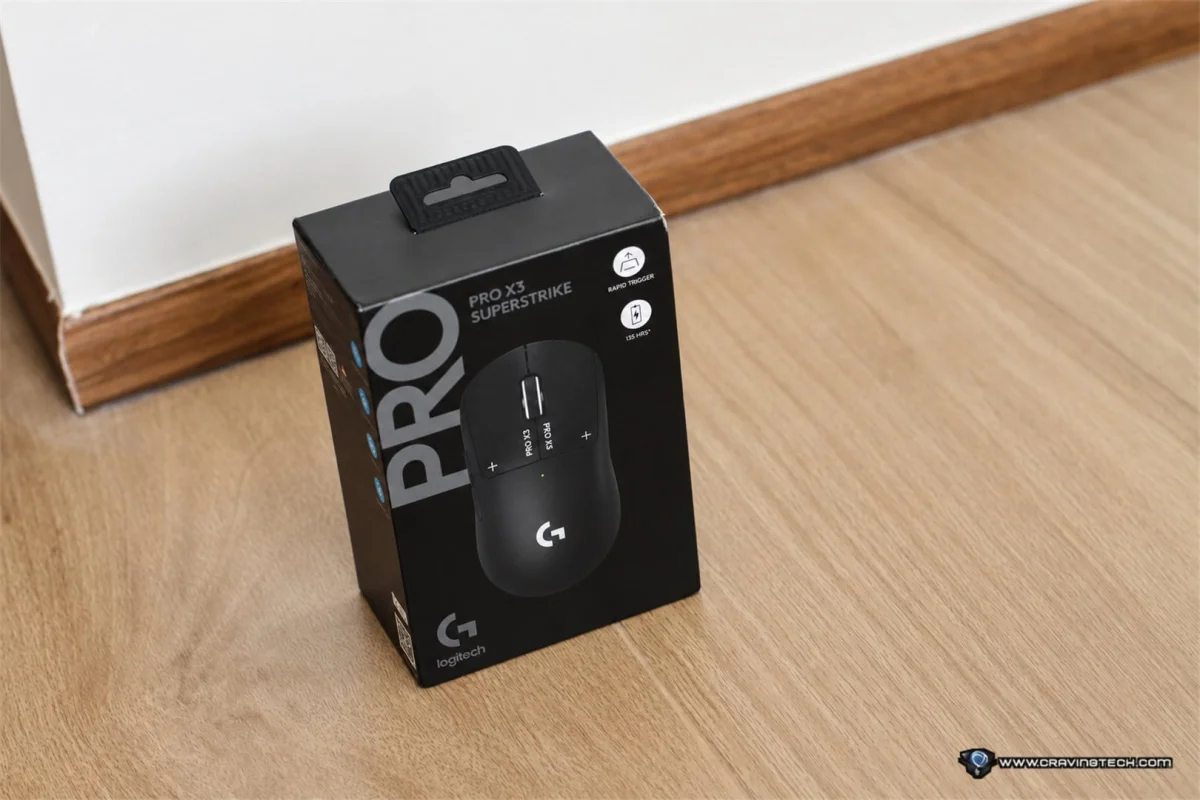
The Logitech G PRO X3 SUPERSTRIKE’s most meaningful upgrade is easy to miss on a spec sheet: its weight feels better balanced. That change makes the 59g wireless mouse easier to control with a fingertip grip, especially during quick adjustments and wide swipes. A revised chipset, faster HERO 2 sensor and longer rated battery life add useful improvements, but the handling is what sets the X3 apart from its predecessor.
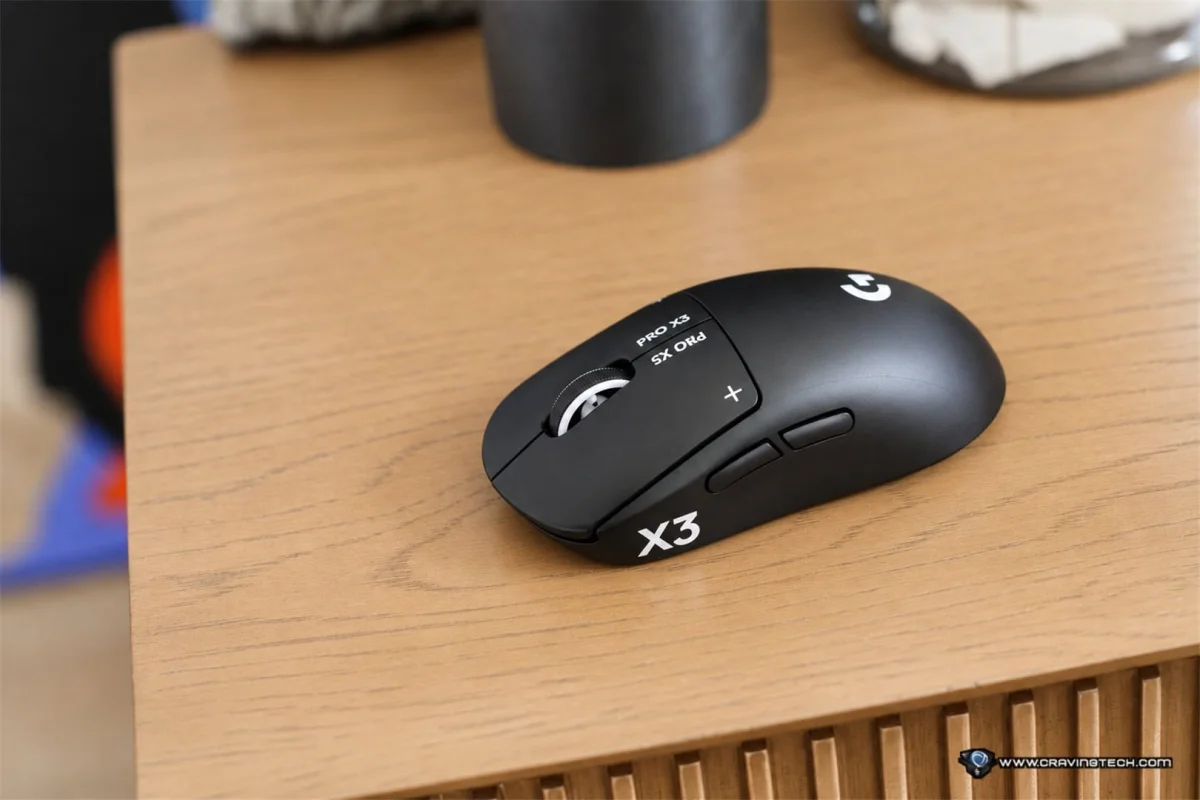
I liked the PRO X2 SUPERSTRIKE’s performance and adjustable clicks, but its front-heavy feel didn’t suit my grip. The X3 addresses that issue without changing the PRO Series’ familiar symmetrical shape. At A$299.95, it’s still a costly choice. Competitive players who want fine control over click response may find the package compelling; buyers who mainly need a reliable mouse can spend less.
What’s in the box


The package includes a LIGHTSPEED wireless receiver, a USB-A to USB-C charging and data cable, a receiver extension adapter, a POWERPLAY aperture door, optional grip tape, a cleaning cloth and documentation. The extension adapter lets you position the receiver closer to the mouse, while the grip tape offers extra hold for players who want it. I didn’t need to apply the tape.
Lightweight design, with a more useful balance
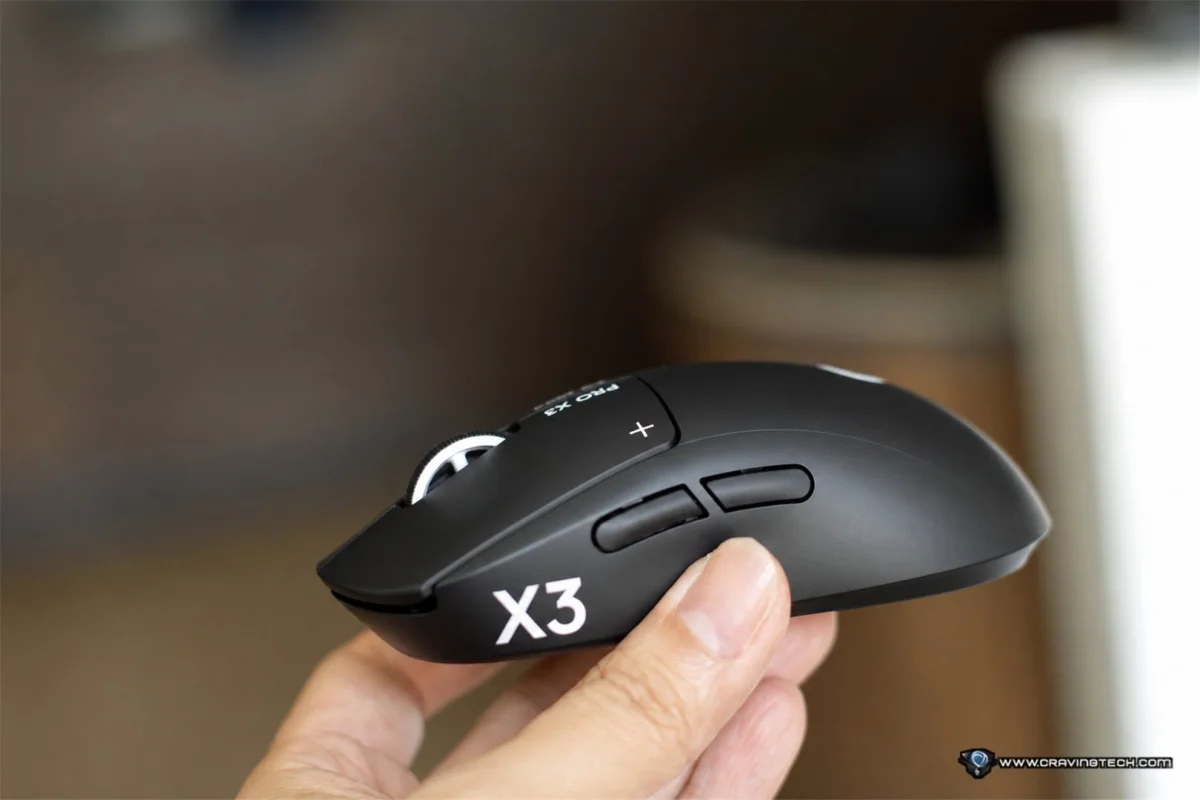
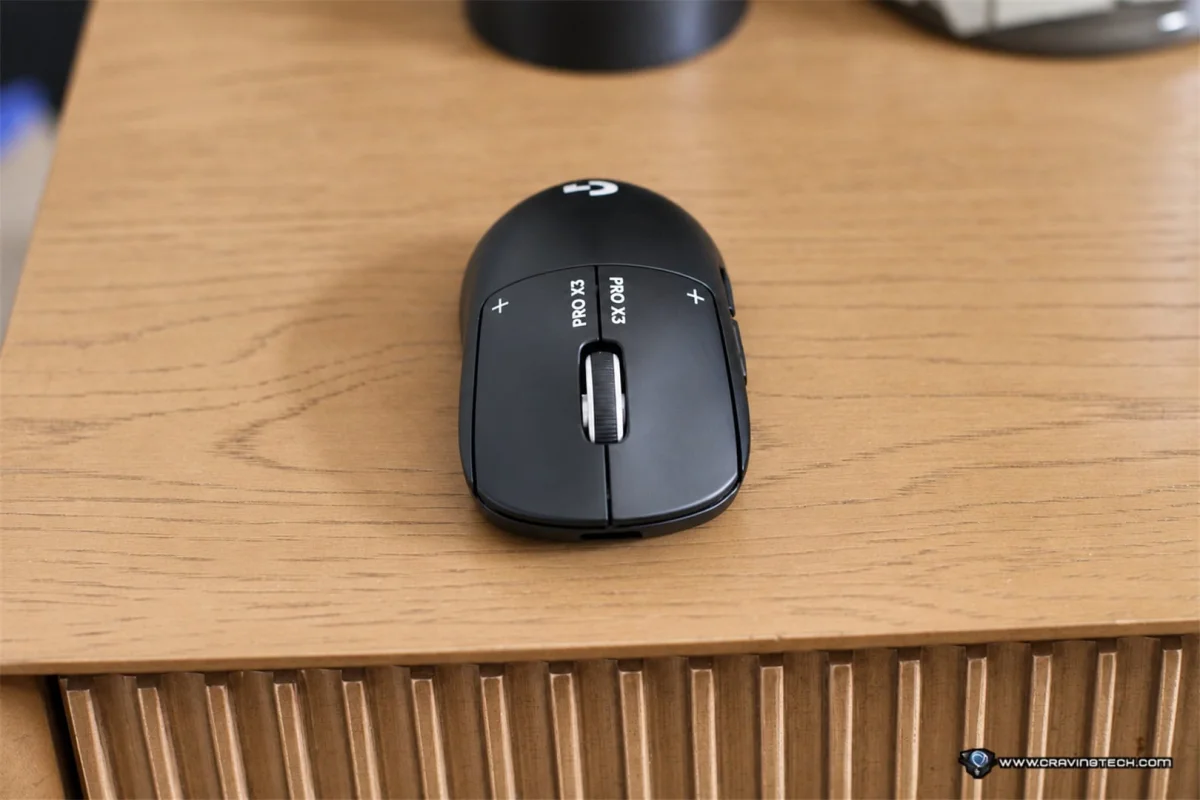
The X3 measures 125mm long, 63.5mm wide and 40mm high. At 59g, it’s 2g lighter than the PRO X2 SUPERSTRIKE. Its appearance remains restrained, with no RGB lighting and few visual flourishes. That suits the esports-focused design, and the lack of lighting leaves room for a longer battery rating.
For my fingertip grip, the balance matters more than the small change in total weight. My fingers do much of the work when I make quick movements or small aim corrections, so a mouse that feels weighted toward one end can become distracting. The X3 moves naturally in my hand, and I no longer notice the front-heavy feel that bothered me on the X2.
Logitech G has also kept the Haptic Inductive Trigger System, or HITS, and adjusted its internal hardware. Rather than conventional mechanical switches, HITS detects button movement through inductive sensing and uses a separate haptic system to produce tactile feedback.
G HUB lets you choose among 10 actuation points for each main button and five Rapid Trigger reset settings. A shorter actuation point registers a click with less button movement; a longer one can make presses feel more deliberate. Rapid Trigger changes how the buttons reset, allowing a new click to register without waiting for a full return to the starting position.
Logitech G says HITS can cut click latency by up to 30 milliseconds in certain conditions. The actual effect depends on the settings and how you use the mouse. You can also select from six haptic intensity levels for each main button. I prefer a distinct tactile response, and being able to tune that feedback lets me make the clicks feel more substantial.
The range of settings could be a lot to work through from scratch. G HUB’s presets, including configurations used by professional gamers, give new HITS users a starting point. You can learn how the actuation and feedback options feel, then adjust each button to suit your own preferences.
Sensor and wireless performance
The HERO 2 optical sensor supports up to 48,000 DPI, tracking speeds above 930 IPS and acceleration above 90G. The PRO X2 SUPERSTRIKE’s sensor was rated for up to 44,000 DPI, 888 IPS and 88G. Those are higher figures, though the previous mouse already tracked well. I didn’t notice a dramatic difference in everyday play, and a more capable sensor won’t improve a player’s aim by itself.
I used the X3 for Overwatch and Call of Duty: Modern Warfare 4, with Overwatch providing the more demanding test. Its quick movements and frequent aim adjustments put the mouse’s handling to work. With the improved balance, swipes feel easy and controlled. Tracking stayed accurate, and I didn’t feel the mouse getting in the way of my movements.
The new NxLOGI chipset replaces the X2’s processing hardware. Logitech G says it improves energy efficiency, wireless performance and processing latency. The X3 supports polling rates up to 8,000Hz over both LIGHTSPEED wireless and wired USB-C. The X2 also reached 8,000Hz wirelessly, but its wired connection topped out at 1,000Hz. On the X3, the maximum rate is the same in either mode.
The chipset also contributes to slightly lower sensor and click latency, according to Logitech G. Those changes weren’t clear to me during play. Together with the weight adjustment and sensor update, though, they make the X3 feel like a more complete version of the X2.
G HUB controls and battery life


G HUB handles DPI, polling rate and button assignments, along with the X3’s HITS controls. You can set actuation, Rapid Trigger reset distance and haptic strength for each main button. Its sensor calibration option can also help match the X3’s sensitivity to a mouse you already use. The same DPI number doesn’t always feel identical across devices, so calibration can make a switch easier.
Preferred settings can be saved to onboard memory, which helps keep them consistent when you move between computers. The X3 charges through USB-C and supports Logitech G POWERPLAY wireless charging with compatible accessories, sold separately.
Logitech G says the NxLOGI chipset reduces power consumption by approximately 50% compared with the X2. The rated battery life rises from 90 hours to 135 hours, an increase of 45 hours per charge.
Verdict
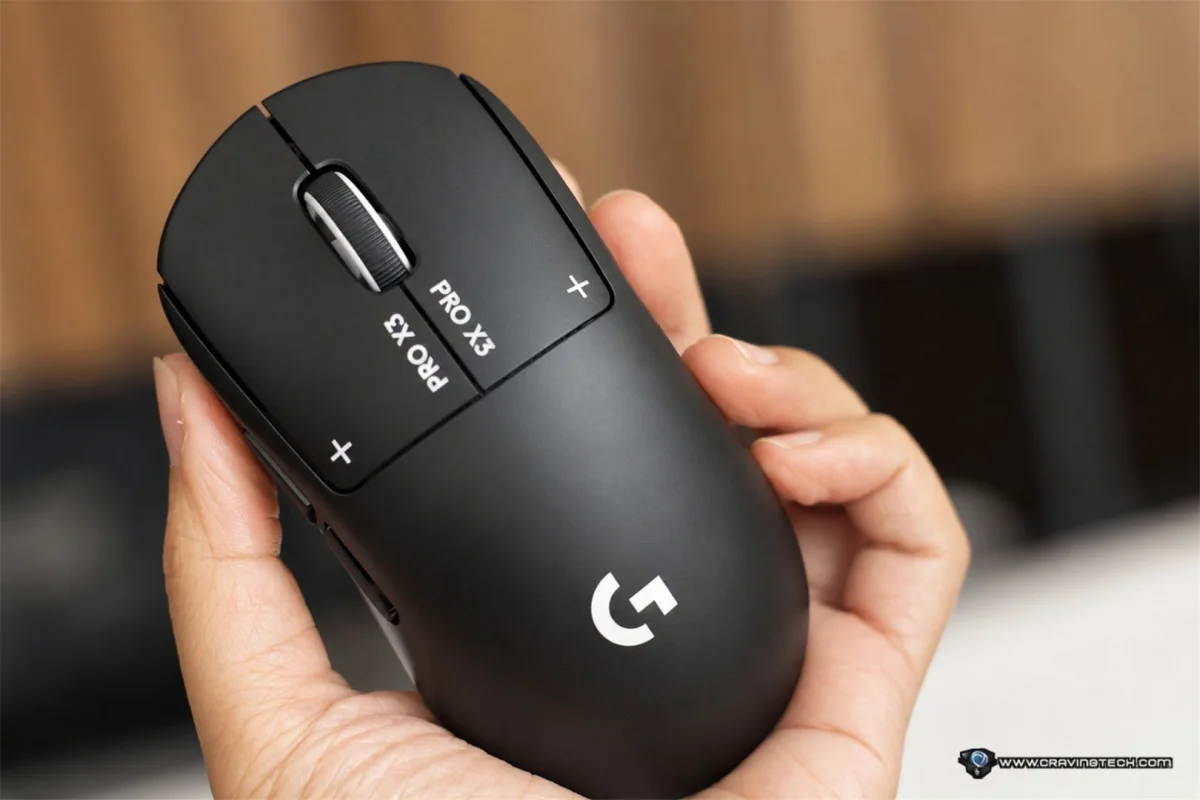
The PRO X3 SUPERSTRIKE improves on the X2 in several areas, including its HERO 2 sensor, wired polling rate, chipset and rated battery life. My biggest improvement is more personal: the revised weight balance makes the mouse noticeably more comfortable to steer with a fingertip grip. In fast games such as Overwatch, that change helps the mouse feel natural through both rapid swipes and smaller corrections.
HITS adds flexibility that will matter to players who want to tune the feel and response of each main click. Presets make those controls easier to approach, while sensor calibration and onboard memory help with setup. At A$299.95, the X3 asks a lot from casual players, and its sensor improvements may not feel substantial if the X2 already suits you. But if the previous model’s balance was a problem, the X3 is a more enjoyable mouse to use, with useful upgrades around that central change.
Disclosure: Logitech G supplied the PRO X3 SUPERSTRIKE review sample.