D-Link BE7200 Wi-Fi 7 Router Review: Fast, Reliable and Ready for 10GbE
The AU$399.95 BE7200 pairs dependable Wi-Fi 7 with 10Gbps WAN and LAN ports, though its dual-band design and dated controls have trade-offs.
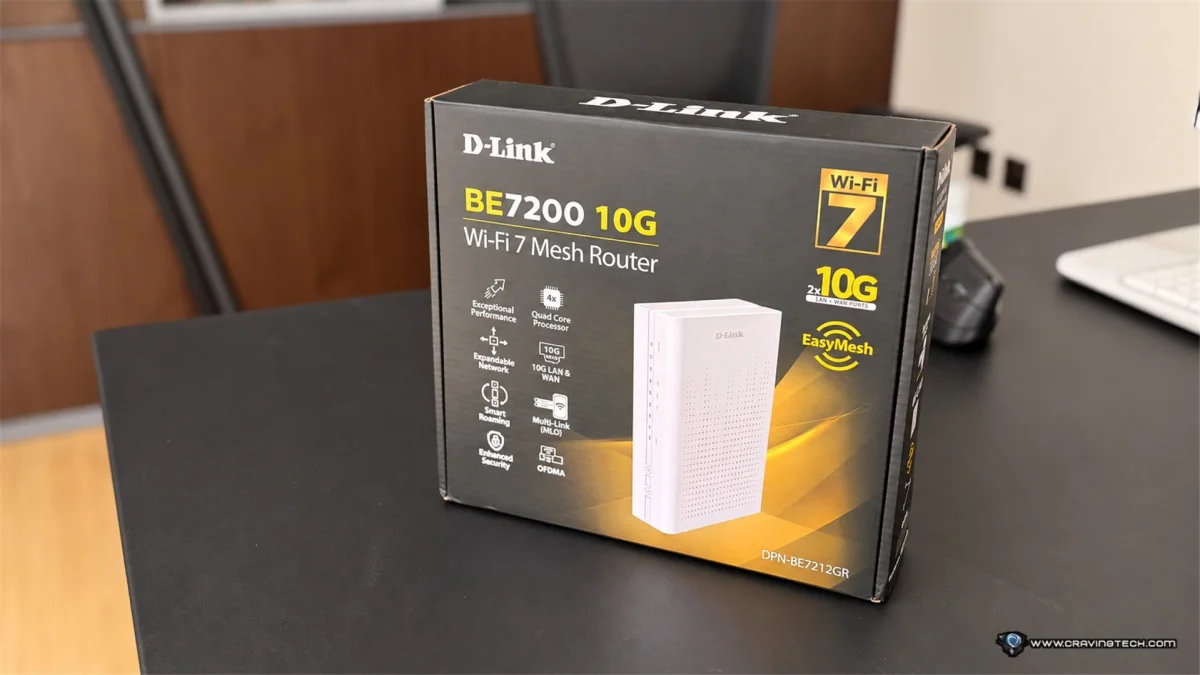
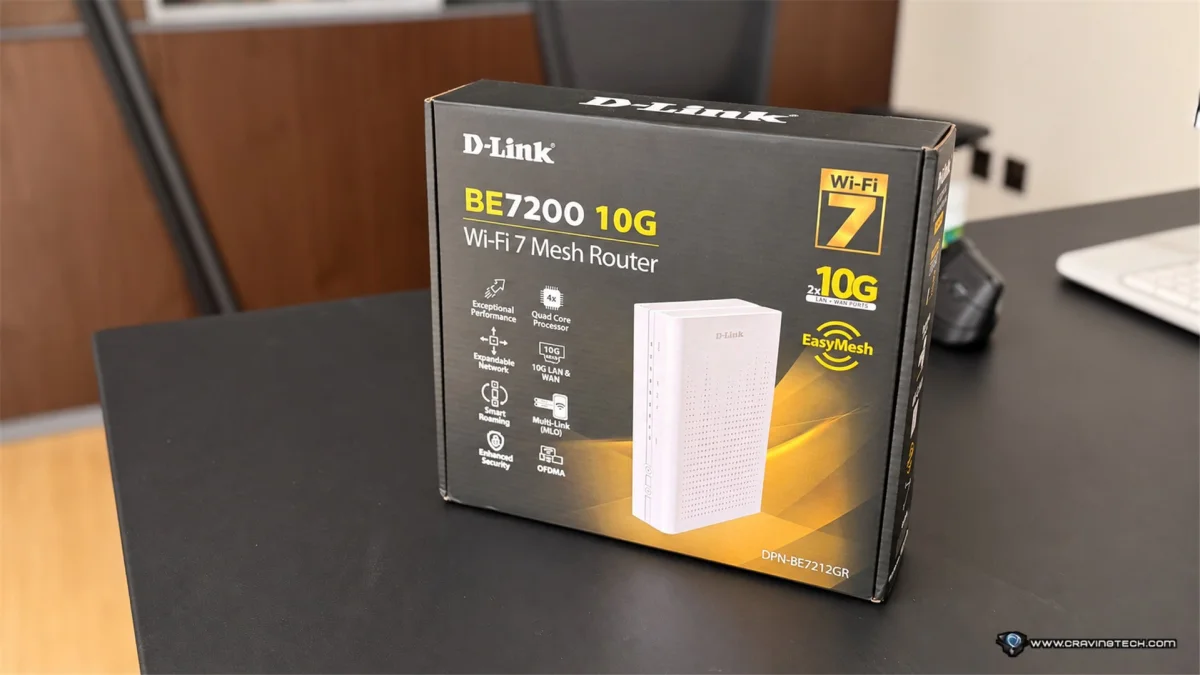
The D-Link BE7200 10G Wi-Fi 7 Mesh Router (DPN-BE7212GR) makes a strong case for homes with fast broadband, wired storage and devices that move large files across a network. During more than two weeks of use, it delivered dependable Wi-Fi coverage and steady gaming performance. Its dedicated 10Gbps WAN and LAN ports give it room for multi-gigabit connections, while the absence of a 6GHz band and an older-feeling management interface are notable compromises.
At AU$399.95, it’s aimed at networking enthusiasts and households with a clear use for its faster wired connections. Buyers who mainly browse, stream video and check email may not make enough use of those ports to justify the price. For a home with a high-speed internet plan, a NAS or several wired endpoints, the BE7200 has a more convincing purpose.
Ports give the BE7200 a clear purpose
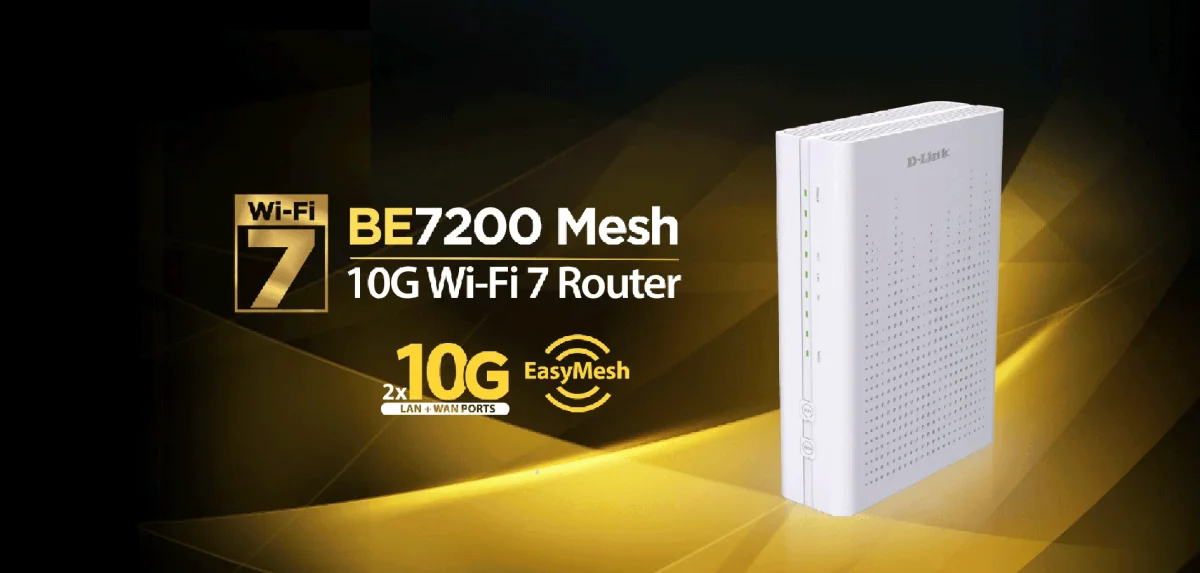
The BE7200 has a restrained look: its antennas are internal, and the case avoids the sharp styling and lighting often found on gaming routers. It measures 235 × 170 × 60mm, so it takes up a fair amount of space. The reviewer suspects the larger enclosure may help accommodate the internal hardware or heat management, but didn’t verify the reason.
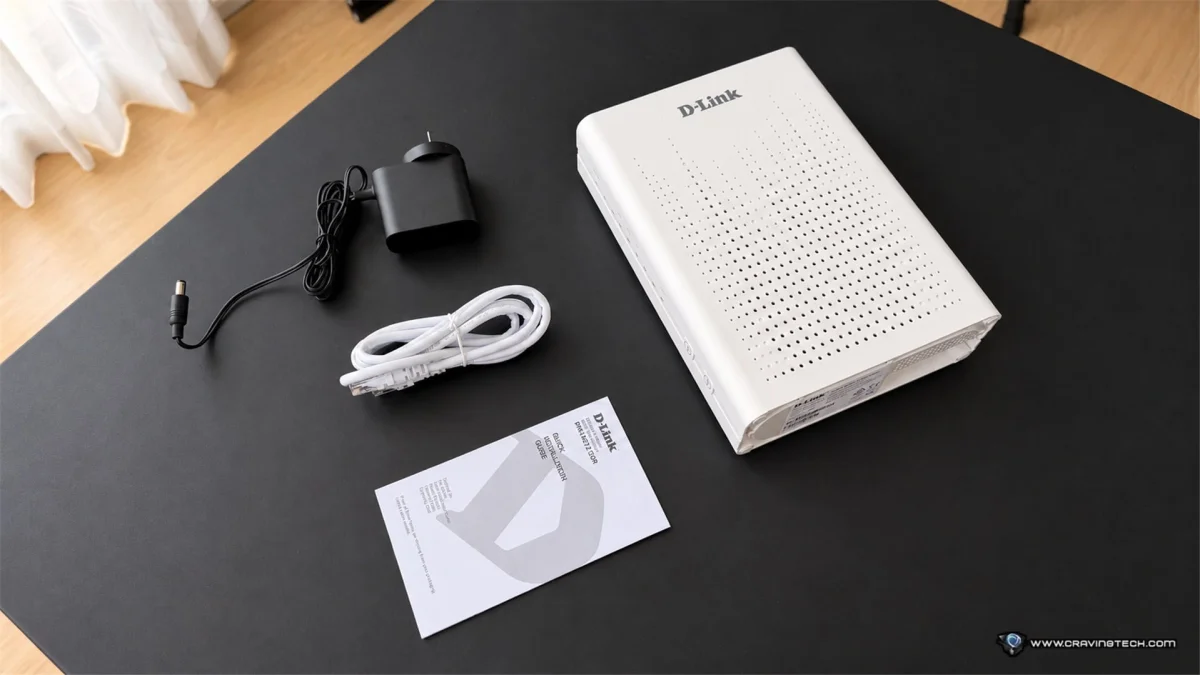
The wired connections are the headline feature. There’s a dedicated 10Gbps WAN port, a dedicated 10Gbps LAN port, four Gigabit LAN ports and a USB 3.0 port. The WAN connection can accommodate an internet plan faster than conventional Gigabit Ethernet, while the 10Gbps LAN port can connect to a compatible desktop PC, NAS or multi-gigabit network switch.


That extra capacity matters most when the rest of the network can use it. Transferring large video files between a computer and a NAS, or working with big files across multiple machines, can benefit from 10Gbps links compared with Gigabit Ethernet. The connected devices, storage and cabling also affect the result, so the port alone doesn’t guarantee 10Gbps transfers.
For Australian homes where faster NBN plans are becoming more available, the WAN port offers useful headroom. The extra LAN capacity is a more specific draw: it suits people who already have compatible equipment or expect to build a faster wired network. Households with wired endpoints in several rooms can also make practical use of the four additional Gigabit ports.
Setup is easy; day-to-day controls feel dated
Getting the router running was quick and trouble-free. After setup, it behaved as expected without requiring extra attention. The software experience is less polished. The reviewer found D-Link’s management interface old-fashioned compared with the smartphone controls available on TP-Link routers they had tested. D-Link’s device range also requires several different apps, which can make management feel less unified.


There’s another side to that design. A browser-based router interface offers a direct way to change settings, and the reviewer, who describes themselves as a tech enthusiast, is comfortable working with that kind of control panel. It may suit buyers who prefer adjusting network settings themselves, though it’s less convenient for anyone who expects a modern phone app to handle most routine changes.
Wi-Fi 7 without the 6GHz band
D-Link lists combined theoretical wireless speeds of up to 7200Mbps: up to 1376Mbps on 2.4GHz and 5764Mbps on 5GHz. Those are theoretical maximums across the router’s bands, not speeds a single phone or laptop should expect to reach in everyday use.
The router supports Wi-Fi 7 (802.11be), including Multi-Link Operation (MLO), which lets compatible devices use multiple wireless links. That can help with connection efficiency and reliability depending on the client device and network conditions. OFDMA and MU-MIMO are also included to help manage several connected devices.
The key limitation is that this is a dual-band router: it works on 2.4GHz and 5GHz, with no 6GHz band. Wi-Fi 7 doesn’t require 6GHz, but its absence may matter to buyers with compatible devices who want access to that additional frequency. A tri-band model with 6GHz can offer another option in areas with many nearby wireless networks. Even so, the BE7200 performed well in the reviewer’s home without it.
Strong coverage, with EasyMesh available
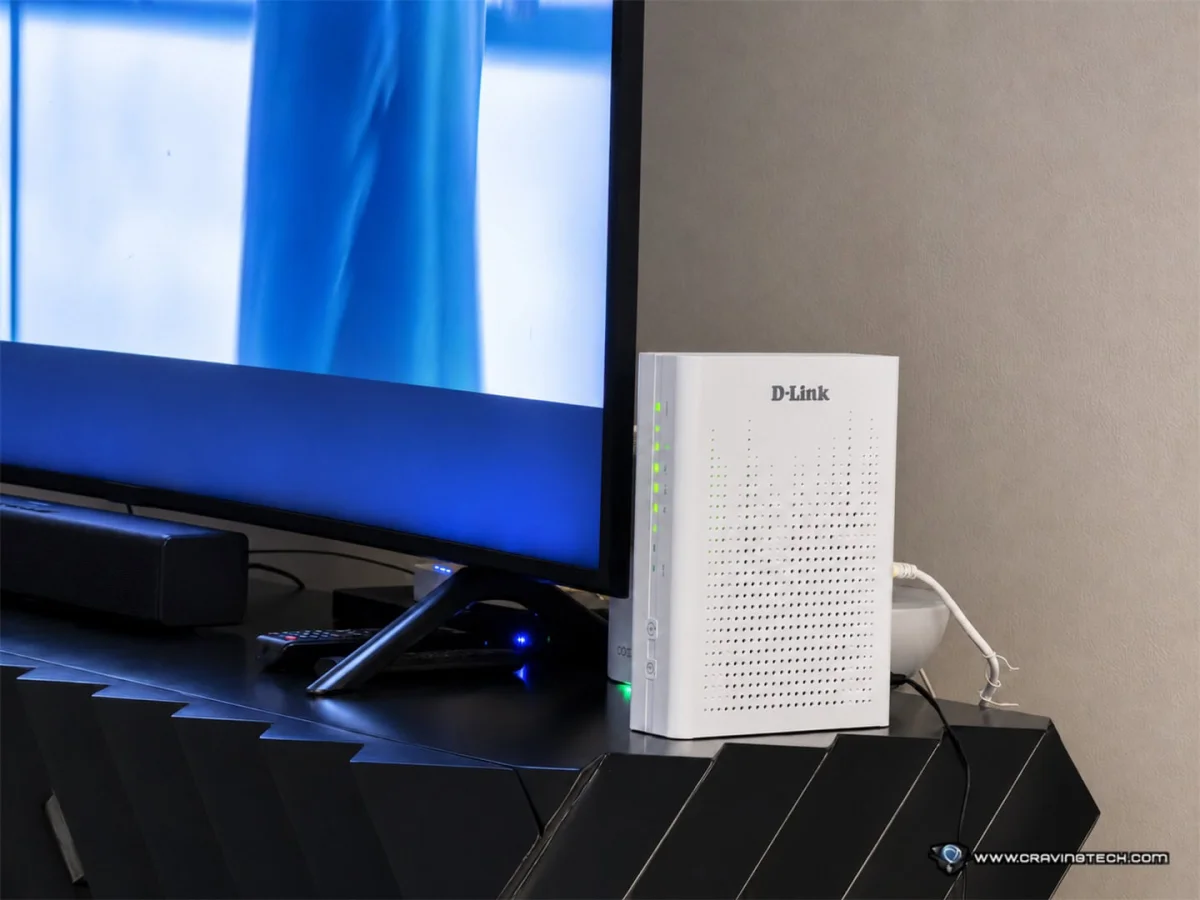
Coverage reached across much of the reviewer’s house, including a large living area. Thick walls still affected the signal in some sections, a reminder that a capable router can’t make physical obstacles disappear. A large home or one with separated rooms may need additional access points or mesh devices for more consistent coverage.
The BE7200 supports Wi-Fi EasyMesh, giving owners the option to extend coverage with compatible devices. The reviewer didn’t test a multi-node BE7200 setup; Ruijie extenders were already in use around the house. EasyMesh is therefore an expansion option on the specification sheet, not a result demonstrated in this review.
Reliability was more directly tested. Across more than two weeks, the router didn’t need a restart, and the reviewer reported no unusual connection problems. That steady behavior matters in a household where everyone depends on the network and troubleshooting can fall to the person who manages the home tech.
Competitive gaming and useful extras
The reviewer plays Overwatch competitively and used the BE7200 during regular sessions. They didn’t encounter packet loss or unusual latency problems they could attribute to the router, and the connection remained stable through the test period. That’s a positive real-world result, though it doesn’t amount to a measured latency comparison against other routers.
Other features include WPA3 support for compatible devices, guest networking and parental controls. The parental controls offer internet scheduling and device-specific access management; the reviewer also found it easy to block URLs. D-Link lists Smart VPN support, which is designed to connect devices on the home network to remote VPN servers without requiring a separate VPN app on each one.
Verdict
The BE7200’s strongest case is the combination of stable Wi-Fi and unusually capable wired connections for a home router. Its straightforward setup, broad coverage in the tested home and more than two weeks without a restart make it easy to live with. The 10Gbps WAN and LAN ports are especially useful for buyers with a fast internet plan, NAS storage or large wired file transfers.
At AU$399.95, it’s a better fit for home networking enthusiasts and power users than for people who need only basic wireless access. The dual-band design leaves out 6GHz, and the management software feels behind the app-led experience some rivals offer. If those trade-offs suit your setup, the BE7200 brings fast, steady networking and clear room for wired upgrades.
Disclosure: D-Link supplied the BE7200 review sample.


