Jackery Adds an Explorer Series Kiosk at SM North EDSA’s The Annex
Jackery’s third Metro Manila kiosk brings Explorer power stations to SM North EDSA, with hands-on displays and installment payment options.
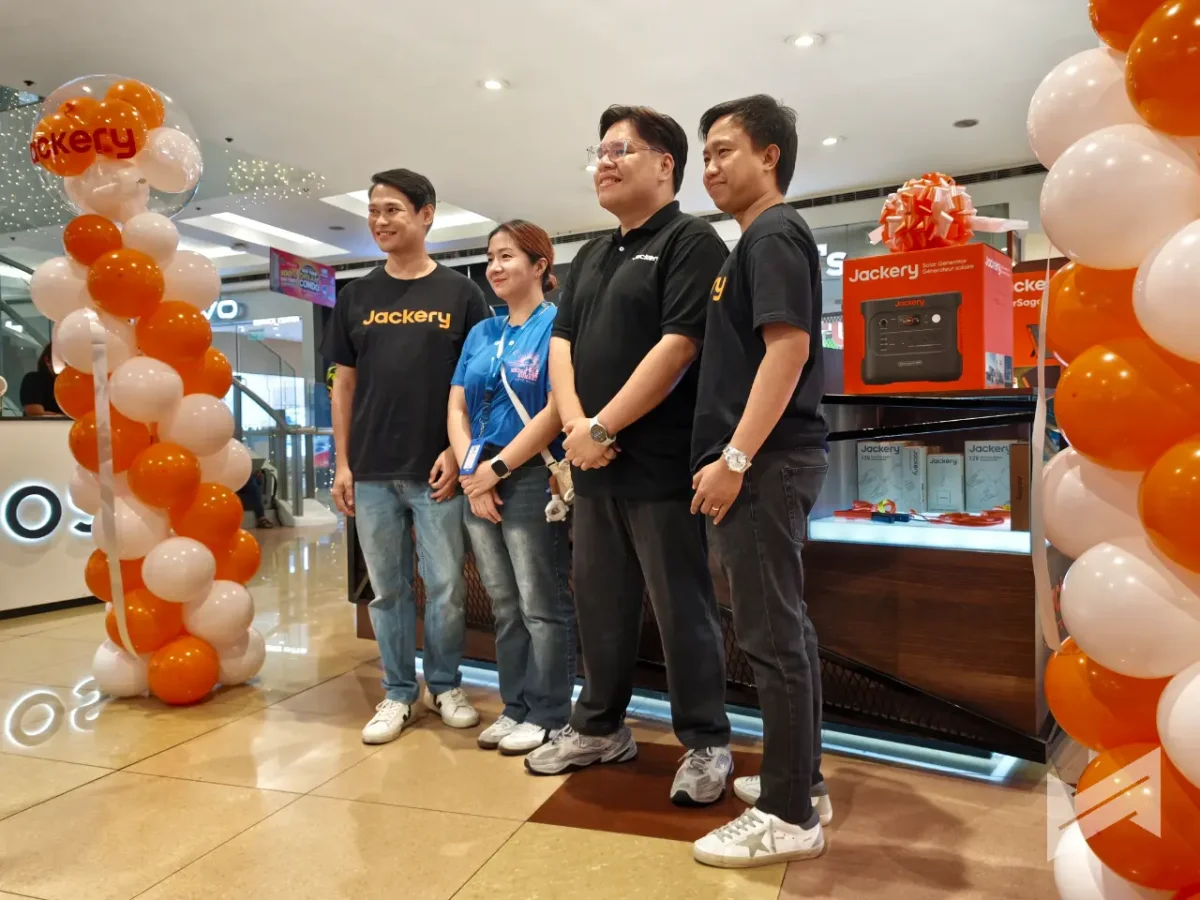
Jackery’s new kiosk at SM North EDSA’s The Annex gives Metro Manila shoppers another place to handle its Explorer power stations before choosing a model. It’s the company’s third kiosk in the metro, joining locations at SM Fairview and SM Southmall. For buyers weighing a portable unit against one intended for heavier loads, seeing the products in person may help narrow the choice. That’s useful for equipment whose size and intended use can shape whether it fits a particular home, trip or backup plan.
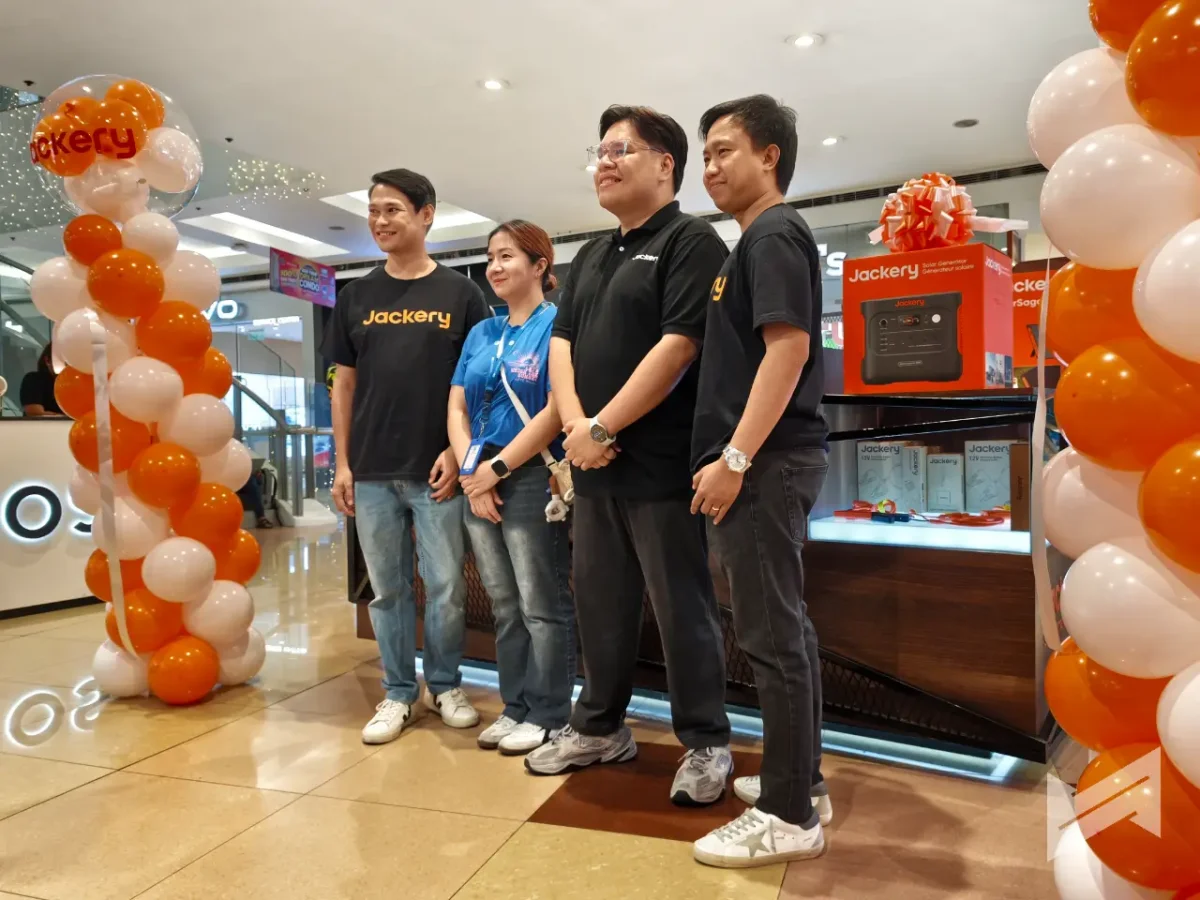
Three kiosks across Metro Manila
All three locations are inside SM Cyberzone areas. The new SM North EDSA kiosk is at The Annex, while the SM Fairview branch is on the 3rd level and SM Southmall serves shoppers in the south. Together, the sites give customers in different parts of Metro Manila a mall-based option for seeing the Explorer range. The arrangement puts the products where shoppers can compare them during an ordinary visit, rather than requiring a separate trip to a specialist retailer.
That in-person access matters with products designed for different power needs. A buyer can look at the units, consider their size and intended use, and ask staff for help matching a station to the devices they plan to run. The company says staff are available at each kiosk to assist with that choice. The information provided doesn’t specify which appliances each model can power or how long it can run them, so buyers should check those details against their own needs. A display can help with physical comparisons, but the decision still depends on the output and capacity that the product specifications confirm.
The three sites also offer a way to compare models without relying only on product descriptions. That can be useful when portability, space and the expected load all matter: a compact unit may suit one person’s plans, while another buyer may be considering a larger model. The displays let visitors inspect the products directly, though the available details don’t state whether every model or accessory is stocked for purchase at every kiosk. If you're working out what belongs in a particular setup, ask which units are on display and which are available to take home.
Explorer models on display
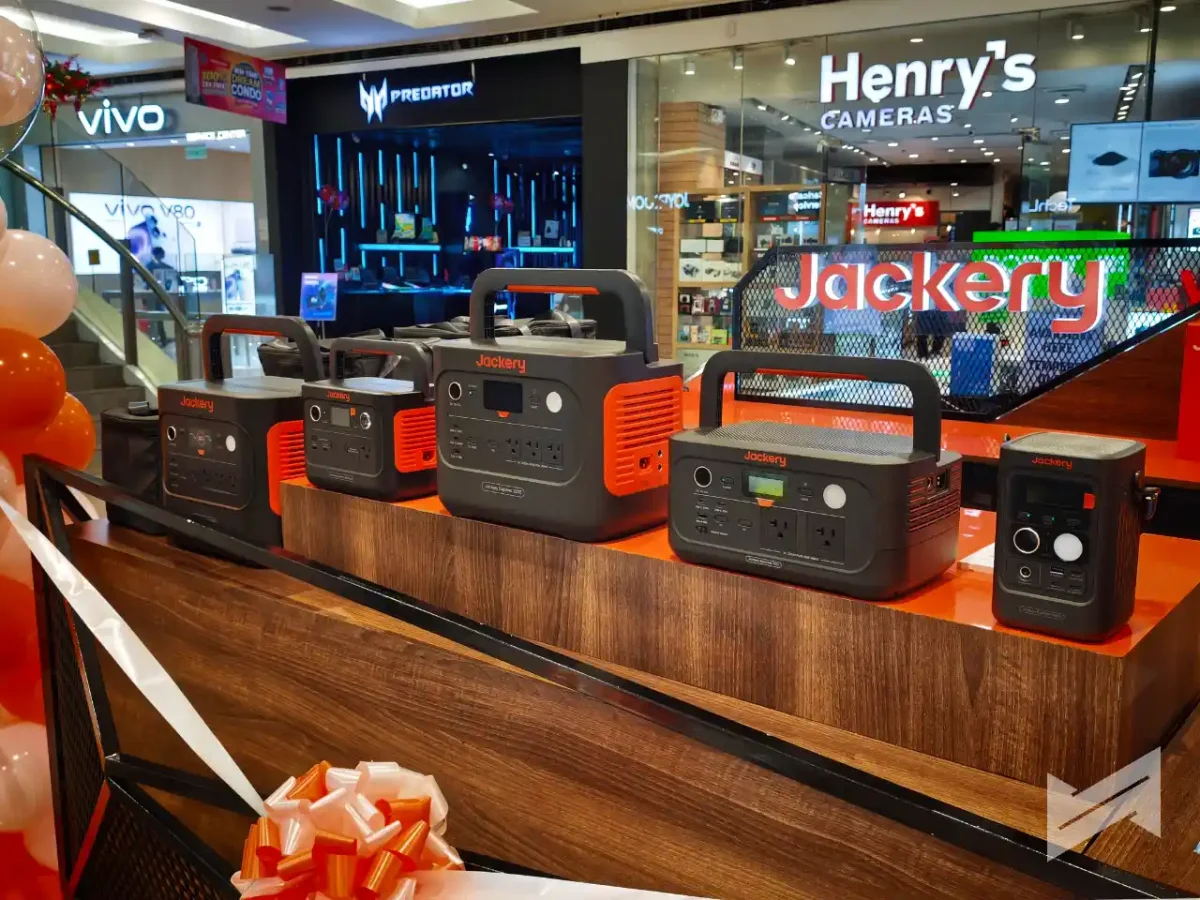
The displayed Explorer Series models include the Explorer 300D, positioned for portability; the 500 V2, described as space-saving; and the 2000 V2, intended for heavier loads. Those descriptions indicate different priorities, but they don’t provide capacity figures, output details, dimensions or weight. Shoppers comparing the three should confirm the specifications for their intended setup and ask which connections and accessories they’ll need. A label such as “heavier loads” gives a broad sense of positioning; it doesn’t tell you whether a specific device is supported or for how long.
This is more significant than it looks: a portable power station is only useful if its capabilities match the devices a buyer expects to run. A person comparing models should think through the actual equipment involved, then check the relevant ratings and operating guidance with the seller. The kiosk can make the size comparison more tangible, while staff may help explain the range. Still, the product details supplied here leave important buying questions open.
Solar panels are also mentioned as part of the range available to explore. The details provided don’t identify specific panel models or explain compatibility with each power station, so anyone planning a solar setup will need to check those pairings before buying. Seeing equipment together at a kiosk may help start that conversation, especially for people still deciding whether a power station alone fits their plans. A display is a starting point for questions, not confirmation that a particular panel and station work together.
Payment options and other ways to buy
Jackery says partner banks offer 0% credit card installments over 12 to 24 months. Home Credit is also available, with payments described by Jackery as starting as low as PHP 80 a day. The terms depend on the purchase and applicable provider conditions; shoppers should confirm the amount, duration and eligibility directly before committing. The advertised starting payment doesn’t establish the total cost or which products qualify, so check the full terms for the specific purchase.
The kiosks are one route to the Explorer range, but they aren’t the only one. Jackery also sells through Shopee, Lazada and other partner stores. Philippine distribution runs through Cognetics Philippines. Buyers who prefer to compare product information online can visit Jackery Philippines, then check availability and payment details with their chosen seller. Prices, stock and financing conditions can vary by seller, making it sensible to verify the offer at the point of purchase.
What the new location changes for buyers
For shoppers in Metro Manila, the practical change is straightforward: there are now three Cyberzone locations where they can see Explorer units and speak with staff. The new The Annex kiosk extends that option to SM North EDSA visitors, while the model lineup gives buyers a starting point for comparing portability, space requirements and heavier-load use. It adds convenience to the comparison process, though it doesn’t answer every question a buyer needs to settle.
And yet. The most useful next step is still to match a model’s confirmed specifications to the intended devices, then check accessory compatibility and the complete payment terms. The company’s kiosk network gives shoppers a place to begin that process in person. What this means for you: you can inspect the products locally, but the final choice still calls for careful checking.