Apple’s MacBook Pro With PROLED XDR Adds Touch, Tandem OLED and a $2,899 Starting Price
Apple’s first touchscreen MacBook Pro pairs a tandem OLED display with M5 Pro or M5 Max chips. Preorders are open ahead of November 6 availability.
Apple’s first touchscreen MacBook Pro arrives with a substantial price premium and a clear change in direction for the company’s flagship laptop. The MacBook Pro with PROLED XDR Display pairs a tandem OLED screen with touch input, M5 Pro or M5 Max chips, and configurations reaching 128GB of memory and 16TB of storage. Prices start at $2,899 in the US, and Apple says availability begins November 6.
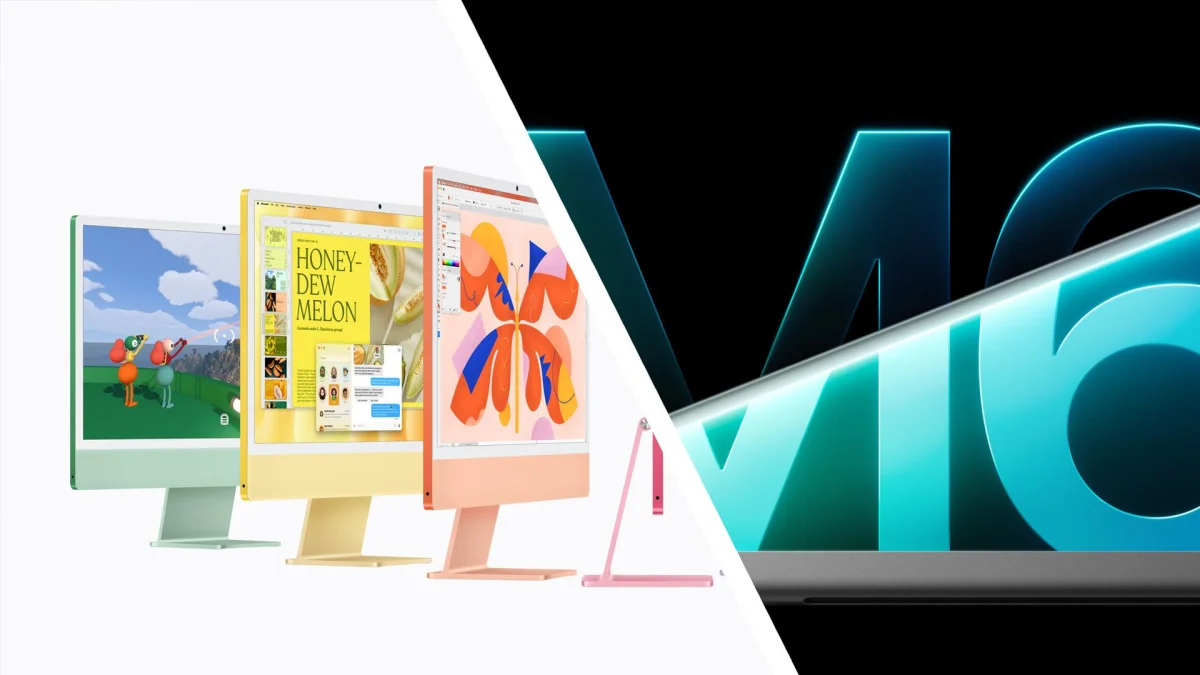
That makes this a different proposition from the M6 MacBook Pro Apple introduced the day before. The new 14-inch M6 model starts at $1,999 / £1,999 / AU$3,199; the PROLED XDR machines start $900 higher in the US, even before upgrades. Buyers are paying for the new display and touch experience, alongside higher-end chip options. Whether those additions earn the premium will depend on how useful touch feels in everyday Mac work.
A new screen changes the MacBook Pro’s role
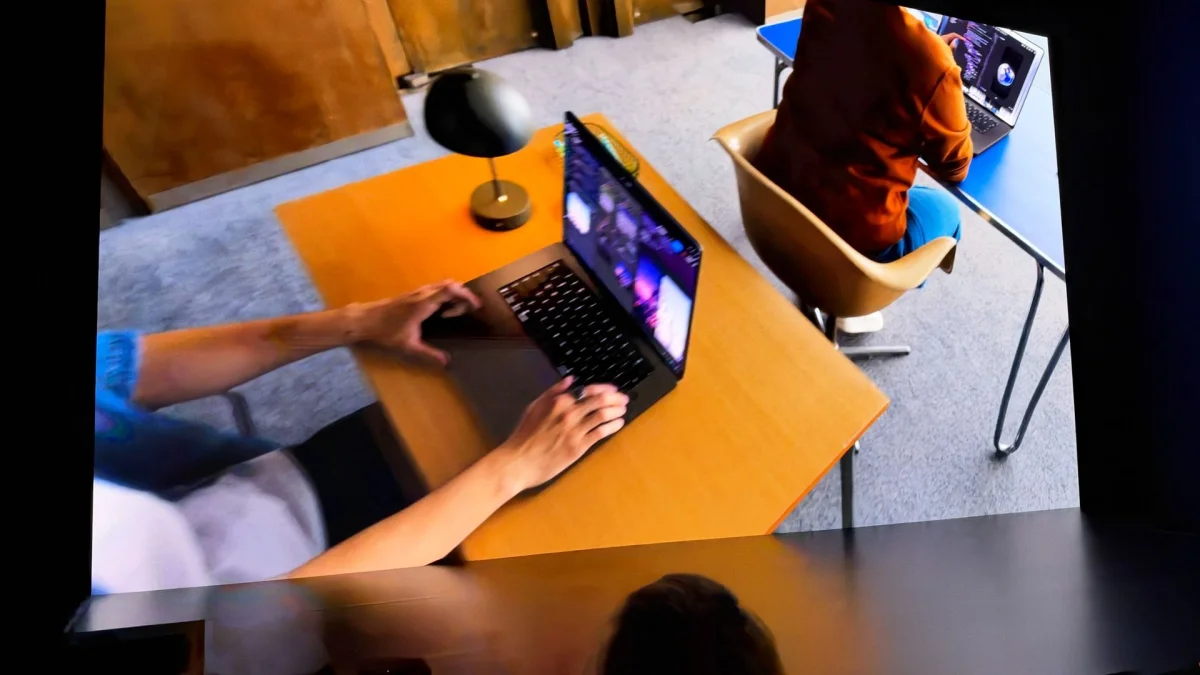
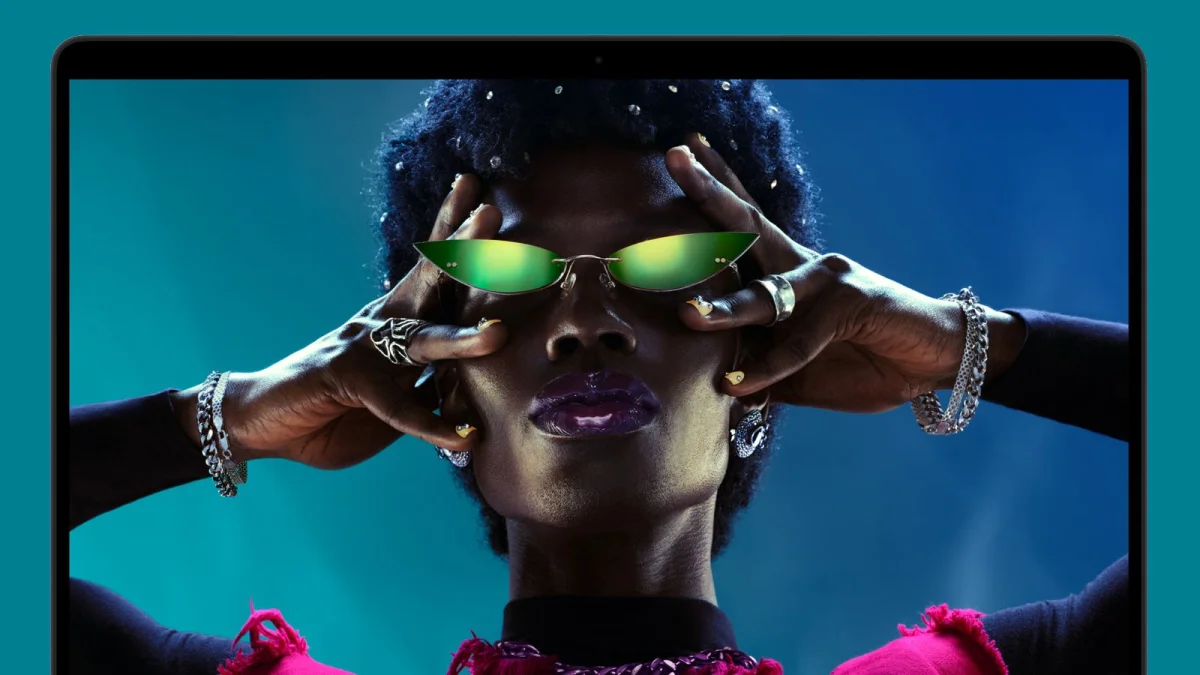
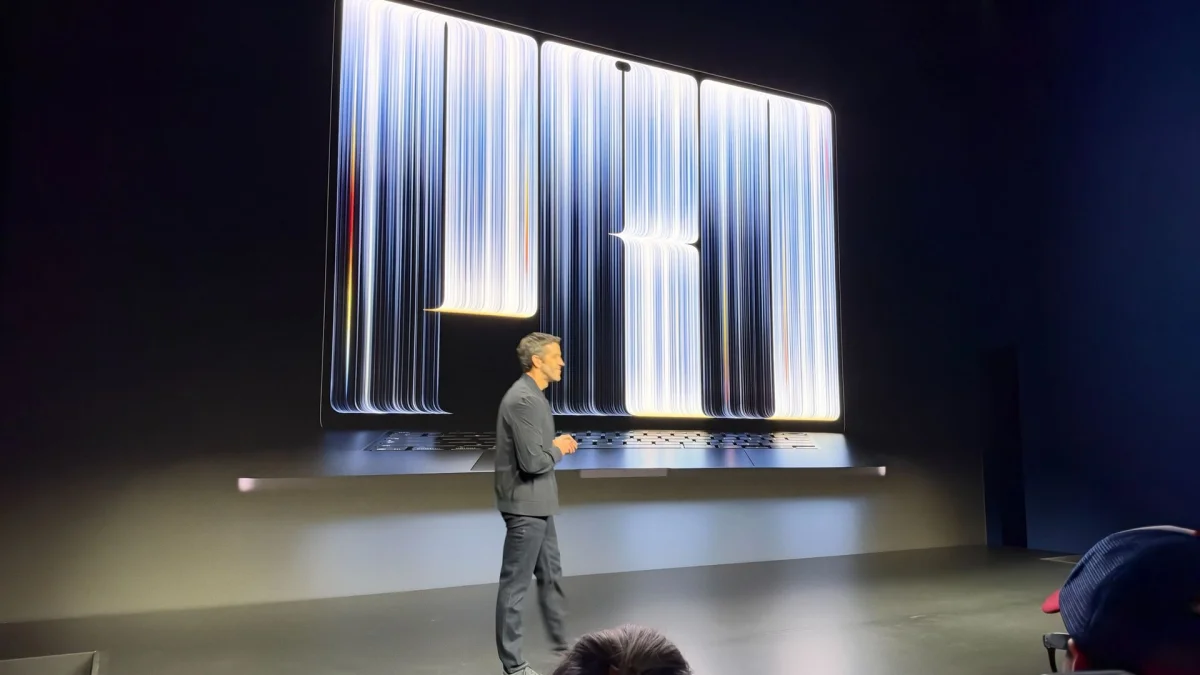
Apple describes this as the first Mac with touch. The display uses tandem OLED technology, and the company’s promotional material calls the laptop a “totally portable reference monitor.” Apple claims peak brightness of up to 2,000 nits and battery life of up to 24 hours. Those are manufacturer figures; the launch coverage doesn’t include independent testing to show how the screen or battery performs in practice.
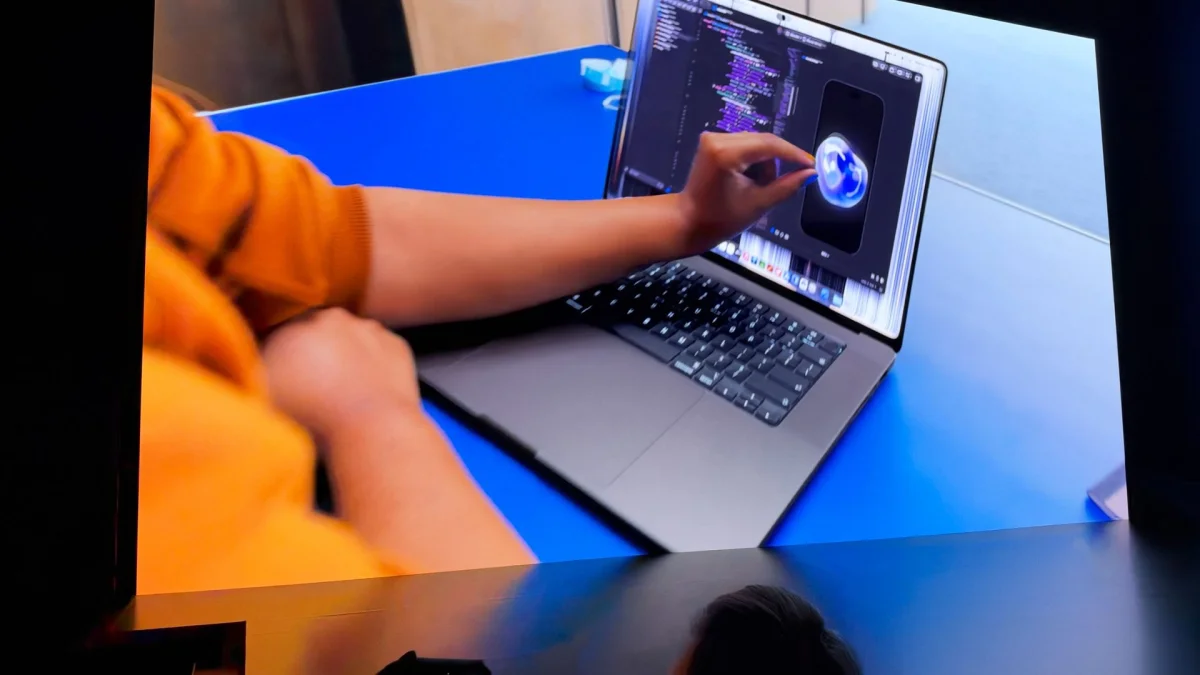
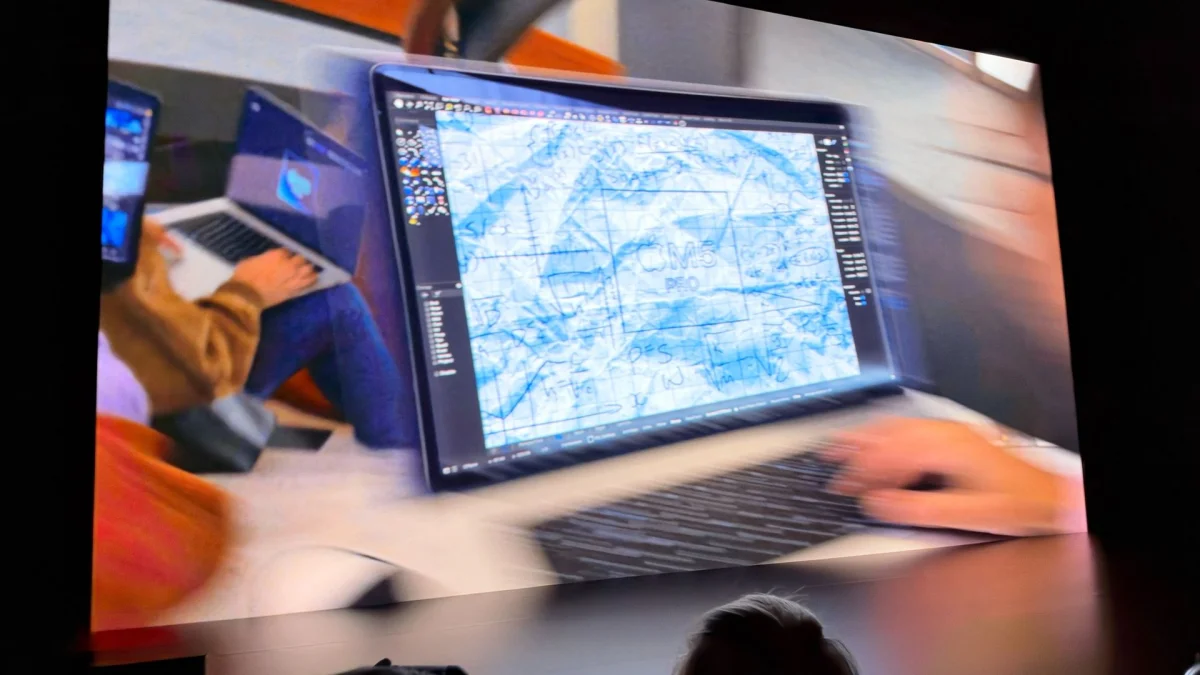
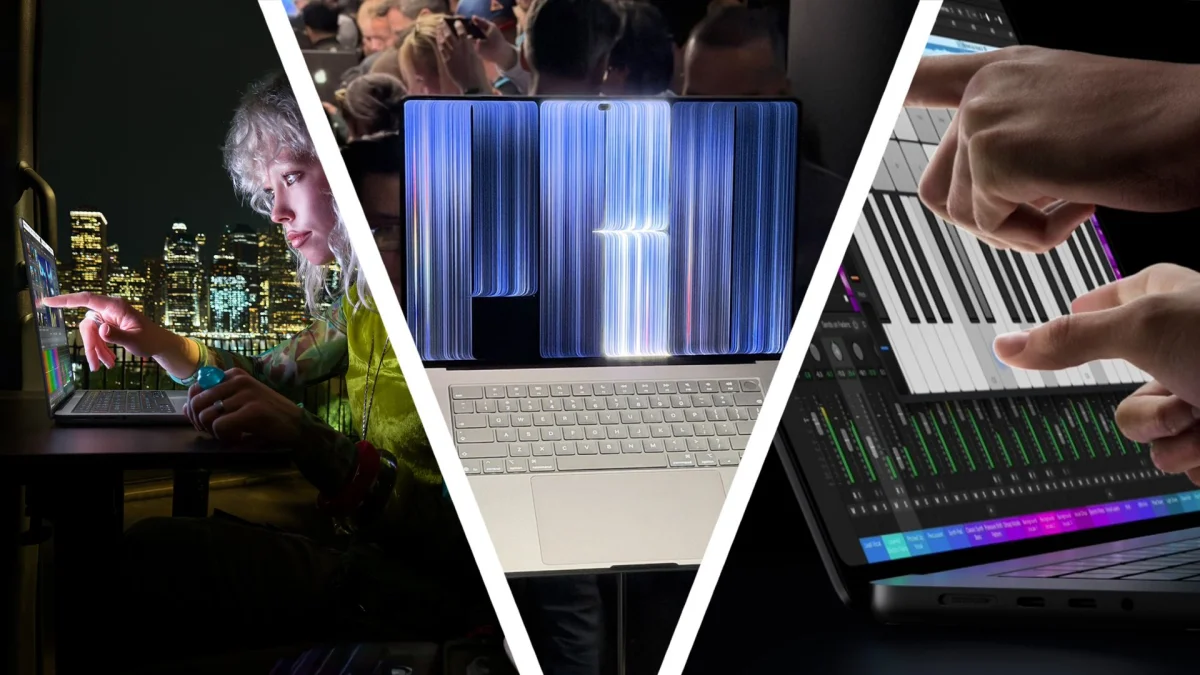
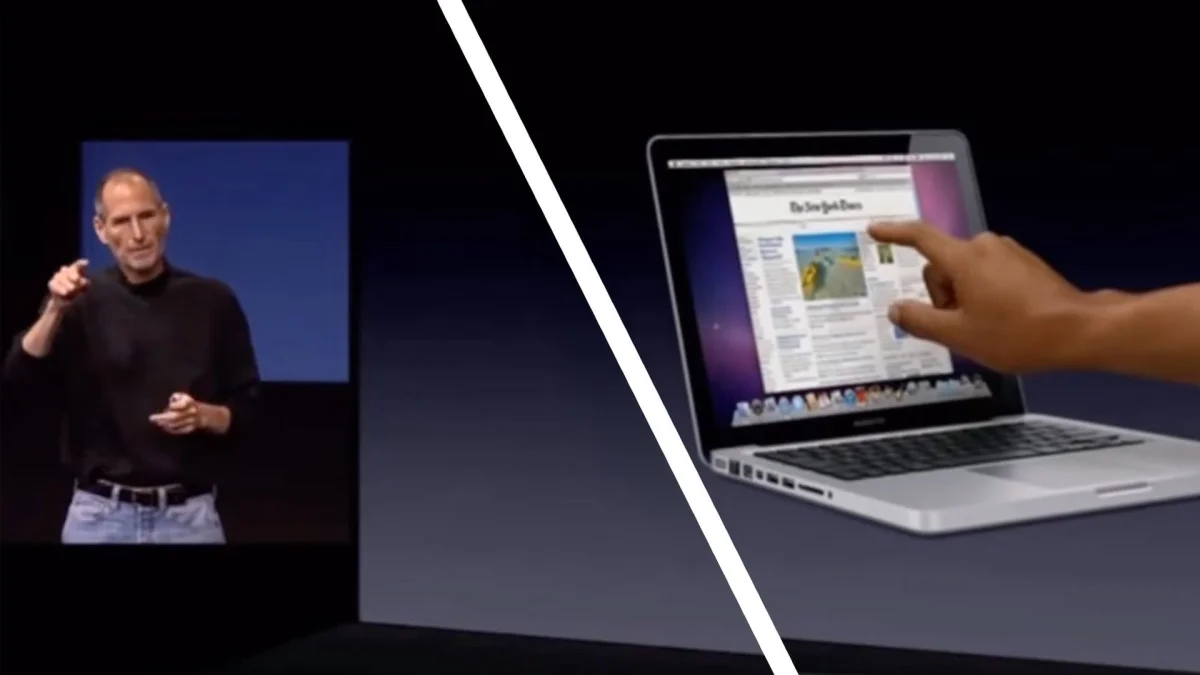
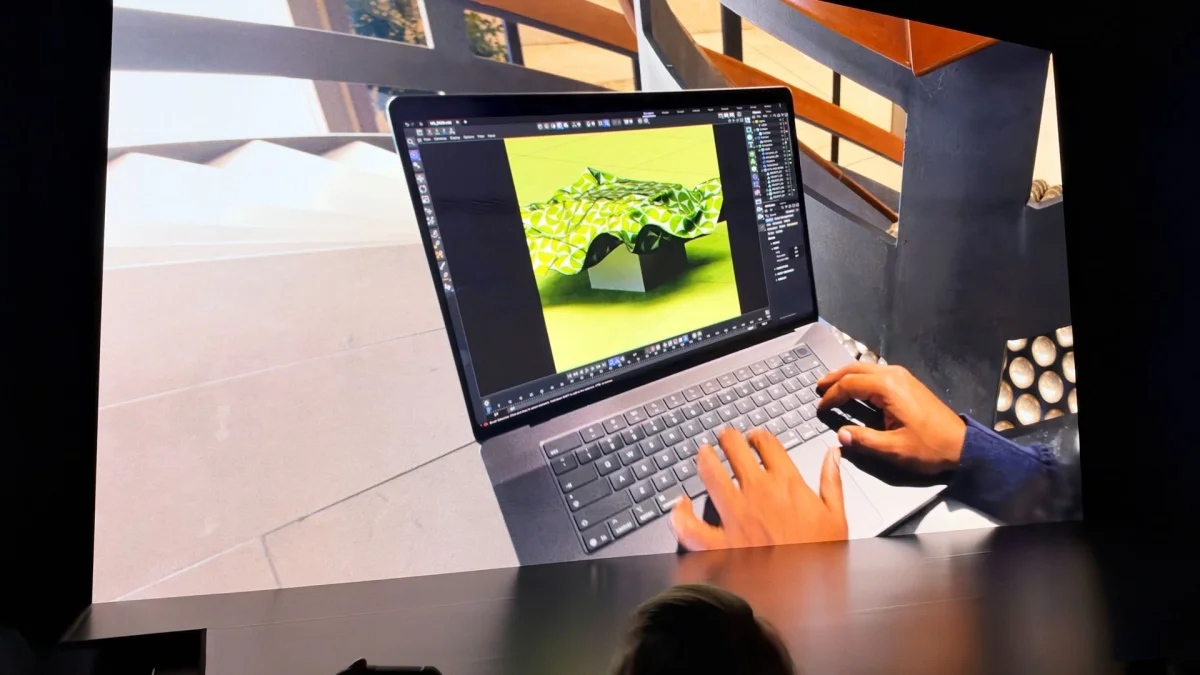
The new panel is available in 14-inch and 16-inch laptops. Both sizes support touch gestures including scrolling, pinching, rotating and drawing. Apple’s examples include zooming into photos, documents and webpages, as well as sketching and adding annotations. It also points to more specialized work: manipulating 3D objects, playing virtual instruments, inspecting 3D prototypes and testing how touch input feels in iOS apps.
Those scenarios give touch a plausible role for creative and development work, but they don’t yet show why most MacBook Pro owners would reach for the screen instead of the trackpad. The distinction matters. A touchscreen can make certain direct interactions feel natural, especially when working with visual objects. It can also mean reaching away from the keyboard repeatedly. Apple’s demonstrations and the first hands-on sessions will need to show whether the interface makes that trade worthwhile.

The device is a conventional laptop, rather than a 2-in-1 with a screen that folds back into a tablet. That limits how people can hold or position it for touch use. TechRadar contributor Alex Blake, a longtime skeptic of touchscreen laptops, questioned the value of adding the feature to an already capable MacBook Pro, particularly at the rumored $2,899 entry price. He said a convertible design might have made him more receptive, while acknowledging that such a model could cost even more.
There’s also some history behind the change. Steve Jobs argued against touchscreen laptops, including on ergonomic grounds: extended use can mean holding an arm up in front of the display. That concern remains relevant to a fixed laptop design. Touch may be most convincing as an occasional shortcut, or for particular creative tasks, rather than a replacement for the keyboard and trackpad. Apple’s launch material emphasizes gestures and specialist workflows; the available report doesn’t explain how macOS itself has been adapted beyond supporting those interactions.

Dynamic Island and the details still to come
Before the launch, the live coverage expected a built-in Dynamic Island, thinner bezels and a slightly slimmer chassis. The reporter was especially interested in what a Mac version of Dynamic Island could do, drawing on experience using it on an iPhone 16 Pro. Developers have previously made their own versions of the concept for macOS, with features built around the area near the display cutout.
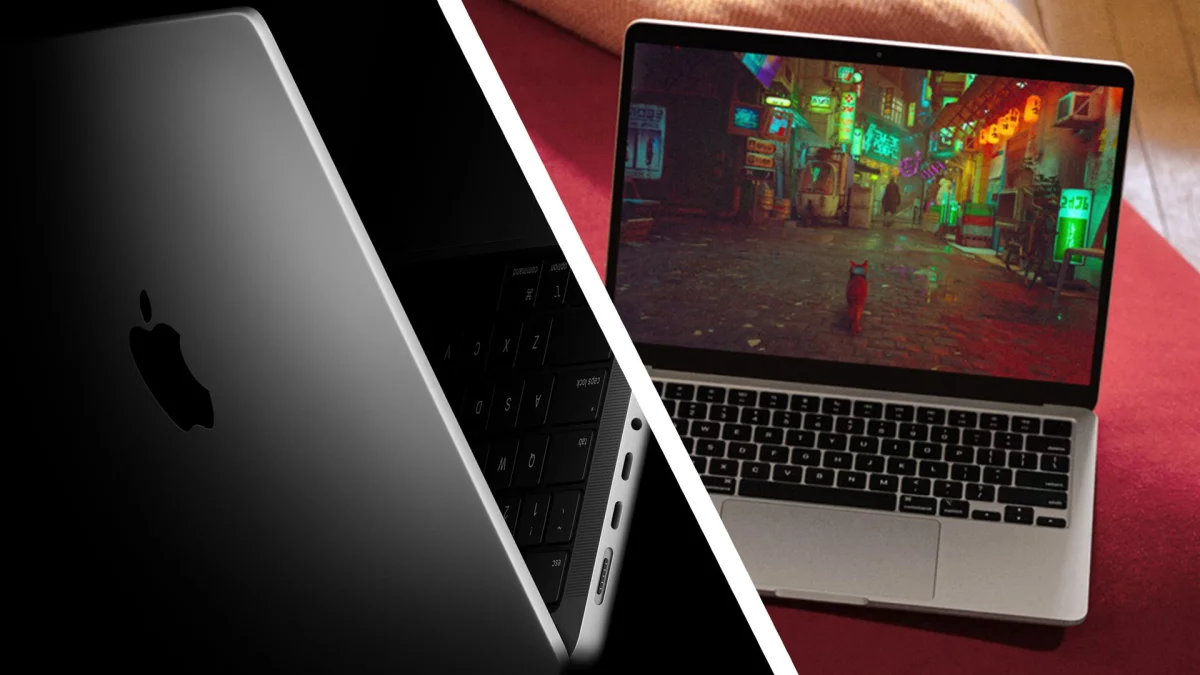
A useful implementation could make that space more than a place for a camera. The live coverage suggested the feature might improve on the MacBook notch, but did not establish what Apple’s version includes or confirm its precise behavior. Likewise, the earlier expectation of thinner bezels and a slimmer design wasn’t accompanied by measurements. The confirmed design details in the reported launch were the two screen sizes, tandem OLED display, touchscreen support and a listed weight of 3lbs.
That weight was reported when the laptop was first shown, without a clear model size attached. The full specifications published afterward list 14-inch and 16-inch configurations, but the coverage doesn’t provide separate weights for each. Buyers comparing the two sizes should check the complete model-specific specification before choosing, particularly if portability is a priority.
M5 Pro and M5 Max, with room for large workloads
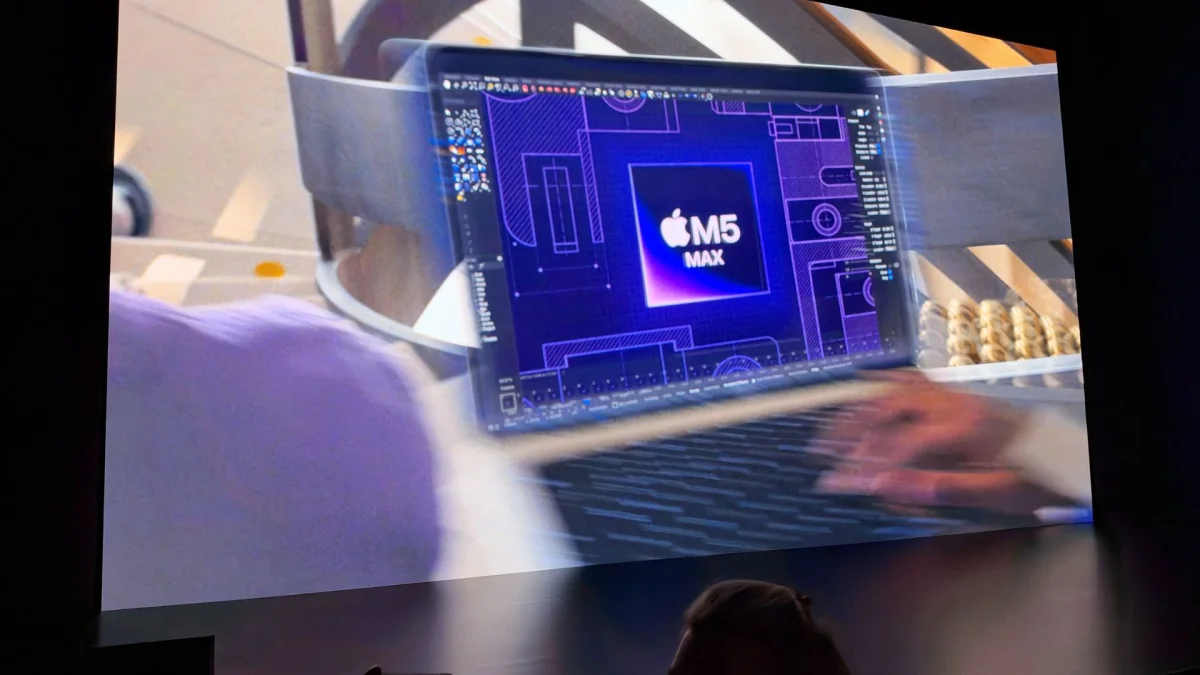
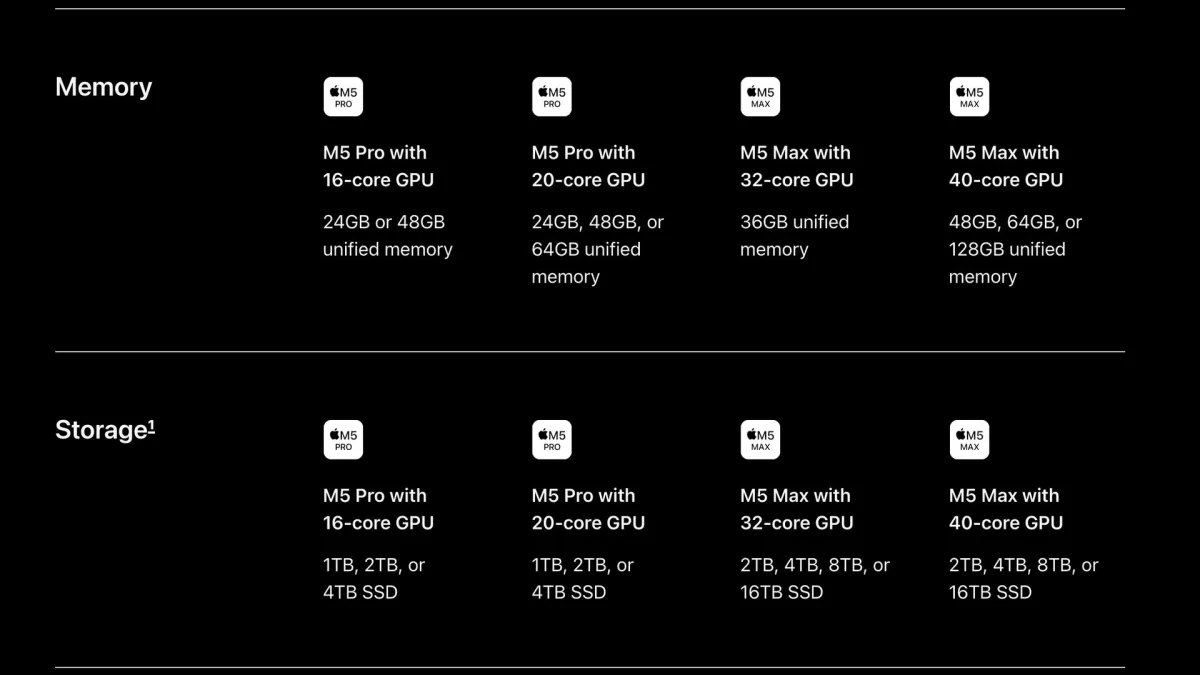
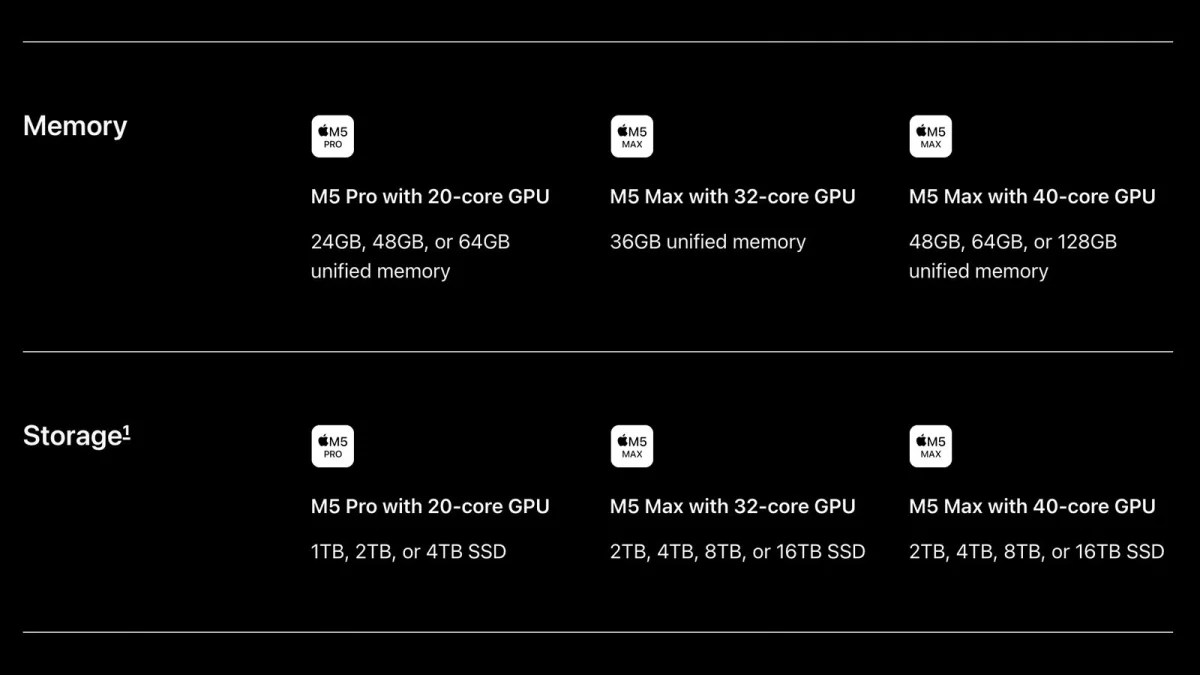
Configurations use either an M5 Pro or M5 Max chip. Apple lists M5 Pro choices with a 16-core or 20-core GPU, while M5 Max options have a 32-core or 40-core GPU. Storage starts at 1TB and reaches 16TB on M5 Max models. Memory begins at 24GB and goes as high as 128GB on the top configuration.
Those choices leave substantial room for demanding workloads, but the starting specifications tell only part of the buying story. Moving to a higher-tier chip, more memory or additional storage raises the price, and the launch coverage doesn’t provide a complete text breakdown of every configuration’s cost. Two images in the original report show Apple’s memory and storage tables for the 14-inch and 16-inch models; buyers should consult Apple’s configuration pages for the exact combinations and prices available in their region.
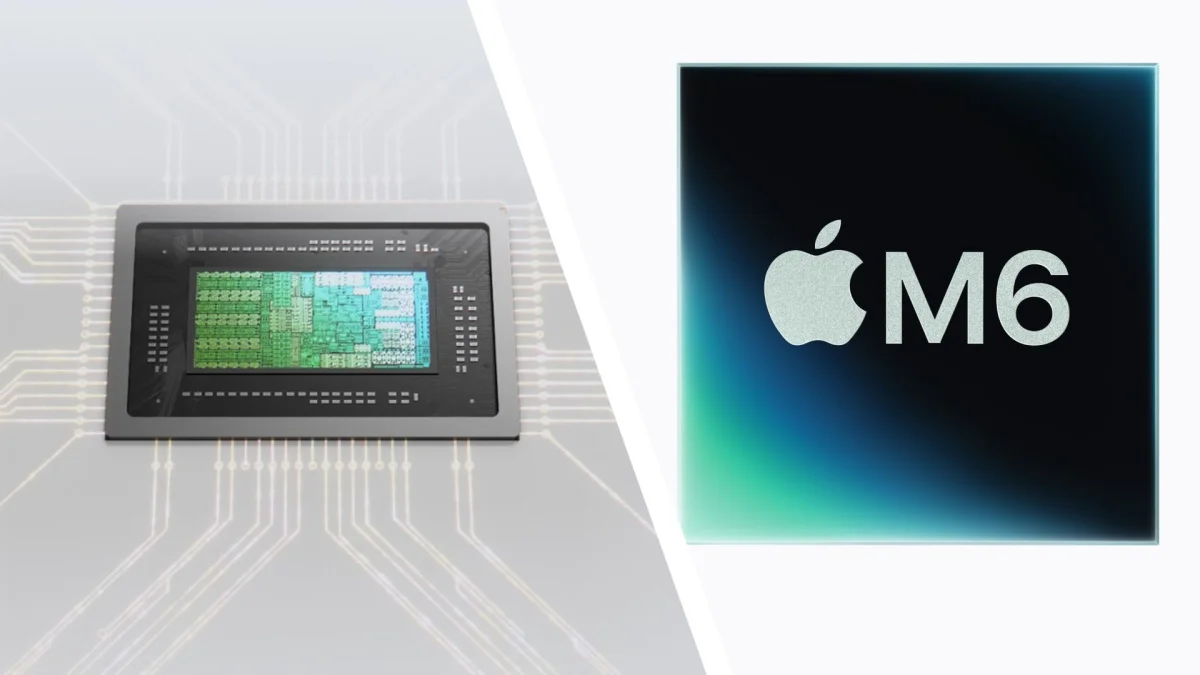
The chip lineup also creates an unusual wrinkle. The new entry-level 14-inch MacBook Pro announced the previous day uses an M6 chip, while the touchscreen flagship was reported with M5 Pro and M5 Max options. Bloomberg speculation cited in the live coverage suggested Apple could skip M6 Pro and M6 Max versions and move to M7 Pro and M7 Max in late 2027, with AI upgrades a possible reason. That remains a reported theory, not a confirmed explanation from Apple. For shoppers, the practical point is simpler: the M6 name doesn’t automatically mean every MacBook Pro in this launch cycle uses the newest chip generation.
Prices climb quickly beyond the entry models
The 14-inch PROLED XDR model starts at $2,899 / £2,899 / AU$4,599. The 16-inch starts at $3,399 / £3,399 / AU$5,499. Apple opened preorders on October 28, with availability beginning November 6. The regional prices are reported as listed; the article doesn’t provide local availability details beyond those dates.
At the top end, a fully configured 16-inch model costs $14,549 / £14,549 / AU$22,424. That figure puts the laptop in a narrow category for buyers with specialized needs and budgets to match. Most people considering one will have to weigh which upgrades their work actually uses. The source reports that the 14-inch and 16-inch configuration tables list available memory and storage, but it doesn’t transcribe every price tier, so the maximum price shouldn’t be mistaken for the cost of a typical configuration.
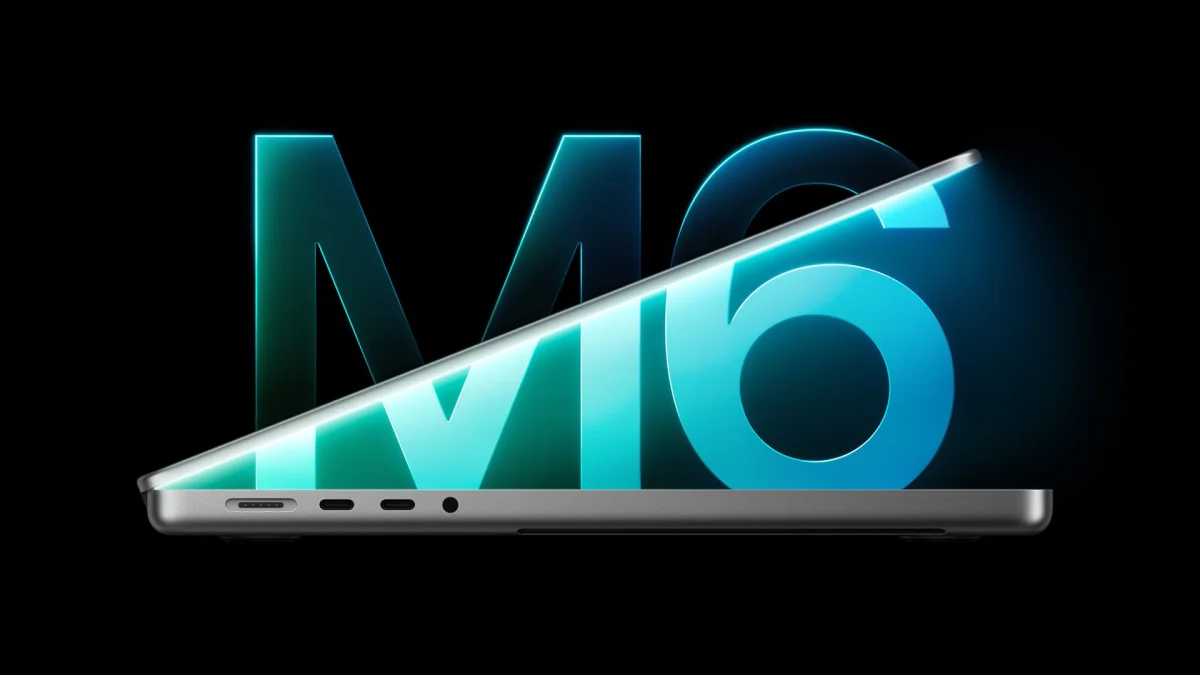
The price gap is particularly striking beside the M6 MacBook Pro announced earlier in the week. Apple says the M6 delivers up to 30 percent faster graphics and up to 25 percent faster AI workloads than the M5. The new M6 MacBook Pro also includes Apple’s N1 wireless chip, which enables Wi-Fi 7 and Bluetooth 6. Those comparisons are Apple’s claims, and the coverage doesn’t supply independent benchmarks. Still, they underline that the PROLED XDR model’s premium isn’t simply a step to a newer chip number: its main reported differentiators are the display, touch support and M5 Pro or M5 Max configurations.
A crowded launch week, with the MacBook as the headline
The touchscreen laptop was the last major reveal in a busy week for Apple. On Monday, October 26, the company introduced an OLED iPad mini. The day before the MacBook event, it announced the M6 iMac and 14-inch M6 MacBook Pro. The iMac received the same M6 and N1 upgrades described for the MacBook, plus support for two external 4K displays at 165Hz, up from 144Hz.
Apple also added AI features to its Creator Studio subscription. The reported changes include Generate Fill in Pixelmator Pro and OpenAI models alongside existing Apple Intelligence options. Final Cut Pro gained MotionVFX templates, graphics and transitions. That makes the PROLED XDR launch part of a wider push across Apple’s creative hardware and software, although the live coverage doesn’t describe those subscription changes in detail.
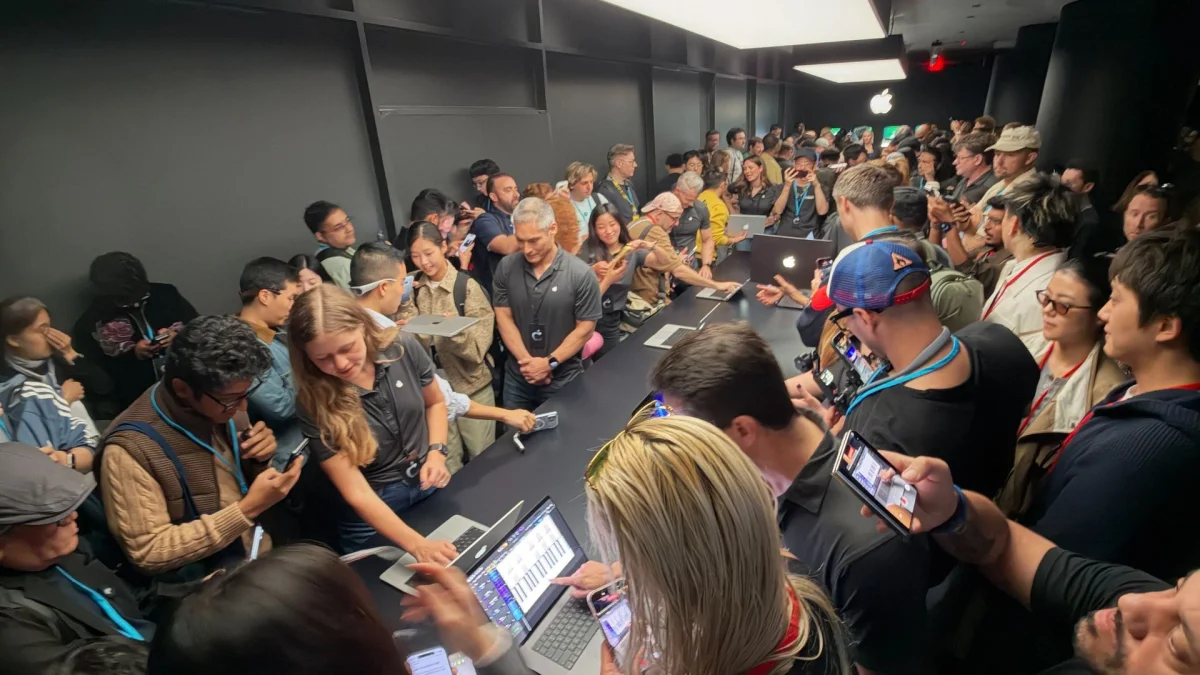
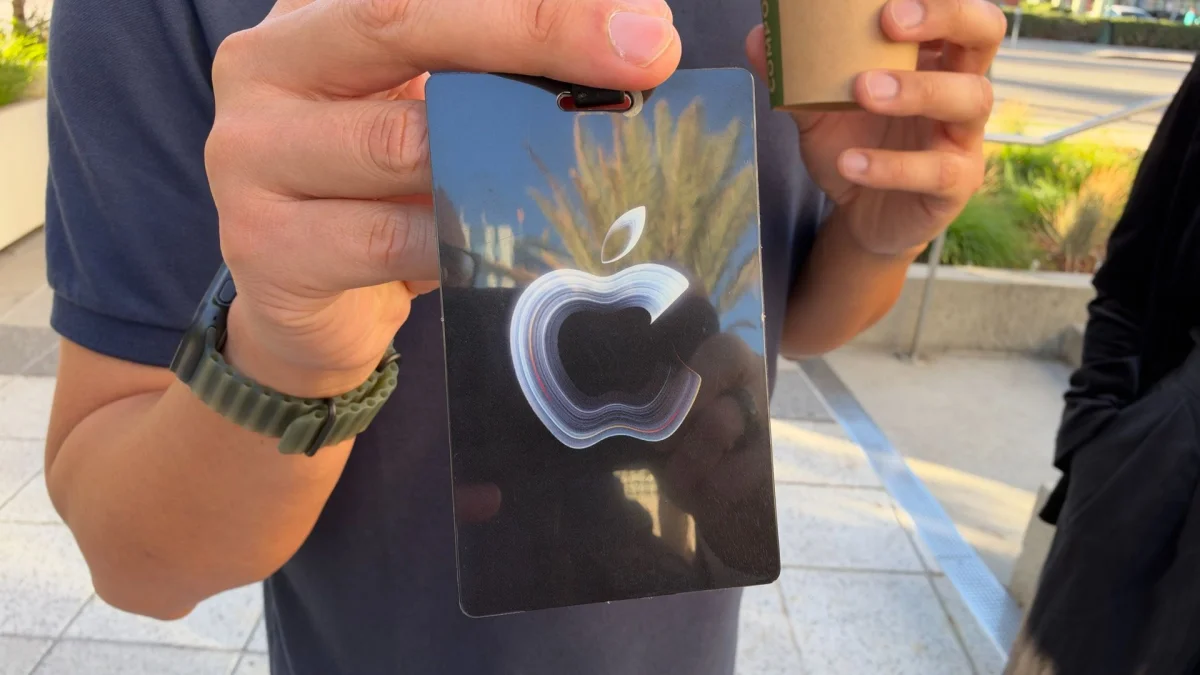
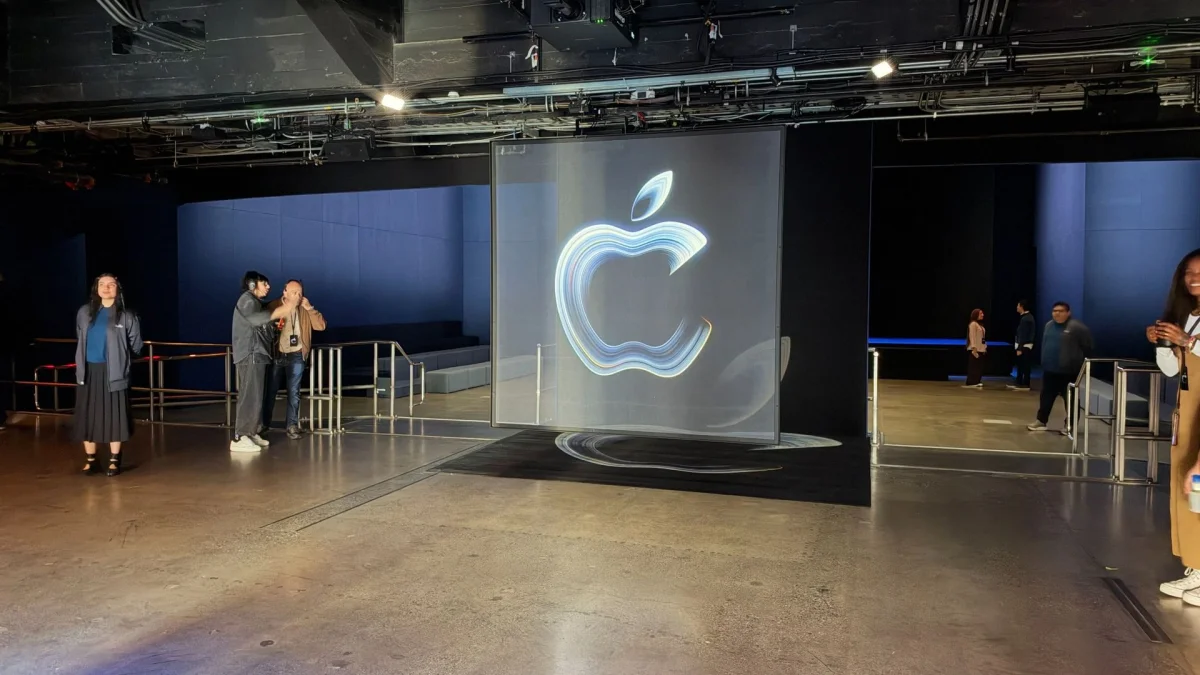
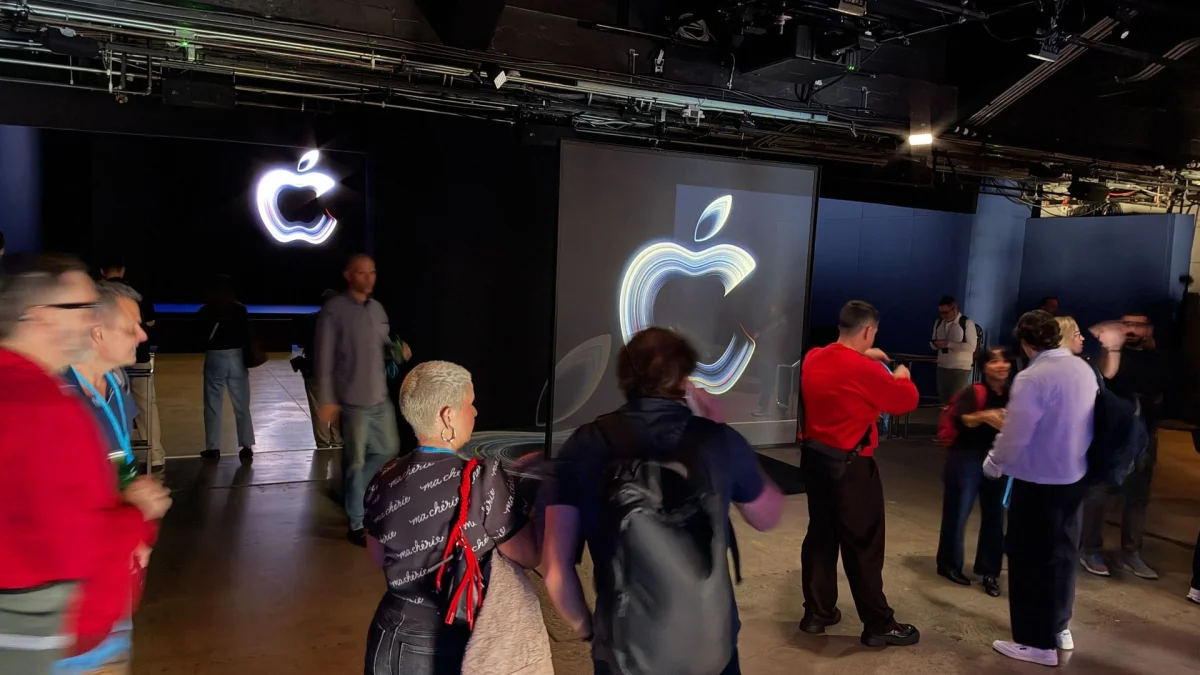
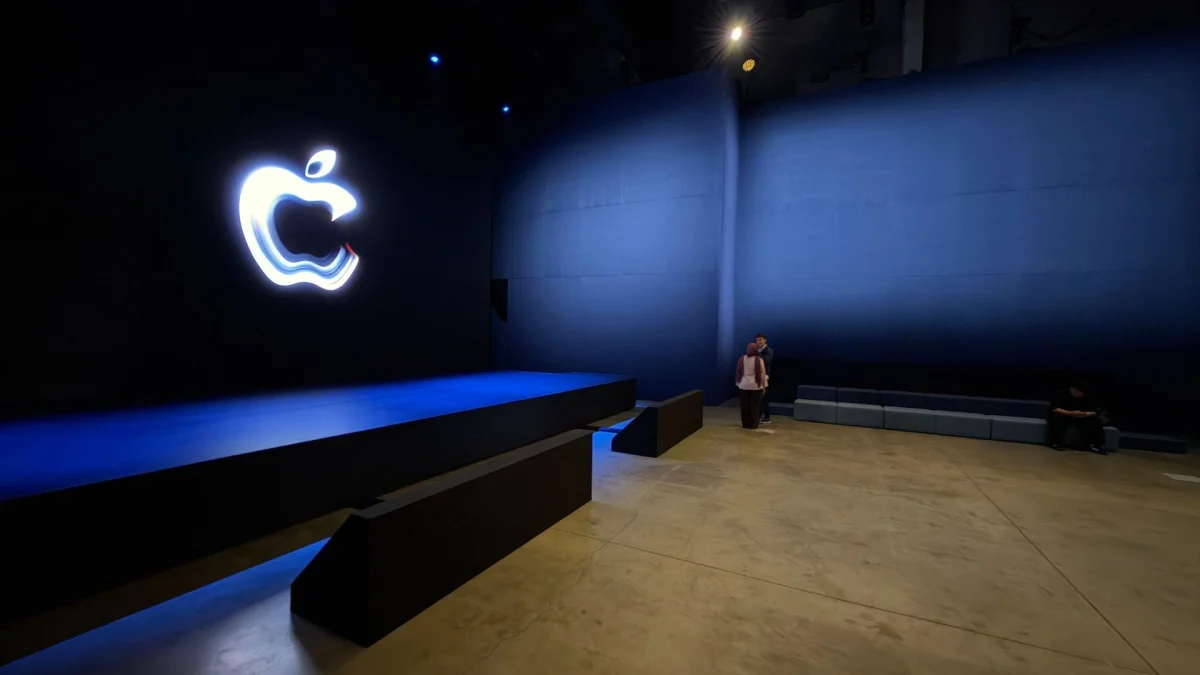
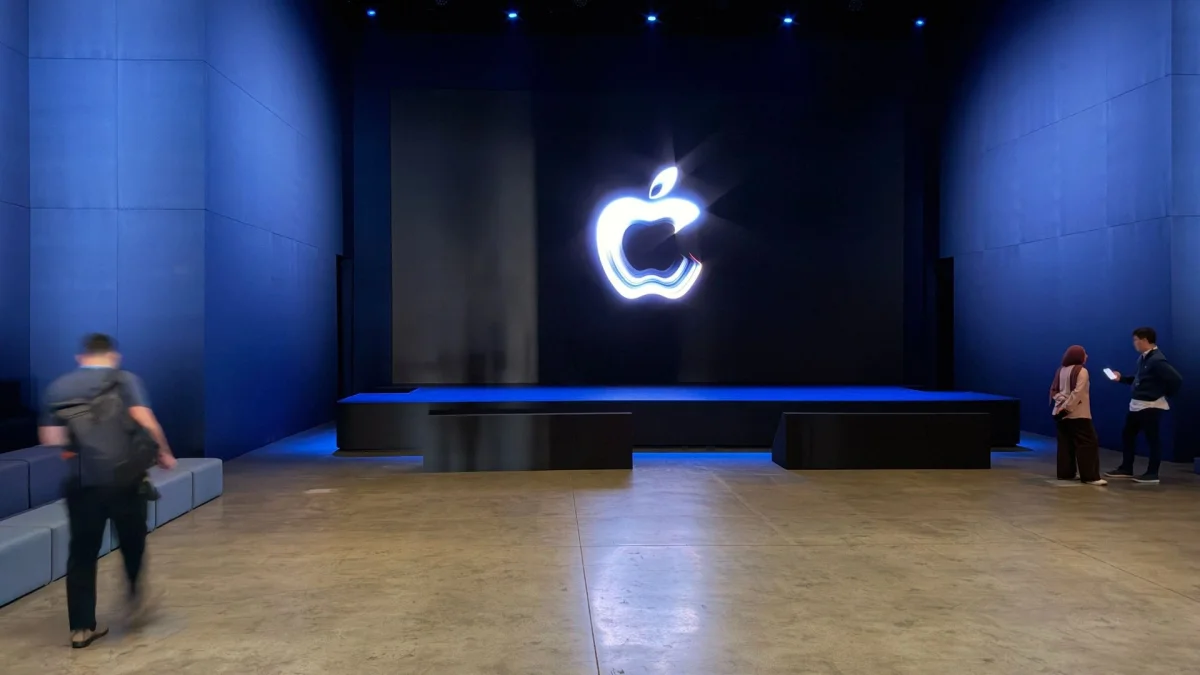
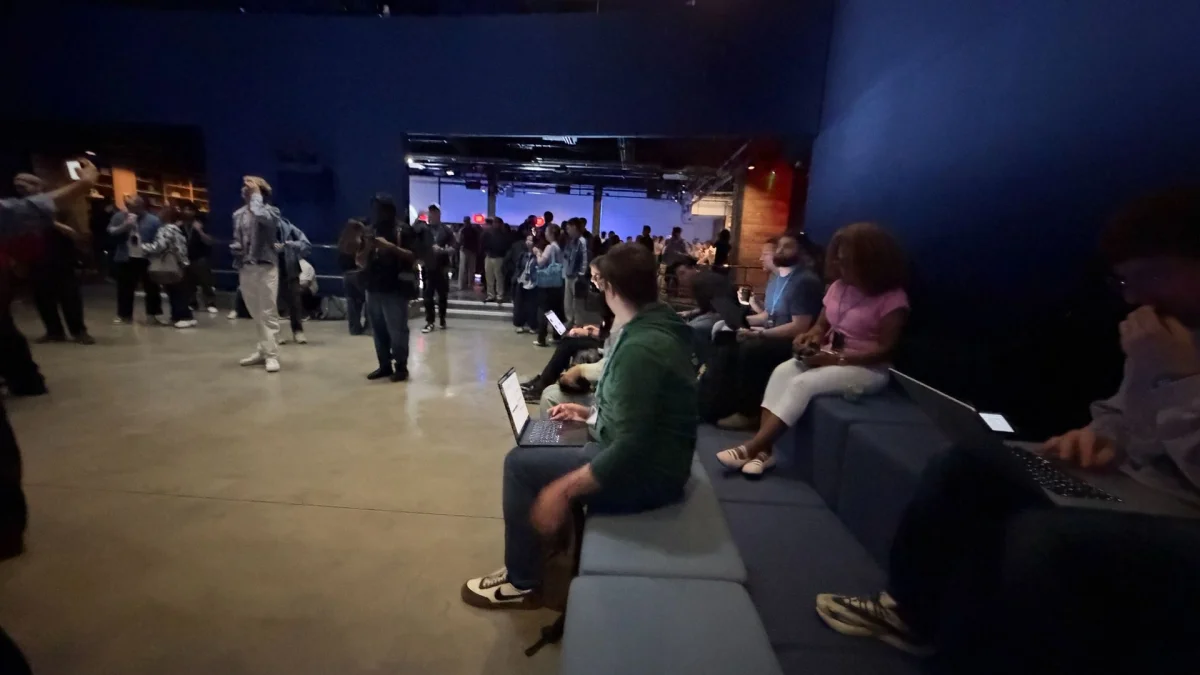
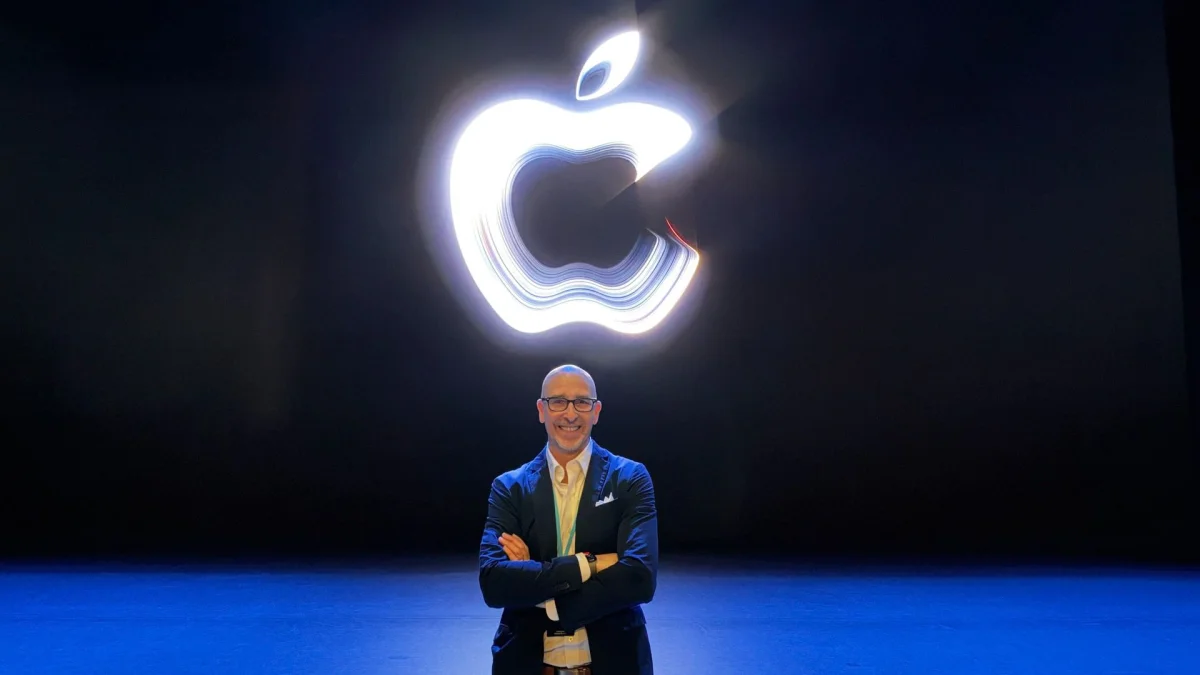
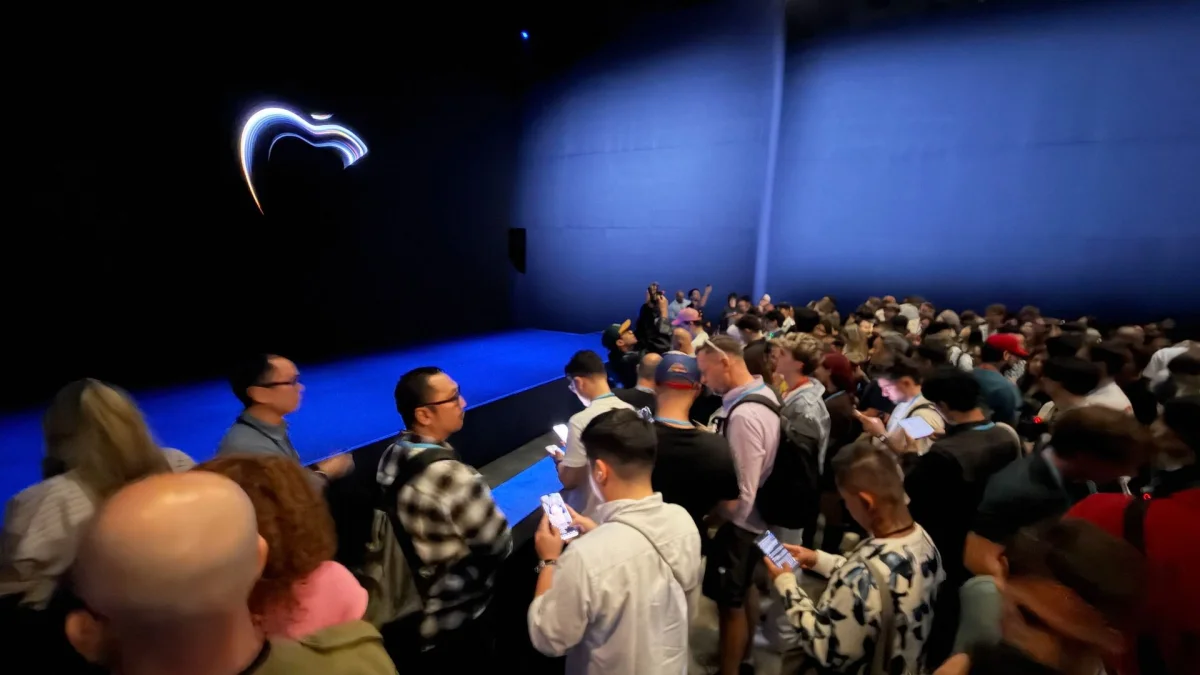
The MacBook event itself took place in Los Angeles at CBS Columbia Square, a building dating to 1938 that served as CBS radio and television’s home until 2007. Apple did not livestream the event. TechRadar’s Editor at Large Lance Ulanoff attended in person, and the account described an event space with few seats and multiple floors of product experiences. That setup put hands-on demonstrations at the center of the launch, though the initial report stopped just as Ulanoff was preparing to try the laptop.
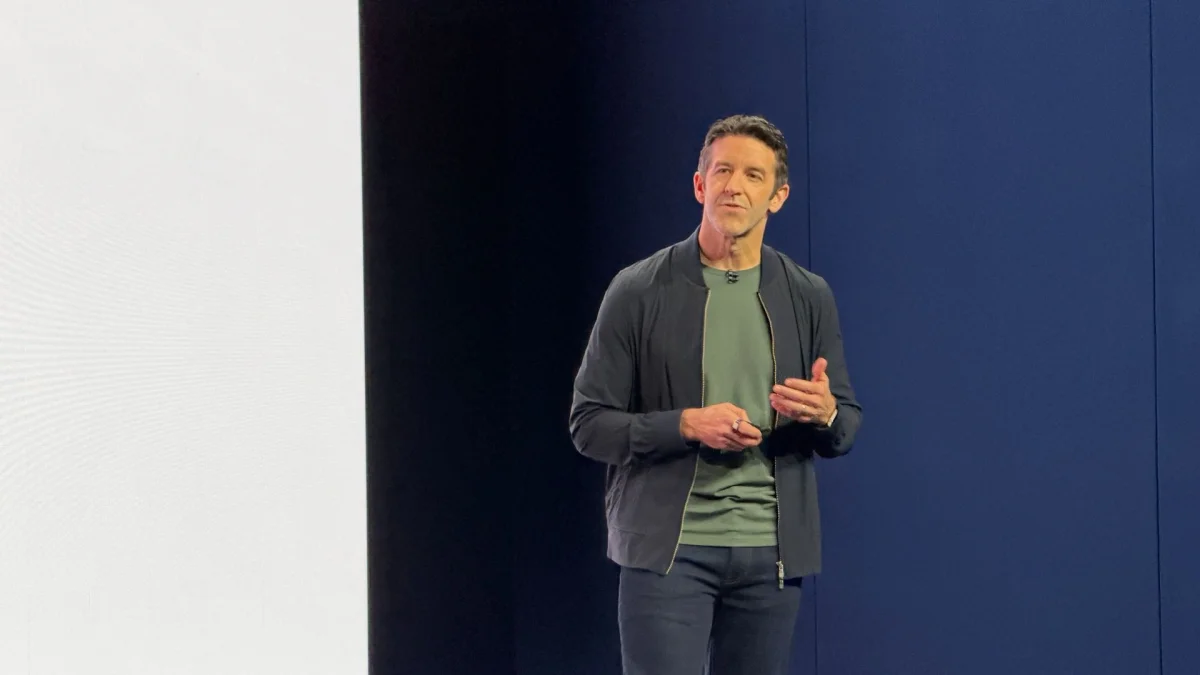
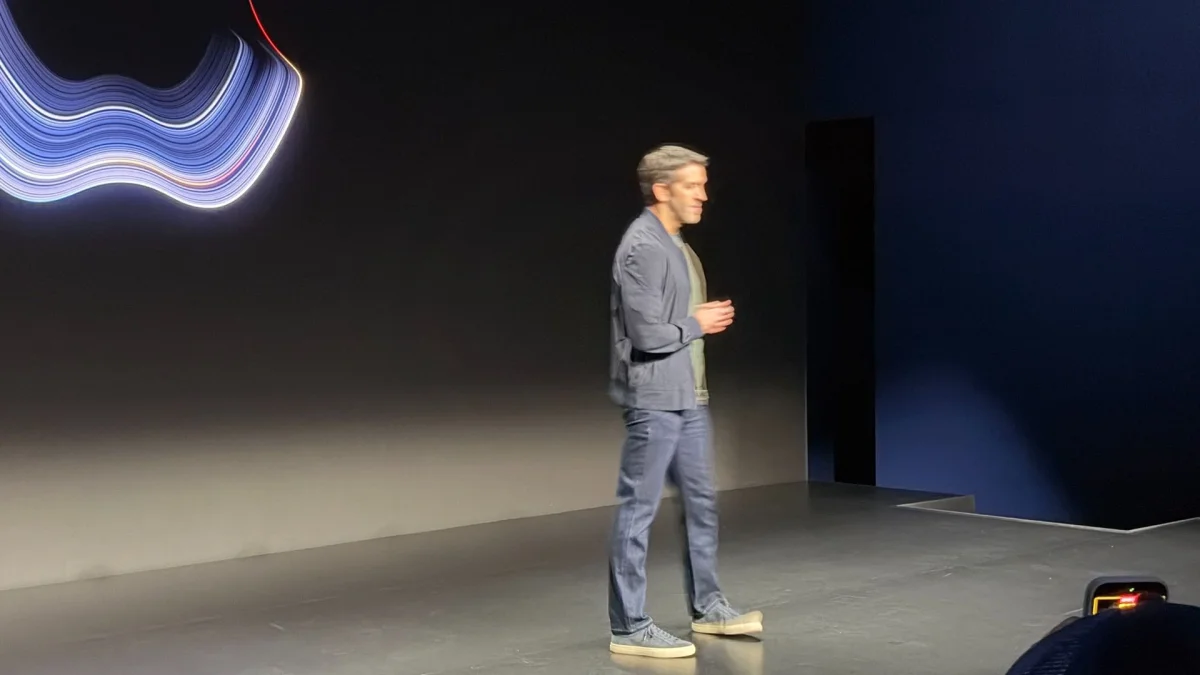
One pre-event teaser from Apple CEO John Ternus prompted speculation that the glowing Apple logo might return to the MacBook Pro after more than a decade. The live coverage described that as a social media theory, not a confirmed feature; it supplied no launch detail establishing that the logo glows. It’s a reminder that much of the pre-event discussion around this laptop—like the expected Dynamic Island, thinner chassis and chip roadmap—was speculation that needs to be separated from the confirmed specifications.
What buyers should watch for
The first touchscreen MacBook Pro gives Apple’s audience a new reason to consider its most expensive laptop, but the details point to a focused upgrade. The strongest case is for people who can make practical use of touch on a laptop display: designers handling 3D objects, developers testing touch interactions, or creators who regularly annotate and manipulate visual material. The 14-inch model starts at a high price, while the 16-inch version adds another $500 at entry level in the US.
For everyone else, the central question is how often touch improves a real task enough to justify the added cost. Apple has named supported gestures and example workflows, but independent hands-on impressions, detailed performance testing and a clearer account of the macOS changes are still needed. Preorders are open, and sales begin November 6. Until reviewers have spent time with the screen and tested Apple’s battery claim, the best guide to whether this is the right MacBook Pro will be the experience of using it, not the headline feature alone.