Retro CRT USB Minis and an ESPHome E-Ink Display Put Small Tech to Play
Two USB-powered DOS prompt minis bring retro charm, while an ESP32-C6 turns a small e-ink panel into a Home Assistant clock and weather display.
The most useful item in this box may be the least showy: a small e-ink panel that can display Home Assistant weather data using an ESP32-C6 and ESPHome. But the package also includes miniature USB-powered CRT-style monitors and a tiny tower PC, built for the pleasure of seeing familiar computer details shrunk to desktop scale.

Retro prompts for the top of a monitor
Michael Yim, who runs Questwise Ventures, sent the items from San Jose, California, to Galera in southern Spain. The first package was returned to him, so this was his second attempt. He said postage for the original shipment cost US$23. The replacement arrived looking identical to the first package in a photo he shared, leaving the reason for its return unclear.
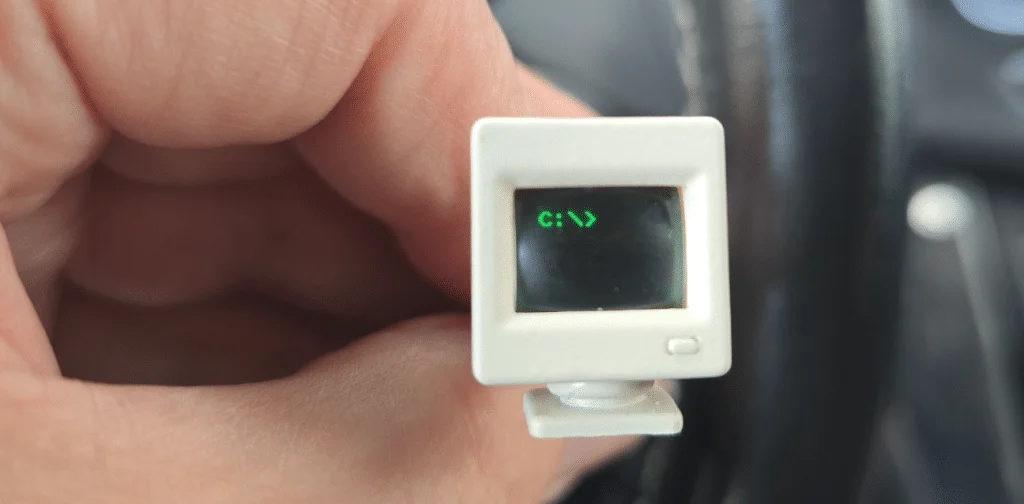
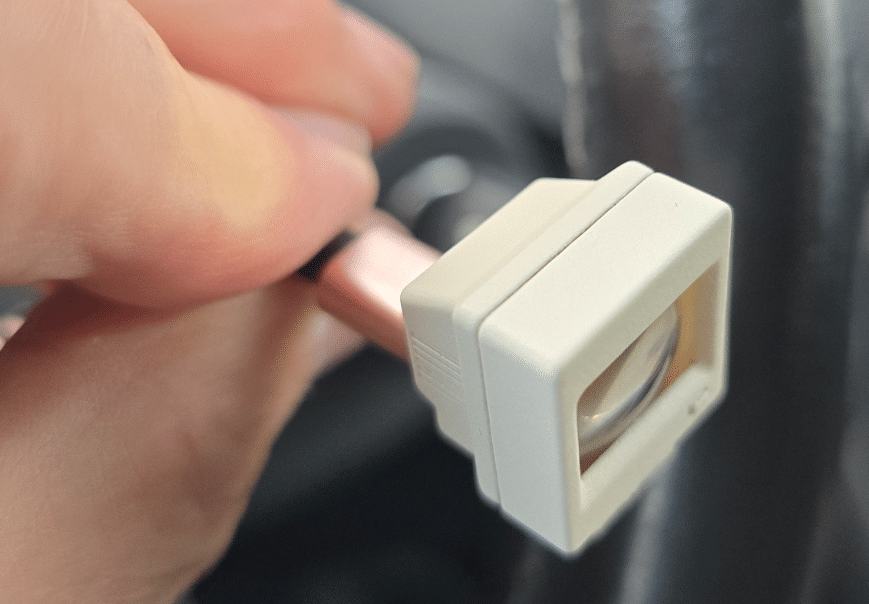
The first miniature monitor has a green MS-DOS-style C: prompt, powered over USB. Connect it and the prompt lights up, complete with a blinking underscore cursor. The USB cable exits from the back, making it easy to place the display on top of a larger PC monitor.
That simple effect is the appeal. The little screen calls to mind the author's late-1980s Sirius-1, known as the Victor 9000 in the United States. It doesn't run a computer or offer another practical function; it recreates the look of an old machine as a small desk ornament. The curved screens add to the effect, recalling CRT monitors from before flat panels became commonplace.
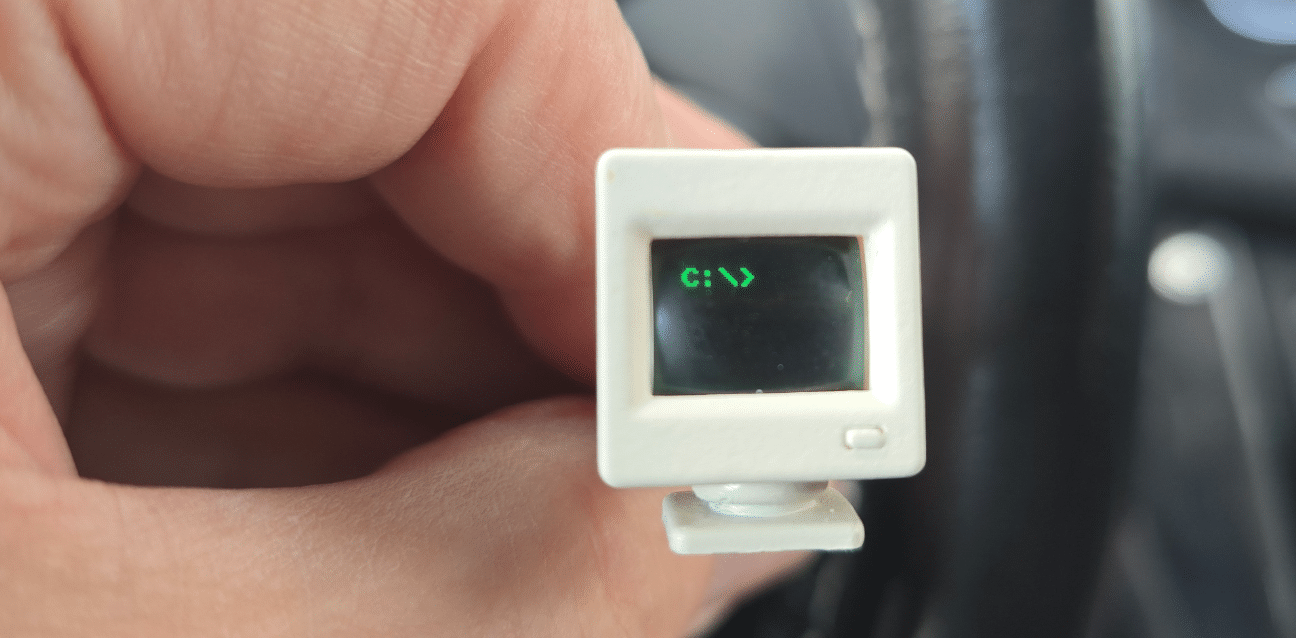
A second monitor is otherwise identical, but its screen shows a white C:\> prompt. For anyone who enjoys retro computing, the pair offer a small visual reminder of the era without taking up much desk space. The author describes them as a gimmick, and that's a fair way to set expectations: their appeal rests on the display and the nostalgia it brings.
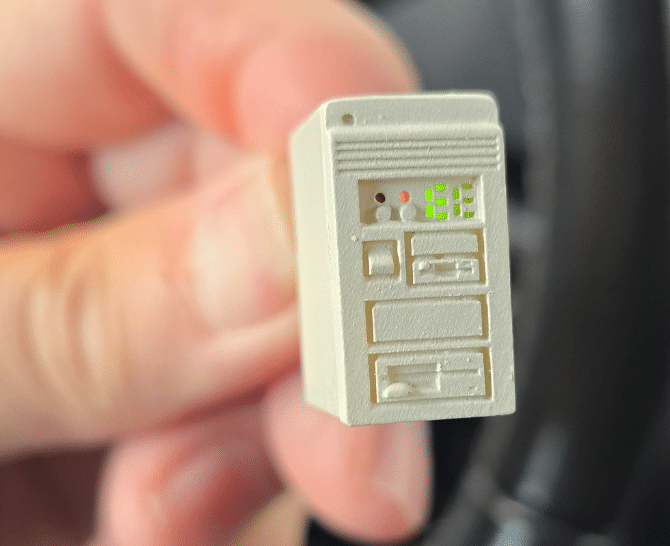
The box also contained a miniature tower PC. Its lights evoke the status LEDs found on full-size desktop towers, but it has no monitor display. The author recognized the familiar form from towers he had owned before switching to mini PCs. Like the prompt monitors, it's a small decorative piece rather than a functional computer.
A practical project for the e-ink panel
The more hands-on item is a small, white e-ink display board. It arrives showing “Hello World” and retains that message without continuous power. Changing the image requires a processor and power, though; the board itself needs to be connected to an ESP. Its SPI interface makes it a straightforward candidate for a small DIY display project.
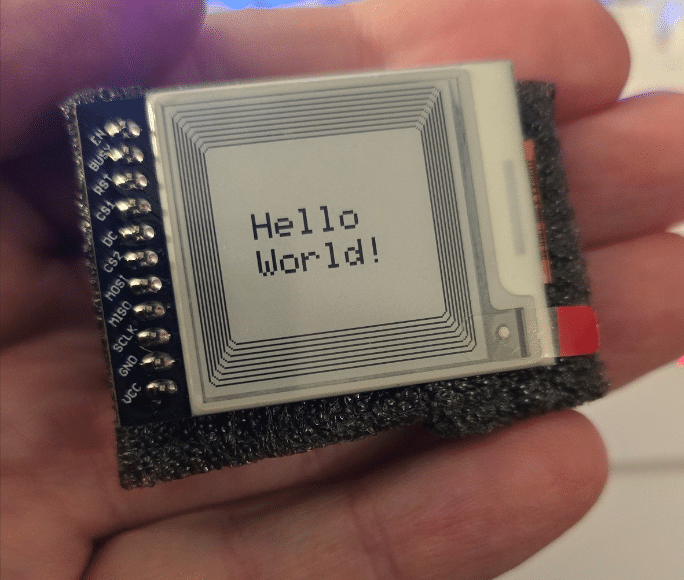
The author chose ESPHome rather than Arduino and used a Seeed ESP32-C6 board that he already had, with pins attached. The display also arrived with pins fitted, so the setup needed no other parts: connect the display to the board, then power the C6 over USB-C. In his setup, the components ran at 3.3 volts; he notes that the board can run at either 3.3 or 5 volts.
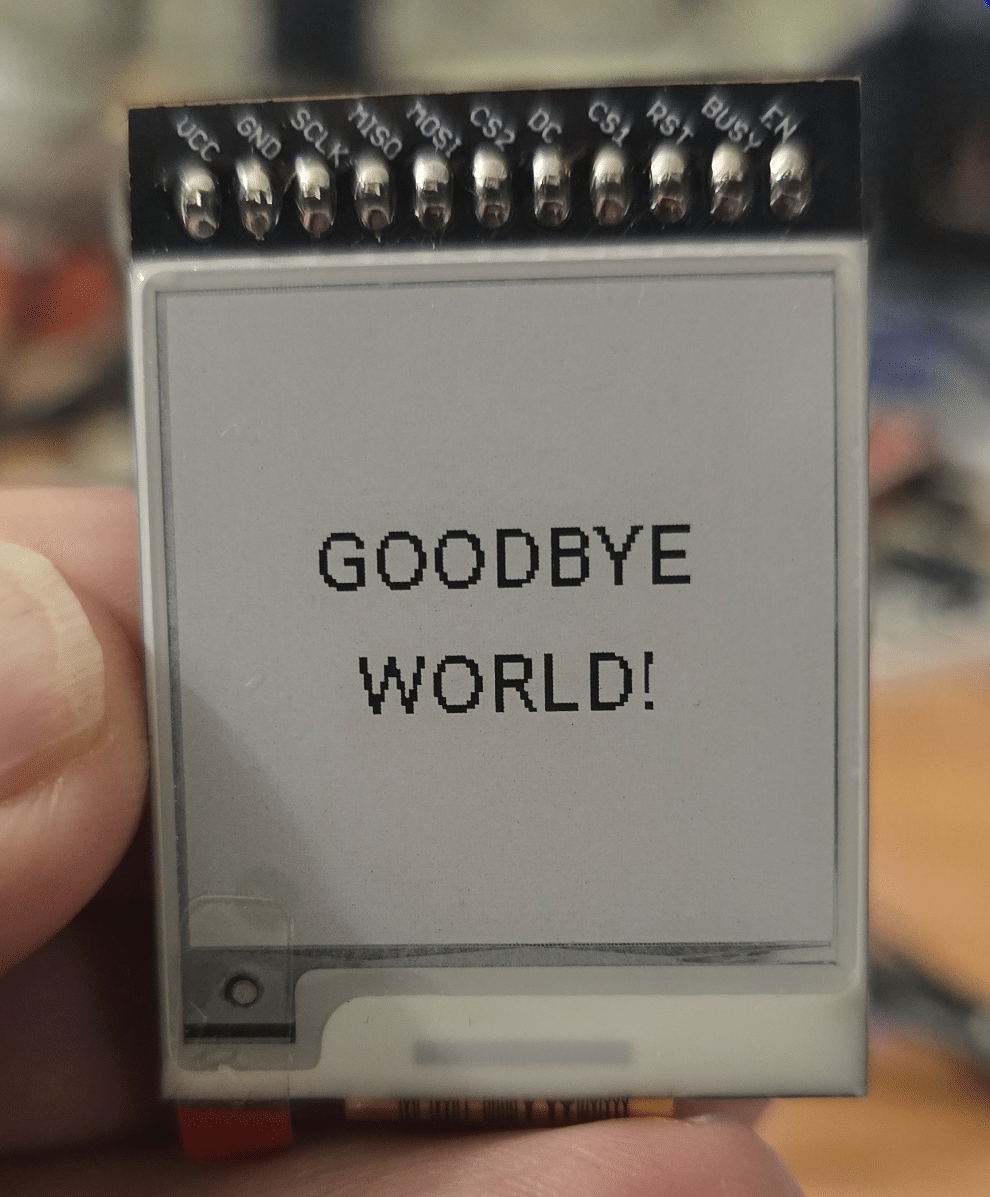
At the time of writing, dated 19 October 2026, the project required the development version of ESPHome. The author says it can run alongside a stable ESPHome installation already present in Home Assistant. His first configuration uses the SSD1681 display model, a 152-by-152-pixel layout and SPI pins connected to the ESP32-C6. It prints “GOODBYE WORLD!” in Roboto, with a refresh interval of 30 seconds.
The basic demonstration establishes that the panel works, but the next configuration gives it a more useful role: displaying the time, date, outdoor temperature and humidity. It gets time from an SNTP source and reads temperature and humidity entities from Home Assistant. The sample references the entities sensor.outdoor_meter_65_temperature and sensor.outdoor_meter_65_humidity, so those names would need to match the sensors in a different Home Assistant setup.
This version still uses the same ESP32-C6 and display wiring. It checks several saved Wi-Fi networks, waits after startup before updating the screen, then enters deep sleep. The configuration sets a 30-second run period and 60-second sleep period, and updates the display on time synchronization. That makes the project more than a static greeting, while keeping the panel's update schedule controlled.
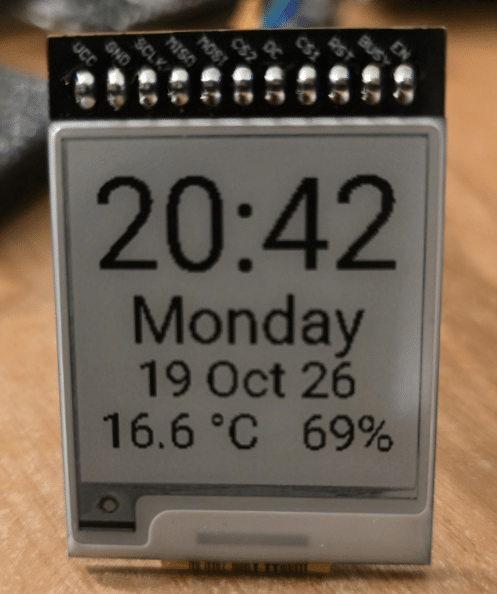
There is one visible trade-off: e-ink isn't an LCD or LED panel. When the display refreshes, it flickers briefly and noticeably. Here, that happens once a minute. For a clock and weather readout that doesn't need constant animation, the low-power, persistent image may suit the job; anyone expecting a smooth screen should keep the refresh behavior in mind.
Together, the pieces cover two different kinds of small tech pleasure. The CRT-style minis are desk curiosities, while the e-ink board invites tinkering and can become a compact Home Assistant readout. The latter is the one with room to grow: its usefulness depends on the sensors and ESPHome configuration, but the example shows how little hardware the project needs.