MacBook Pro With PROLED XDR Adds Touch and Drops 15% in Weight
Apple’s redesigned MacBook Pro keeps the M5 Pro and M5 Max while adding a touchscreen, a glowing logo and a lighter body.
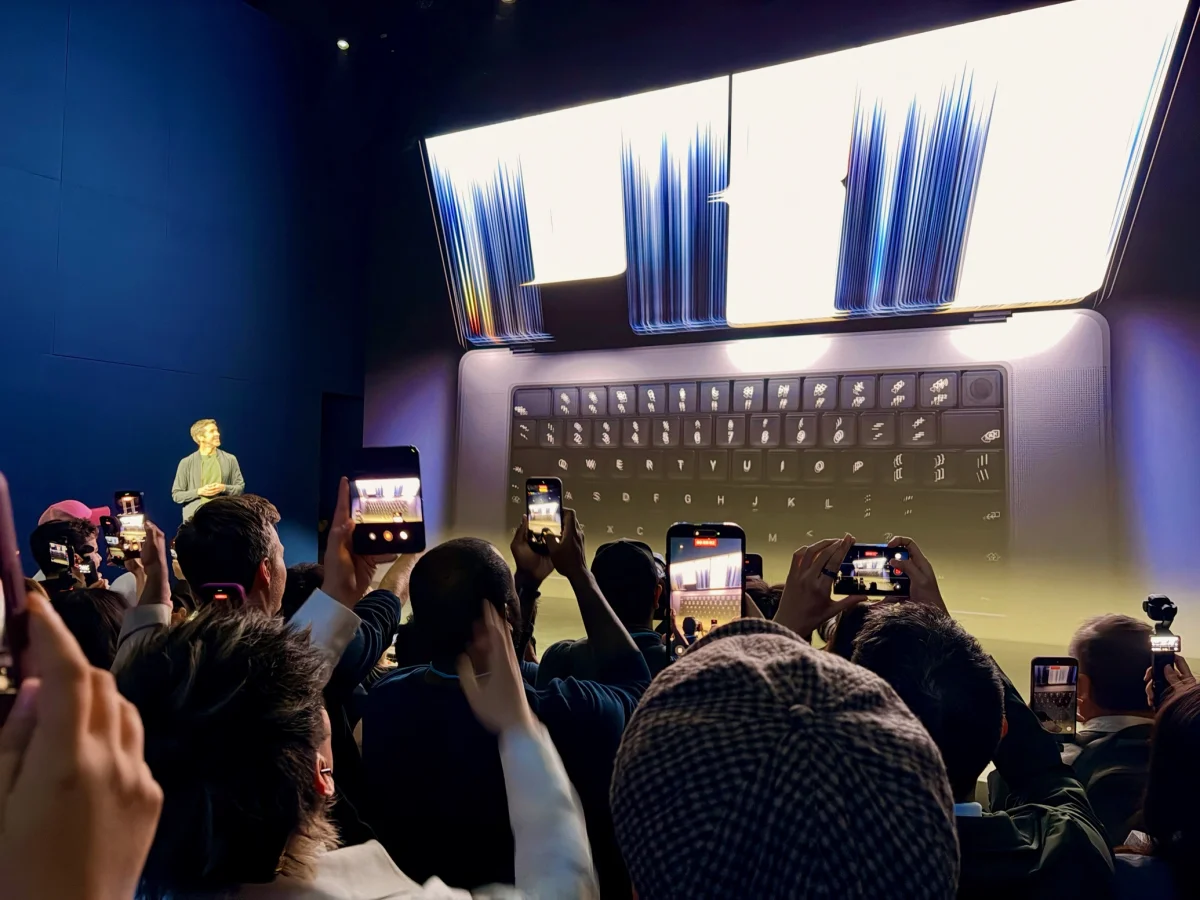
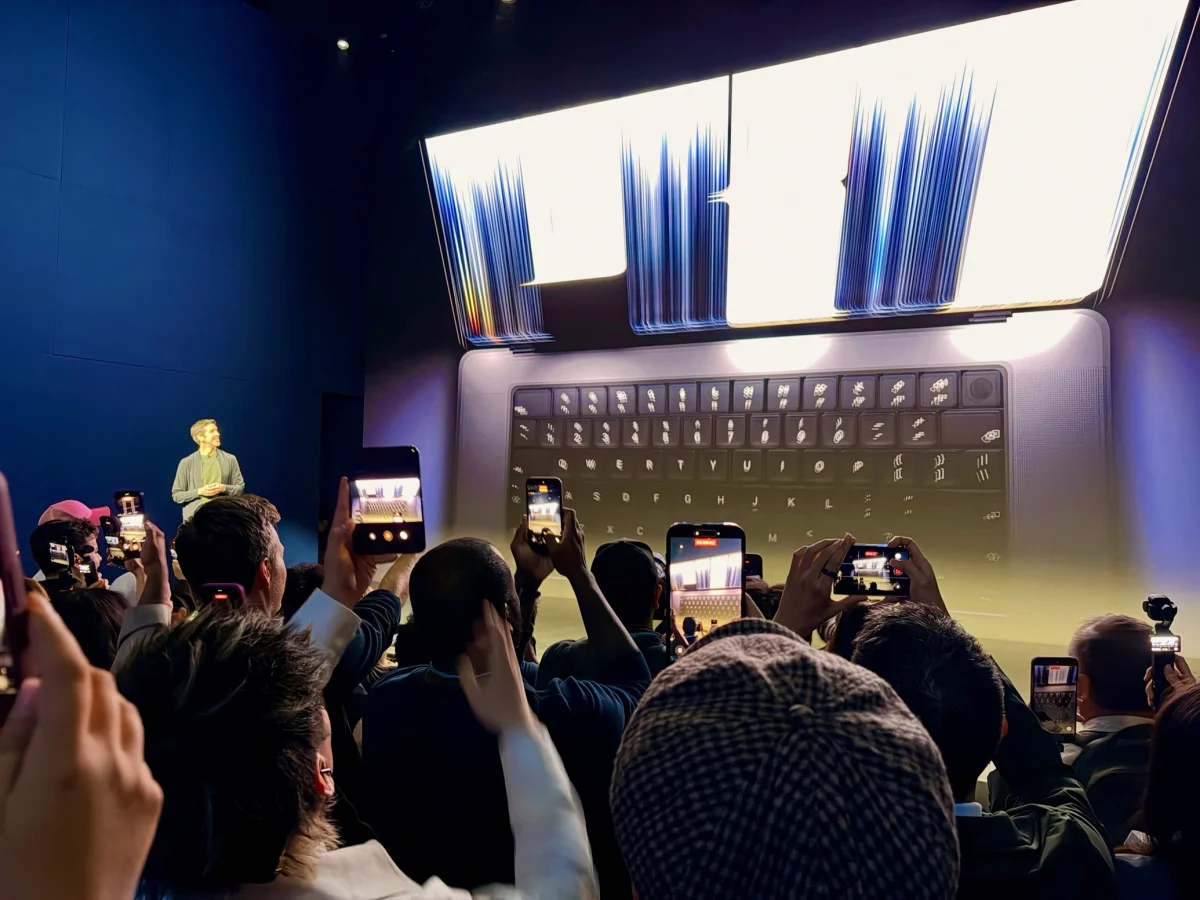
The most consequential change to Apple’s new MacBook Pro may be the weight it leaves behind. The redesigned laptops are about 15% lighter, gain a PROLED XDR touchscreen and bring back the illuminated Apple logo. Their M5 Pro and M5 Max chips, however, are the same ones found in the previous models, which remain on sale. That makes this an unusual refresh: the day to day experience and hardware have changed, while the silicon hasn’t.
I got an early look at the new models in Los Angeles. The hands-on area was crowded, and the event was still underway, so these are first impressions rather than a full review. Apple’s announcement gives the broad outline, but there’s more to assess in person, especially how useful touch feels in everyday Mac apps.
A Pro model, not a new MacBook tier
Before the reveal, there was speculation about whether Apple might call the laptop a MacBook Studio. John Gruber, standing nearby, had entertained that possibility; I doubted Apple would create a new name and product tier. The announcement stuck with MacBook Pro instead.
That choice makes sense if the PROLED XDR display and touch are features Apple expects to spread to other Mac laptops over time. A permanent line above the Pro would need a lasting reason to exist. Apple’s history with Retina displays offers a useful comparison: when those screens first arrived, the higher prices meant the company continued selling older, more affordable non-Retina MacBook Pro models for a while. Eventually, Retina became standard across the line.
For now, the pricing gap still matters. Apple is keeping the older M5 Pro and M5 Max MacBook Pro models available alongside the redesigned machines. Buyers who want the new display, touch input or lighter body will have to weigh those upgrades against the older models’ lower position in the lineup. The announcement doesn’t provide prices, so the size of that trade-off remains unclear.
Less weight, unchanged battery claims
The 14-inch MacBook Pro now weighs 3.0 pounds (1.38kg), down from 3.5 pounds (1.60kg). Apple has cut the 16-inch model from 4.7 pounds to 4.0 pounds. That’s a change you’re more likely to feel in a bag than the small reductions in the laptops’ dimensions: the new models are only hundredths of an inch thinner, less than a tenth of an inch wider, and about two-tenths of an inch shallower.
The 14-inch Pro’s new weight puts it closer to a 13-inch MacBook Air than the previous Pro was. It’s still a different kind of laptop, but the gap in how burdensome the two are to carry has narrowed. For people who travel with a Pro every day, that could matter more than a subtle change in thickness.
Battery life hasn’t increased along with the weight reduction. Apple claims up to 22 hours for the new systems and 24 hours for the 16-inch model, matching the previous generation’s figures. The practical upside is that Apple says it managed to make the machines lighter without reducing its claimed endurance. Anyone hoping for longer unplugged sessions won’t find an increase in the numbers Apple has shared.
Touch adds to the Mac interface
The PROLED XDR screen is a real touchscreen, but macOS doesn’t switch to a separate tablet-style interface when you use it. Menus gain a little more spacing, and selecting or dragging items gets more visual feedback. Those adjustments aim to make touch easier without asking Mac users to learn a different way of working.
That approach fits the laptop’s conventional design: it doesn’t have a hinge that flips the screen around for use as a tablet. Touch is an extra input method alongside the keyboard and trackpad, rather than a signal that the MacBook Pro should work like a large iPad. Apple could make a convertible Mac with a more extensive touch interface in the future, but this model doesn’t make that move.
One use case in Apple’s introduction stood out: a developer testing an iOS app in Xcode’s simulator and interacting with it directly on the MacBook screen. That could be a practical addition for developers checking touch controls during development. It also illustrates where a touchscreen may add something distinct to macOS, even if most users continue to rely on the trackpad for much of their work.
The glowing logo returns
The Apple logo on the back of the display lights up again. John Ternus introduced it on stage with a line that suggested he knew longtime Mac users would recognize the return. The illuminated logo had been a familiar feature on older Apple laptops, and its absence made later designs feel a little more restrained.
It’s a cosmetic change, but one with a clear dose of nostalgia. Apple hasn’t yet offered a broader explanation for bringing it back. The logo won’t tell us much about how the computer performs, but it gives the new chassis a visible link to earlier MacBooks—and hints that Apple is willing to revive a detail users remember fondly.
The new Pro’s identity comes into focus through the combination of those changes: a substantially lighter body, a touch-enabled display, a familiar chip generation and a returning design flourish. The key question for buyers is whether the display and reduced carry weight are worth choosing this version over the still-available M5 Pro and M5 Max models. A closer look at the screen and real-world touch behavior should help answer that.


