AI-Assisted Mac Apps Face a Crowded Field, and Good Developers Need a Way Through
AI tools make Mac apps more accessible, but a flood of rushed releases can bury careful work and make discovery harder for small developers.
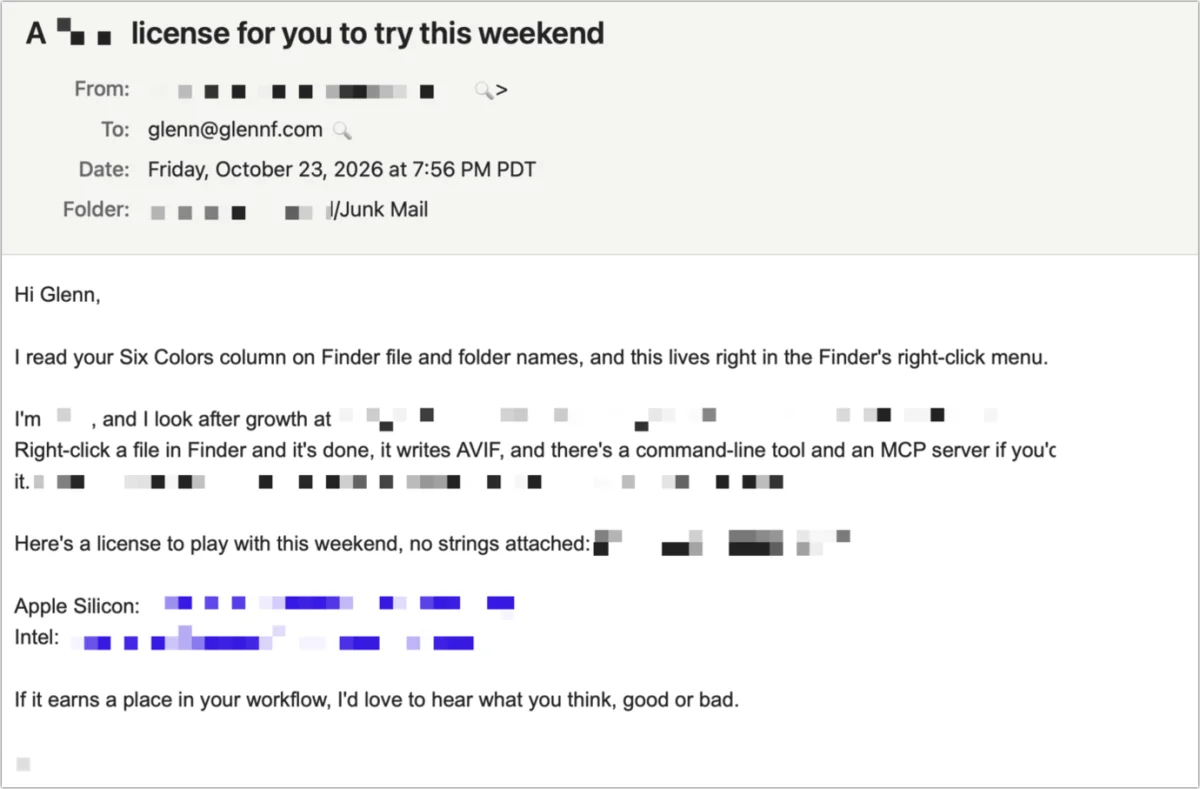
Making a Mac app with AI assistance is within reach for more people than ever. Getting that app noticed, trusted and maintained is a harder problem. The stream of pitches landing in tech writers’ inboxes suggests that rapid app creation may be adding noise faster than the Mac community can find useful new tools.
The pitches often follow a familiar script: a developer refers to something a writer has covered, describes a problem they wanted to solve, then introduces an app designed to solve it. Some messages seem to be written by chatbots, even when their authors have tried to give them a personal touch. That can make the app itself seem hastily assembled, whether or not AI helped build it.
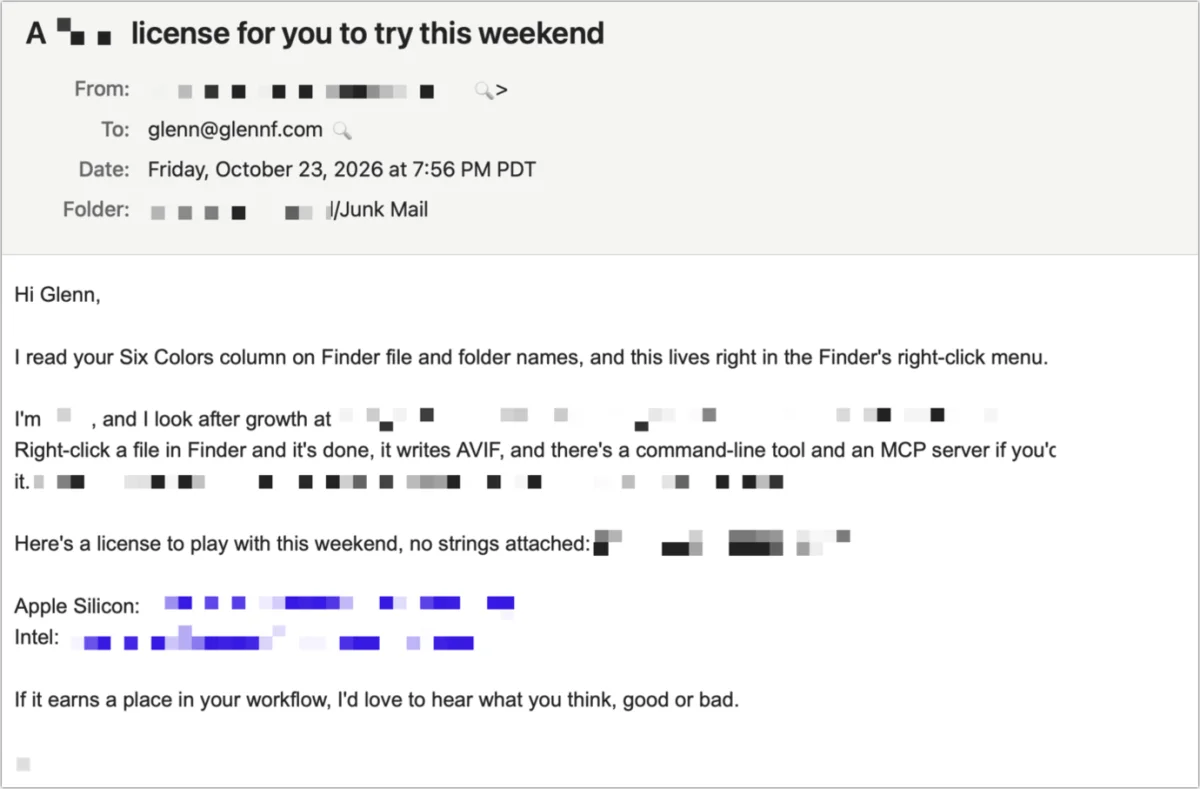
That impression matters to developers who are doing careful work. Mac users have long relied on independent apps such as BBEdit, PCalc and A Better Finder Attributes. Their developers need a way to reach people without being mistaken for another disposable app in a busy inbox.
AI changes who can build an app
The phrase “vibe coding” gets applied to very different things, from asking Gemini to generate a Markdown editor to using a coding agent as part of a more deliberate development process. Those approaches aren’t equivalent. In an essay about building apps with Claude, Lex Friedman describes directing an agent while still taking responsibility for the app’s design, refinement and debugging. That work calls for experience with software development, or at least sustained attention to how an app should behave.
AI assistance can still open app development to people who couldn’t write the code themselves. The writer, who has programmed since age 10 and spent decades writing scripts, says they never mastered Objective-C or Swift. That history doesn’t make them a professional developer, but it did provide a grounding in how software works. Their view is that this experience helped turn an AI-generated starting point into a useful app.
There’s a reason coding lends itself to AI assistance: software has strict rules and its results can be checked. An agent can produce code that runs, though it can also claim to have completed work that it hasn’t actually done. Testing is essential. Creative work such as writing and drawing allows for a much wider range of expression, making AI-generated results harder to assess by the same standards. The author sees limited value in much of that output and points to the uncanny quality it can have.
The distinction doesn’t settle wider concerns about AI. The author says there are ethical questions around the technology’s environmental cost and allegations of piracy, including when AI is used for coding. Those issues sit alongside questions about AI-generated writing, art and chatbot answers, but the piece focuses on what assisted coding means for app development.
A first app took more than a prompt
Mister Plimsoll grew from a practical need: a Six Colors reader wanted software that would monitor a Mac drive as its storage filled up. The author couldn’t find a tool that fit, so they used Claude to help create one. It would have been impossible for them without their background in coding, they say.
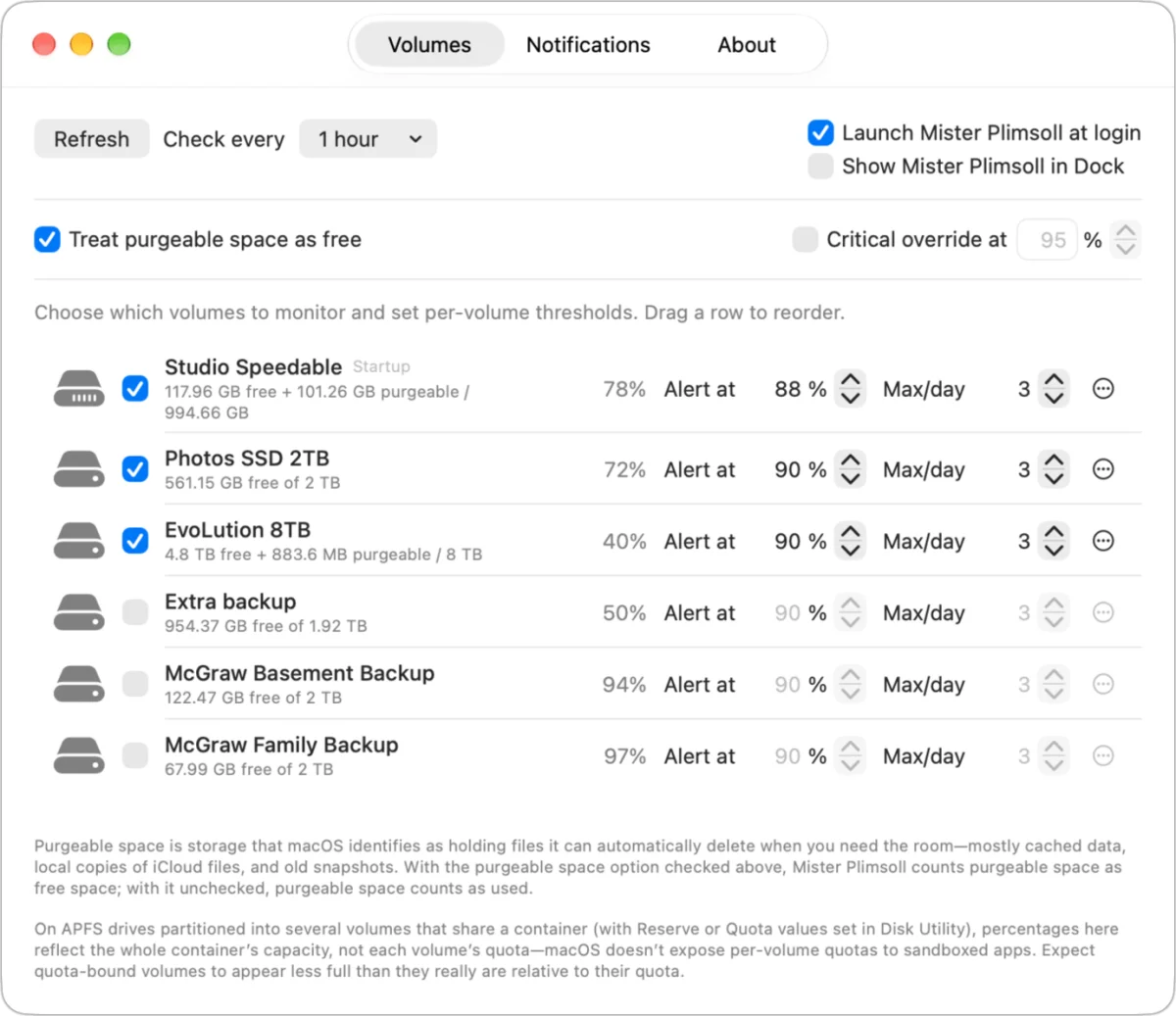
Getting from an idea to a finished app required dozens of hours of debugging, refinement and changes based on user feedback. The author mostly reviewed the code and made few direct changes, but learned Swift in the process. Mister Plimsoll is free because its purpose is narrow and the author wanted to contribute to the Mac community. Tips have brought in less than $80 so far.
The author hasn’t promoted the app through pitches to writers. They hoped people looking for a way to get notified when a Mac drive was nearly full would discover it naturally, but say Google hasn’t helped so far. That experience points to a familiar challenge for small developers: a useful tool can exist and still be hard to find.
The danger is a flood of mediocre apps
Independent developers are a central part of the Mac platform. Productivity and graphic-design software helped anchor Mac sales, while many smaller companies, sometimes built around a single developer, have kept useful apps alive and improving for decades. AI tools are already part of many developers’ workflows, whether they’re used for writing small sections of code, building test suites, stress-testing software or preparing an app for the App Store.
The concern, then, isn’t that professional developers use AI. It’s whether the ease of producing apps creates a volume of releases that overwhelms the ecosystem. Some AI-assisted apps will be excellent. A large supply of mediocre, buggy or unsafe ones, however, can make it harder for users to spot the good work and for new developers to earn their attention.
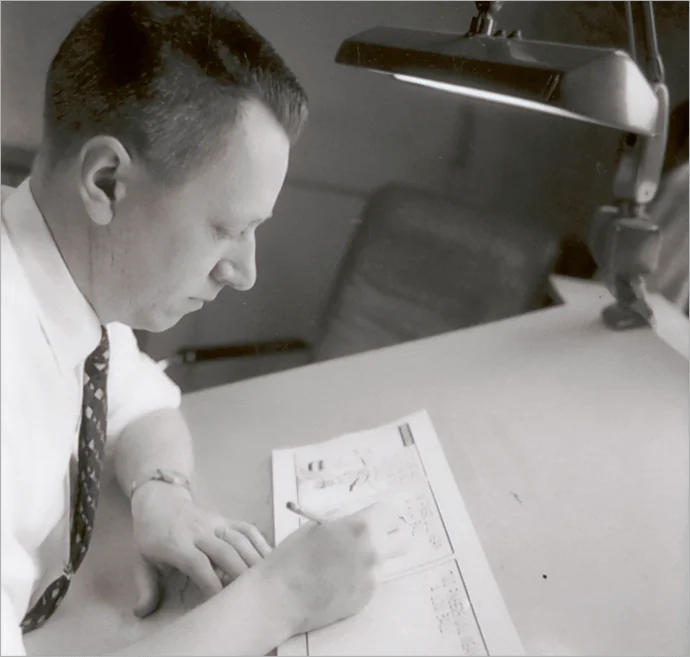
The author reaches for an example from comics: Charles Schulz drew and lettered every Peanuts strip for 50 years, but delegated some production work. An assistant applied tints and helped prepare the Sunday strips for color. Schulz set the guidelines, approved the results and let his assistant choose the colors.
That arrangement shows how a creator can use help without handing over the work’s direction. The comparison has limits: AI-generated comics still can’t reliably produce a strong strip or panel, in the author’s view. They can mimic patterns, but don’t invent in the same way. A stream of generated cartoons across social media could discourage human creators who are trying to find an audience.
For app makers, the risk is similar in one specific respect: a flood of easily produced work can make discovery feel hopeless. More pitches that sound machine-written may also be deleted before a journalist reaches the product details. AI tools may keep changing how developers build software, but lasting apps will still need judgment, testing, user feedback and a clear route to the people who need them.
The author’s own app offers a modest example of the work involved, not a template for success. A good idea and coding assistance got Mister Plimsoll started; time spent debugging and responding to users made it more useful. For small developers trying to stand out, the work of making an app good may be only half the job. Helping the right users find it remains just as hard.
Lex Friedman’s process and full essay describe a more hands-on relationship with coding agents. Mister Plimsoll is available at misterplimsoll.app; the original idea came from a reader’s question about monitoring drive space. The comic-production story is also discussed in How Comics Are Made, which includes an interview with Schulz’s last assistant, Erin Samuels. She has worked on digitized Peanuts since 2000, removing dot tints, replacing them with solid tints and adding color to Sunday line art.


