BetterGov.PH Opens Its Budget Portal for Local Offices to Reuse
Gadget Pilipinas879 views
The free portal turns budget data into a shareable local site, with project records, document page links and clear limits on what the data can show.
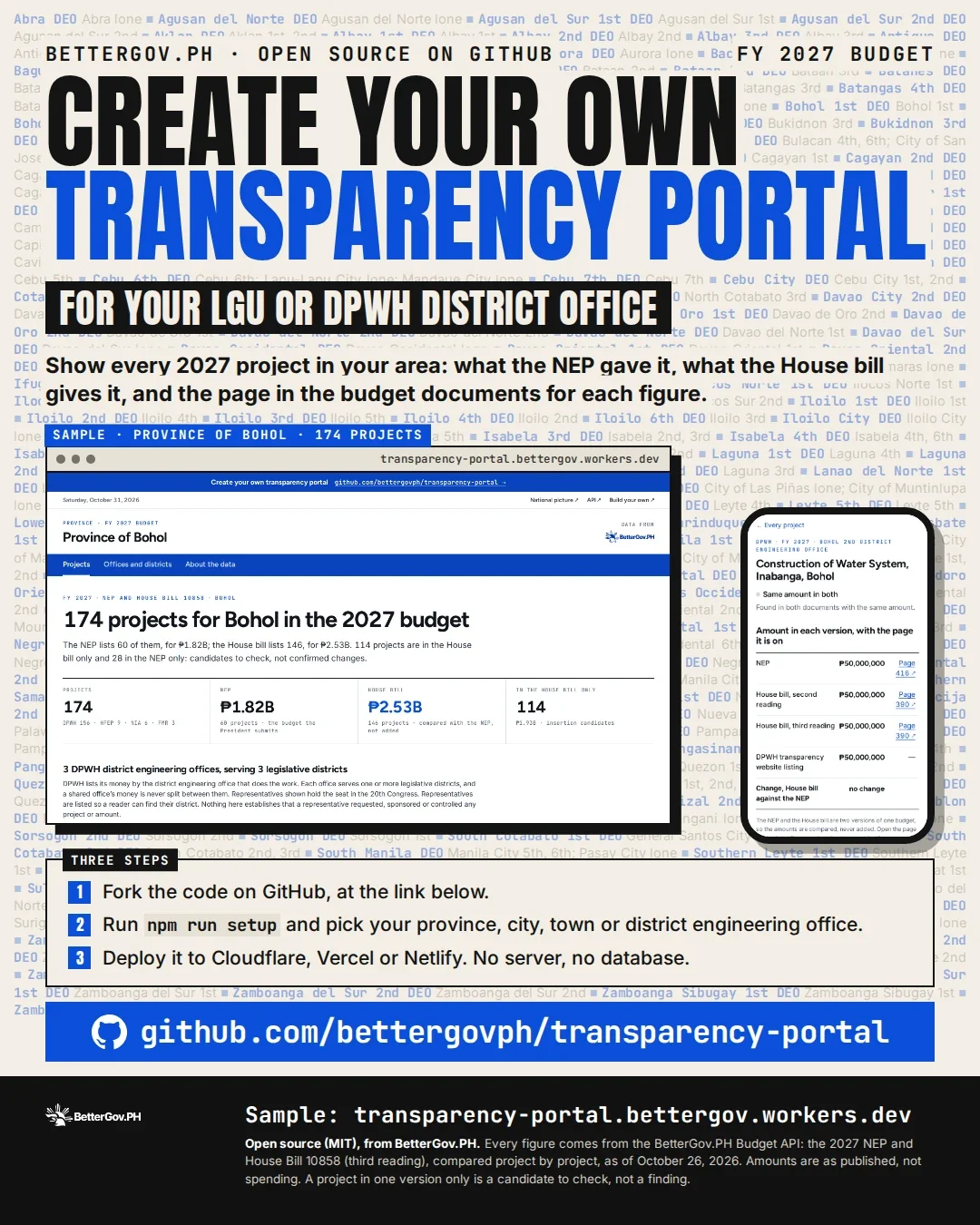
BetterGov.PH is making its budget transparency portal available for reuse by provincial, city and municipal teams, DPWH district engineering offices, civic tech groups and newsrooms. The open-source code, published under the MIT license, uses the same data engine as the national budget site and can be deployed as a static website.
That makes the project easier to run than a typical local data service: there’s no backend, database or monthly hosting bill. Its usefulness, though, depends on what the underlying records can identify. The portal can show budget lines and link them to source documents; it cannot yet reliably place every project in a specific city or municipality.
BetterGov.ph is inviting LGUs, DPWH district offices and newsrooms to fork its portal. Image: BetterGov.ph
A local site with a light setup
The portal draws figures from the public BetterGov.ph Budget API, the same source used by budget.bettergov.ph. It compares every 2027 budget project in the National Expenditure Program with the House Bill allocations, showing additions and removals alongside the source document page for each figure.
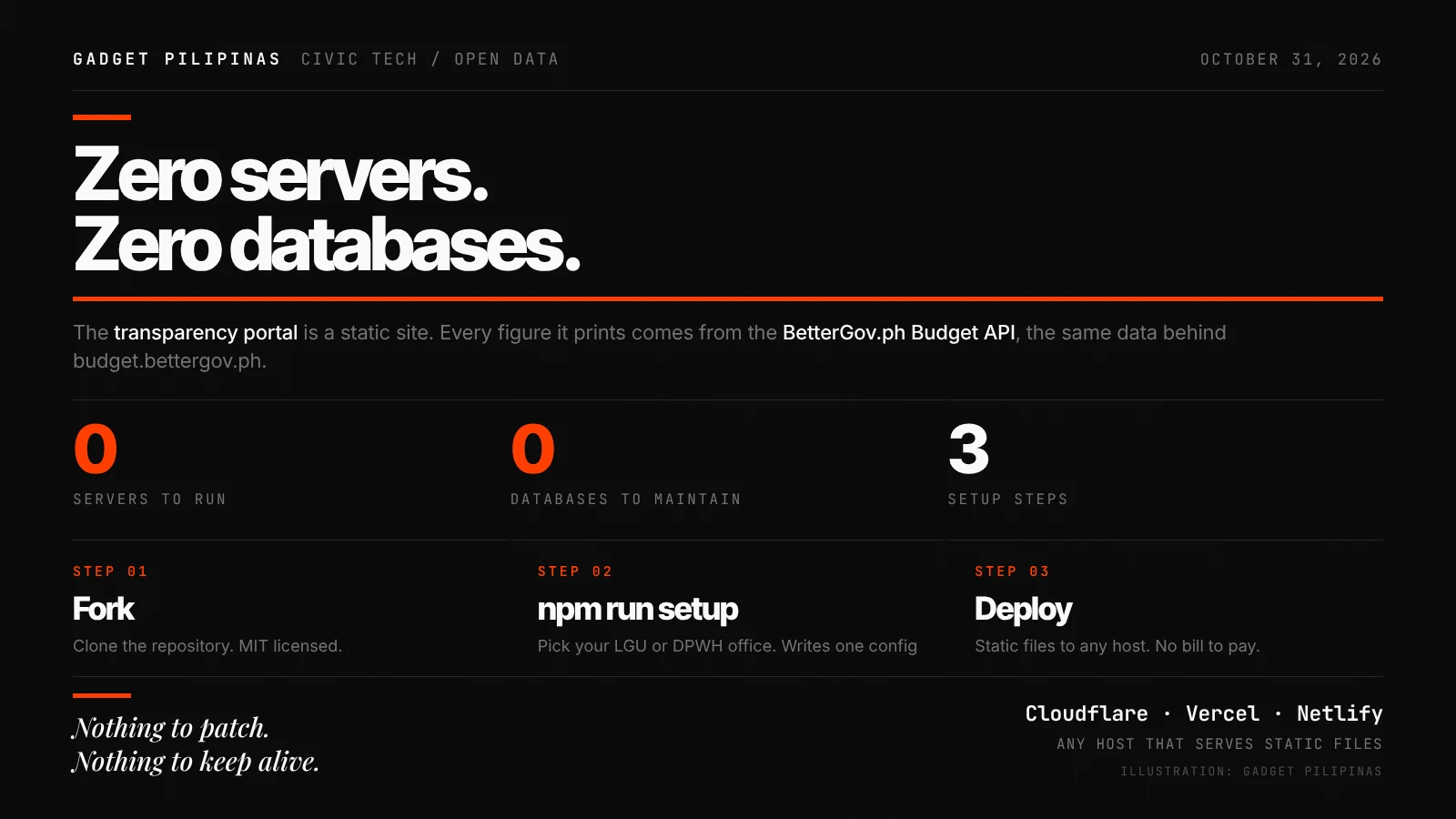
To create a local version, a team forks the repository, runs npm run setup and selects its LGU or district engineering office, then deploys the generated site. The repository includes configurations for Cloudflare Workers, Vercel and Netlify. Other hosts can serve it too, provided they direct unknown paths to index.html.
The setup script looks up the selected office or place in the API, then writes its name and ID into portal.config.ts. That single configuration file is where a fork’s scope is set. Since the published site consists of static files, the hosting provider doesn’t need to run an application server or maintain a database.
The portal is static files. Every figure comes from the Budget API.
Four views of budget records
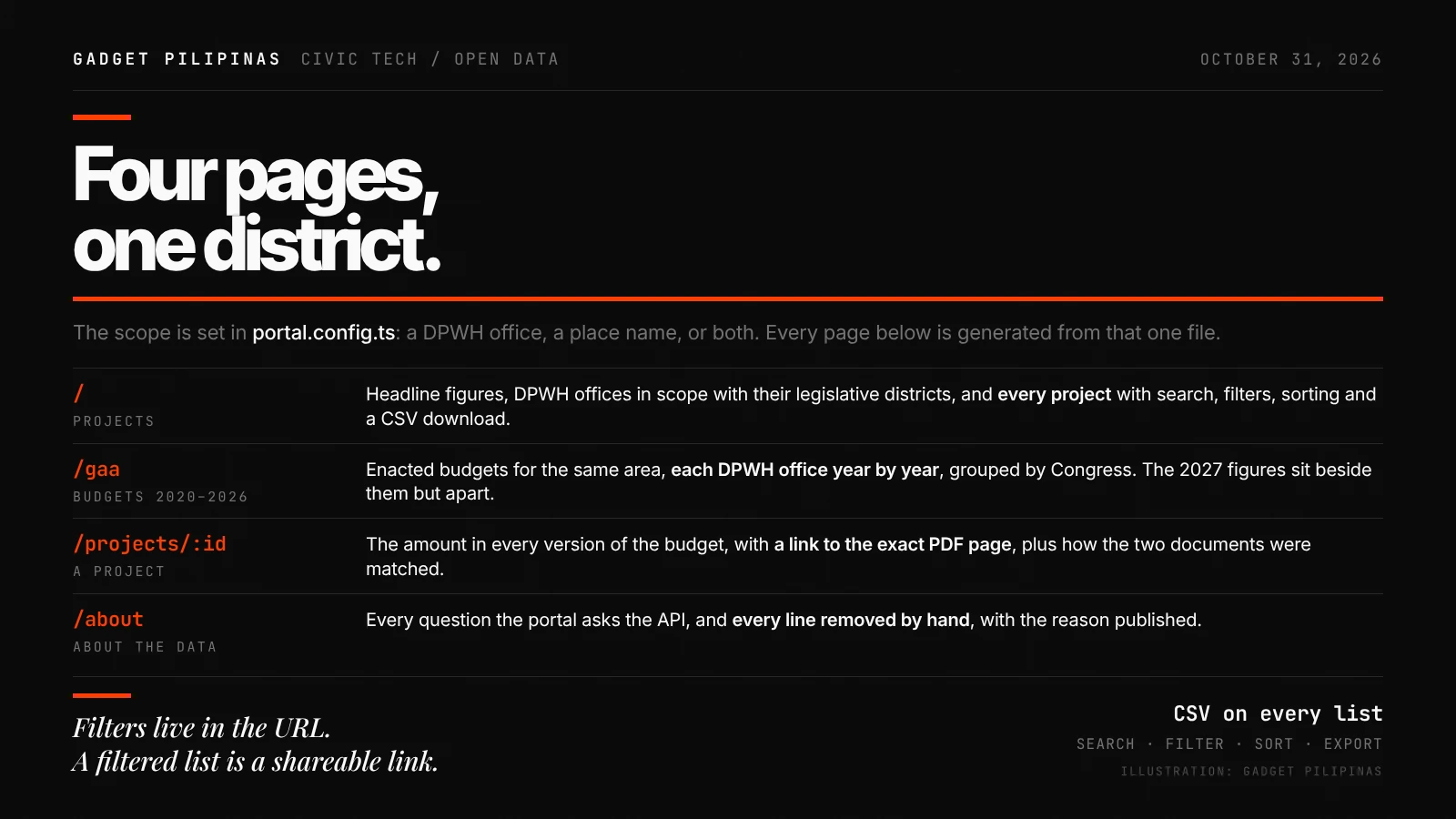
A portal has four main pages. The Projects page presents headline totals, the DPWH offices in scope and their 2027 figures, the districts those offices serve, and the representatives for those districts. Visitors can search, filter and sort the project list, then download it as a CSV. Filters are encoded in the URL, making a particular view easy to share.
Scope affects what appears. Selecting a DPWH office includes that office’s full ledger. Selecting a place instead searches project titles across all four covered programs, which can surface work assigned to the DPWH Central Office or lines without an office attached. That title-based method is useful, but it relies on the town or city being named in the project description.
Four pages, one district.
A separate page covers enacted budgets from 2020 to 2026 for the same area. It groups each DPWH office’s yearly budget by Congress and shows the 2027 figures alongside the history, while keeping that year distinct. Individual project pages compare amounts across budget versions, link to the relevant PDF page and explain how the documents were matched and why the line appears in the portal.
The About page provides another useful check: it lists the API questions behind the portal and identifies lines removed by hand, with a reason for each removal. That gives readers context for how the displayed project set was assembled.
How to read the comparisons
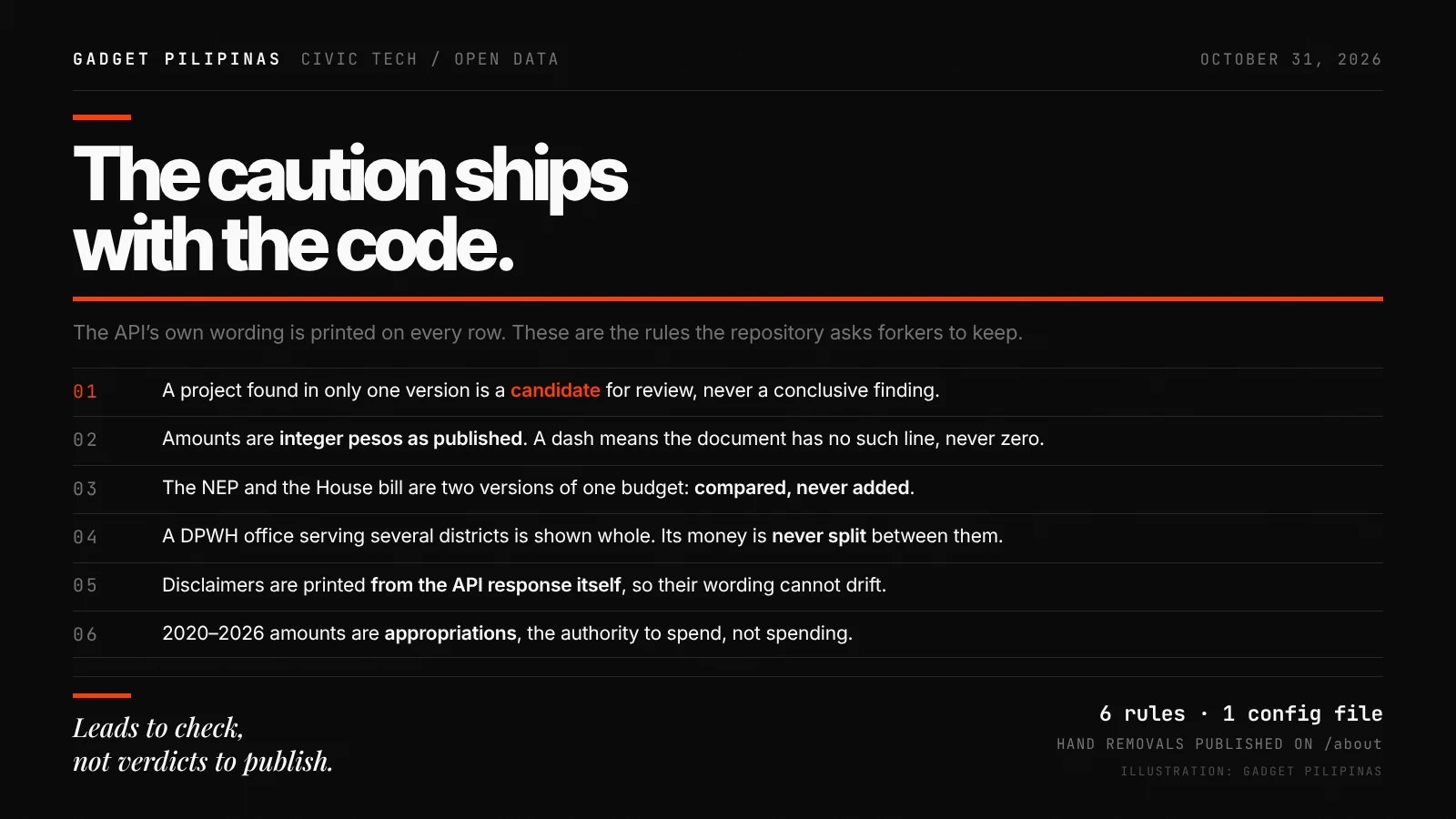
The portal carries the API’s caution wherever it lists a project found in only one budget version: that line is a candidate for further review, not a final finding. The wording comes directly from the API response, so local versions use the same caveat as the national site.
Other rules matter when comparing totals. Amounts are shown as integer pesos, and a dash means the document contains no matching line; it doesn’t mean zero. The National Expenditure Program and House Bill are alternative versions of one budget, so their amounts should be compared, not added. If a DPWH office serves several districts, the portal shows the office’s full budget rather than dividing it among them. Historical enacted amounts represent appropriations, or authority to spend, rather than proof that the money was spent.
The caution ships with the code.
Gaps remain in location and reporting
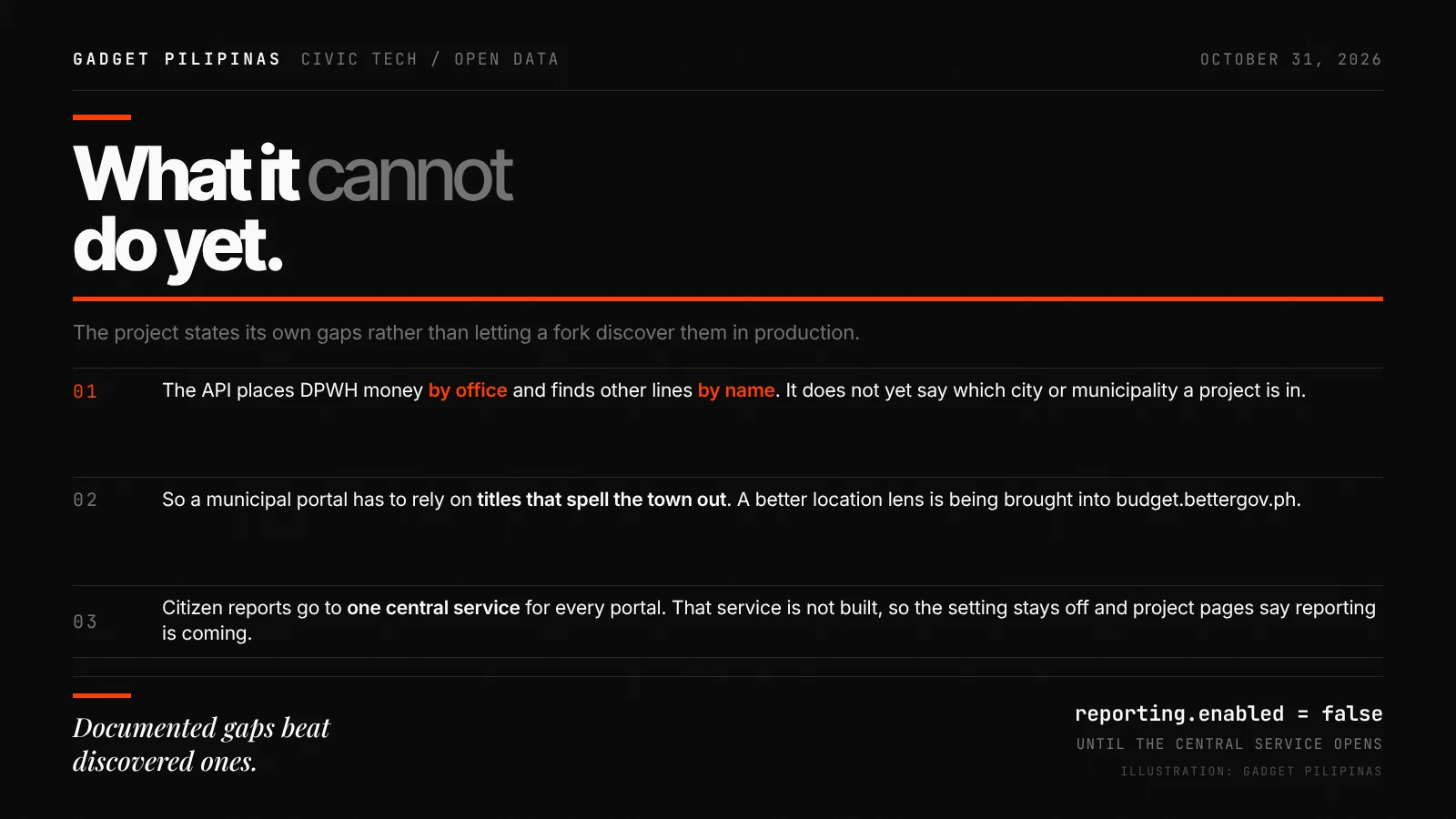
The API organizes DPWH funds by office and finds other lines by their titles. It doesn’t yet identify the city or municipality where every project is located, so a municipal portal can miss work when the place isn’t named in the title. BetterGov.PH says it is bringing a location view based on places named in project titles to budget.bettergov.ph; once the API provides that data, local portals will be able to use it directly.
Citizen reports aren’t active yet, either. BetterGov.PH plans to send reports about projects to one shared service for all portals, but that service hasn’t been built. The reporting setting remains off, and project pages say the feature is coming.
Documented gaps beat discovered ones.
Reuse is the point
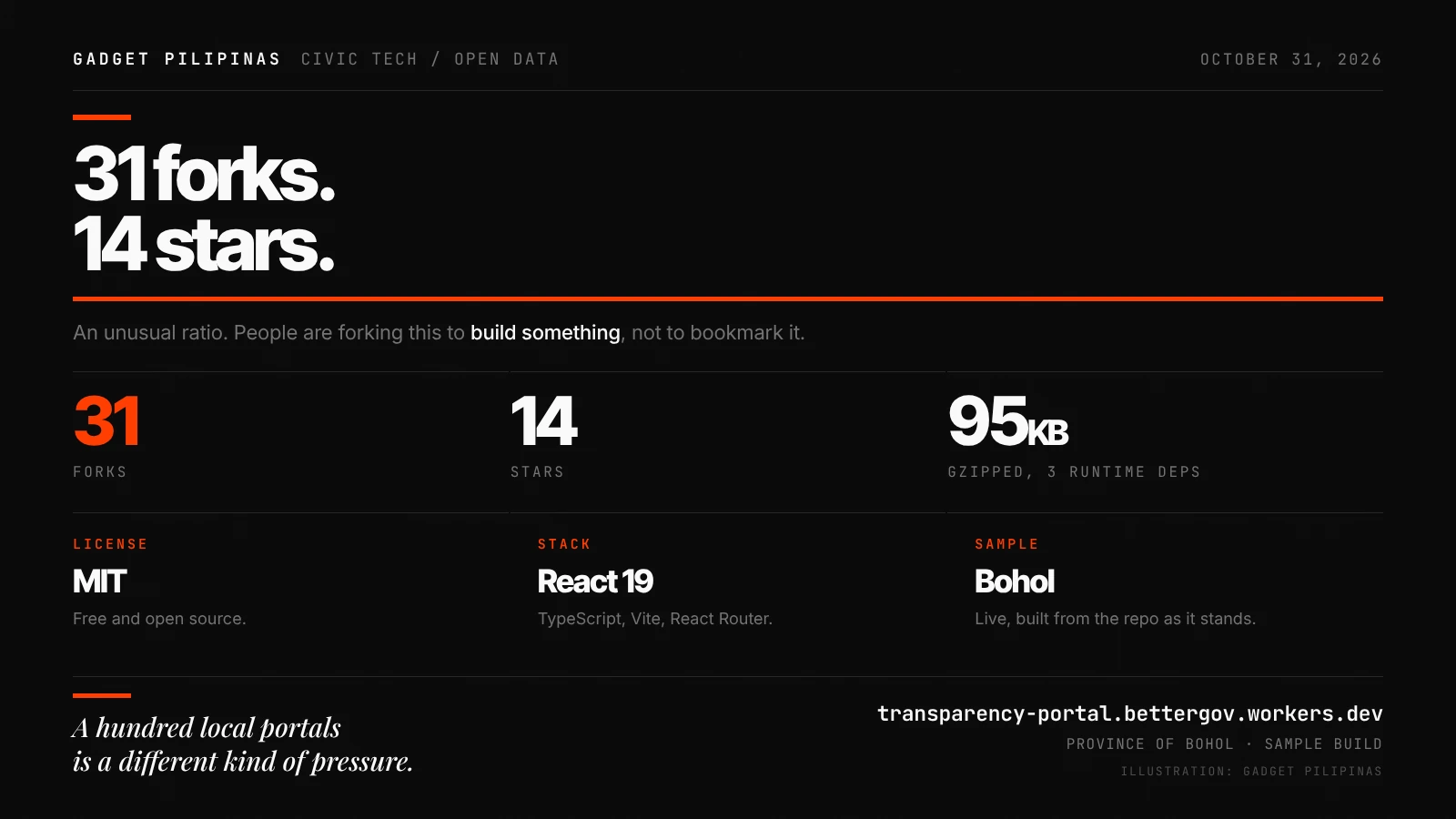
A national budget tracker offers a broad view; local copies could make it easier to check a project tied to a particular district. The repository had 31 forks and 14 stars at the time of the source article, suggesting that users are already adapting the code. A live Bohol example is available at transparency-portal.bettergov.workers.dev.
A hundred local portals is a different kind of pressure.
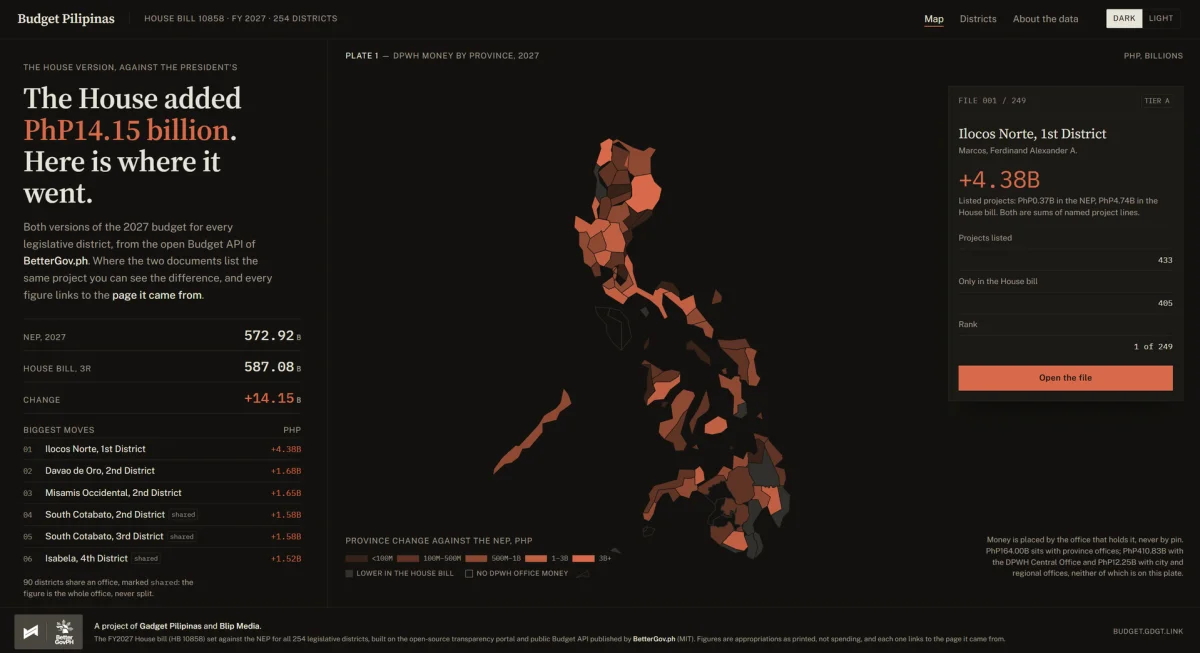
The software uses React 19, TypeScript, Vite and React Router, matching the type and color system used by budget.bettergov.ph. The source describes the portal as having three runtime dependencies and weighing about 95 KB gzipped. BetterGov.PH has also published its national insertion tracker, and the article introduces Budget Pilipinas, a separate site built from the same API. It compares the House Bill with the President’s version across all 254 legislative districts, links figures to source pages and flags amounts that can’t be assigned to a single district.
Budget Pilipinas sets the House bill against the President’s version for all 254 legislative districts, using the open Budget API published by BetterGov.ph. Every figure links to the page it came from, and the site says plainly when a number cannot be attributed to one district.
It is a static site. No server, no database, no hosting bill, built on BetterGov’s MIT-licensed transparency portal. A build pipeline refuses to publish if the totals fail to reconcile to the peso. Check it out on this link.
For local teams, the practical opportunity is a source-linked view they can deploy with modest technical overhead. Its value will depend on keeping the built-in caveats visible and remembering that project titles still limit how precisely the data can be mapped.