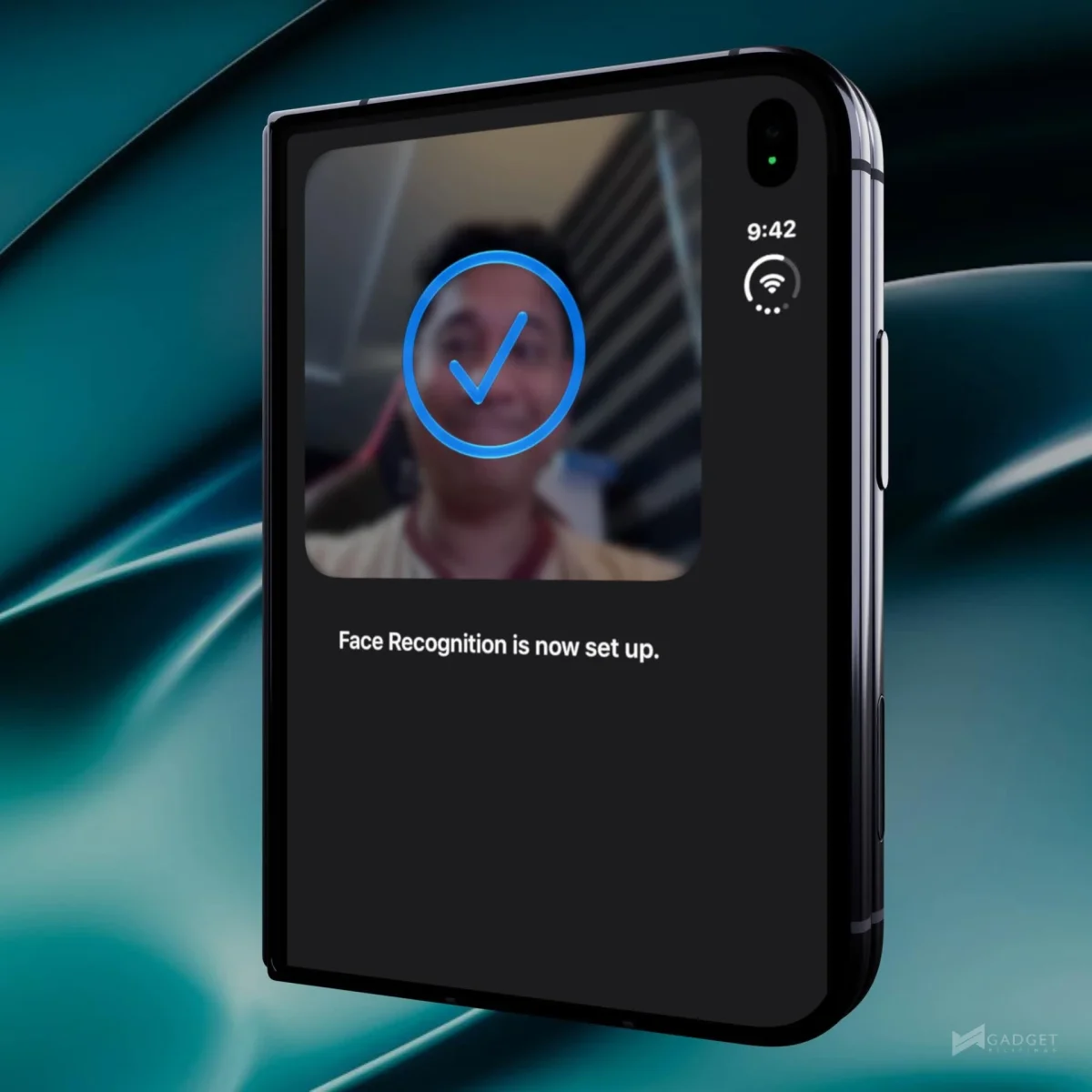
iOS 27 Travel Features to Set Up Before Your Next Flight
Use Photos to organize travel memories, Siri to identify what’s in front of you, and Wallet to keep transit and membership passes handy.

iOS 27’s most useful travel upgrades are the ones you can set up before leaving home: Photos can make a tidier trip journal, Siri can answer questions about sights and signs, and Wallet can keep transit and membership cards close at hand. The features have different device requirements, so it helps to check what your iPhone supports before you’re standing in a queue trying to find a card or a useful photo.
Make Photos work as a trip journal
A video can hold a better travel memory than a still photo, but it’s not always convenient to share or revisit the whole clip. In Photos, play the video, pause on the frame you want, tap the three-dot menu and choose “Save Video Frame as Photo.” The saved image keeps the video’s original date, time and location, so it remains connected to where and when you recorded it.

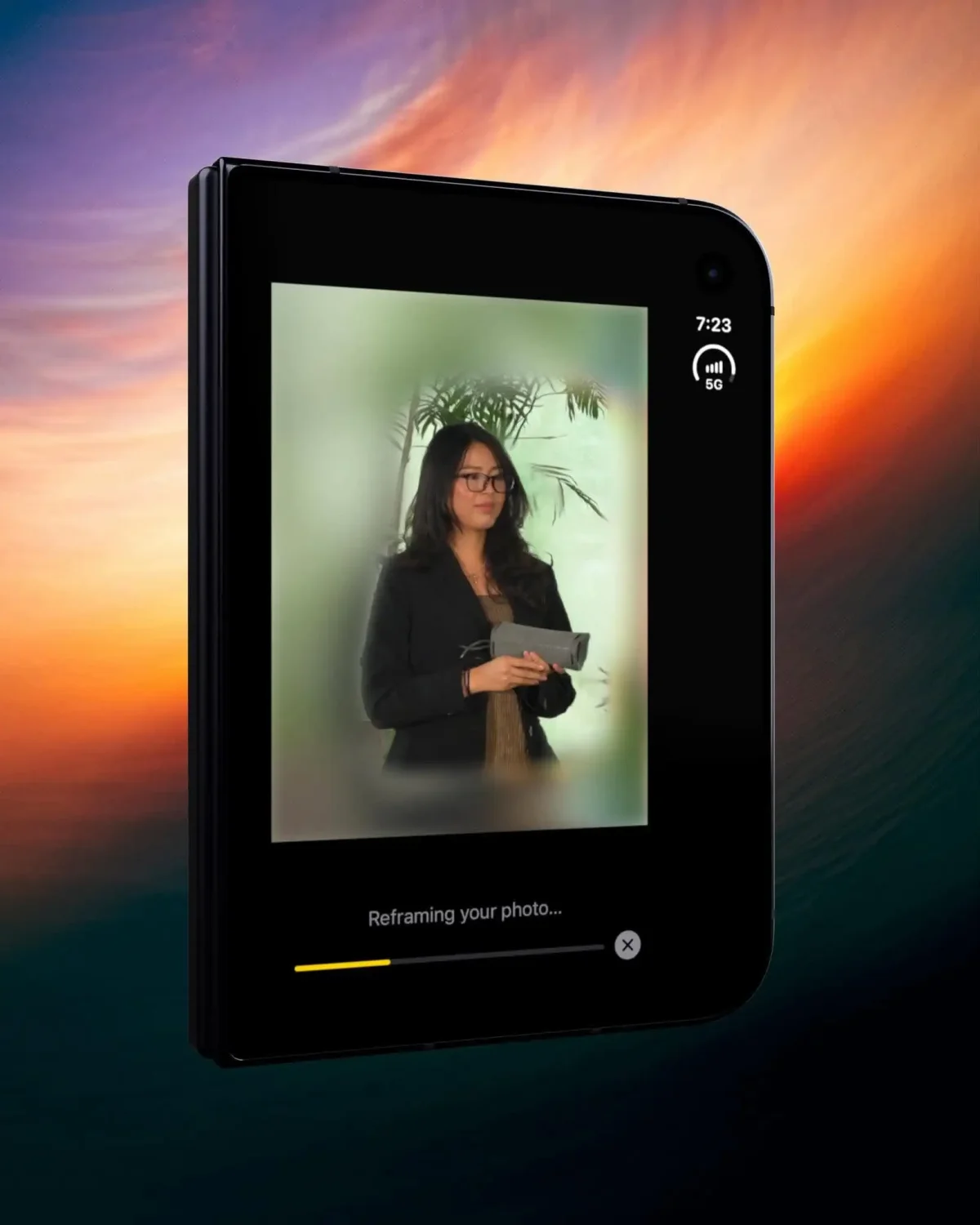
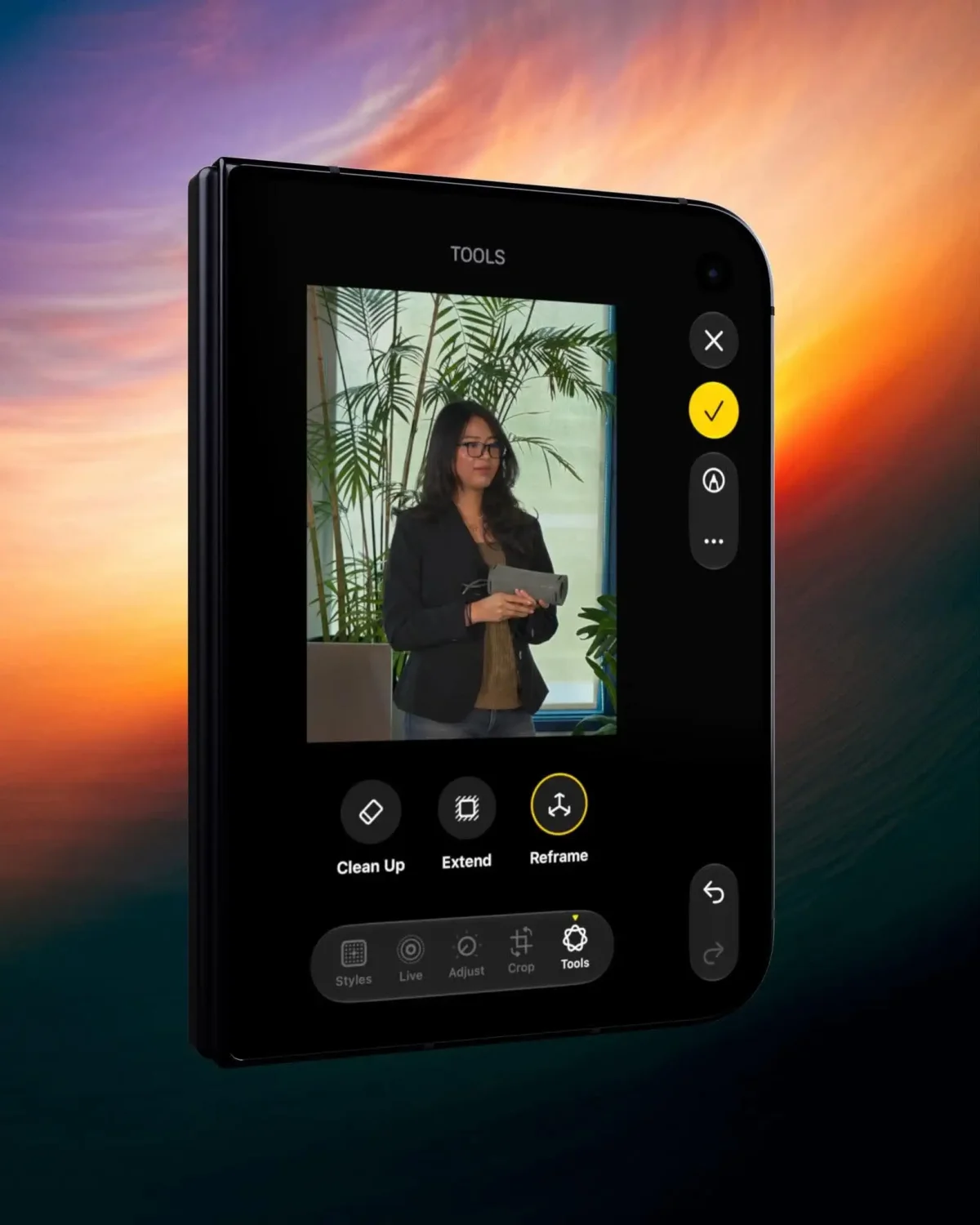
Photos also offers a way to adjust the composition after a shot. Open a picture, go to Edit, then Tools, where Clean Up, Extend and Reframe are available. Reframe can change the apparent camera angle, which may help when a landmark or travel companion ended up off-center. The feature won’t replace taking care with the original shot, but it gives you another option when the moment has already passed.

To make a busy camera roll easier to search, open Collections and look in Photos Utilities. Captured by Me hides screenshots and app downloads, while Identity Documents groups IDs and passport scans. That separation can be useful when you need to locate a document quickly, especially if your travel pictures have accumulated alongside screenshots, tickets and saved images.
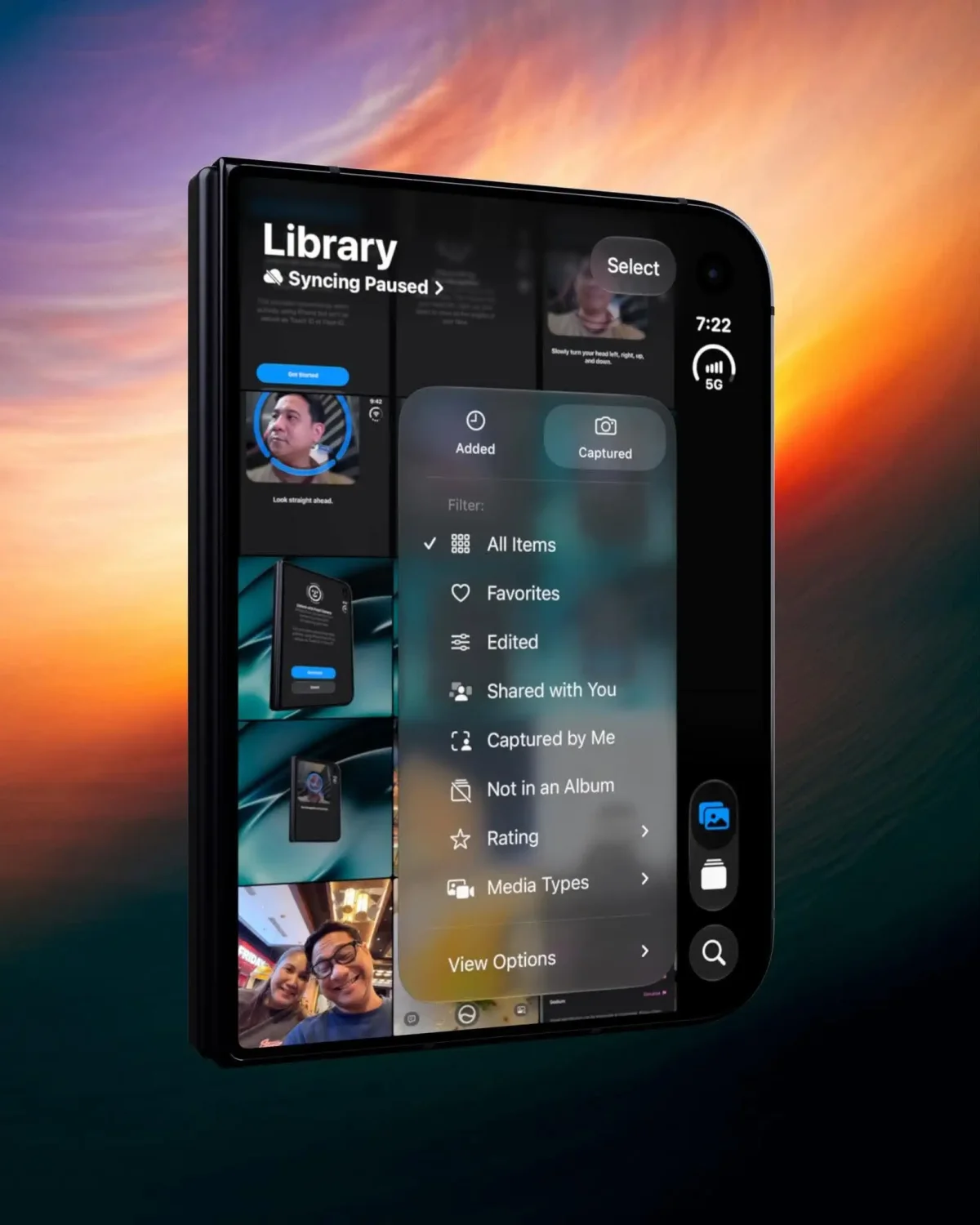
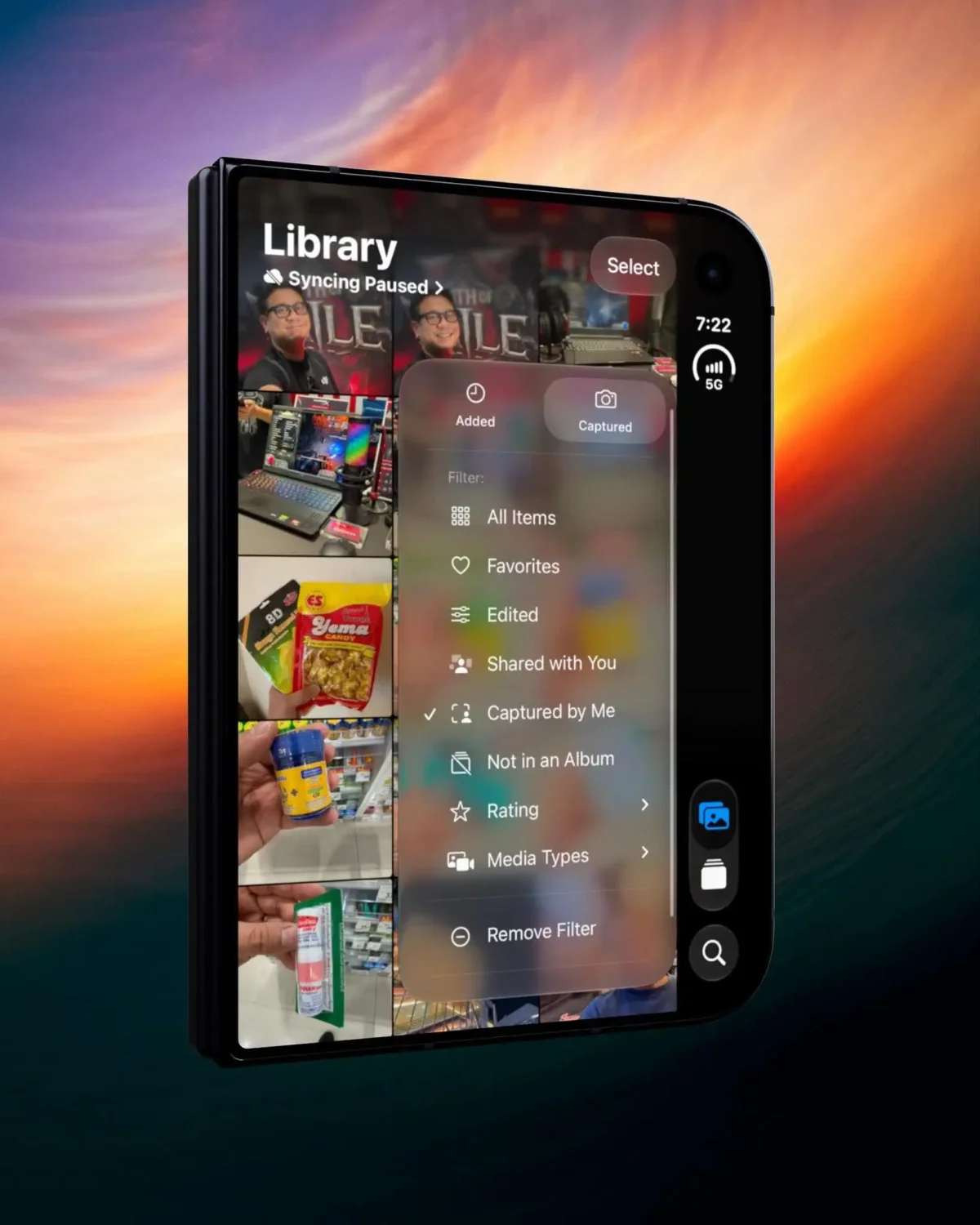
Ratings add another way to narrow a large collection. Turn on Show Ratings Control in your profile, star the pictures you want to keep close, then filter a month of images down to those picks. Albums can also be exported as video through Start Slideshow, and Shared Albums now support full-resolution sharing. Those options make it easier to turn a trip’s camera roll into a smaller set of images or a shareable recap.
Siri’s camera features depend on your iPhone
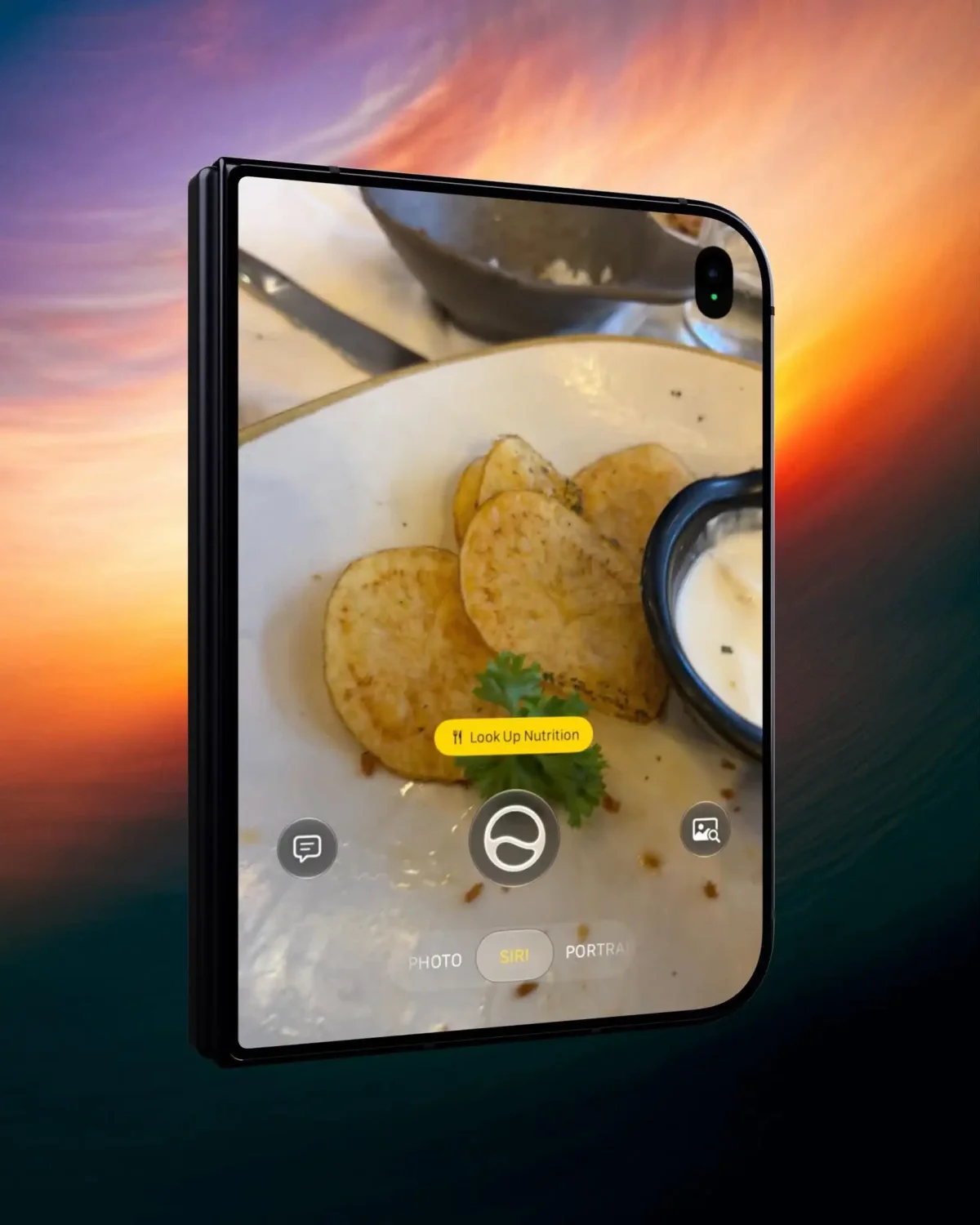
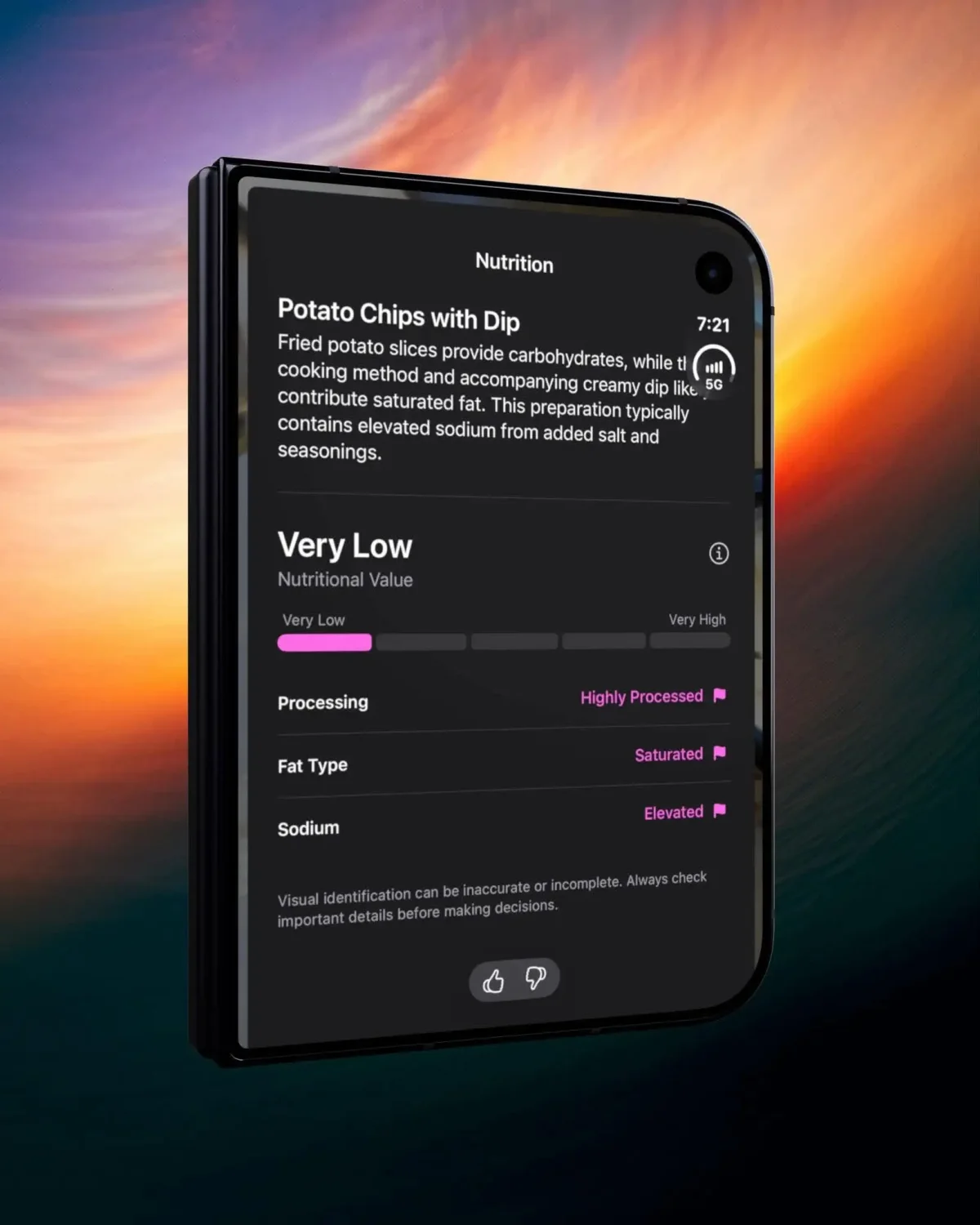
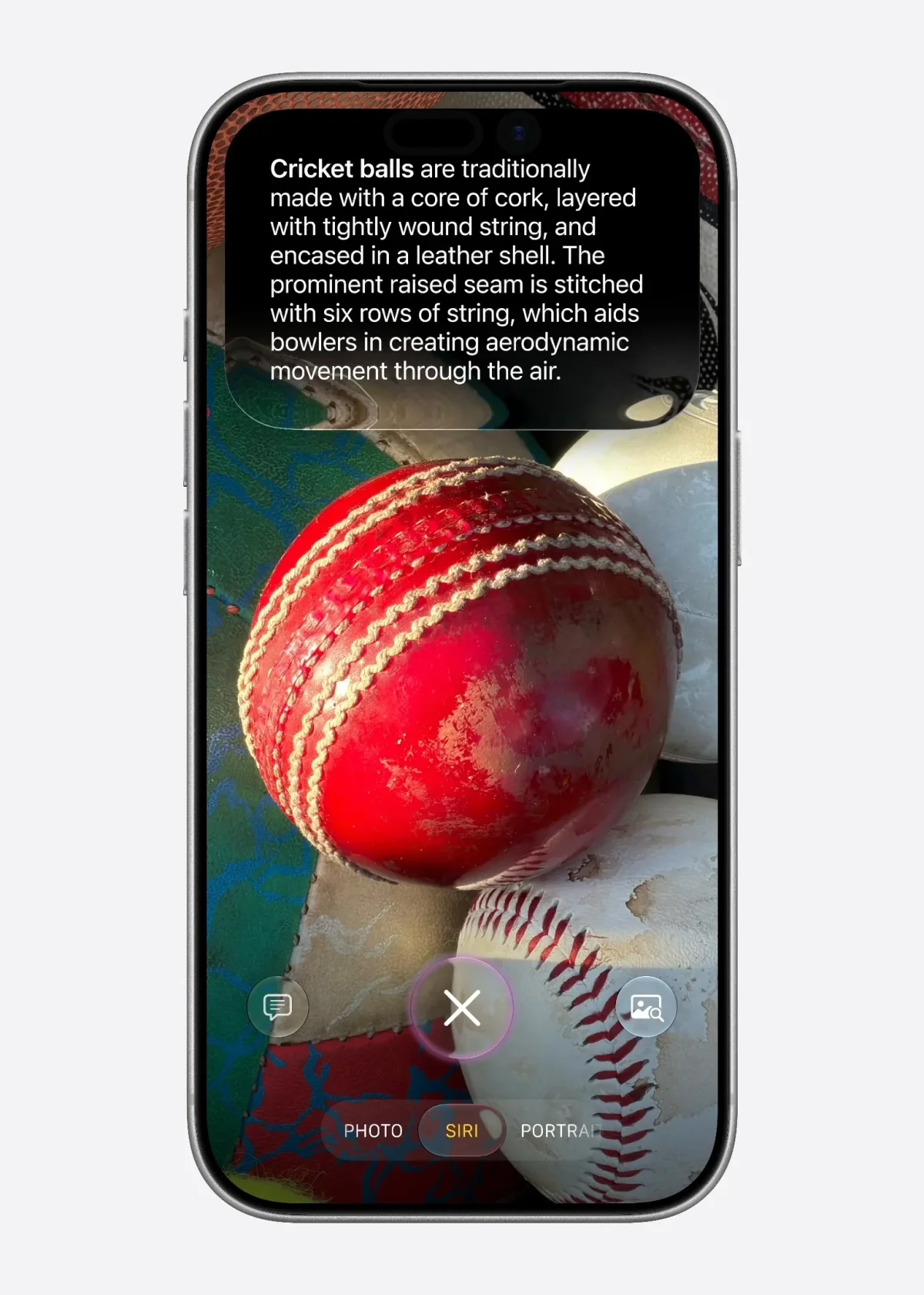
For help with something in front of you, swipe through the Camera mode strip to Siri and point the camera at the subject. The examples include tapping Look Up Nutrition when you’re looking at food, asking Siri to add a printed invitation or flyer to your calendar, and getting information such as opening hours, a menu or directions for a storefront or landmark. Apple’s Camera guide explains how to use the modes.
There’s a hardware cutoff: Siri AI requires an iPhone 15 Pro, iPhone 15 Pro Max or iPhone 16 and later. It also requires a supported language, and the feature is still in beta. By comparison, the Photos tools described here run on iPhone 11 and later. That leaves owners of older supported iPhones with useful ways to organize and edit trip photos, even if they can’t use the camera-based Siri features. The iOS 27.3 beta adds app actions to the assistant.
Keep transit and membership cards in Wallet
Wallet’s Create a Pass option can turn a physical card with a barcode into a digital pass. Tap the plus button, choose Create a Pass, and photograph the card. Wallet reads the barcode; you can review and edit the fields before saving. Without Apple Intelligence, the available manual templates are Standard, Membership and Event.
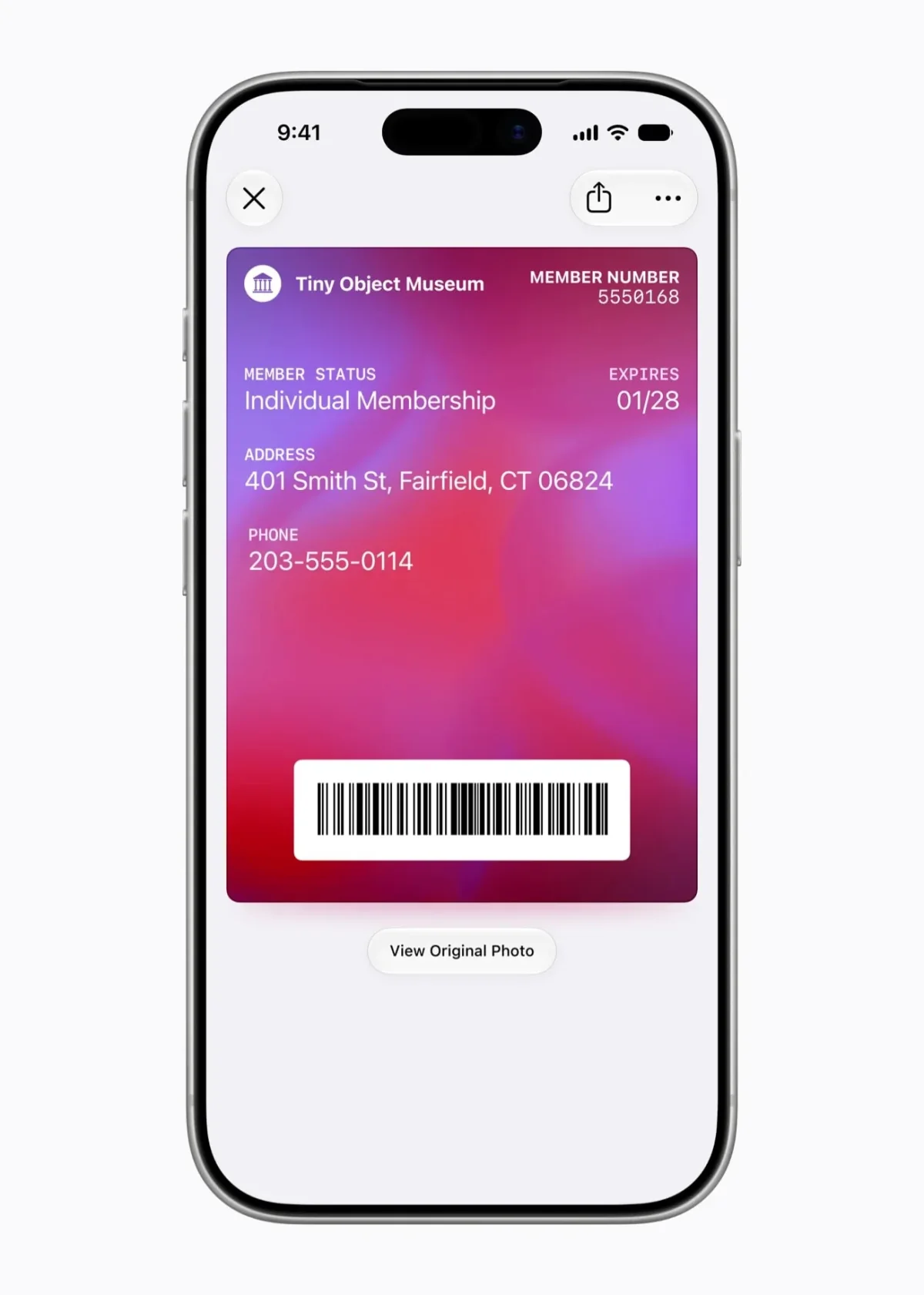
For Japan transit, a Suica card in Wallet can use Express Mode, which lets a gate read the card without Face ID or a passcode. Apple describes the setup in its guide to Japan transit cards. That can make transfers less fiddly when you’re moving between trains. Before relying on a digital transit card, check whether topping it up requires an Apple Pay card accepted by the transit operator.
Membership cards can sit in the same Wallet stack, reducing the need to search through a physical wallet or photo library. Apple Pay has been available in the Philippines through Visa since August, according to the source information. The iOS 27.0.1 update notes describe that software update, while the Apple Pay launch details cover availability in the Philippines.
Let Safari watch a page while you wait
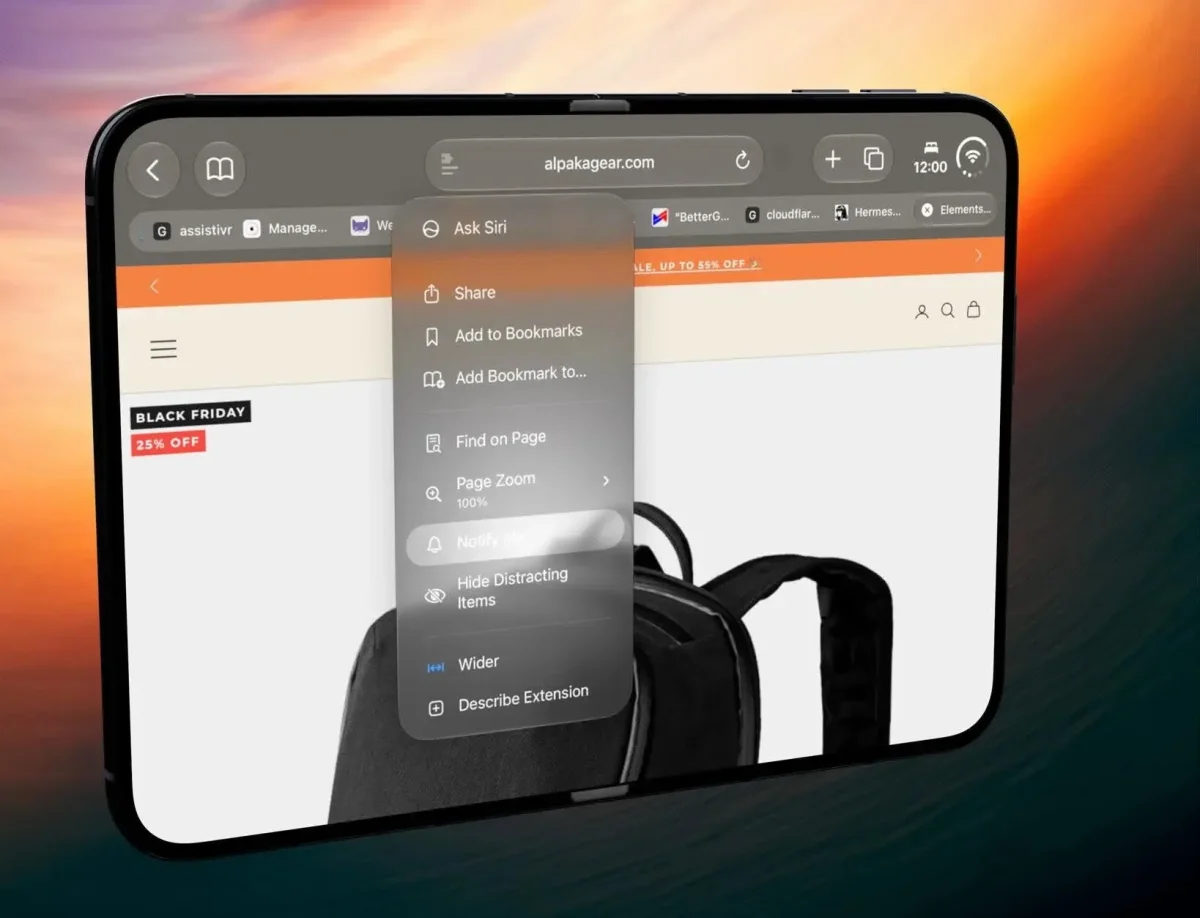
Safari’s Notify Me option can monitor a page for a restock or price drop. Open the menu in the search bar and describe what change you’re watching for. It’s a practical option for a specific item you want to buy during a trip, or something you’d rather check later without repeatedly refreshing the page.
iOS 27 has been available since September 14, 2026. The latest build identified here is 27.2.1. Before a flight, it’s worth spending a few minutes setting up the features your iPhone supports: organize document scans, save a few video frames, add the cards you use most and decide whether Siri’s camera tools are available on your device. A little preparation makes these features easier to use when you’re on the move.