Apple’s Touchscreen MacBook Pro Feels Natural, but Starts at $2,899
Apple’s first touchscreen MacBook Pro pairs easy gestures with tandem OLED displays, but costs more and can’t fold flat.
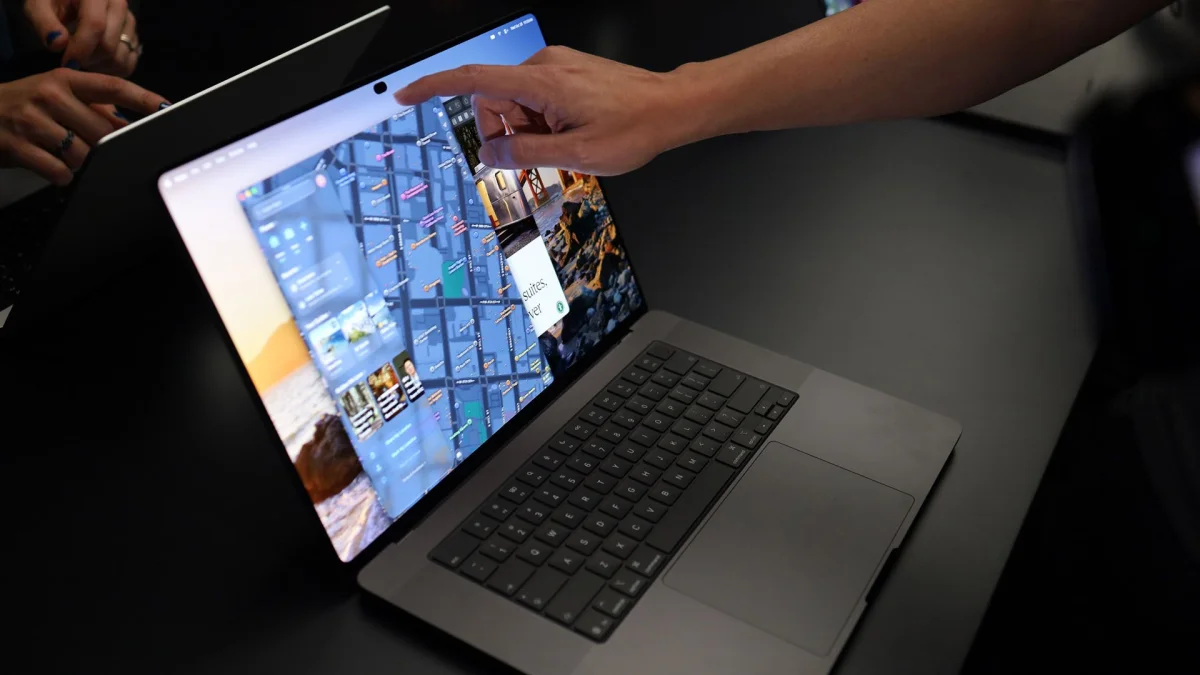
Apple’s first touchscreen MacBook Pro makes a strong case for touch through a simple hands-on result: gestures felt immediately familiar, even on a traditional laptop. The 14-inch and 16-inch models pair that experience with tandem OLED displays and M5 Pro or M5 Max chips. There’s a clear trade-off for buyers, though: the touchscreen models start at $2,899, and their displays can’t fold back flat.
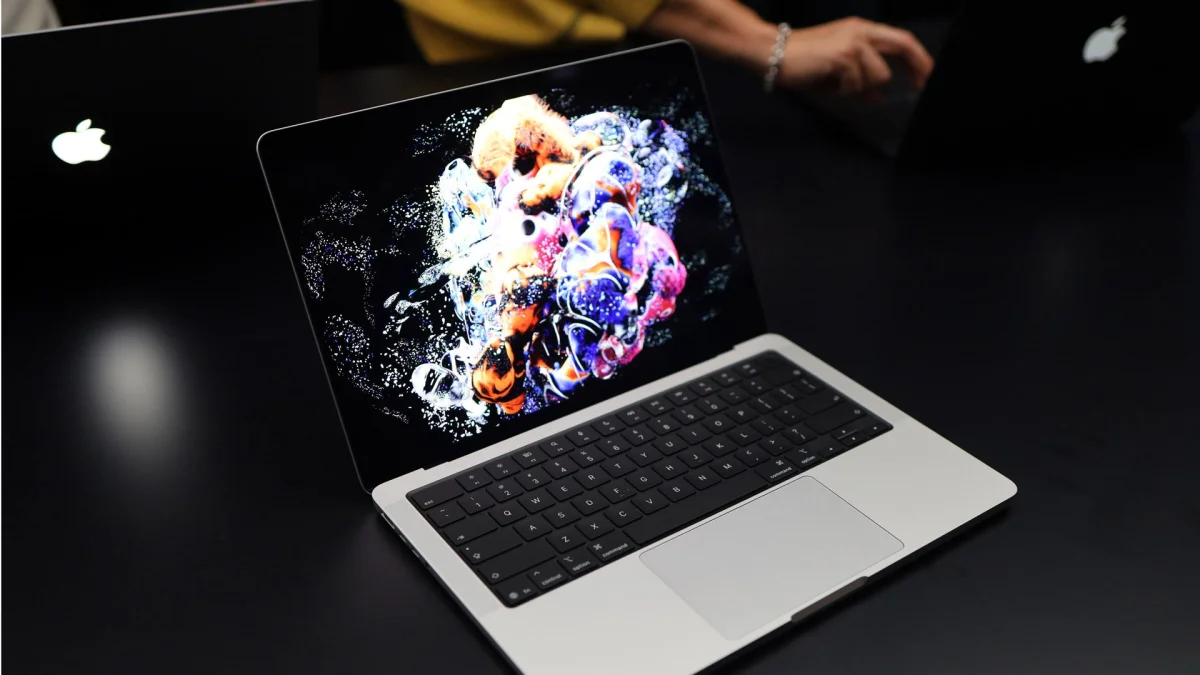
Apple unveiled the laptops in Los Angeles on Wednesday, October 28, just days after showing M6-class MacBook Pros. The hands-on session offered a first chance to try the touchscreen rather than just hear about it. I spent most of my time with the 16-inch model, but the lighter 14-inch version may be the more appealing size for people who value portability.
Gestures that make sense right away
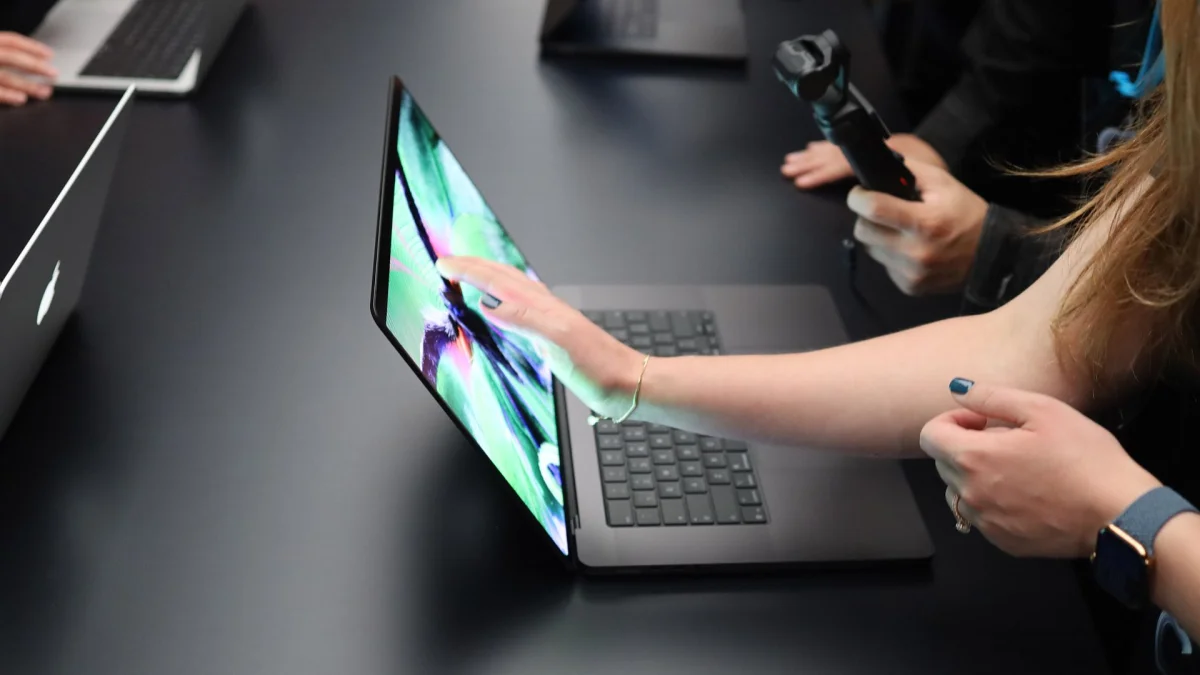
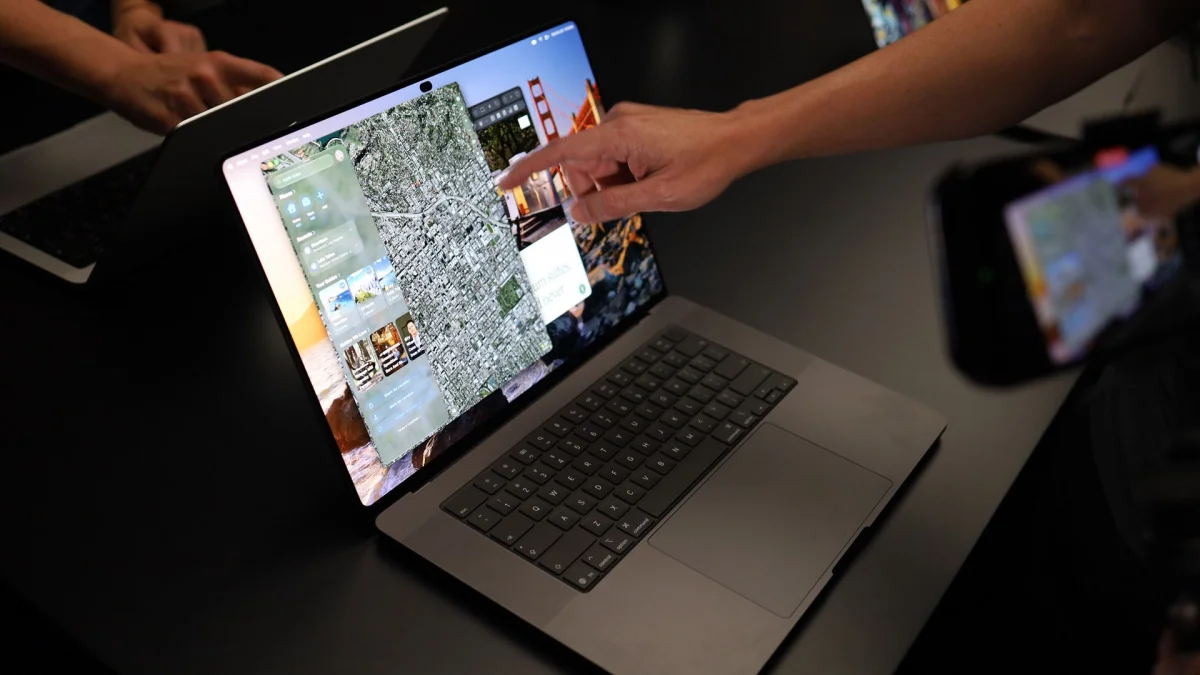
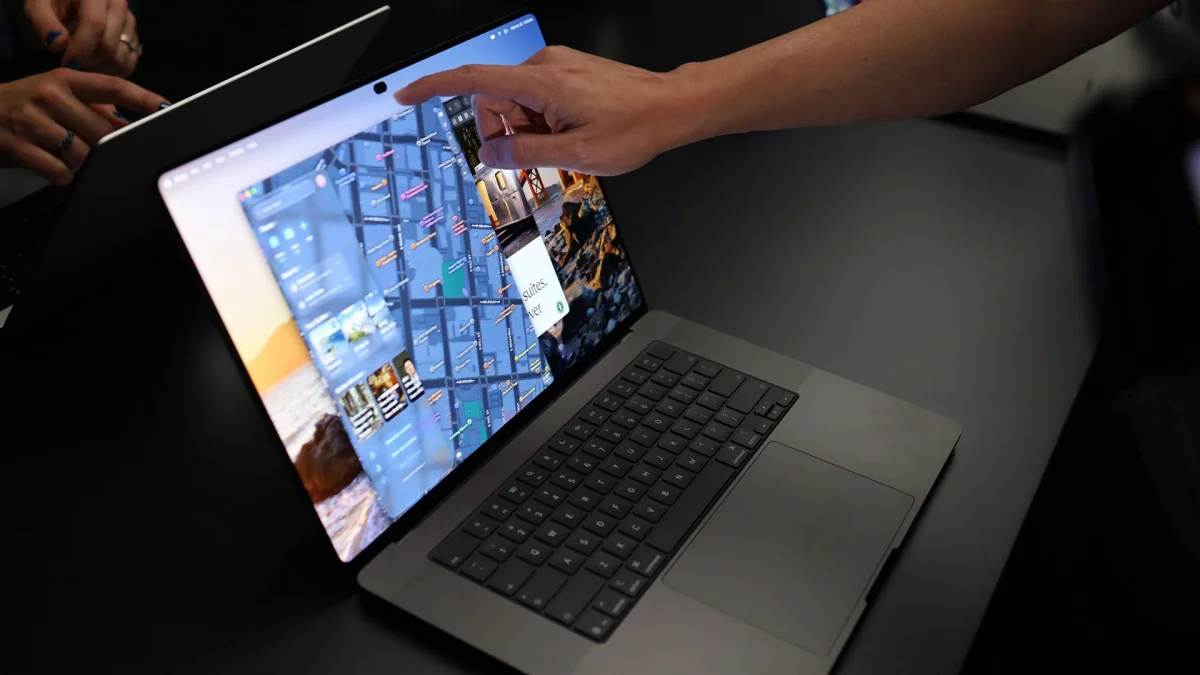
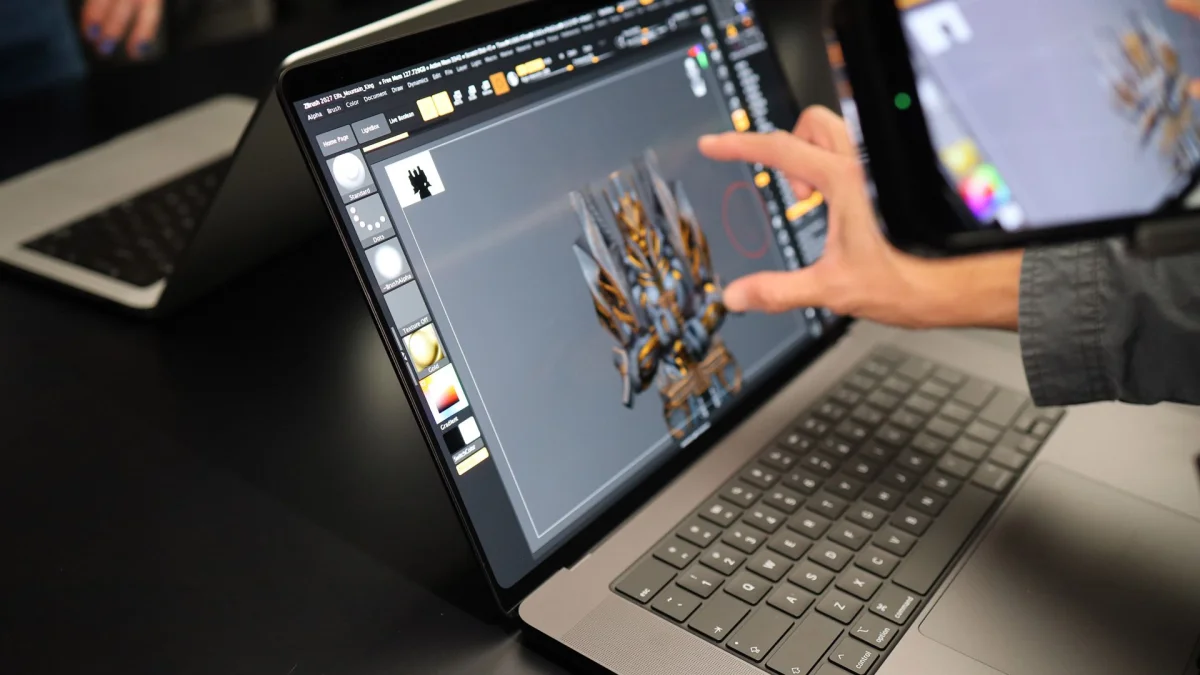
The touch controls fit the MacBook Pro’s existing design without demanding a change in how the laptop works. I spun a 3D model of a character in armor with two fingers, then used one finger to paint gold onto it. In Maps, two-finger gestures rotated and zoomed the view. Three fingers moved between desktops, while two fingers let me grab a window and dock it to one side of the screen.
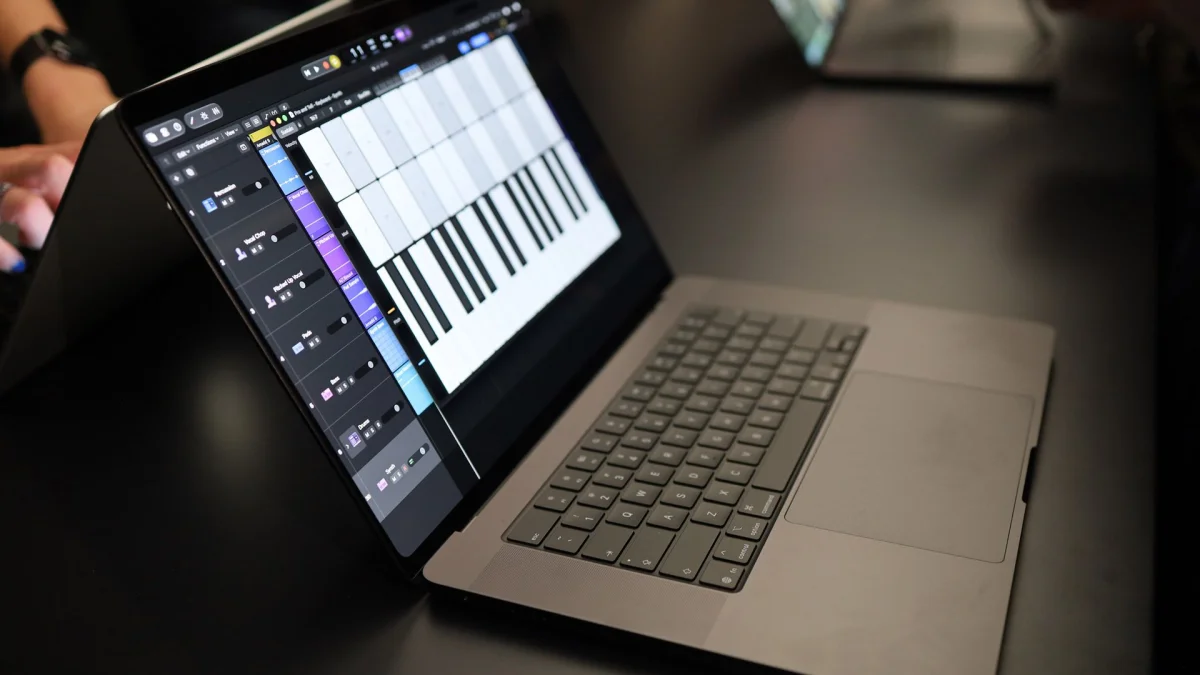
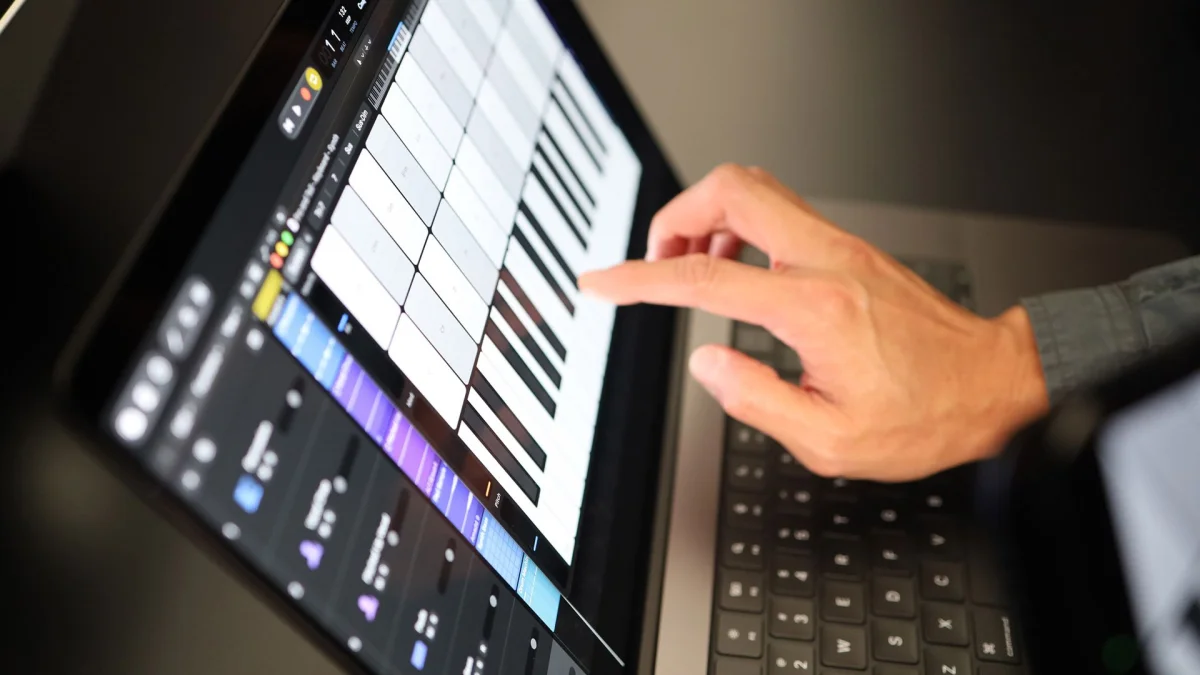
These are familiar interactions, but their ease matters. I didn’t have to pause to figure out which gesture to use, and reaching for the screen felt comfortable during the demo. I also played a touchscreen piano using all my fingers. For someone used to a Surface Pro, the motions felt like an extension of habits already built up over years of touchscreen use.
That familiarity could matter to Mac users, too. After switching to MacBooks, I sometimes caught myself tapping their non-touch displays out of habit. The new models make that reflex useful. Touch doesn’t make the keyboard or trackpad irrelevant, but it gives users another quick way to manipulate maps, windows, models and other on-screen content.
OLED, familiar hardware and a notable limitation
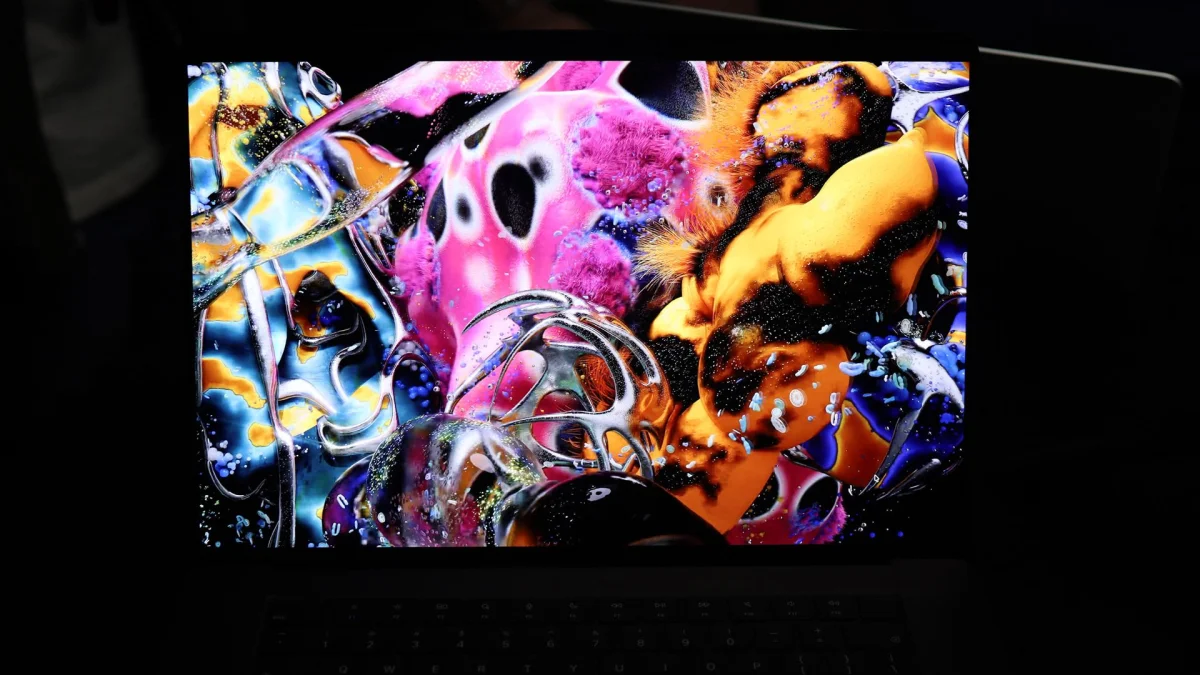
Apple calls the display technology tandem OLED, also branded PROLED. The panel stacks two thin OLED layers, a design that can raise brightness while preserving deep blacks. Because OLED pixels emit their own light, the display doesn’t need a separate backlight, which also allows for a thinner panel. The result looked striking in person, though the demo provided no measured brightness figures to compare with other laptops.
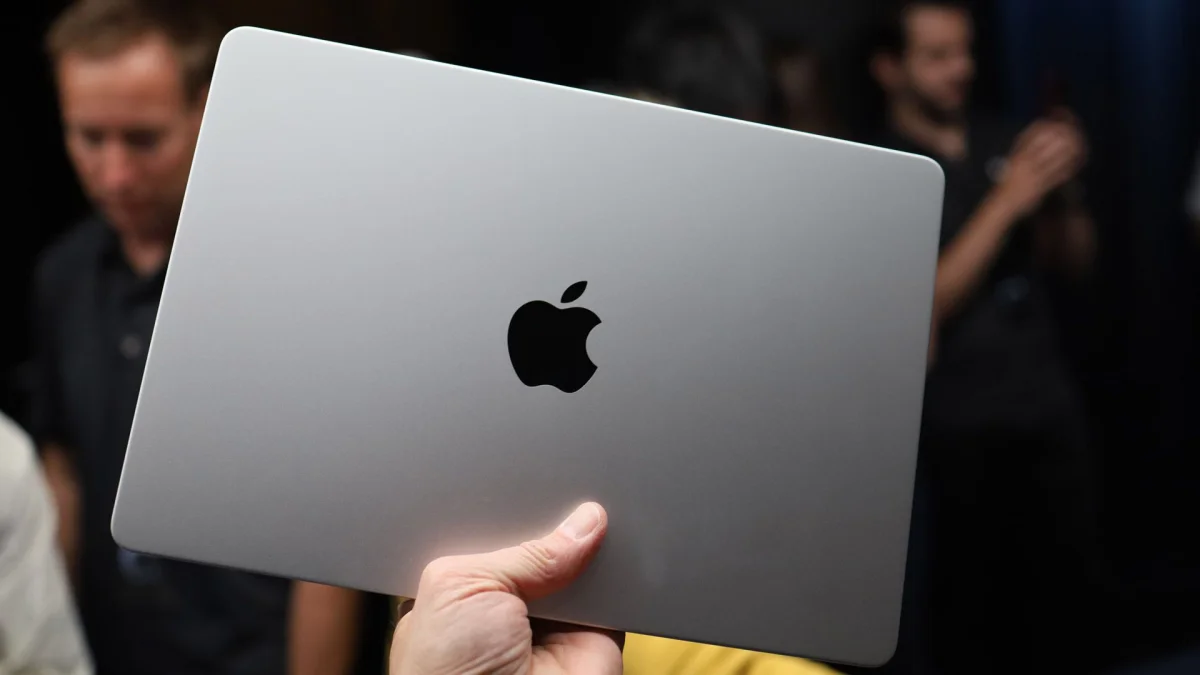
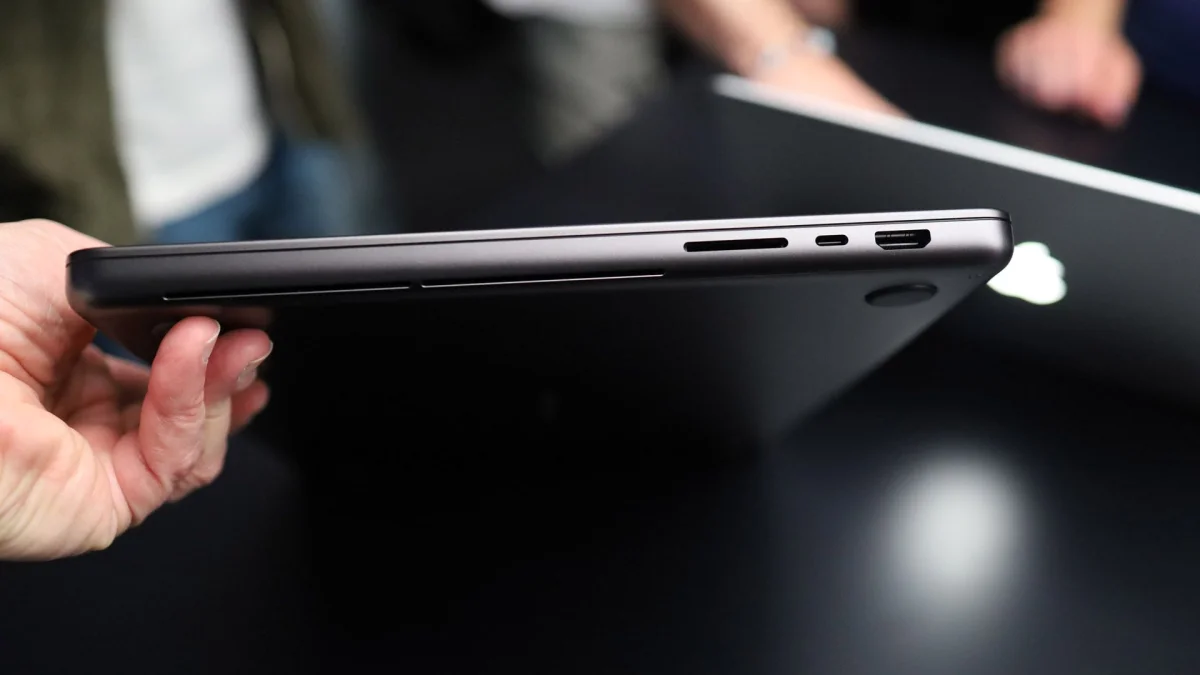
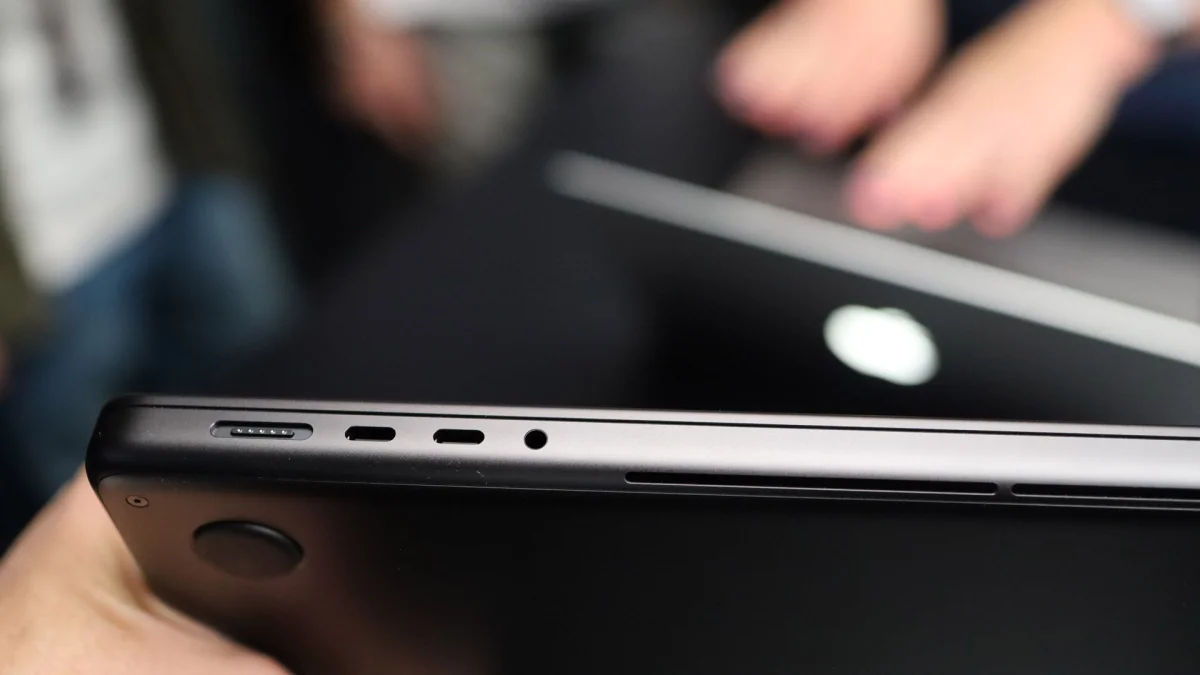
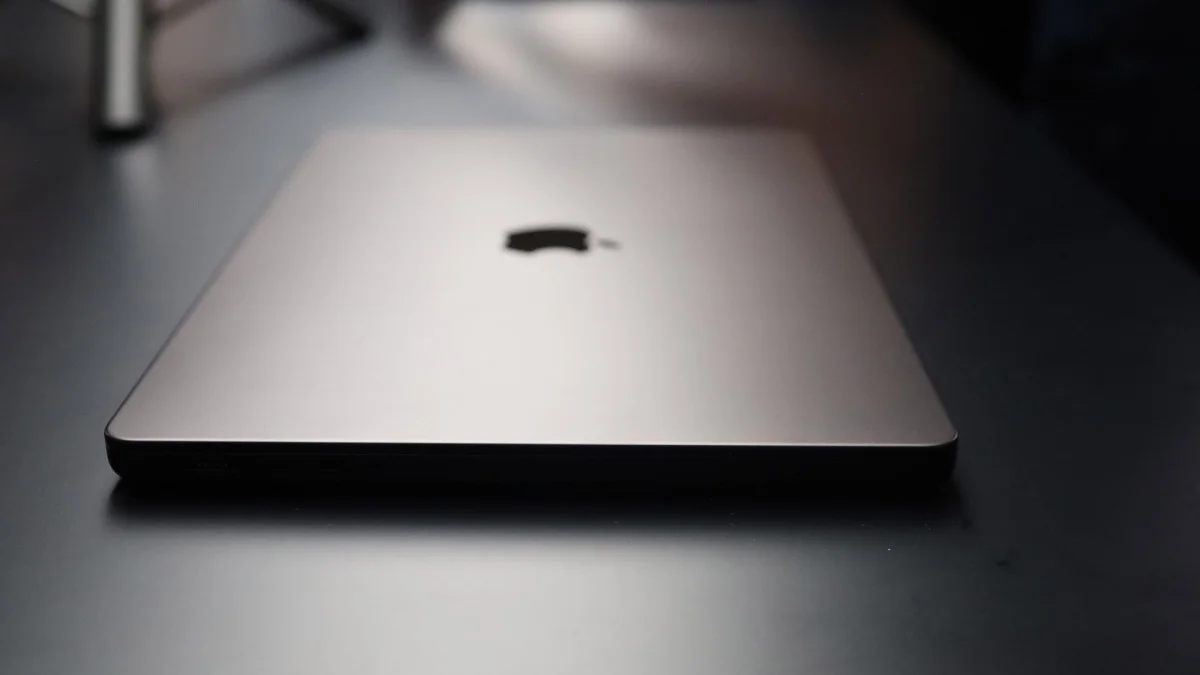
The chassis retains the large backlit Magic Keyboard and Force Touch trackpad. It also brings back a glowing Apple logo on the back of the display: it lights when the laptop opens and goes dark when it closes. The feature drew cheers at the event, but the more practical hardware remains familiar. Apple lists an SD card slot, three Thunderbolt 5 ports, one USB-4 port, HDMI and a headphone jack.
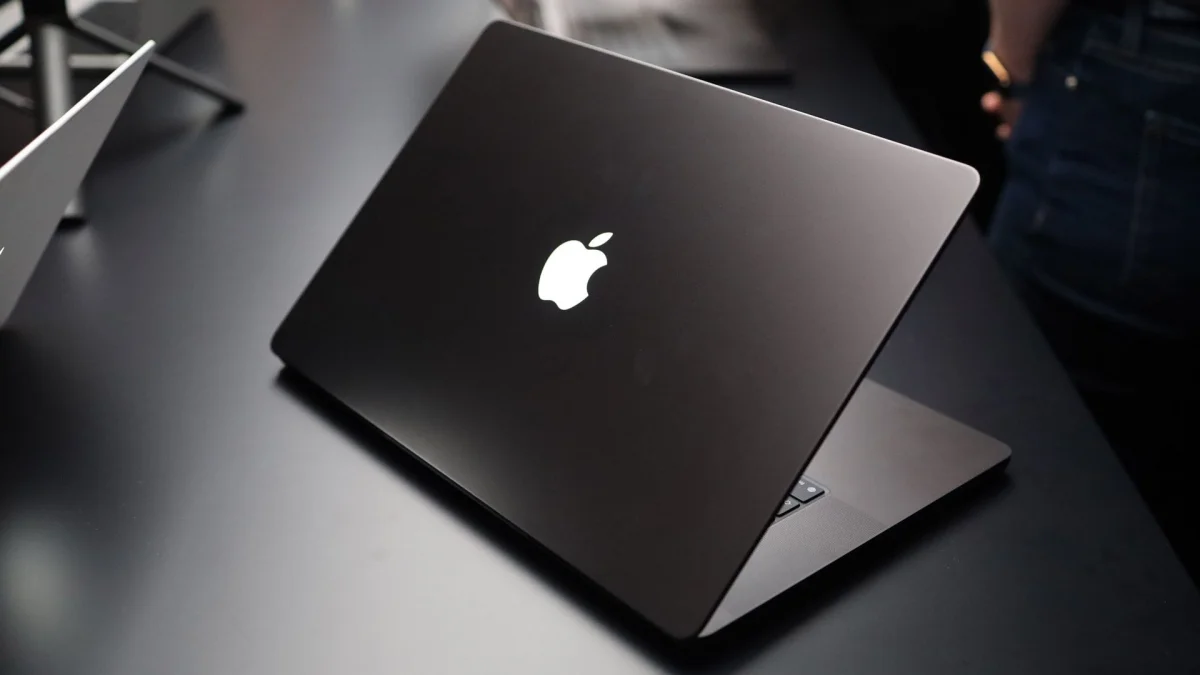
The 16-inch model weighs 4 pounds, and the 14-inch weighs 3 pounds. The larger laptop felt a little lighter than previous 16-inch MacBook Pros, while the smaller model felt particularly easy to carry. The laptops also have large speaker grilles on either side of the keyboard, but the noisy demo room made it impossible to judge their sound.
There’s one design constraint that shapes what touch can do: the screen doesn’t fold all the way back. That limits the laptop’s use as a tablet and makes extended drawing or painting less natural than it could be on a convertible device. The hands-on session showed finger painting, but provided no indication that the laptops support Apple Pencil. Without a hinge that lays the display flat, stylus support would have limited appeal for many creative tasks.
The screen also includes a Dynamic Island modeled on the iPhone feature, though it didn’t do much during the brief demo. That leaves touch itself as the more convincing change: it adds a direct way to interact with macOS while keeping the familiar laptop shape and controls.
Touch comes at a premium
The 14-inch touchscreen MacBook Pro starts at $2,899 / £2,899 / AU$4,599. The 16-inch model starts at $3,399 / £3,399 / $5,499. Pre-orders are live, and the laptops ship on November 6. The listed prices put touch among the major buying considerations alongside screen size and chip choice.
For buyers who already use touch on a laptop, the appeal is easy to understand: gestures feel natural, and they complement the keyboard and trackpad instead of replacing them. The bigger question is whether that convenience, together with the OLED screen, justifies the starting price. Buyers who mainly want a MacBook Pro for keyboard-led work may have less reason to pay extra; people who often manipulate visual content directly on screen may find the added input worthwhile. The touch experience looks promising, but the fixed hinge sets a firm limit on its creative flexibility.


