iPhone Duo Software: How Apple Designed iOS Around a Foldable Screen
The iPhone Duo’s strongest ideas come from software built for its fold, from one-handed controls to split-screen apps. Some hardware questions remain open.
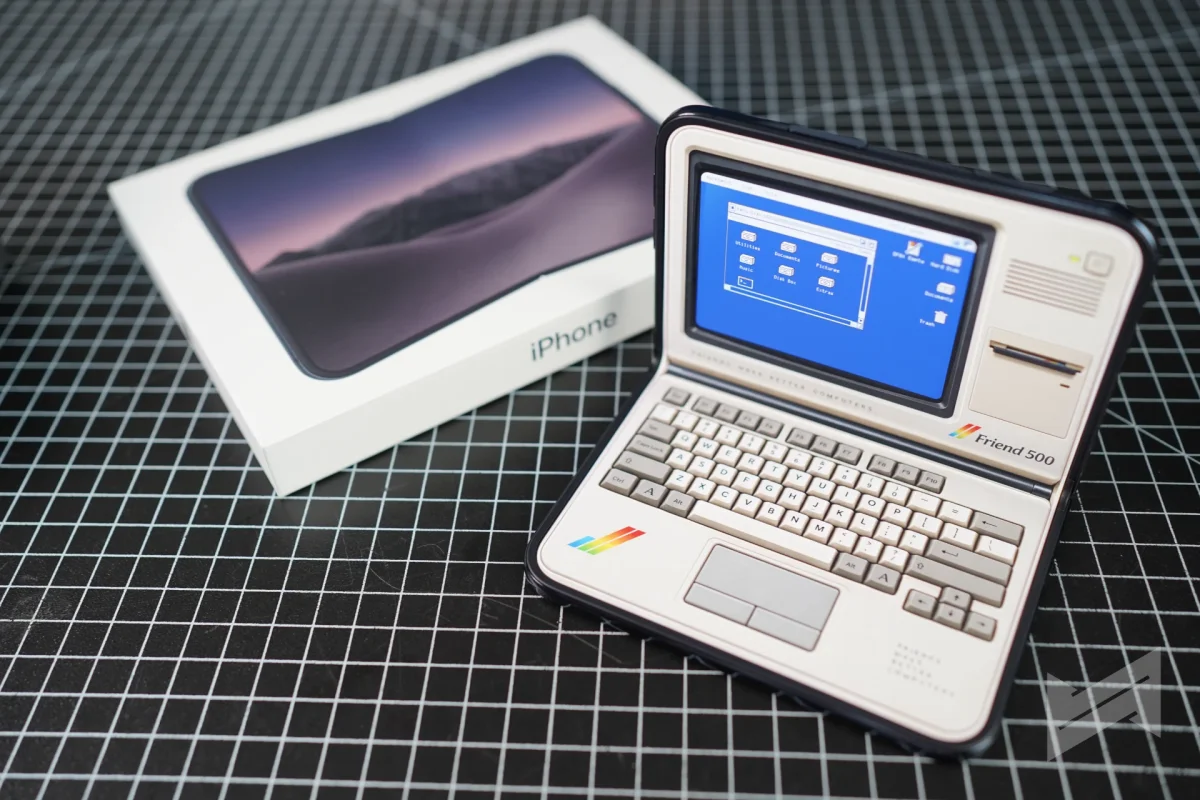
The iPhone Duo’s most convincing feature may be the way iOS responds to its shape. Apple has reworked familiar phone interactions for two displays and a hinge, building the interface around the device instead of simply enlarging an iPhone layout. The result is a set of practical choices that could make this foldable feel different in everyday use.

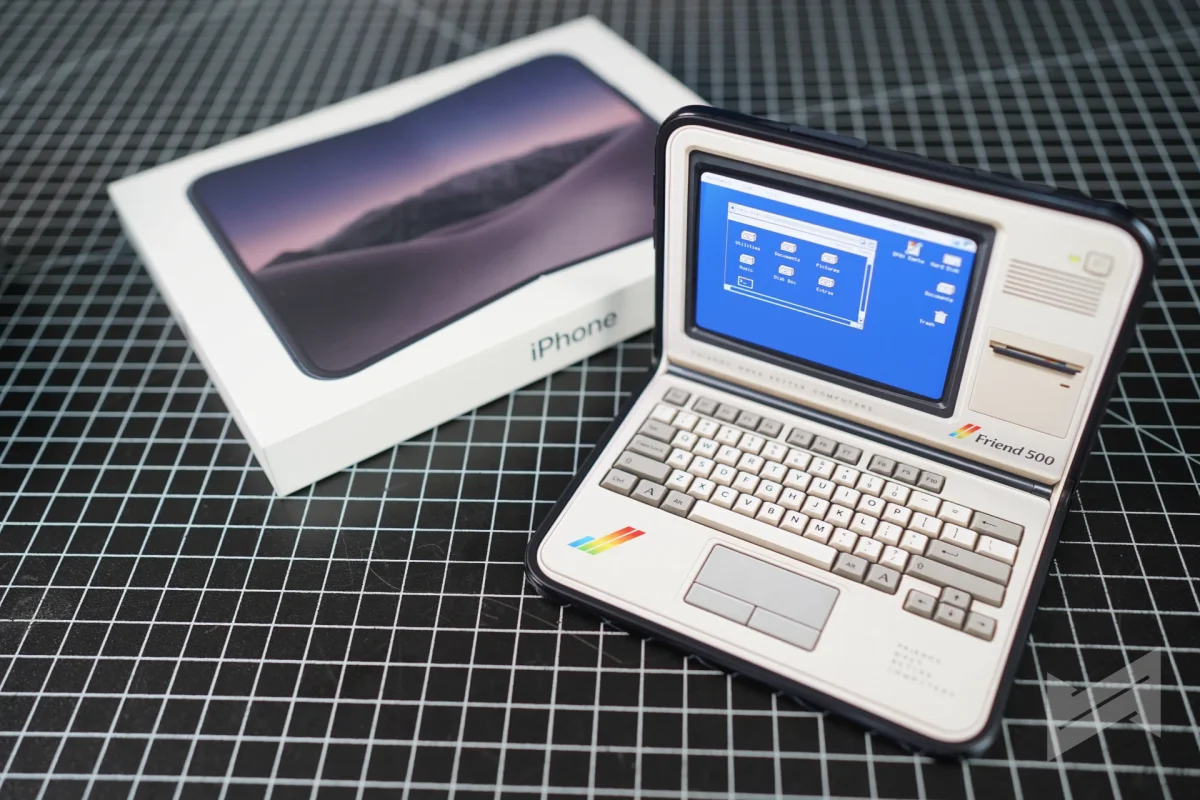
Everyday controls stay within reach
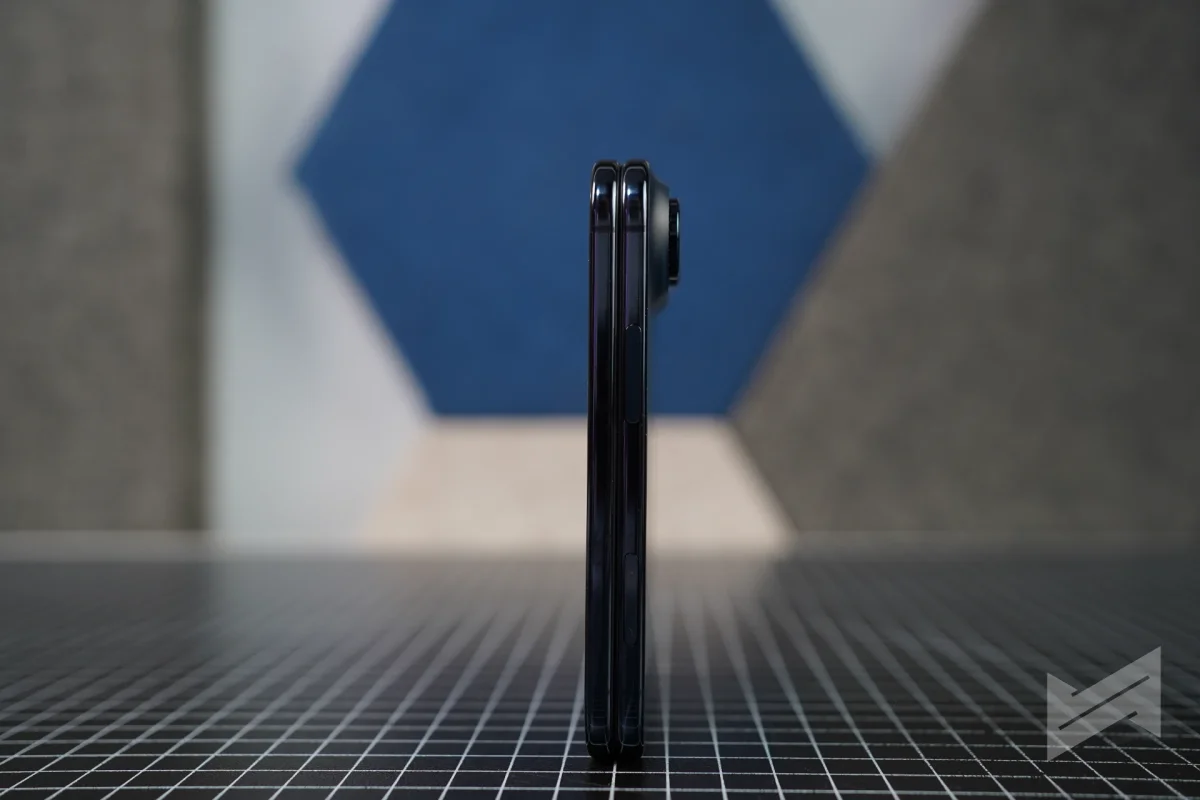
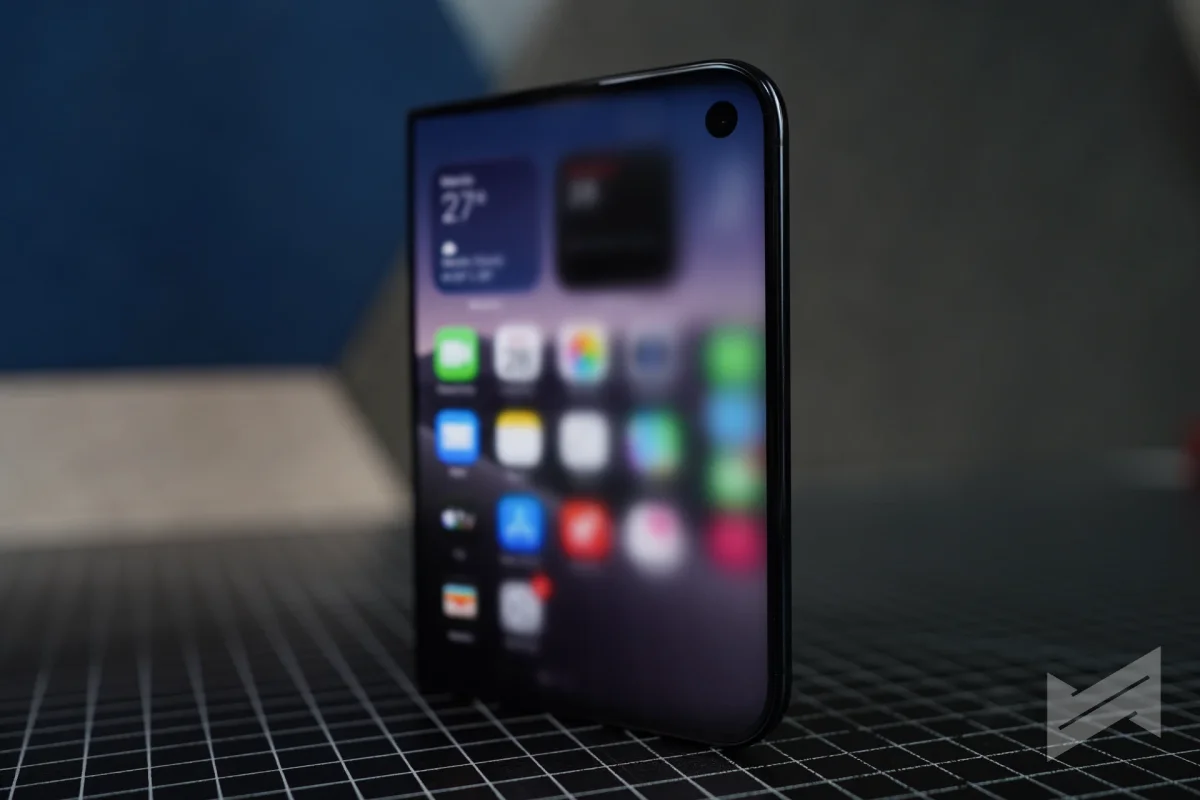
When closed, the Duo has a 5.4-inch display covering 90 percent of the iPhone 18 Pro’s screen area. Its interface treats one-handed use as the default: Lock Screen controls, the Home Screen Dock and app navigation sit to the side, leaving more vertical room for content. That layout may feel natural on the Duo and make a standard iPhone seem like more of a reach afterward.
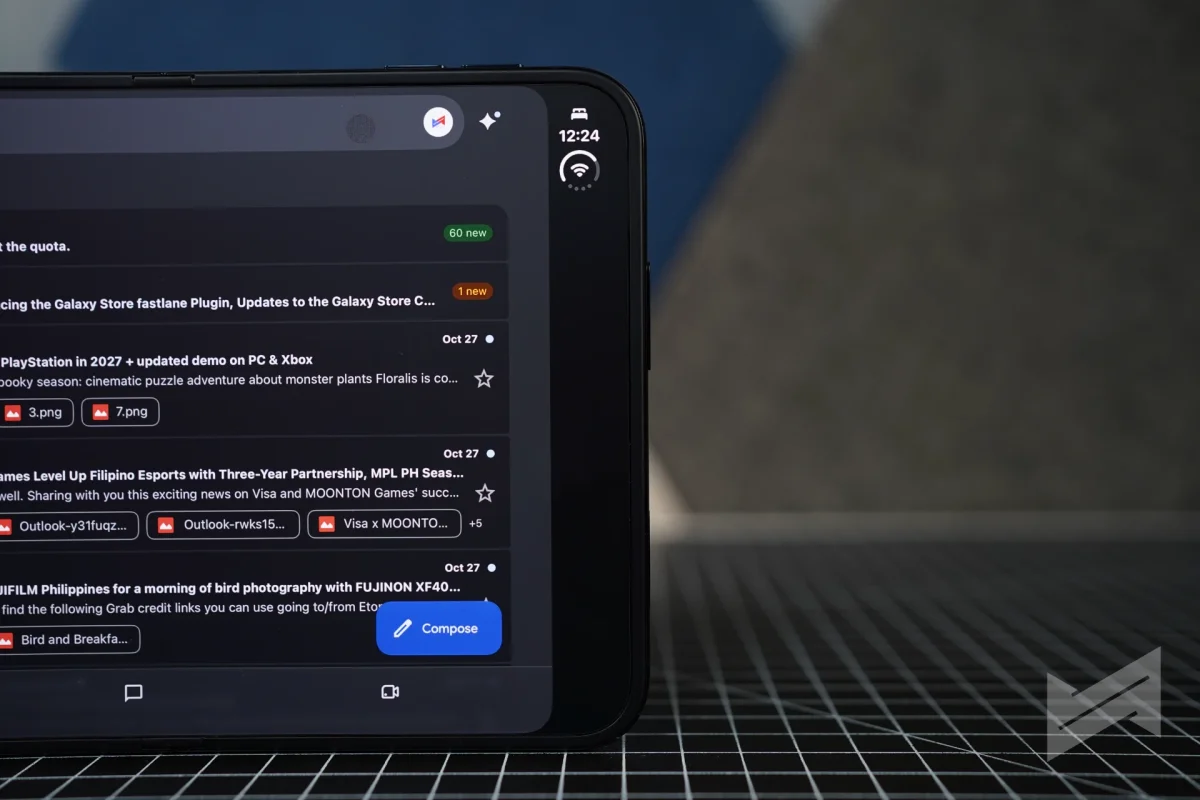
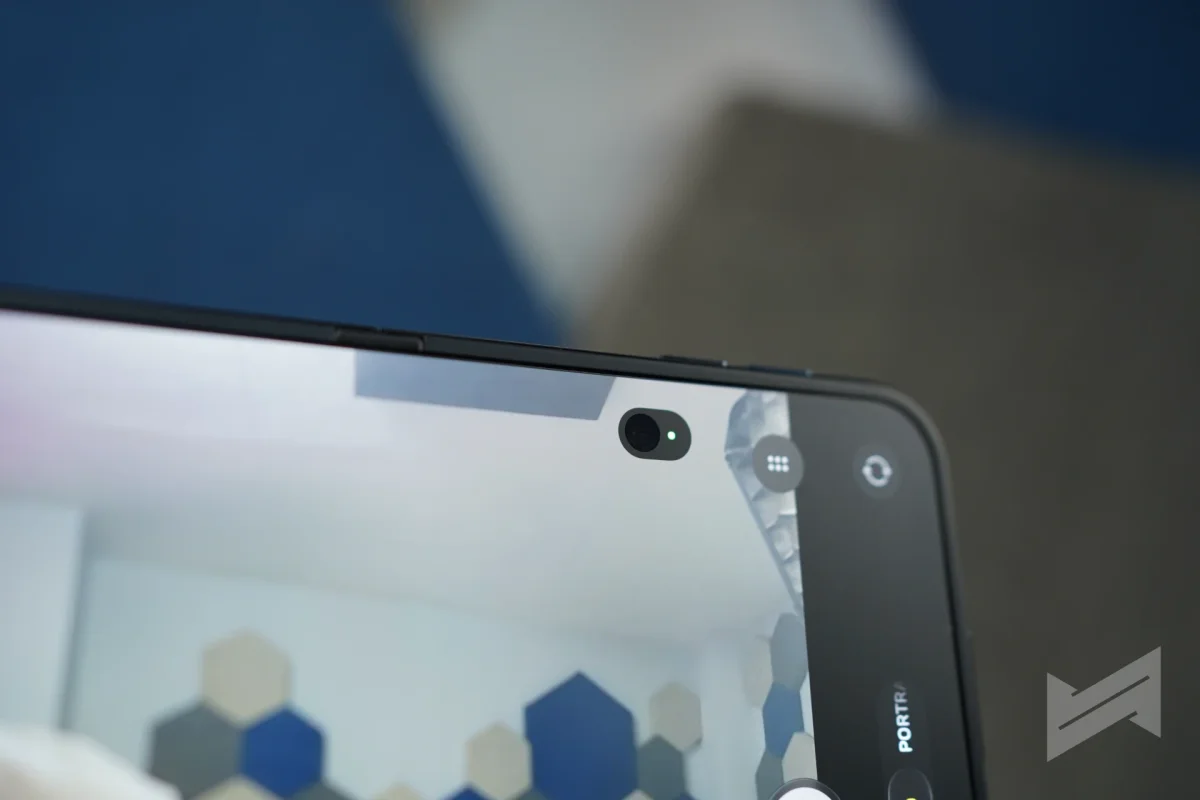
The status bar follows the same compact approach, placing Wi-Fi, signal and battery information in a small circular module in a corner. Dynamic Island moves vertically along the side edge on either display. It can still expand for alerts and Live Activities, and a music activity stays in place when content shifts from the outer display to the inner one.
Two screens, one continuous layout
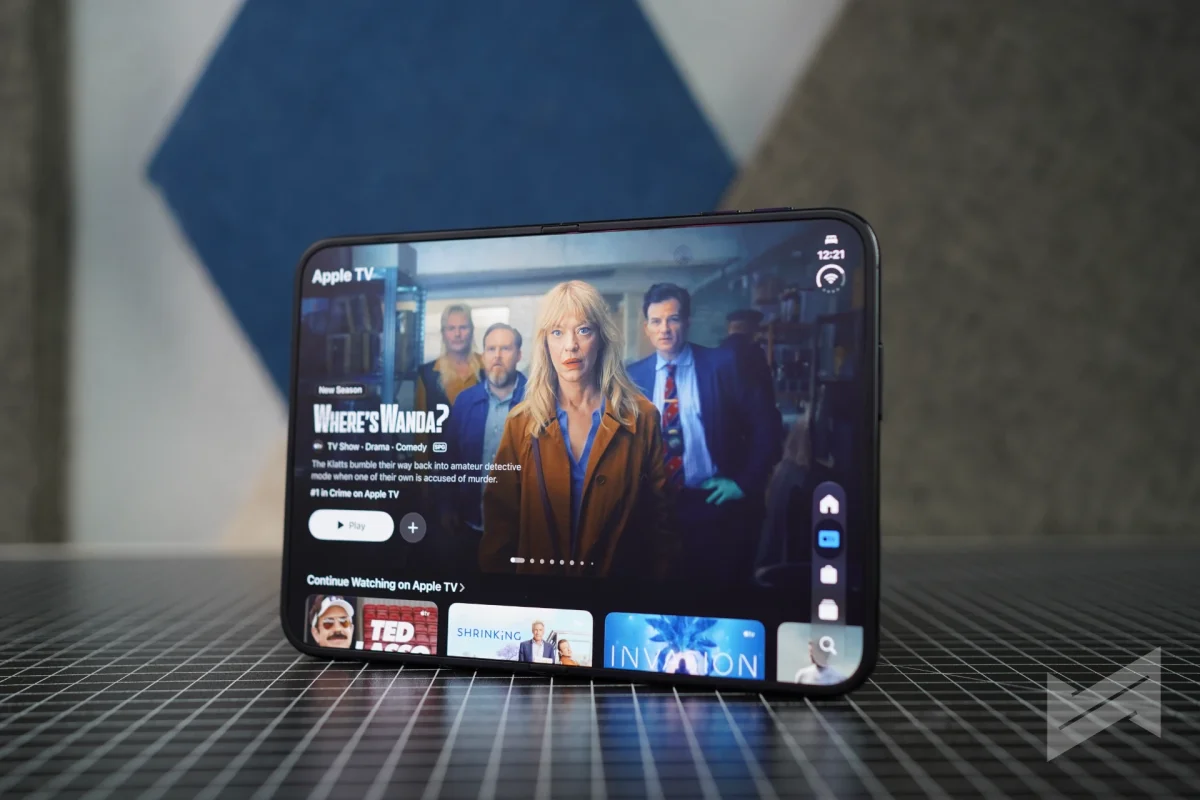
Both displays share an aspect ratio, which gives the software a consistent frame to work with. Content scales proportionally as it moves between them: a video keeps its framing, an article retains its line lengths, and a game keeps its canvas. That continuity should make switching screens feel less like opening a different device.
iOS also responds to the Duo’s orientation and which screen faces the user. Turn it sideways and content reorients; flip the phone over and the interface moves to the display now in use. Open the Duo and its Home Screen expands into two pages, with Today View becoming a scrolling widget column on the left.
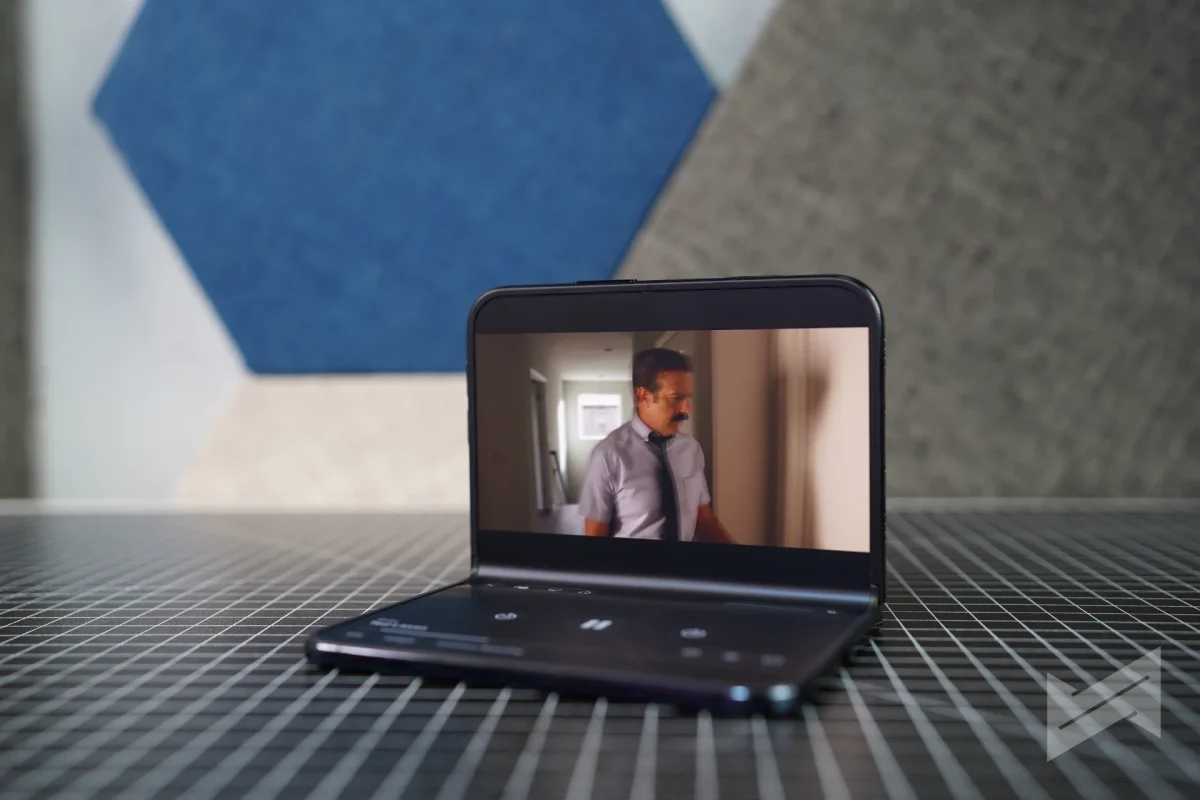
The hinge adds another kind of input. Built from more than 100 components, it holds its position, letting the phone’s angle change how some features behave. Half folded and set down, the Duo can enter StandBy on either display without a charger. It can show photos, widgets or a clock, with Calendar and Weather faces alongside Photos and Shared Albums.
App layouts can adapt to that angle, too. Keynote’s rehearsal mode places speaker notes along the bottom edge, keeping the presenter’s gaze close to the slide. Video controls also move down in a seated position. These adjustments are small, but they make the hinge useful while presenting or watching something hands-free.
StandBy is one example of software treating the fold as part of the interaction. Split View is another: two apps can run side by side, and tapping the divider pairs or separates them. Users can also open two windows of one app, including Safari. Siri can sit beside the material it’s discussing, while the keyboard splits for thumb typing and moves below content in portrait orientation.
Apple’s apps show what the format can do
Apple’s built-in apps have layouts designed for the Duo. Books supports page-turn animation and a two-page spread when the phone is half folded. Keynote, Messages, Notes, Photos and Camera also have interfaces shaped for the device.
The camera makes direct use of the second screen. Duo Preview lets people being photographed check the framing on the outer display. Kid Cue plays Peanuts animations to help a child look toward the lens, while Smart Take captures a photo when subjects are posing. Duo FaceTime can bring someone beside the user into a call, and Dual Capture shows both feeds at once.
USB-C Apple Pencil support is due with iOS 27.2 on both displays, covering notes, sketches and signatures. It will make the inner screen more useful for work that benefits from a stylus, and marks the first time an iPhone supports one. Apple Pencil support arrives as a software update, so buyers will need to wait for iOS 27.2 to use it.
Third-party apps have a head start
Foldable launches often leave buyers with a mix of adapted apps and interfaces that don’t take advantage of the larger screen. The examples described for the Duo suggest a stronger start. Netflix uses the outer display for its Clips feed, then opens into a wider experience inside. Zoom puts shared content and meeting participants on the inner display, while Slack can show an entire workspace.
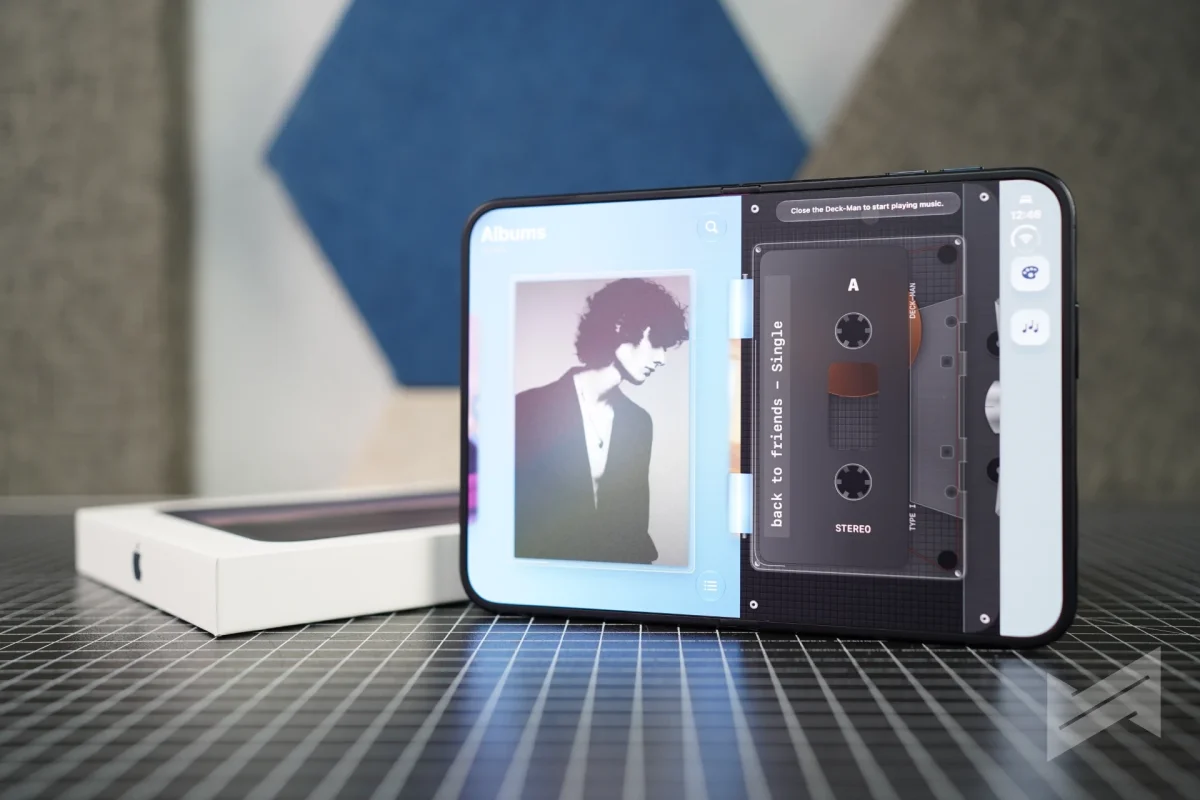
Deckman takes a more playful approach, presenting Apple Music tracks as tapes in a cassette player interface. These examples show why good foldable support requires more than resizing: developers have to decide what each screen and the space between them should do.
Software can improve after purchase
Apple’s developer program provides adaptive layout guidance, support for multiple displays and scenes, camera guidance, Group Lab sessions and workshops. Apps that complete the process can receive an App Store badge, giving buyers a visible cue. The submission process has been covered separately.
From April 2027, every new app submission must include a screenshot showing its interface on an iPhone Duo. That requirement puts the device in developers’ release workflows and may help more apps arrive with layouts suited to both displays. Video editors, note-taking apps, reading tools and other software that can place controls beside a work area look like natural candidates.
There are limits to what software can fix. Some apps may still look like enlarged iPhone interfaces for months, and the display crease remains a physical feature. Apple’s approach includes a nano-textured cover layer and a replacement option under warranty. Reviewers have also discussed the display and hinge in a separate roundup.

Battery life, thermals and image quality still need full testing, so the hardware verdict remains open. The software direction, though, is already visible: Apple has treated the fold as a layout challenge and given developers tools to build around it. How quickly third-party apps catch up will shape whether the Duo’s two screens become part of daily use or remain a promising feature of its first generation.


